
Build, deploy, and manage AI agents in a shared workspace.

Start building
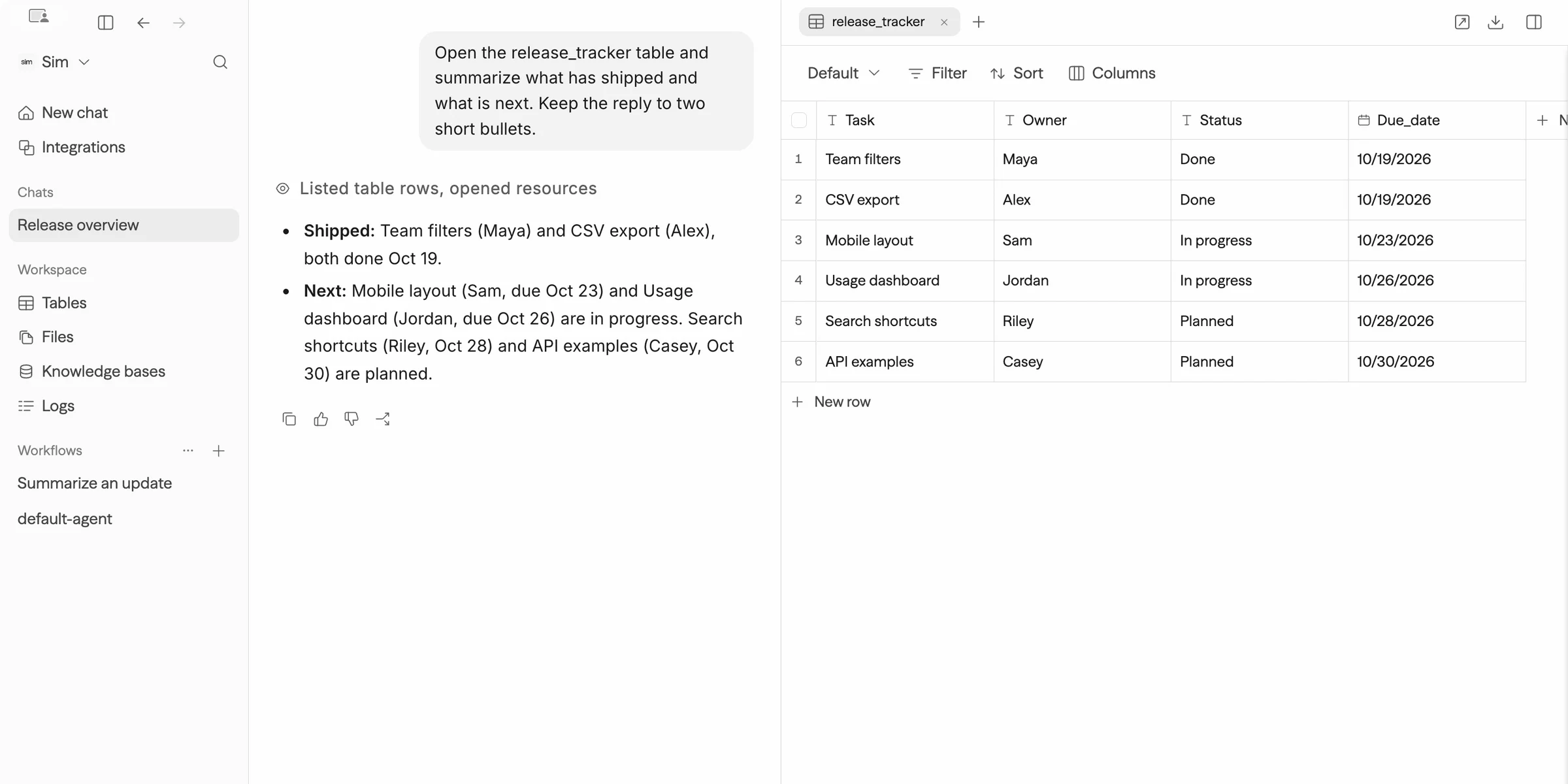
Describe a task and build with Sim.
Connect blocks, test each step, and deploy.
Create resources and run workflows from your application.
You can start in Chat and refine the same workflow in the builder. On self-hosted deployments, Chat depends on the deployment's configuration and can be disabled.
Follow Getting started to build and run your first workflow.
Your workspace
A workspace holds the resources your team and agents use:
Deploy a workflow to make it available through an API, a chat interface, or an MCP server. MCP (Model Context Protocol) lets AI applications discover and call tools exposed by a server.
Models and integrations
Find supported services in the integration catalog. Add them as workflow blocks or tools an Agent can call.
For tools outside the catalog, connect an external MCP server or create a custom tool. Configure the credentials and permissions each service requires.
Choose a deployment
- Sim Cloud: Sign in at sim.ai to use the managed service.
- Self-hosted: Run Sim on your infrastructure with Docker Compose or Kubernetes. You can connect local models through Ollama or vLLM. Chat and external integrations can still require network access.
The core source is available on GitHub under the Apache 2.0 license. Enterprise features use a separate license that requires an active Enterprise subscription for production use. See self-hosting for installation requirements and configuration.
Related docs
- Getting started: Build and run a simple summarizer.
- Chat: Build and manage workspace resources conversationally.
- Workflows: Blocks, connections, triggers, and execution.
- Quick reference: Look up builder actions.