Control who can open your published app: public, password protected, workspace only, or invite only. No code changes required.
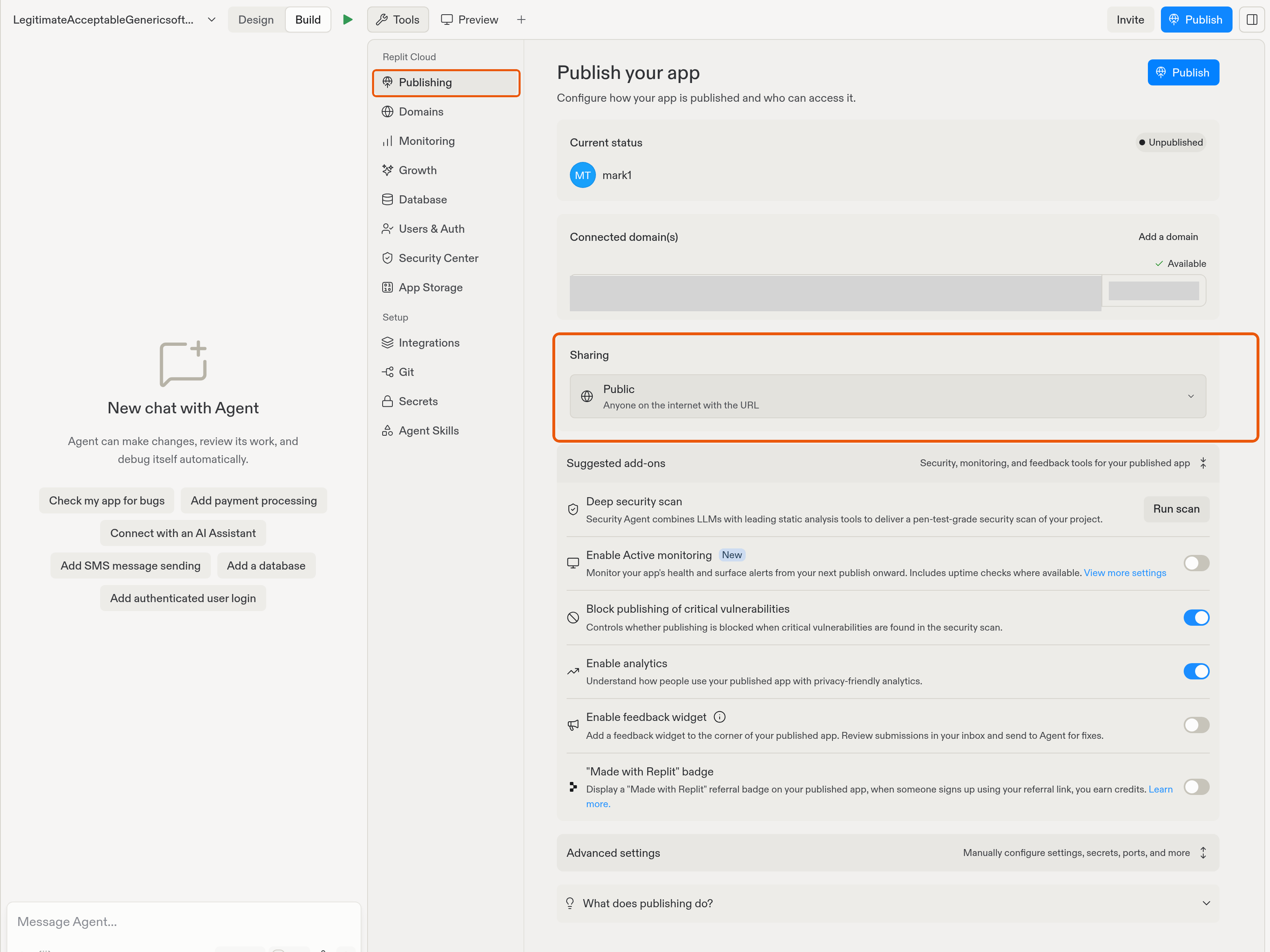
When you publish your app, you control who can open it. Choose an option under Sharing in the Publishing tool. Replit handles the sign-in screen and access checks for you, with no code changes required.Restricting access is useful for apps such as:
Public: Anyone on the internet with the URL can use your app.
Password protected: Anyone on the internet with the password can use your app. Visitors enter a shared password. They don’t need a Replit account.
Workspace only: All admins, members, and viewers in your workspace. Replit marks this option as Private.
Invite only: Only you, admins, invited groups, and invited users. Replit marks this option as Private. This is the most restrictive option.
The default depends on where you’re building: apps in your personal workspace default to Public, and apps in an organization workspace default to a private option.
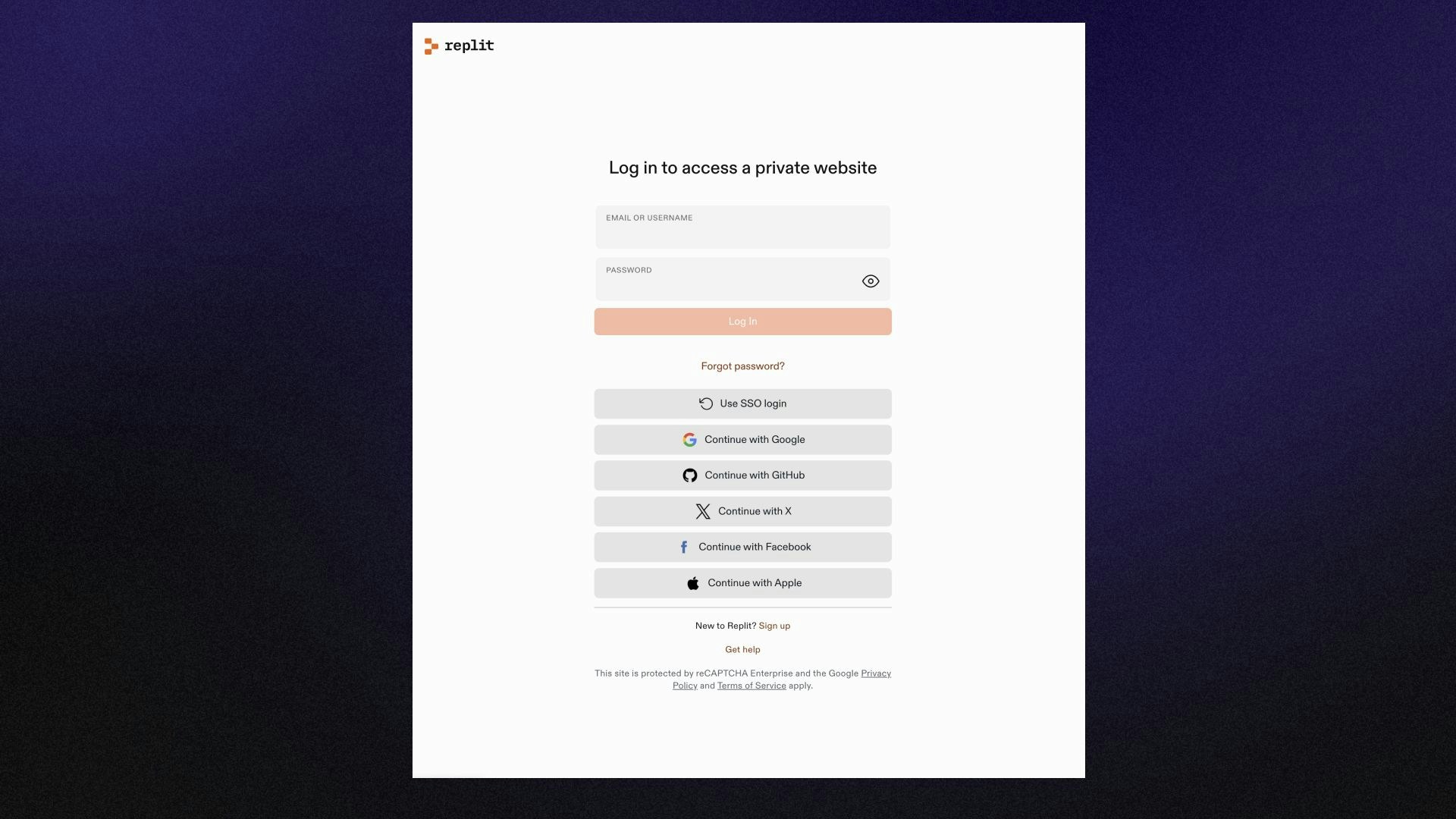
With the two Private options, visitors without access are prompted to sign in through Replit before they can view the app. In a personal workspace where you’re the only member, Workspace only and Invite only behave the same way. The distinction matters when you work in a shared workspace with collaborators.
Changing access requires unpublishing your app first. Unpublish it from the Publishing tool, choose a different option under Sharing, and publish again.
With Invite only, you grant access to individual users or groups from your workspace’s access management. Workspace admins always have access. Learn more about access management.
Workspace admins can restrict access options for their organization, including turning off password-protected publishing.