Learn how Workspaces on Replit organize your projects, teammates, settings, and billing — and when to use a Personal Workspace versus a Team Workspace.
A Replit Workspace brings together your Projects, people, settings, shared resources, integrations, and billing.Every Replit account has a Personal Workspace for your own projects, and paid plans let you create Team Workspaces for shared projects.
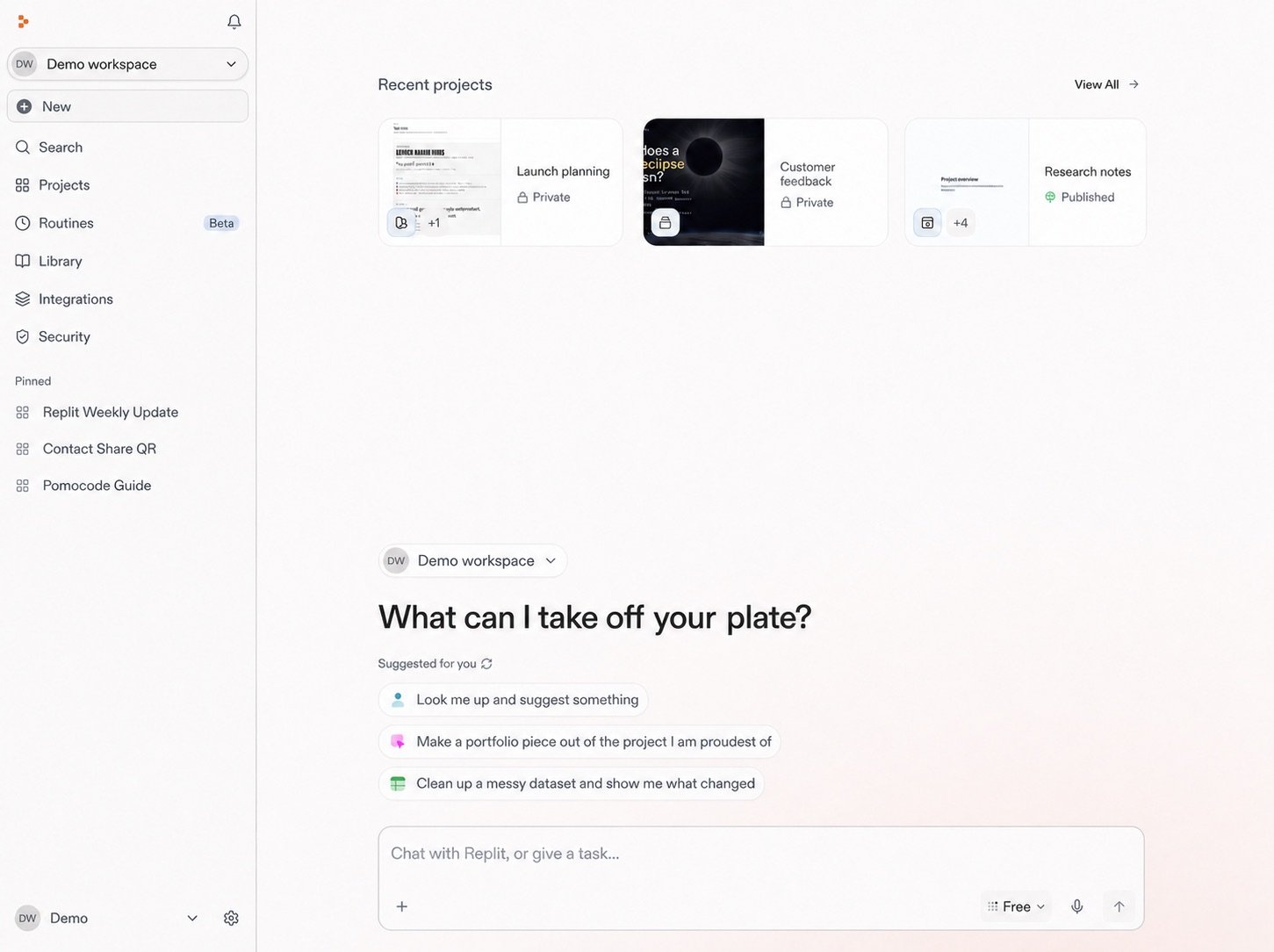
The Workspace home brings recent projects, Workspace navigation, and the Chat prompt into one view.
Feature
Personal Workspace
Team Workspace
Best for
Solo work or sharing individual projects
Teams, startups, classrooms, and client projects
Access model
You invite guests to individual projects
Members get access to all projects in the Workspace
Billing
Your account
Pooled credits from the admin’s account on Pro
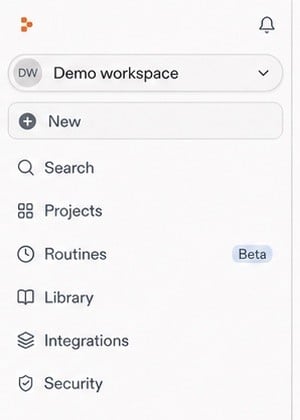
Use the Workspace selector at the top of navigation to move between Workspaces.
Your Personal Workspace is where your own projects live. You’re the sole admin. Other people can access specific projects when you invite them as project-level guests, but they don’t get broad access to everything in the Workspace.
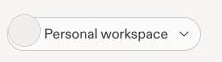
Your account-owned Workspace appears as a Personal Workspace in the selector.
Team Workspaces let a group collaborate across multiple projects. Members get access to all projects in the Workspace, so you don’t have to invite them one by one. The admin manages billing and settings centrally.See Team workspaces for setup instructions, member management, and availability details.