


Simplify teaching, amplify learning
Freeform input, smart workflows & pedagogy-backed tools that give teachers time to teach
Darlene Robertson

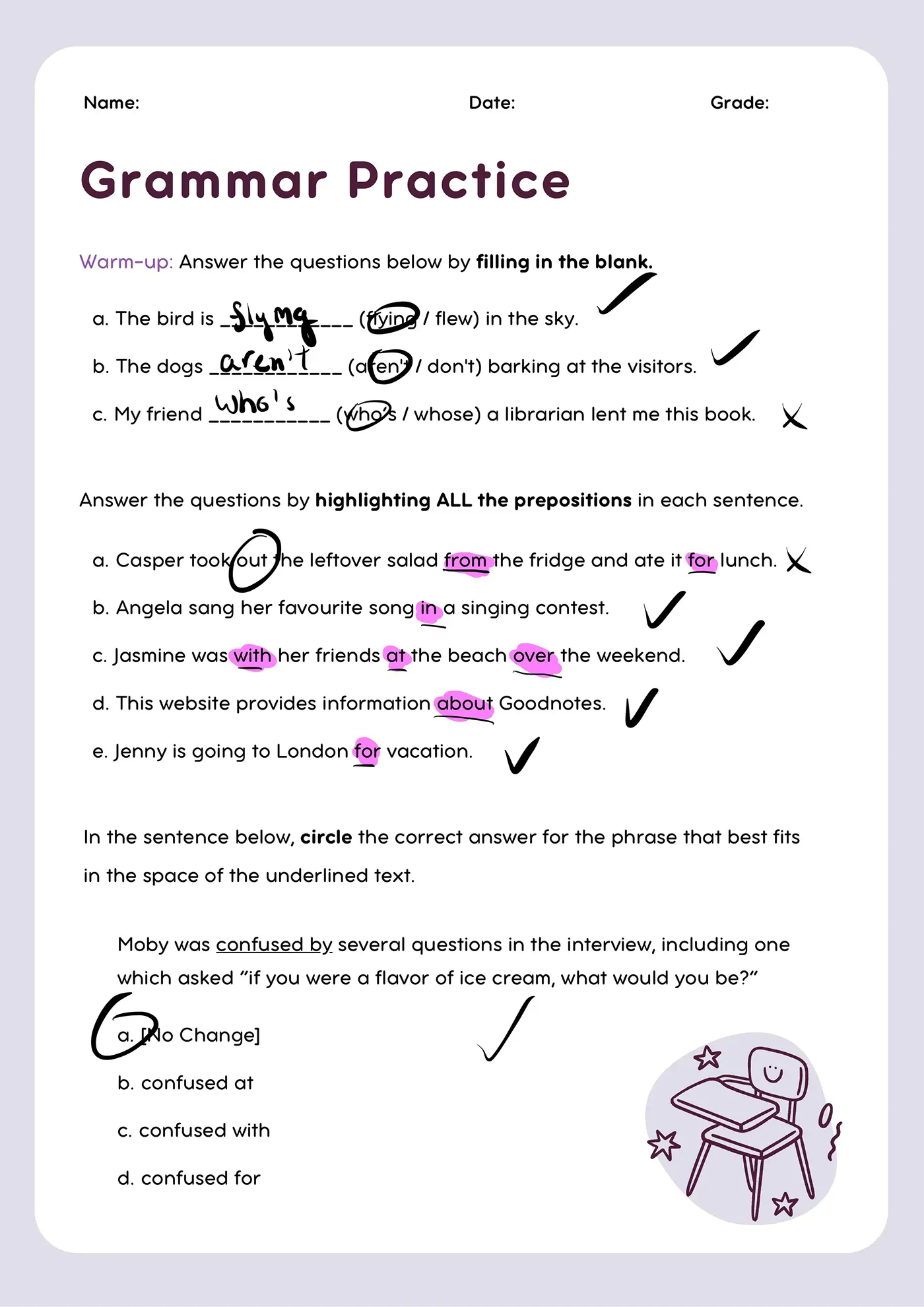

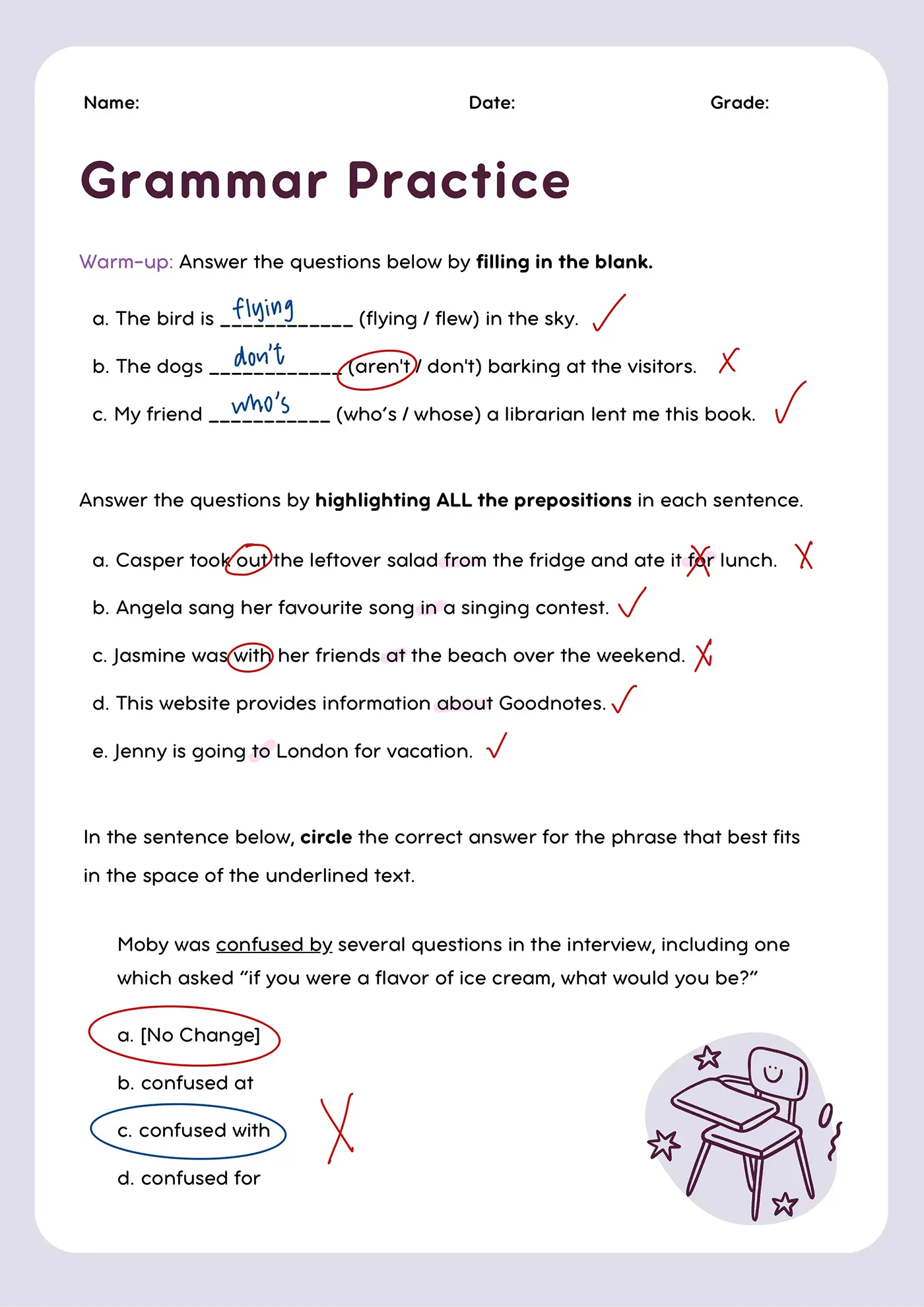

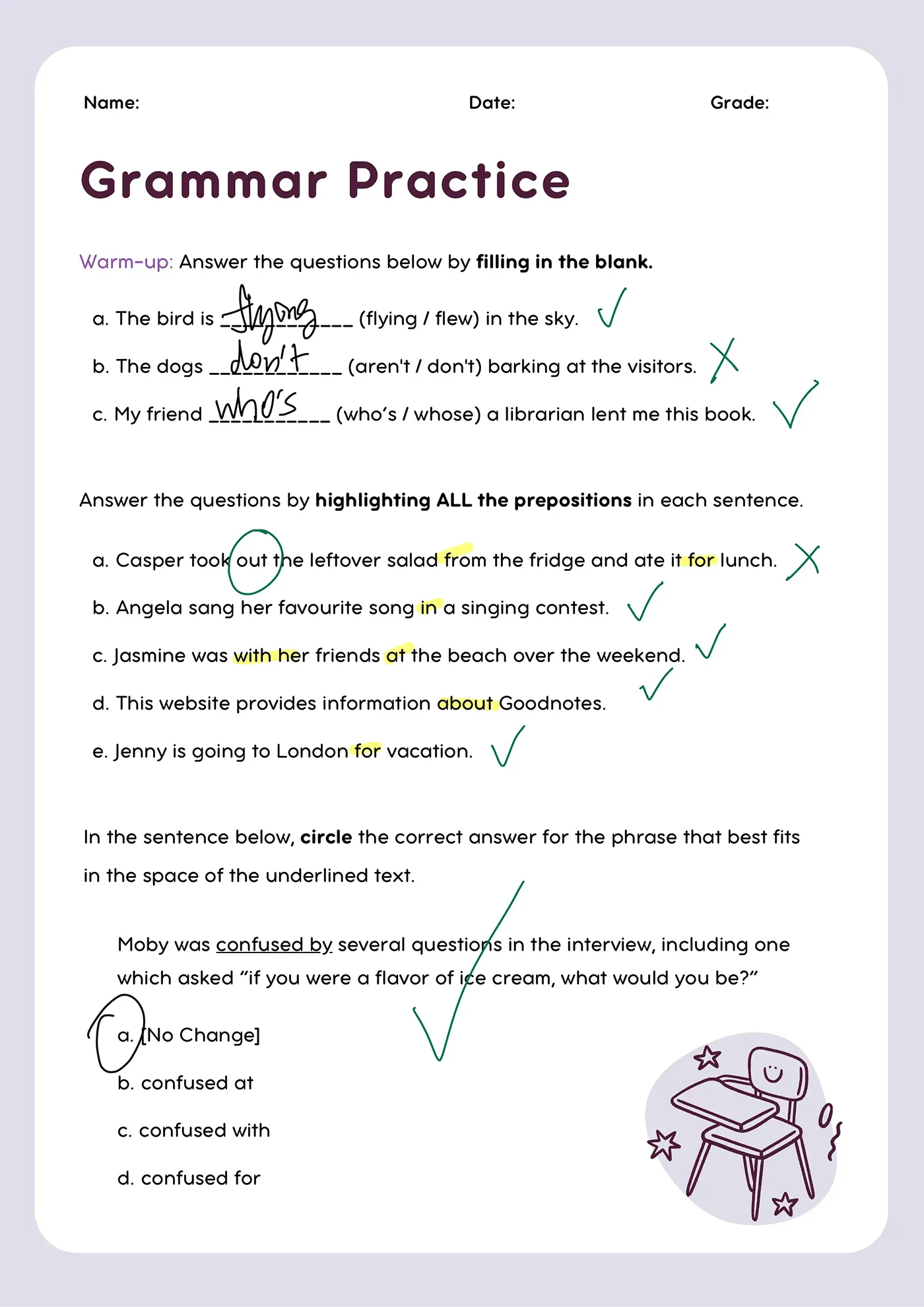

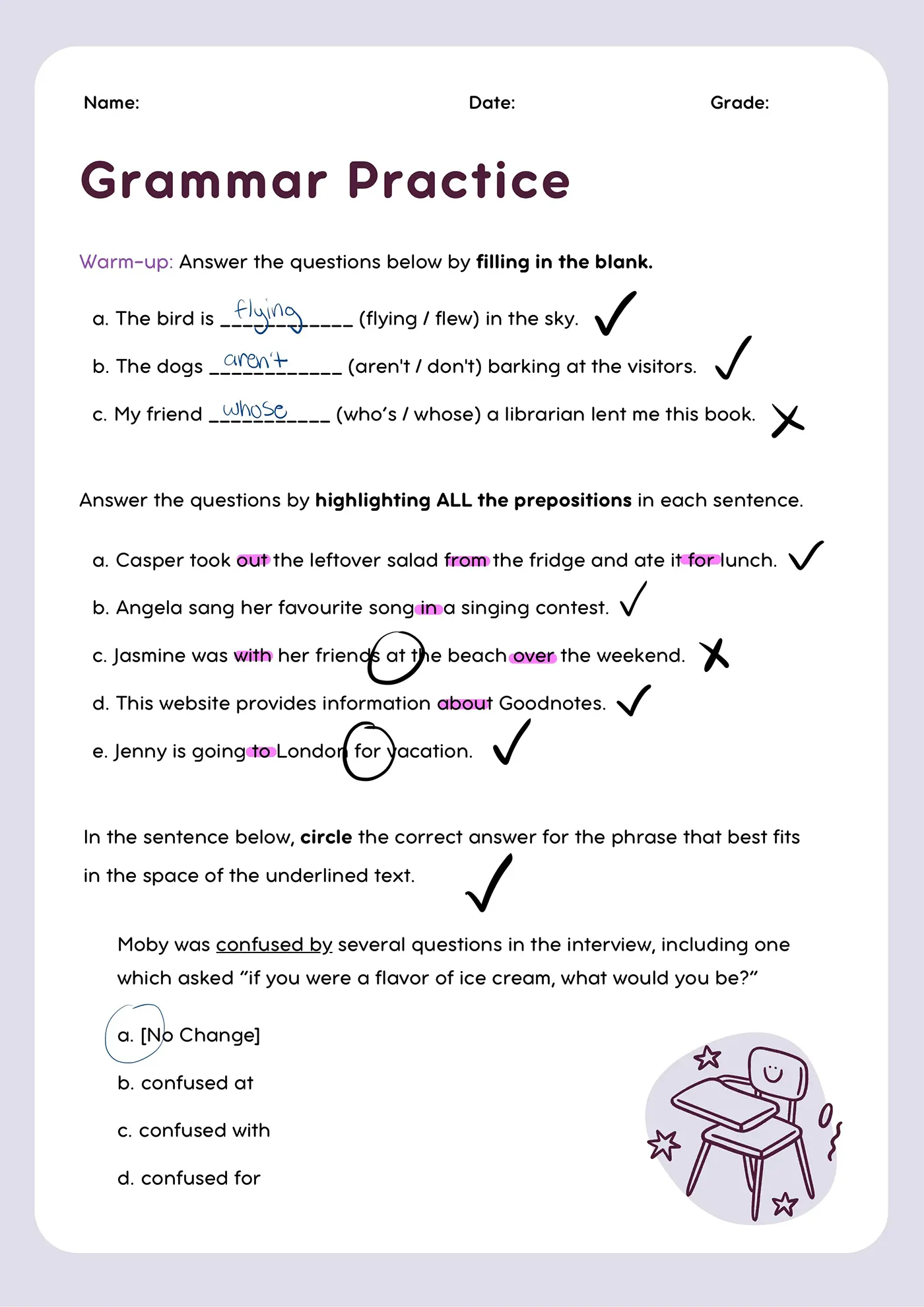

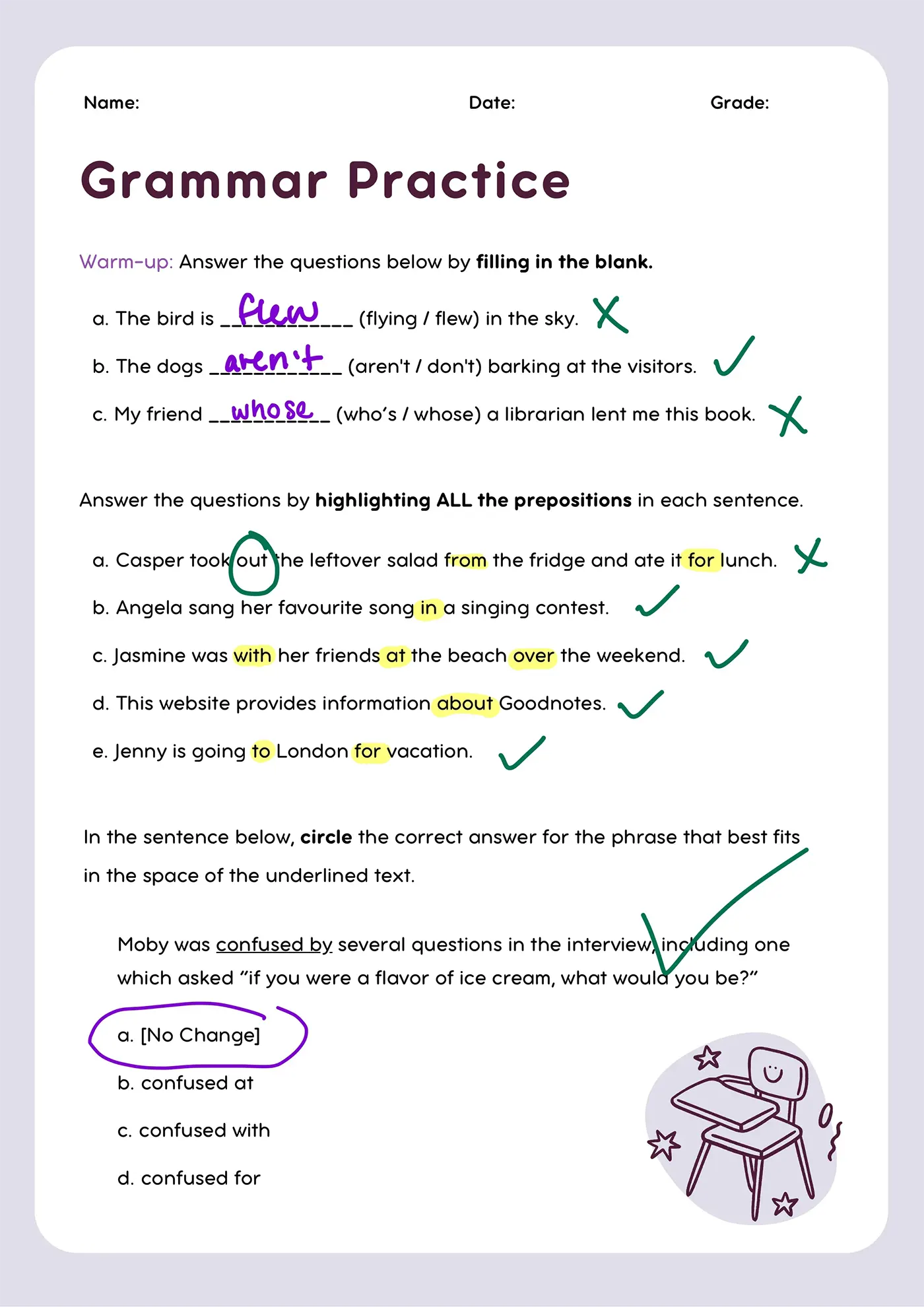

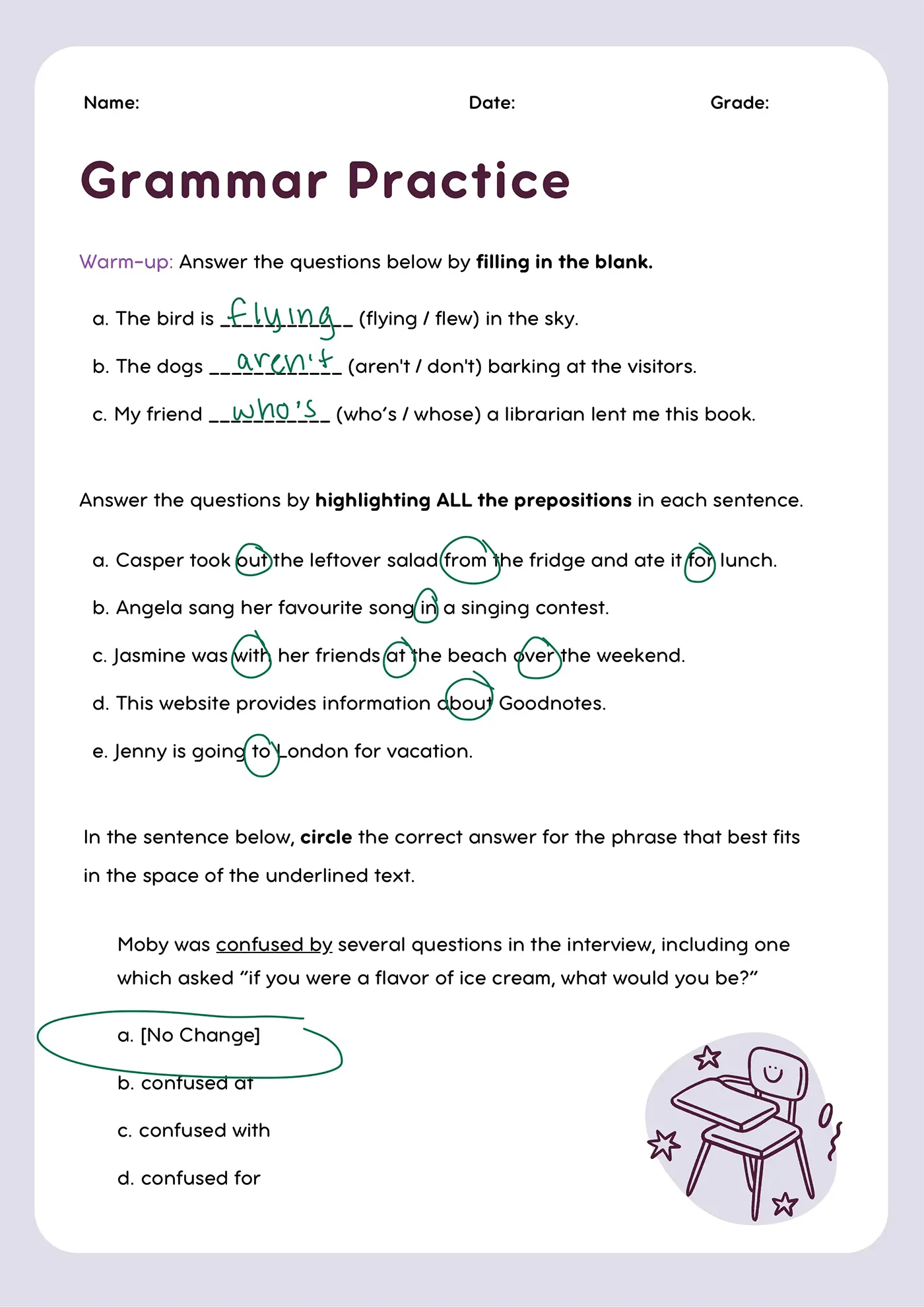
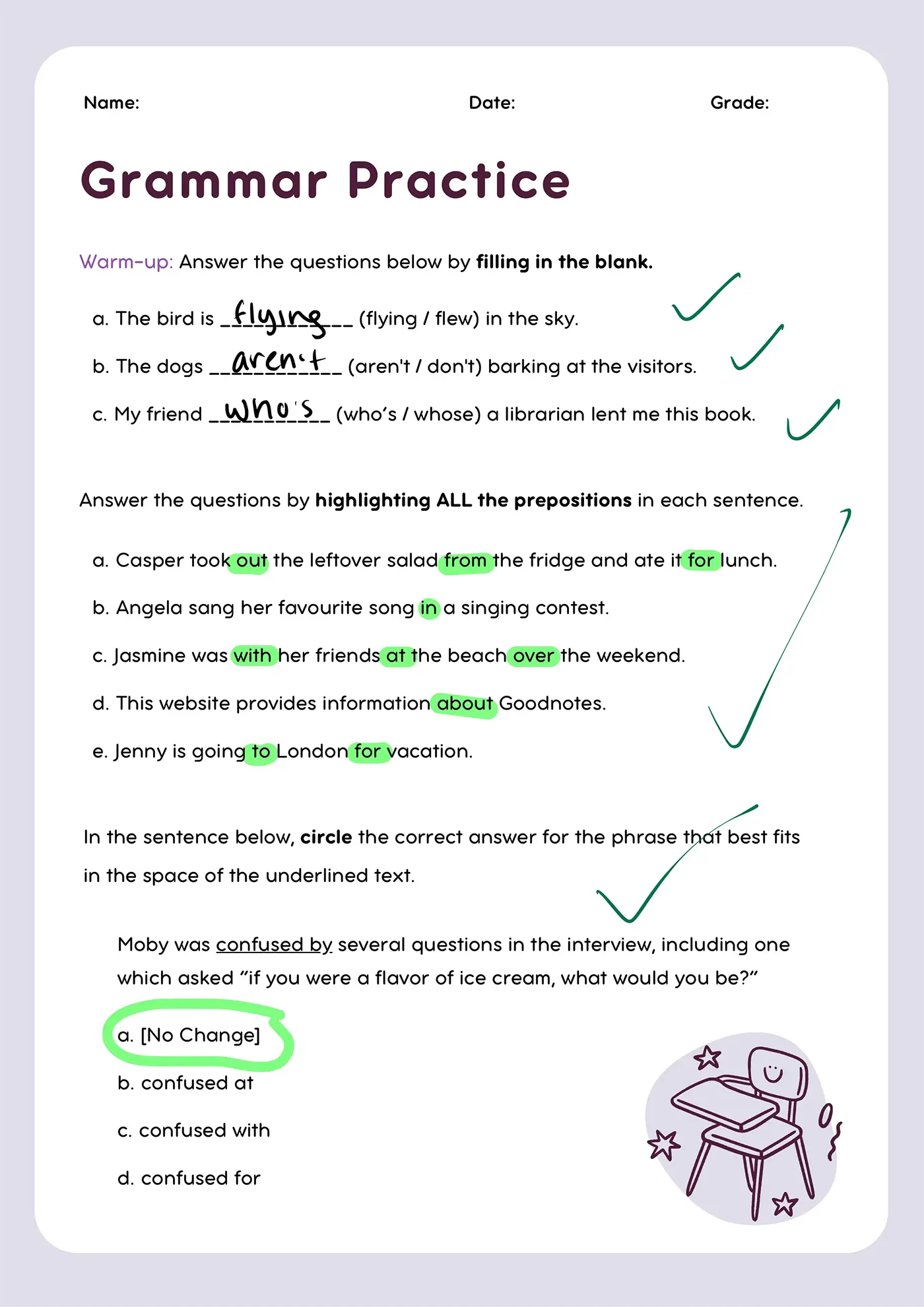


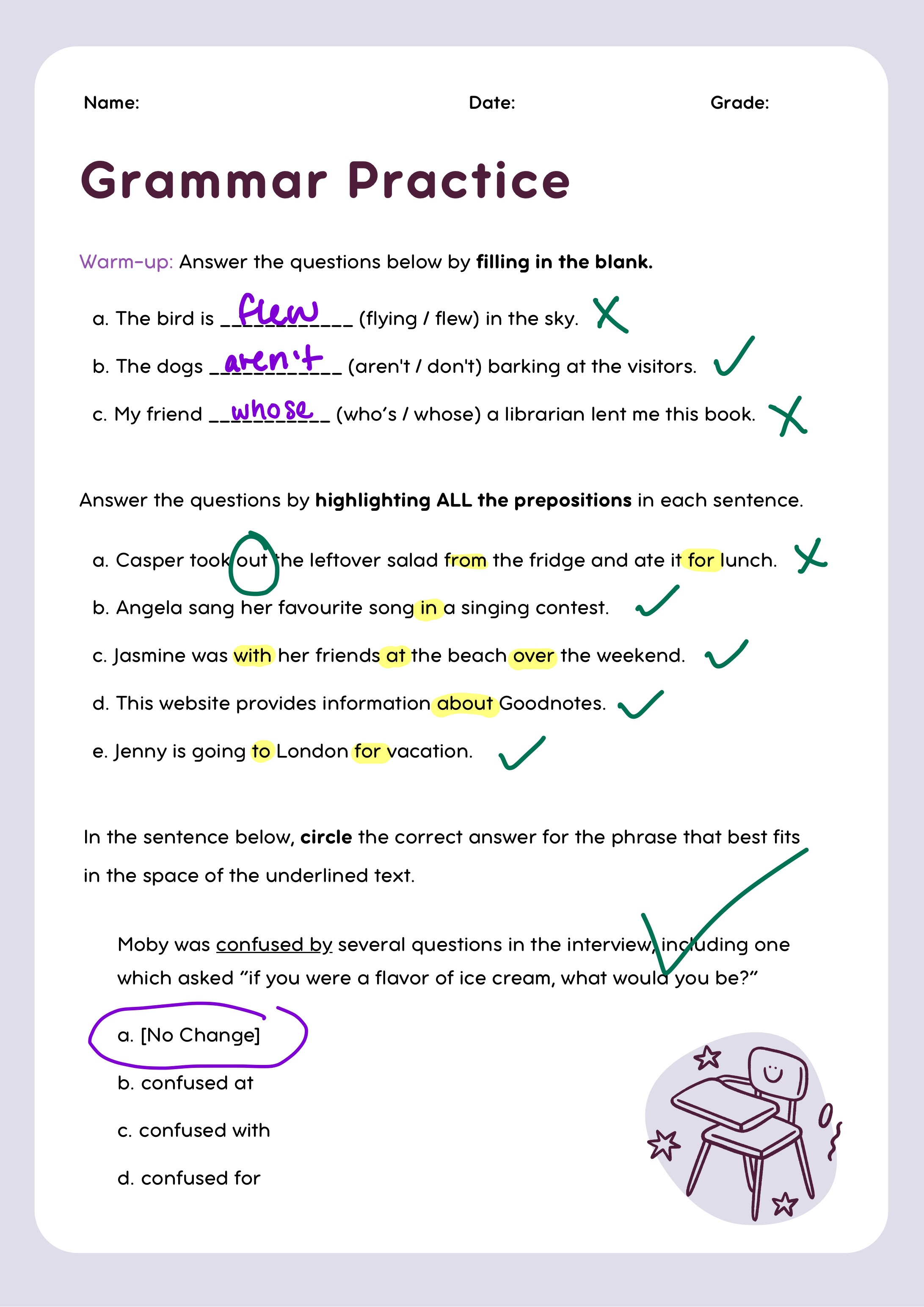
Provide personalized support for every student
Stay connected 1:1, course-correct in real-time, and differentiate tasks on-the-fly for students who need personalized support.
Reduce time spent on admin
Reduce time spent on tedious tasks like photocopying, distributing materials, and grading - so you can focus on engaging with your students.
Leverage AI safely & meaningfully
Use AI to meaningfully enhance education, without compromising on teacher agency, student safety, or human interaction.

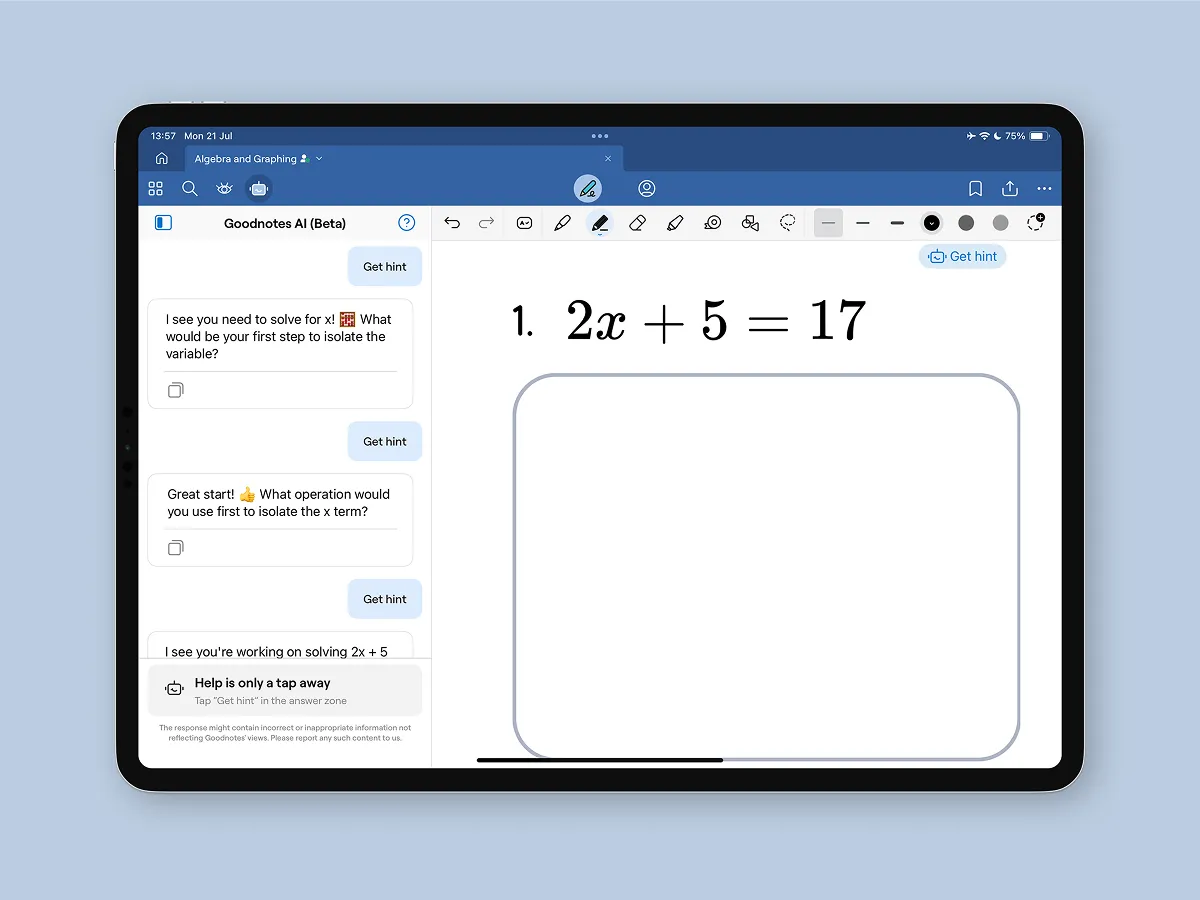
Give your students personalized support
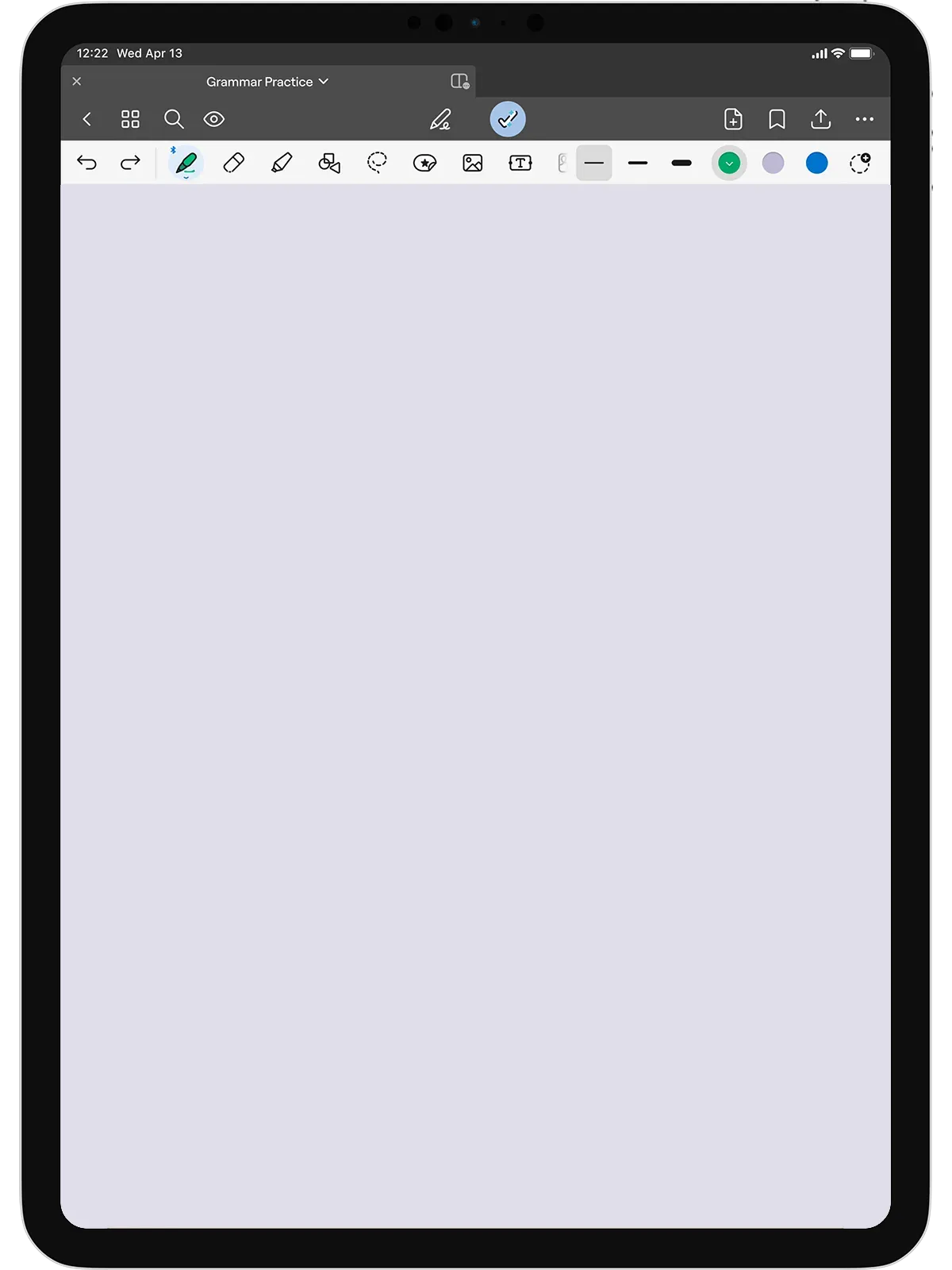
- See student work from the palm of your hand with Class Navigator
- Make learning visible with Present Mode
- Course correct, 1:1, in real time
- Give students pre-approved hints with Goodnotes AI*
*Not available in all markets
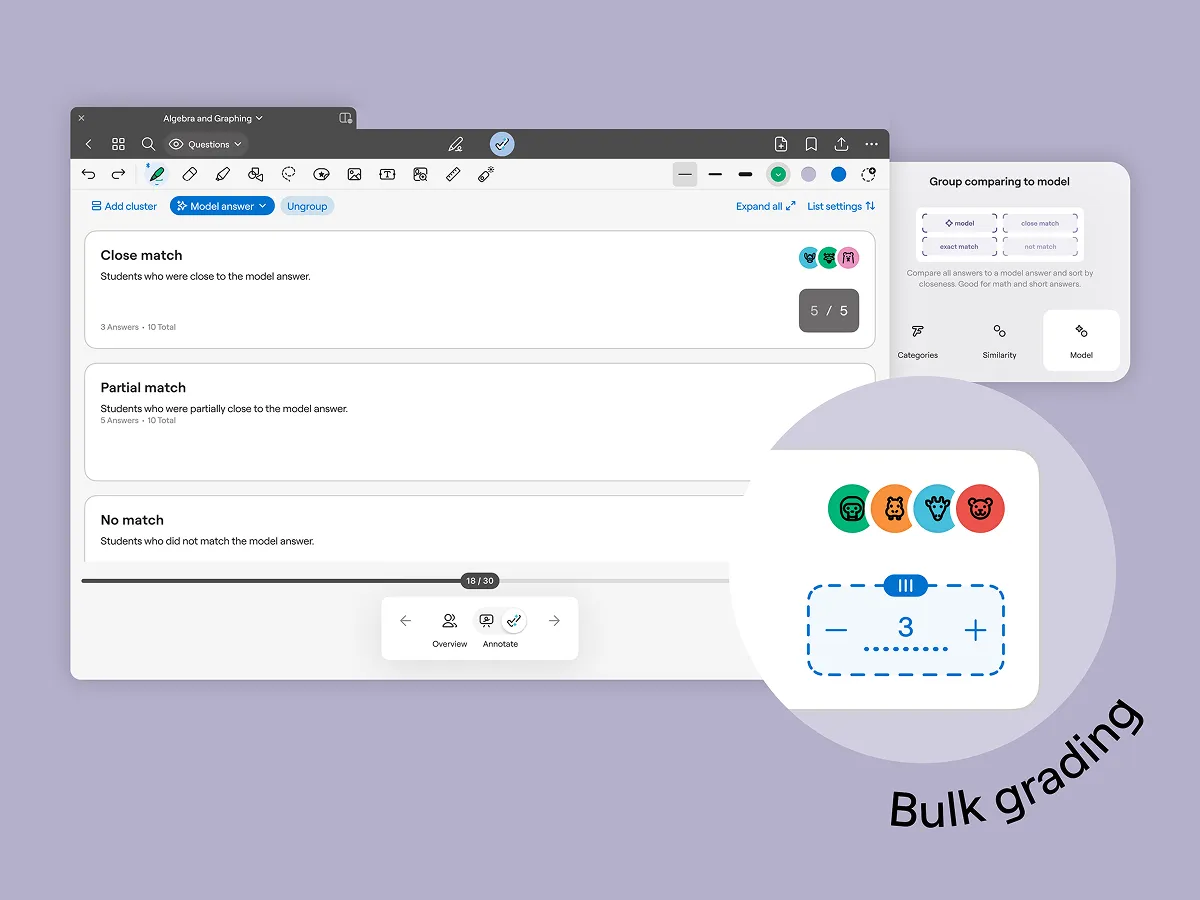
Reduce time spent on admin
- Speed up grading by clustering similar answers with AI
- Distribute work in the click of a button (no more stapling, printing, and collecting worksheets!)
- Keep your personal docs and class files in the same place
- Turn existing PDFs into interactive worksheets
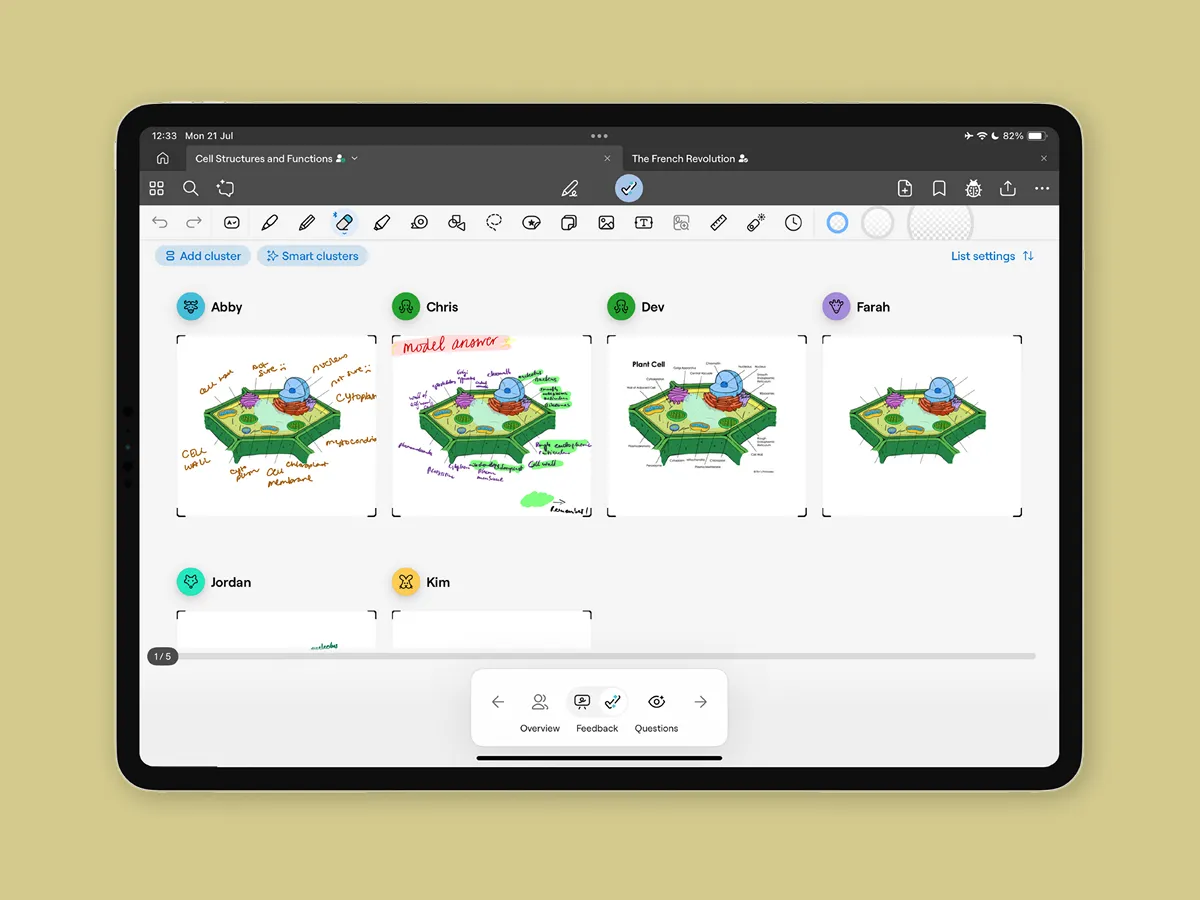
Get real time student insights
- View student work by question, to see class progress in a snapshot
- Let AI group similar answers together, so you can analyse answers, and generate meaningful point-of-view discussions
- Seamlessly set assignments, and keep track of different versions over time as students make corrections
See how Goodnotes Education compares
One app. Less admin. More teaching.
Goodnotes Education shifts the focus back to real human connection, by cutting down on time-consuming admin.

FAQs
Is Goodnotes Education really free?
What do I need to be eligible?
Goodnotes Education is free for all K–12 schools, but your requirements will depend on which version is right for your school.
For our limited feature set without Admin Console, you’ll need shared or 1:1 iPads, and to deploy via Apple School Manager - no login required.
For our enhanced feature set with Admin Console, students will need 1:1 iPads, teachers will need an iPad or MacBook, and all users will need access to a login method.
See the full requirements here.
What's the difference between Goodnotes and Goodnotes Education?
What devices does Goodnotes Education work on?
Does my school need an Admin Console to use Goodnotes Education?
No - teachers can use a limited version Goodnotes Education without an Admin Console. However, schools that set up an Admin Console unlock additional capabilities. Learn more about the difference here.
What features does Goodnotes Education include?
Can students use Goodnotes Education for free too?
Is Goodnotes Education suitable for all K12 grade levels?
How do I get started?
Fill in our sign-up form with a few details about your school. If you're not your school's IT admin, make sure you're authorised to act on behalf of your institution before applying — or loop them in to complete the form.
What security standards does Goodnotes meet?
We take the safety, security and privacy of students, teachers and schools seriously, and design Goodnotes Education to meet rigorous global standards.
We hold the most recognized international security standards, SOC 2 Type II and ISO 27001, and are aligned with FERPA, COPPA, GDPR and the NIST Cybersecurity Framework.
We adopt a privacy-by-design approach when building our features, ensuring we meet the highest standards of global data protection regulation. This means education agencies are in control of its users’ data, and we only process minimal data about users in order to provide you the services.
To learn more, please read our Privacy Policy and visit our Trust Center.
What makes Goodnotes Education different from other note-taking apps or classroom tools?
Traditional note-taking apps are designed for individual students, so they’re often static and don’t support teacher workflows or classroom needs.
Teaching platforms help teachers deliver lessons, but often leave students without a tool they enjoy using day-to-day, or that can carry them throughout university and working life.
Goodnotes Education is one complete solution that brings teaching and learning together in a single platform - supporting teachers and students equally, inside and outside the classroom.
Plus we have 15 years of experience, 25+ million users worldwide, won iPad App of the Year (2022), meet the most rigorous safety standards, and are built by educators & backed by research. See how Goodnotes Education compares against Notability.



