







Built for the way you work
Make every PDF easier to work with
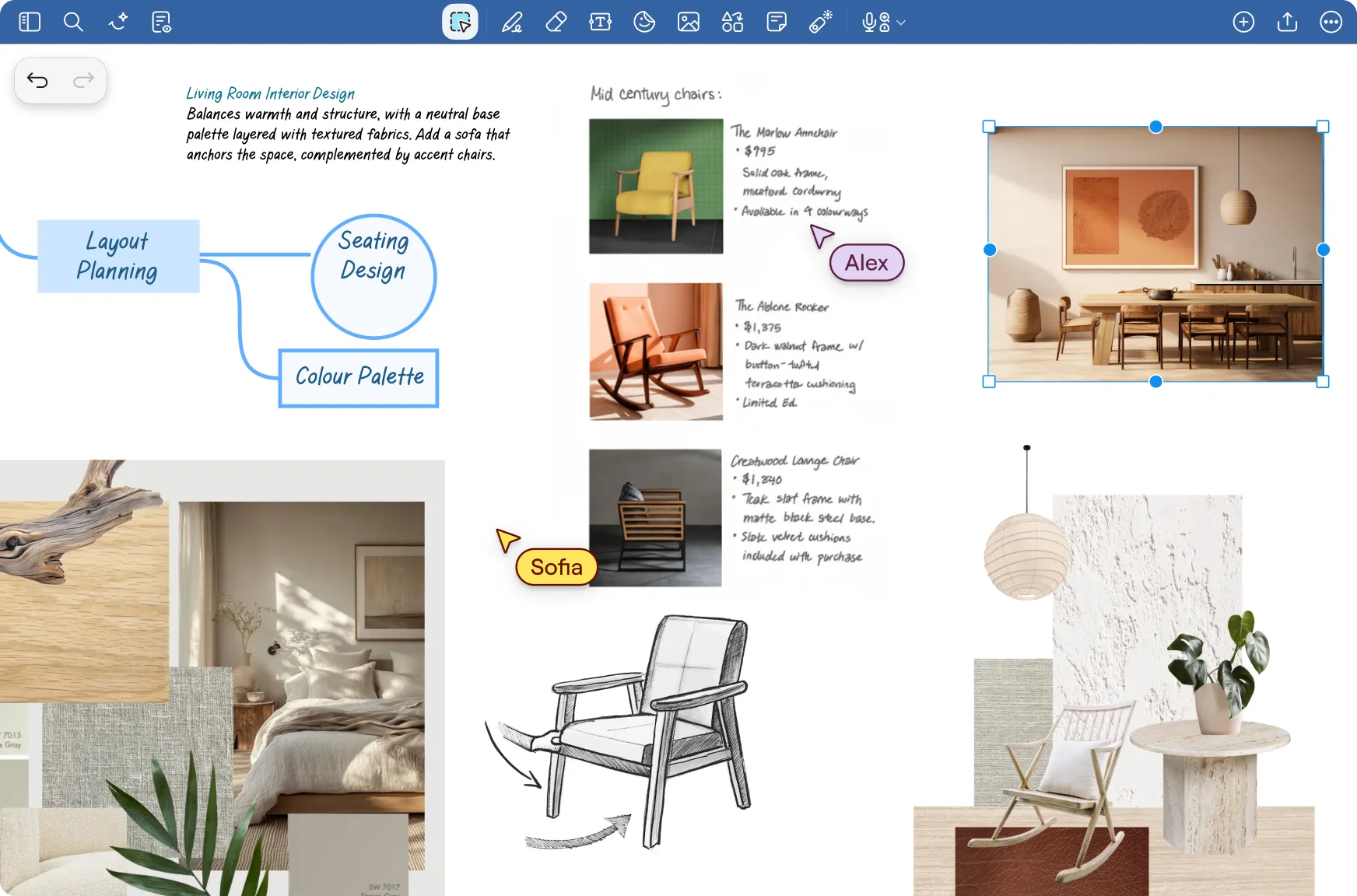
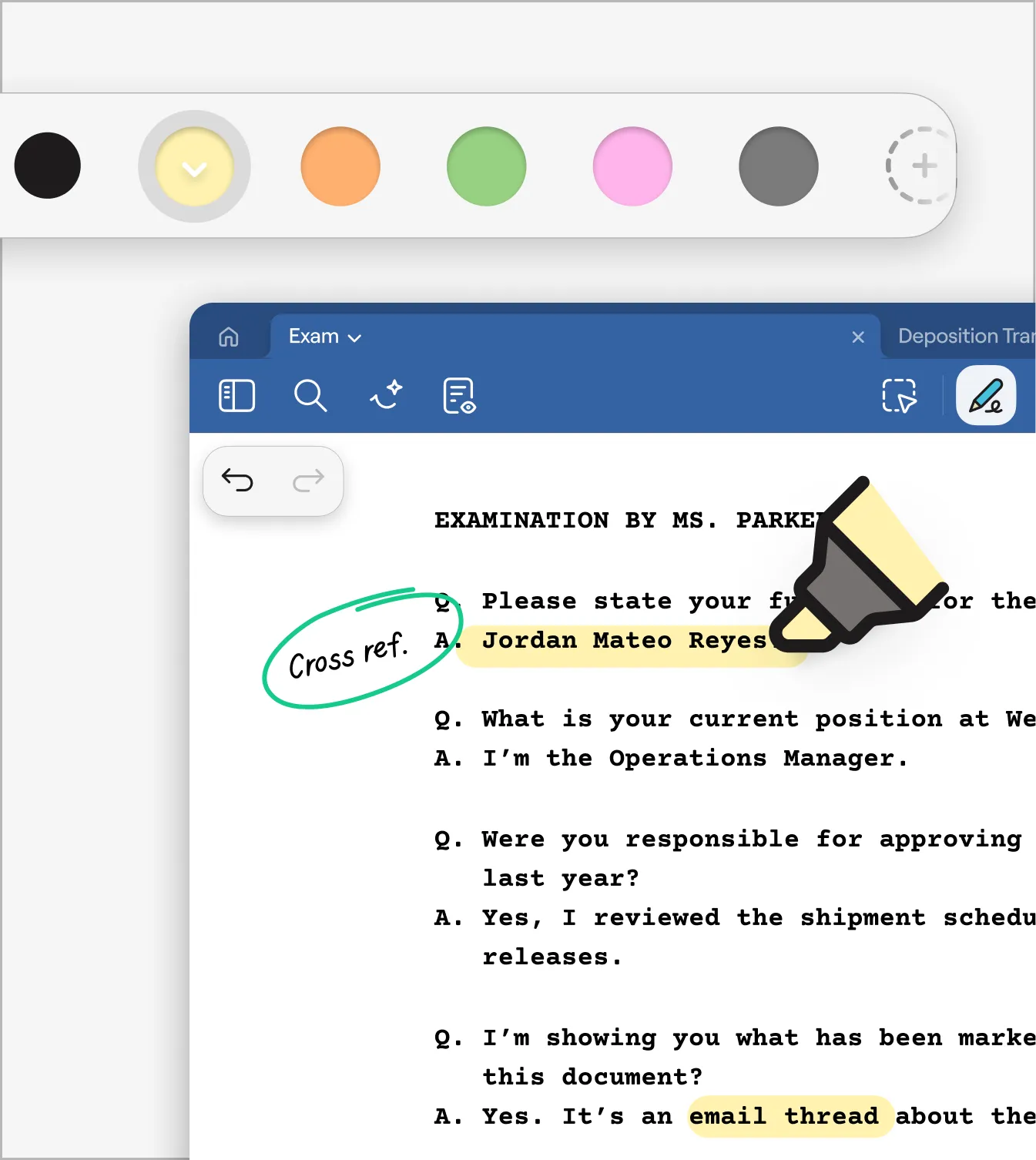
Add any PDF and start marking it up
Import contracts, reports, presentations, forms, or personal documents and naturally annotate them in seconds.
Learn more →

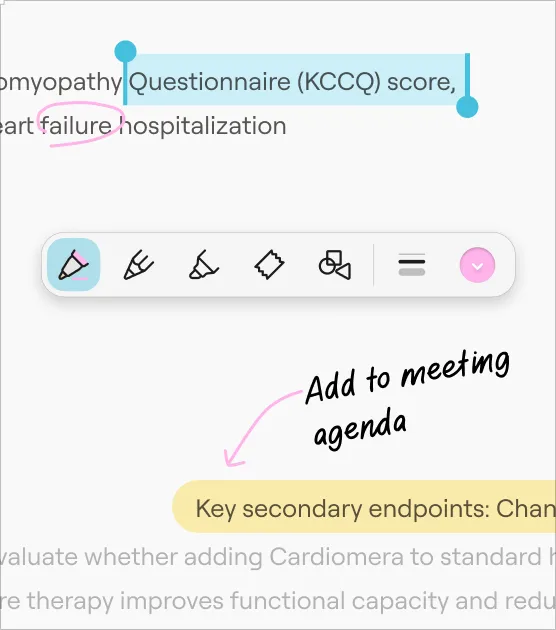
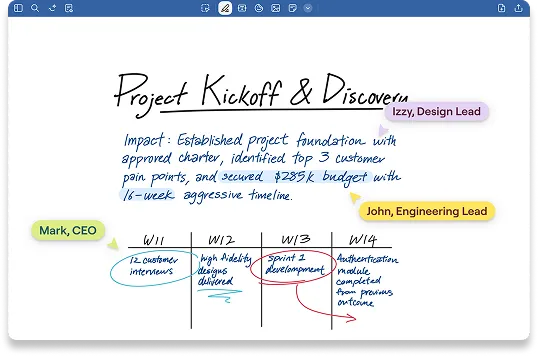
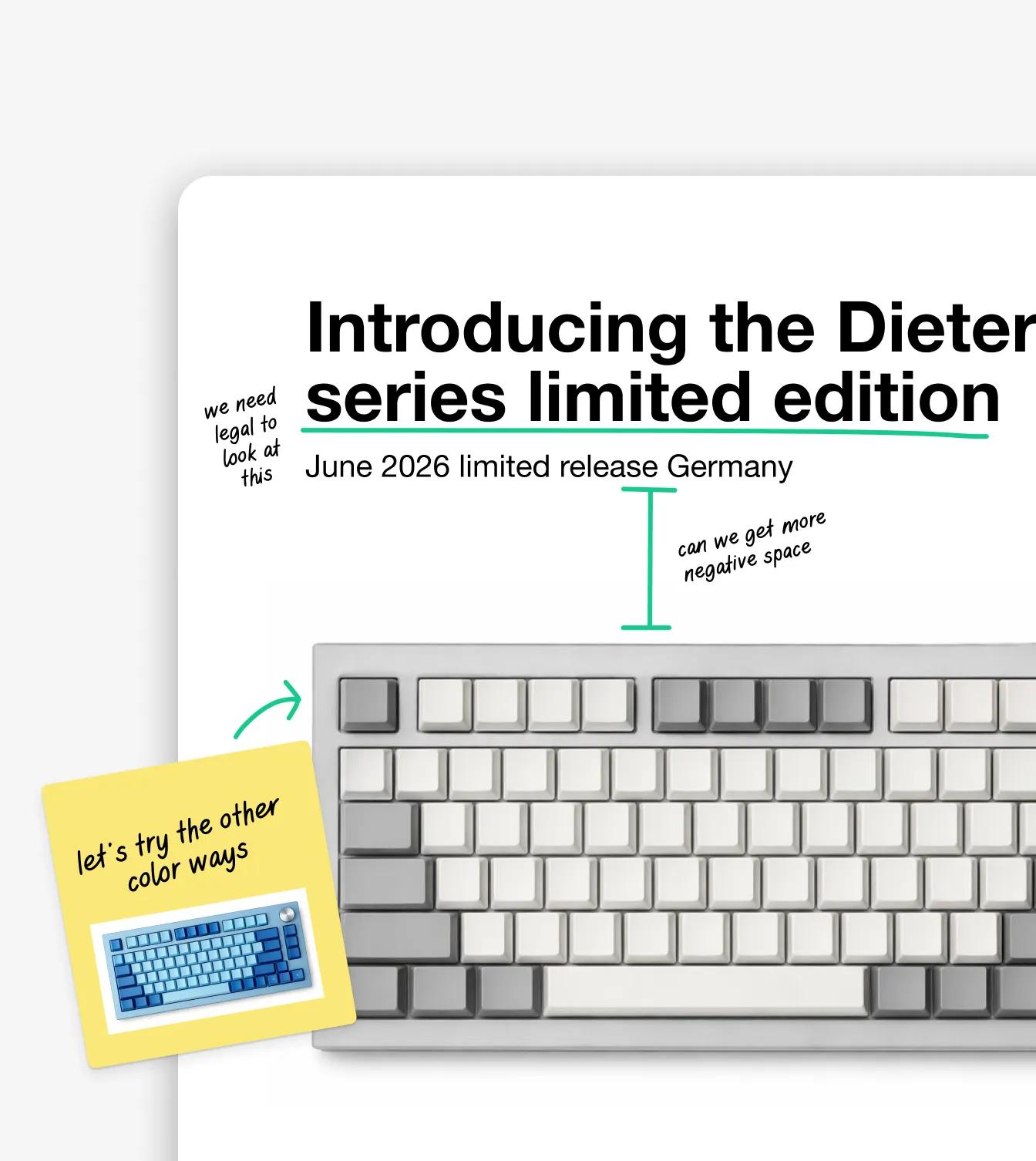
Write the way you think
Handwrite, highlight and type directly on your PDFs with ease. All the freedom of pen and paper but with the power of digital notes.
Learn more →
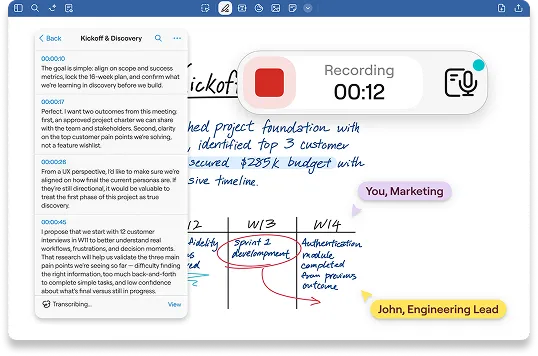
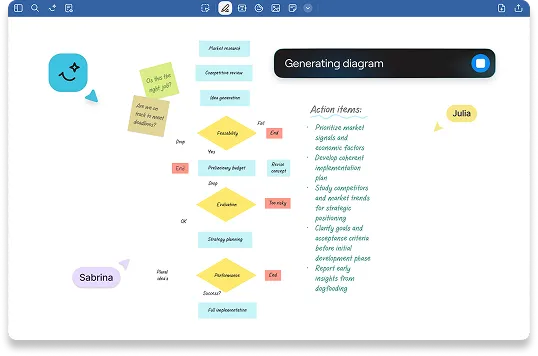
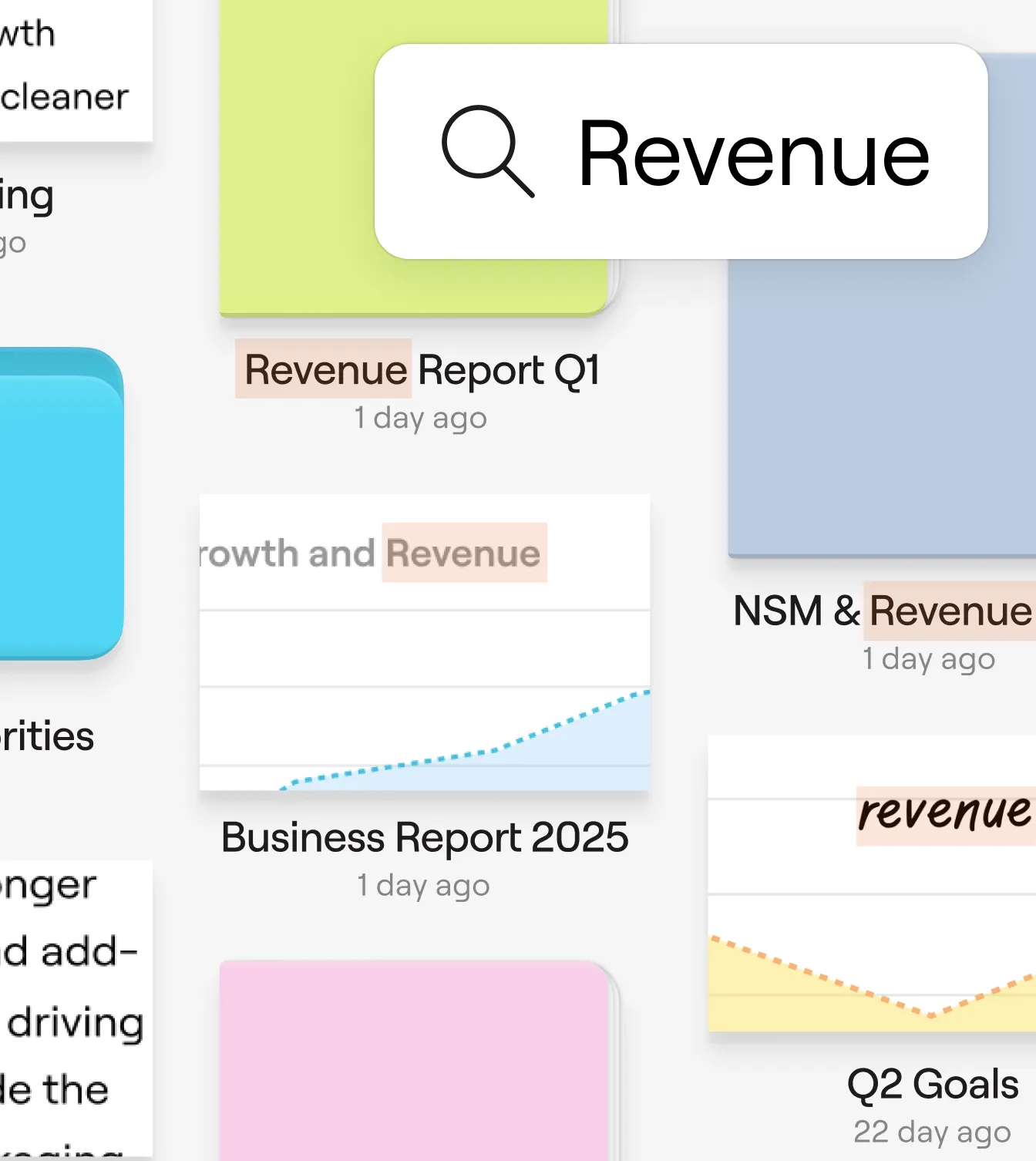
From notes to next steps
Turn handwritten feedback into searchable insights. Stay organised and easily share polished annotated PDFs wherever you work.
Learn more →

How Goodnotes has improved clients’ work processes
Saved per week per team member on note organization
Faster meeting recap creation with AI summarization
Teams report improved information findability
Reduction in time spent reformatting notes
A notebook experience our users love
“It’s a great tool for collaborating on notes and keeping them synced across devices. I find its PDF tools and editing features to be excellent. It’s good to keep the notes synced between devices and use them on the go.”


“Goodnotes has the best writing experience using Apple Pencil so far. You don’t have to lug your notebook around anymore; an iPad is more than enough. I also like that you can add PDFs and files to a section and keep them separate rather than embedded in notes, which makes it much easier to organize and review annotated documents.”
"I prep for surgeries by highlighting PDFs in Goodnotes on one side of my screen while typing up key points in Google Docs on the other. If I need to check something mid-procedure, I pull my notes up on my phone in read-only mode. Having everything synced across devices gives me a level of flexibility I didn't have before.”
Discover more of Goodnotes' tools and features