
Skip to main content


Chat
Chat preferences
Enterprise
Set Chat Preferences to customize your Qodo IDE Plugin experience with custom instructions and other settings.
How to get to the chat preferences page
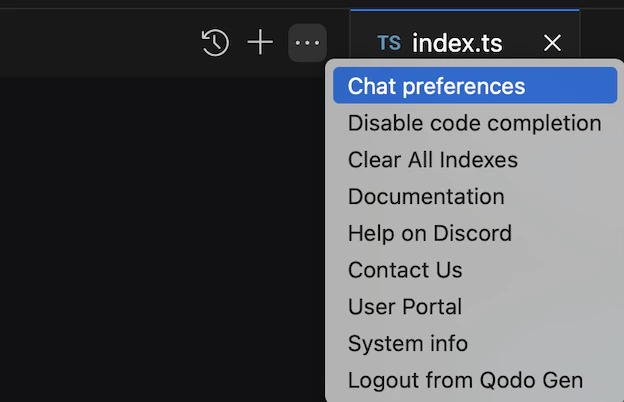
Configure chat preferences
In the Chat Preferences window, you can configure:Custom instructions
Add custom instructions for Qodo Chat to follow in conversations. To configure instructions for a specific command, click Add a specific command. To set general instructions for all commands, add them under All messages.Terminal commands
These preferences affect the Terminal Agentic Tool.- Allowed commands: Set terminal commands that the agent runs automatically without approval. All other terminal commands require approval.
- Blocked commands: Set terminal commands that the agent automatically blocks.