


 Sign in with Google
 If you’re not signed in already, sign in using the email you’d like to add as a manager login. You can use the same email address for up to 20 Google Ads accounts.

Want to create a new Google Ads account?
You're about to create a new Google Ads account. You can create multiple campaigns in the same account without creating a new account.
Want to create a new Google Ads account?
You're about to create a new Google Ads account. You can create multiple campaigns in the same account without creating a new account.
Manage clients and campaigns with manager accounts
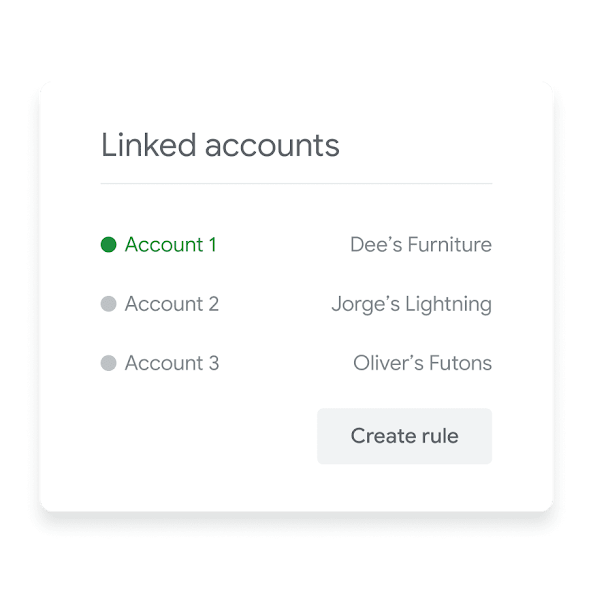
Manager accounts can help you manage multiple Google Ads accounts. With a single ad center login and dashboard, this online advertising manager can save you time with reporting, access control, and consolidated billing.
Scale
Control
Monitor
Manage campaigns across Google Ads accounts
Easily make updates across Google Ads accounts, including changing daily budgets and pausing campaigns. Use labels to organize accounts, create automated rules, set alerts, and get email notifications.
Grant access and control
Share access with other managers, add manager logins, grant new access through the Google control panel, and control the level of access in case someone’s role changes.
Track performance
Easily compare performance and track conversions across accounts. Generate and share automated performance reports for your ads, keywords and more.
Partner with a Google Ads expert to set up your first campaign
- We’ll get you up to speed on the latest platform updates
- We’ll design a media plan that makes the most of your budget
- We’ll help you launch your first campaign with hands-on guidance

Get started with manager accounts
We know that using a new tool can be complicated. Click on the text below to learn how you can get started.
-

Create a manager account
-

Give your manager account a name
This is the name that your clients will see in their client account.
-

Choose how you plan to use the account
You can use a manager account to manage your own Google Ads accounts, or to manage other people’s Google Ads accounts with their permission.
Tools and campaigns that can help you meet your goals
Interested in learning more about what Google Ads has to offer? Click on the cards below to explore more related campaigns and helpful tools.
-
 Learn more
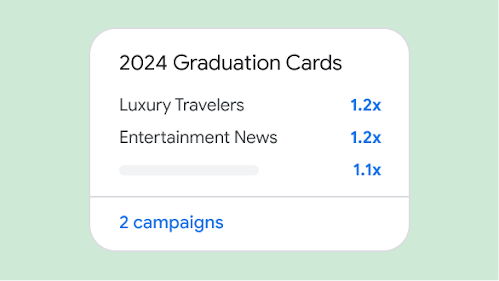
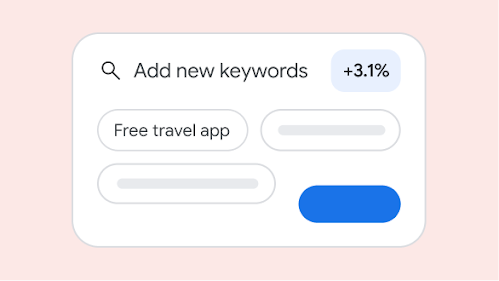
Insights Page
Grow your business with insights and trends that are tailored to your business.
-
 Learn more
Recommendations Page
Improve your campaign performance and efficiency with suggestions that are tailored to your needs
-
 Learn more
Google Ads Mobile App
Stay connected to your campaigns on the go, monitor your campaigns in real-time, and take quick action to improve performance.