 Scan to download CamScannerAvailable for HarmonyOS











School & Note Archiving
Help with homeworkOrganize mistakesErase handwritingSign up for campMake postersApply for scholarships

AI-Powered PDF Scanning, OCR, and PDF Tools Trusted by 300 Million Users
Convert, edit, organize, and extract text from PDFs online for free.
Scan documents, edit and convert PDFs, extract text with OCR, and sync files across devices.
Scan multiple pages, books, and IDs in one go. AI removes cluttered backgrounds, then auto-crops and straightens the edges for crisp, high-definition scans.
Free DownloadSign, watermark, annotate, merge, split, compress, and reorder pages in one step. Edit text in images, with OCR that accurately extracts text in 41 languages, including Chinese, English, Japanese, Korean, and more.
Edit PDF Online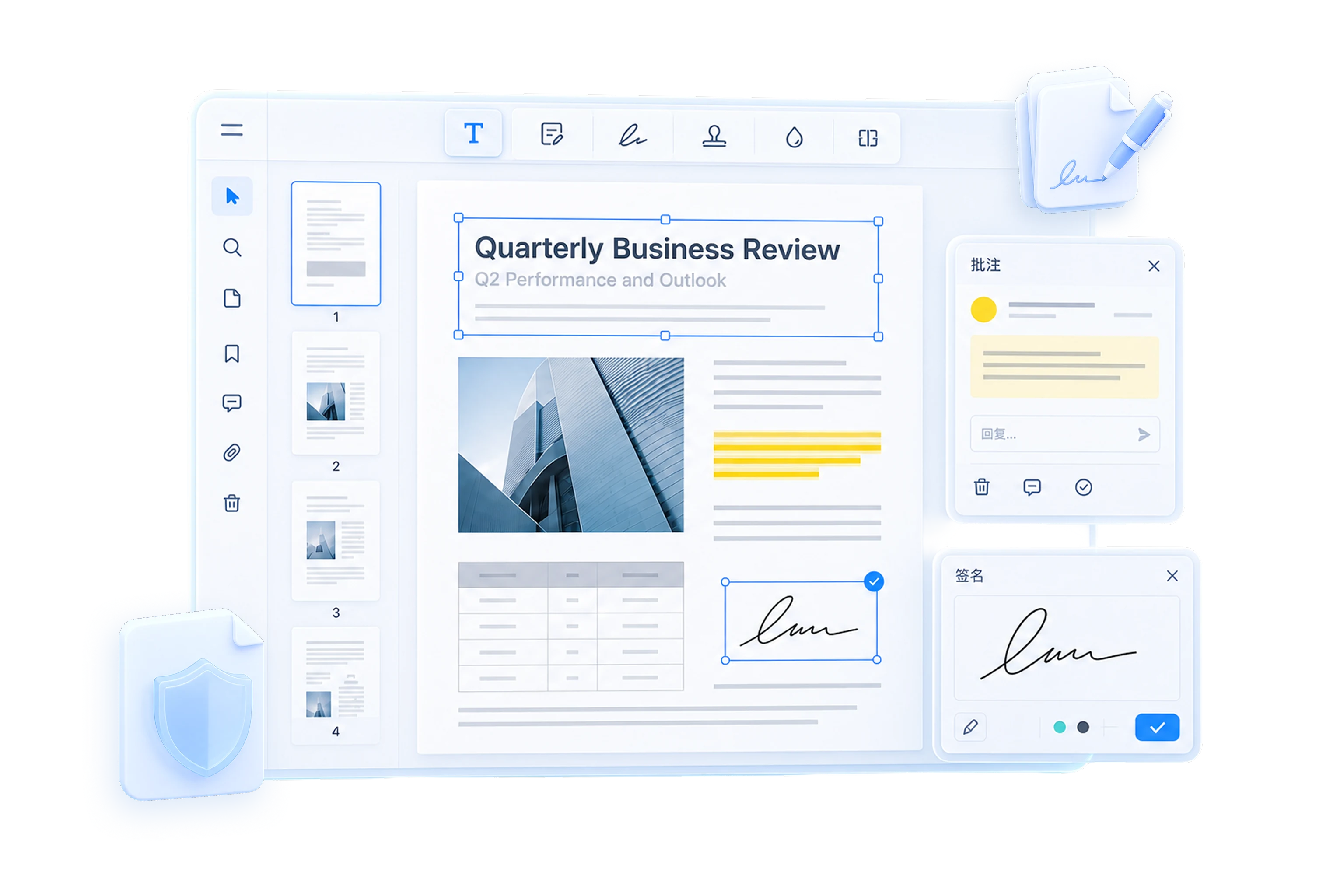
AI detects the layout and converts PDF, Word, Excel, PPT, and JPG in one tap, keeping formatting intact for work and study.
Convert PDF Online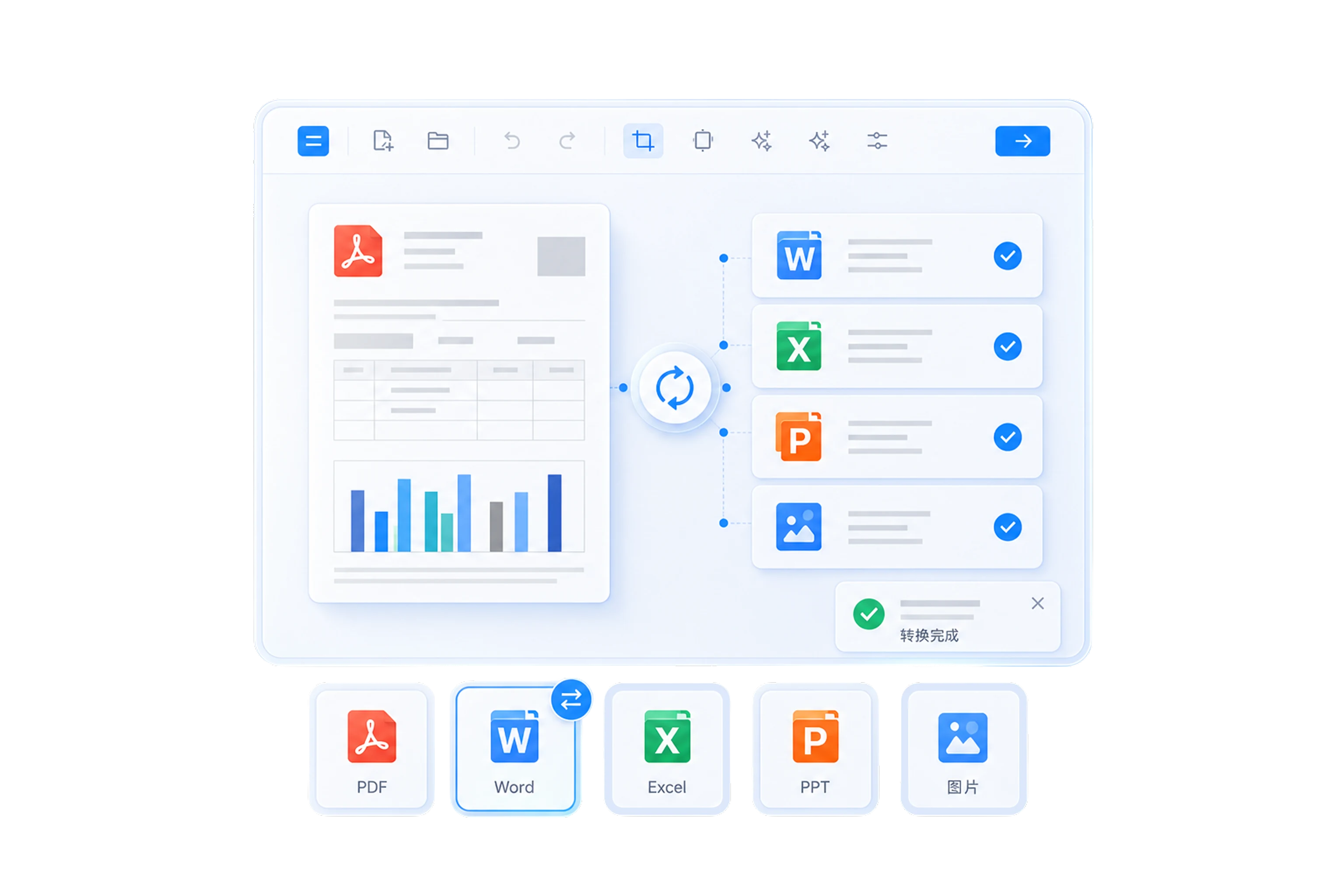
Keep files synced and backed up to the cloud, so you can access, search, and manage them across phones, tablets, and computers. Share documents easily via email, WhatsApp, and more.
Free Download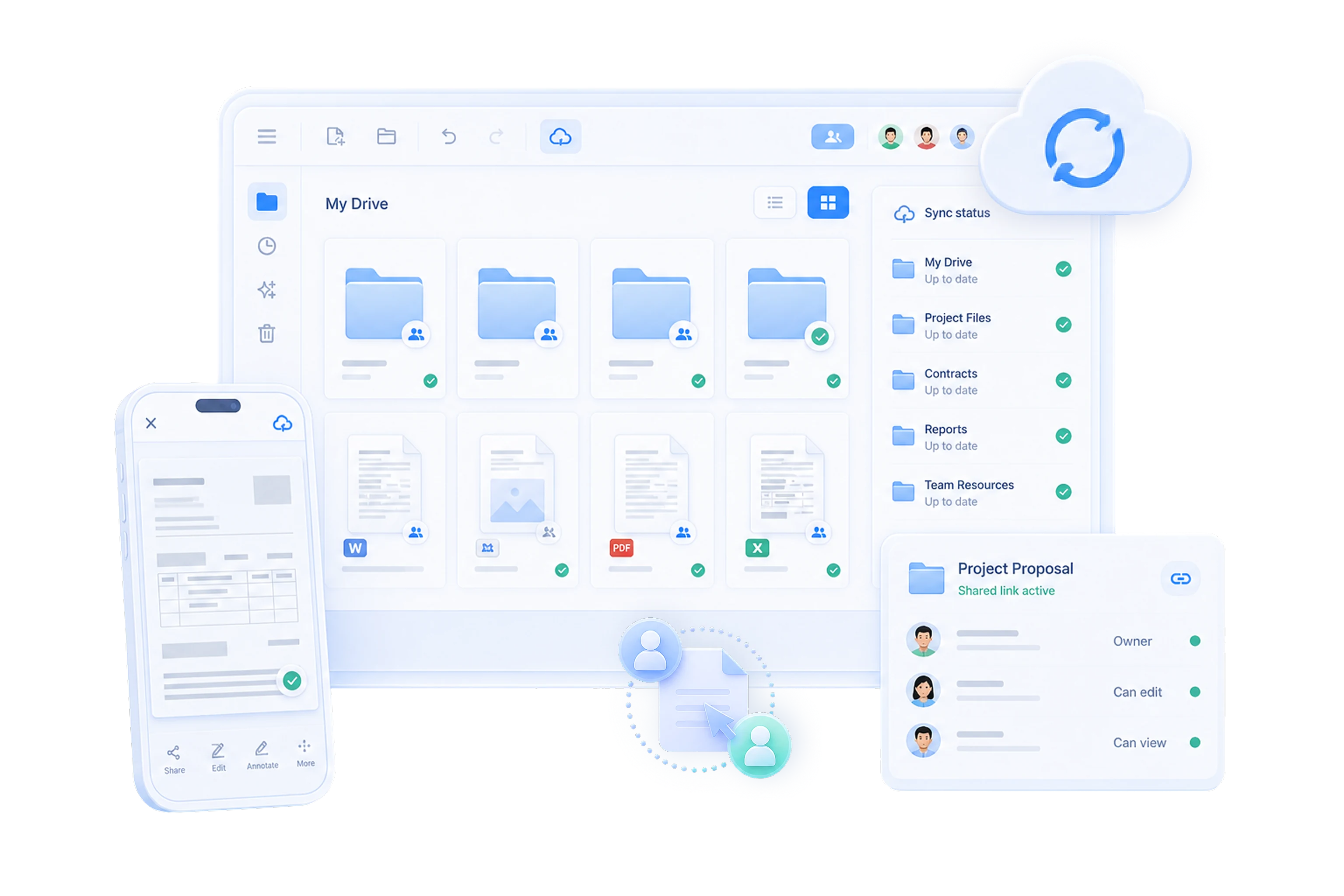
E-signature, AI photo translation, Mega Scan, old photo restoration, AI tamper detection, Photoshop detection, and CountCam, with more AI tools to explore.
Free DownloadAI automatically detects edges, corrects perspective, and removes shadows, while reducing finger marks, screen moiré, and show-through, so even phone photos come out clear and professional.
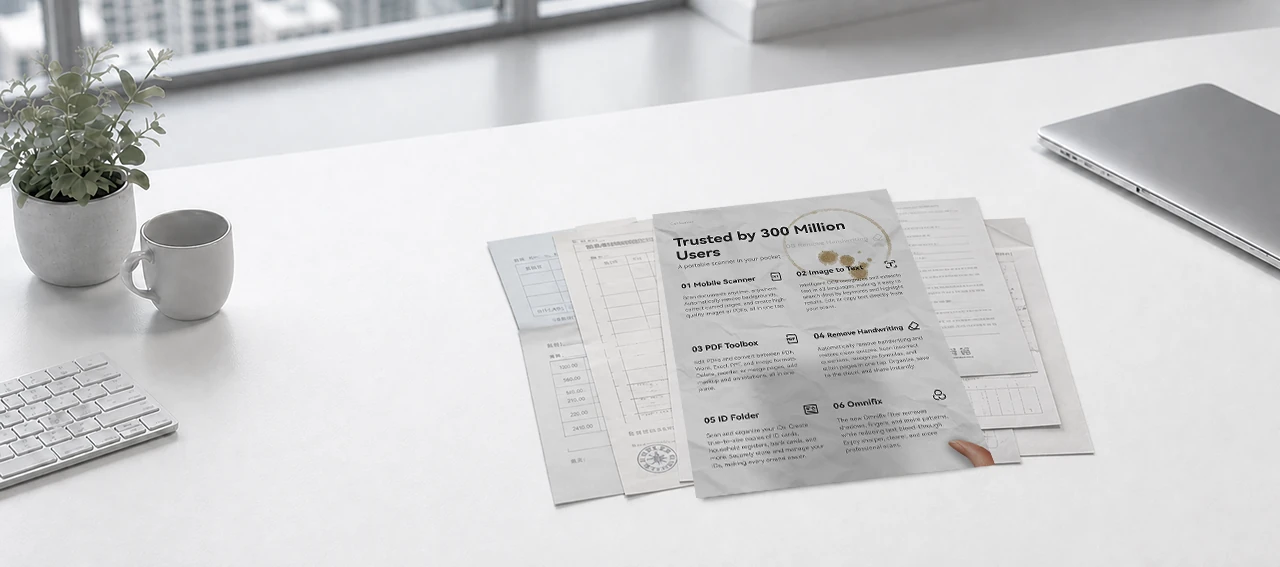
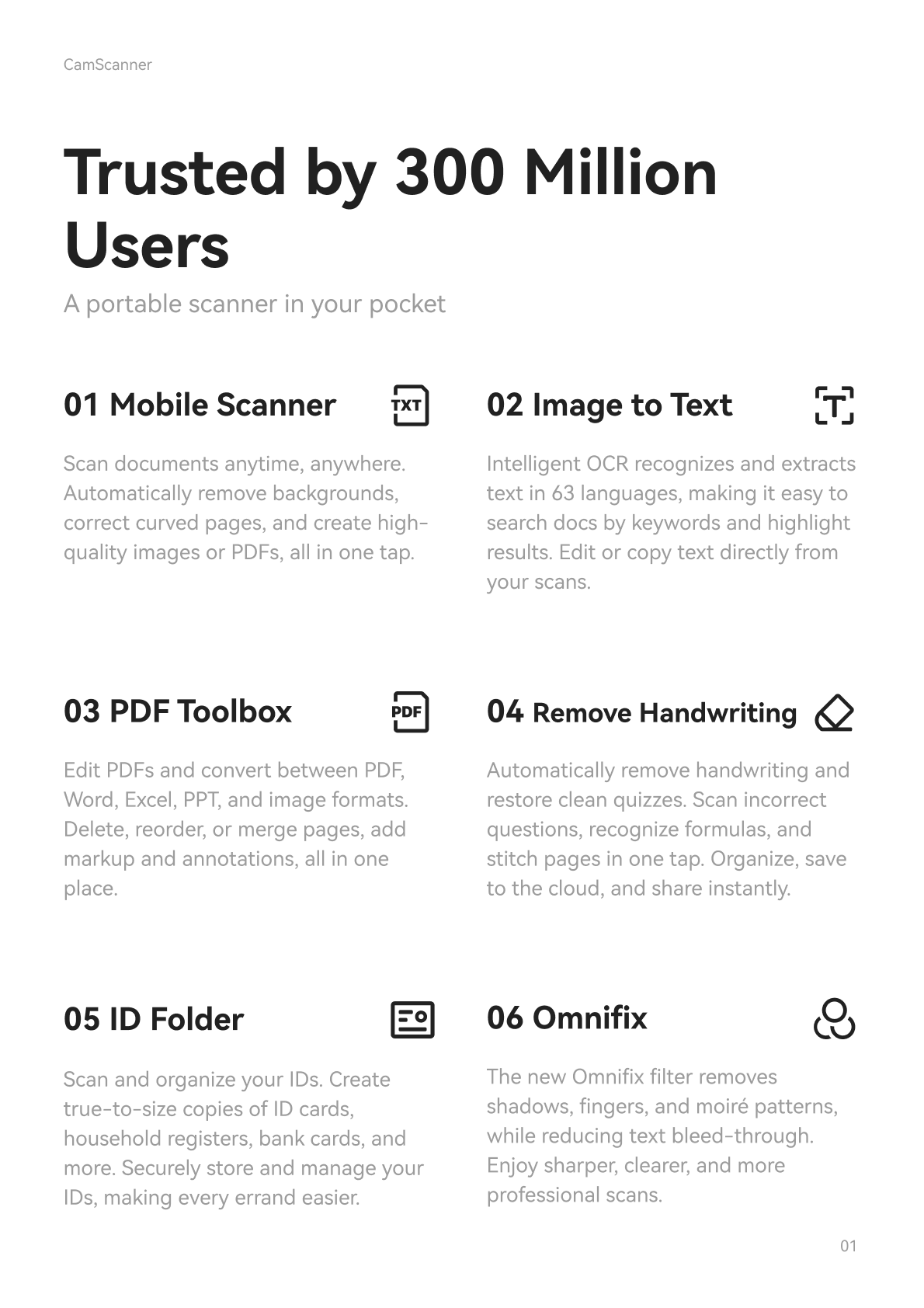
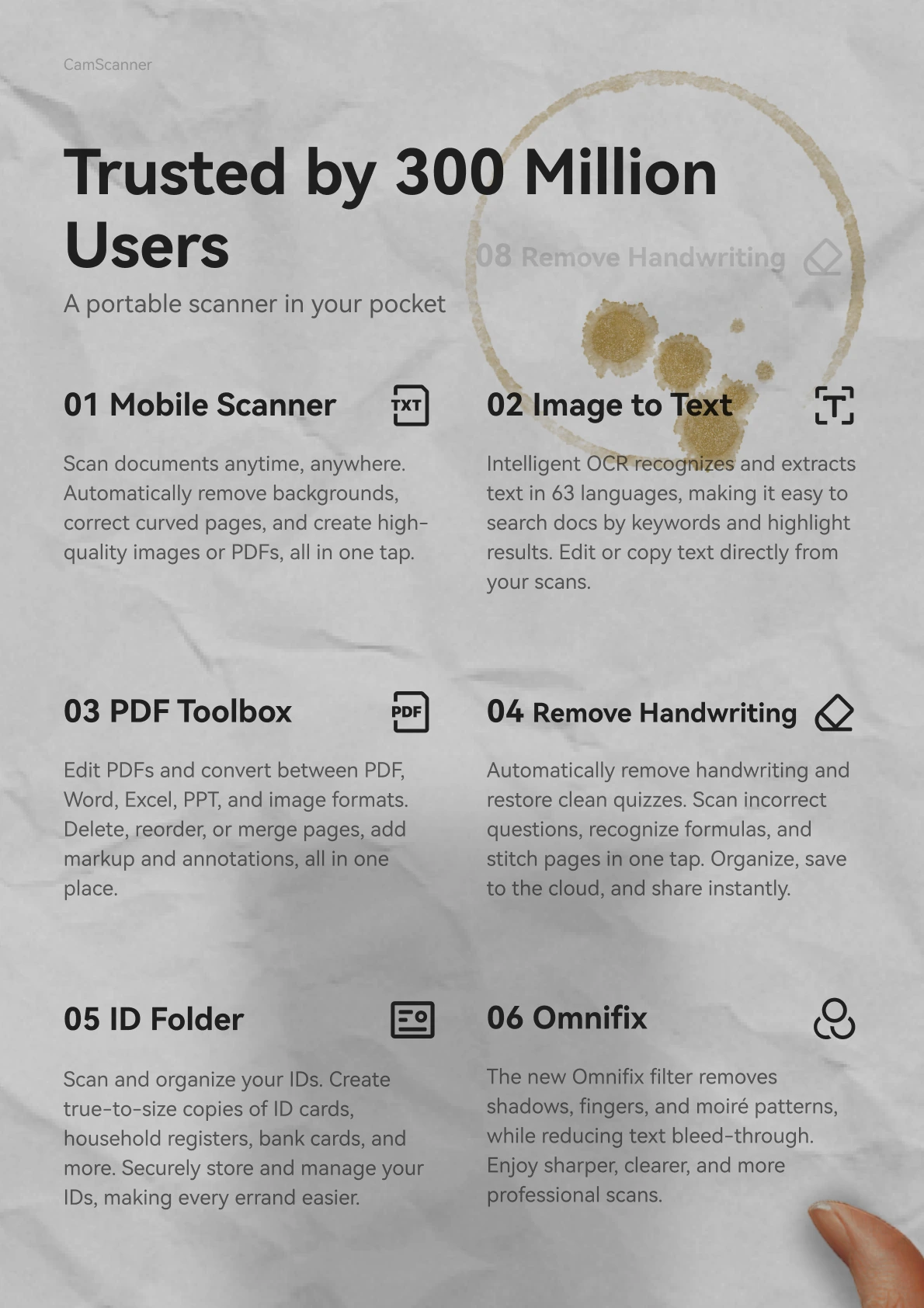




Click the scan to expand technical details
From school and job applications to running a business, scan, process, and archive it all in one place.
Chosen by users worldwide for continuous innovation, professional expertise, and a lasting reputation.
Real users from different countries and industries share their productive experiences with CamScanner.
"Our small company doesn't have a scanner or copier, and CamScanner perfectly handled our needs for text recognition, contract scanning, and archiving. It saved us more than a thousand yuan on equipment."

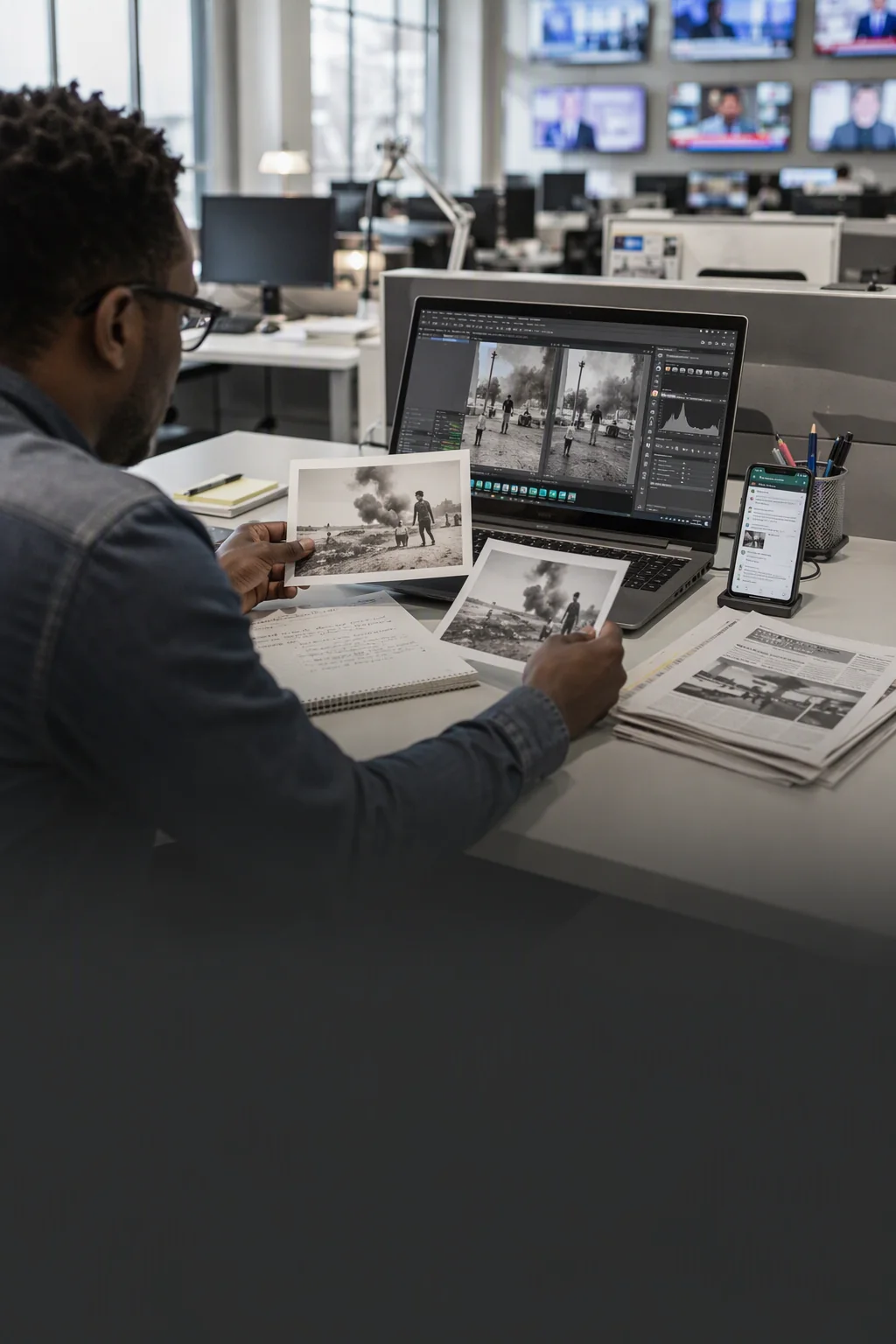
"The AI Tamper Detection feature is really useful. It quickly checks images for signs of tampering like splicing, copying, or erasing. The process is simple and the results are clear, which helps a lot when verifying whether an image is authentic."
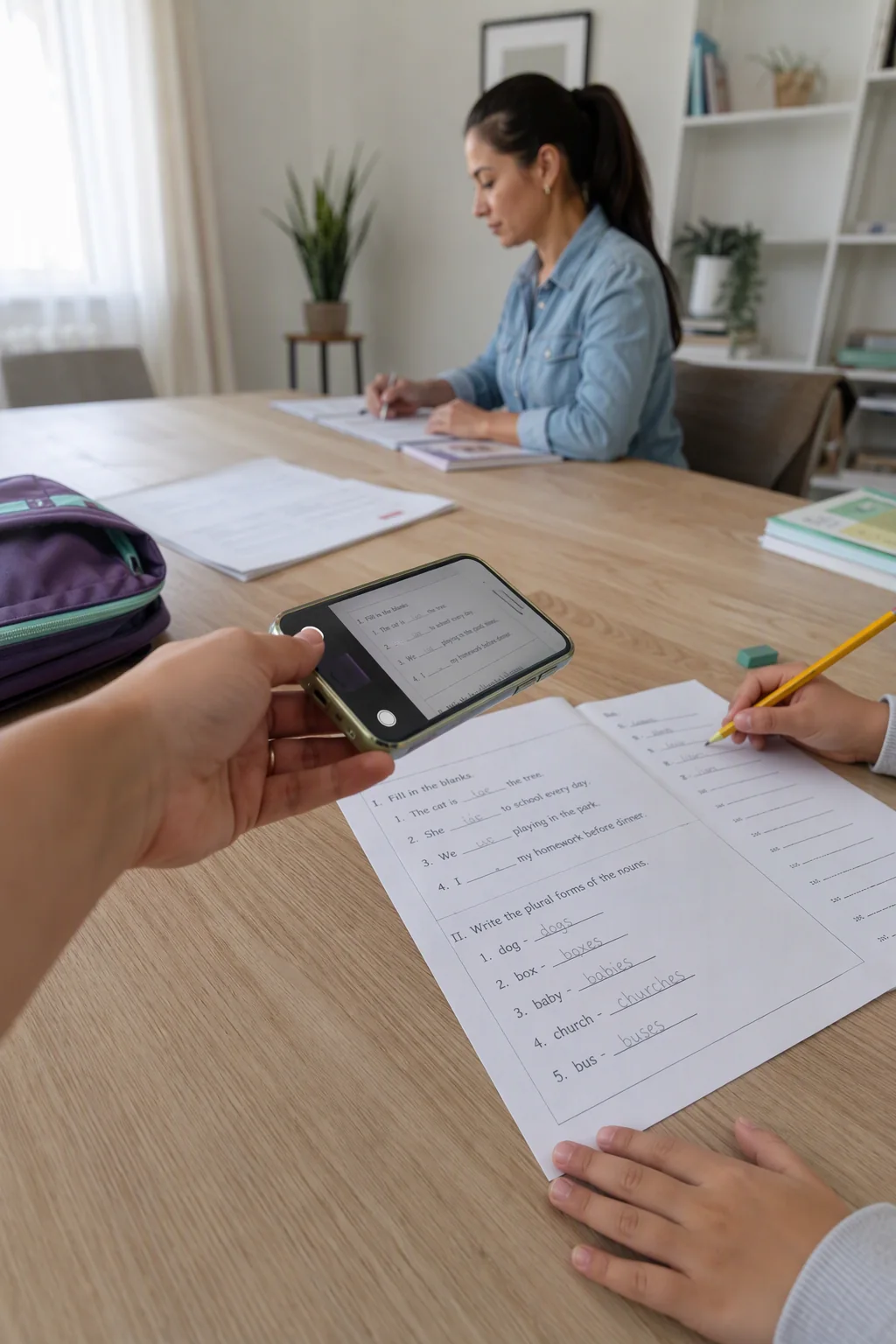
"Test scanning can wipe all the handwriting in one tap, leaving just the original test paper. When my kid forgets their homework, this feature is a quick fix. It's really handy."
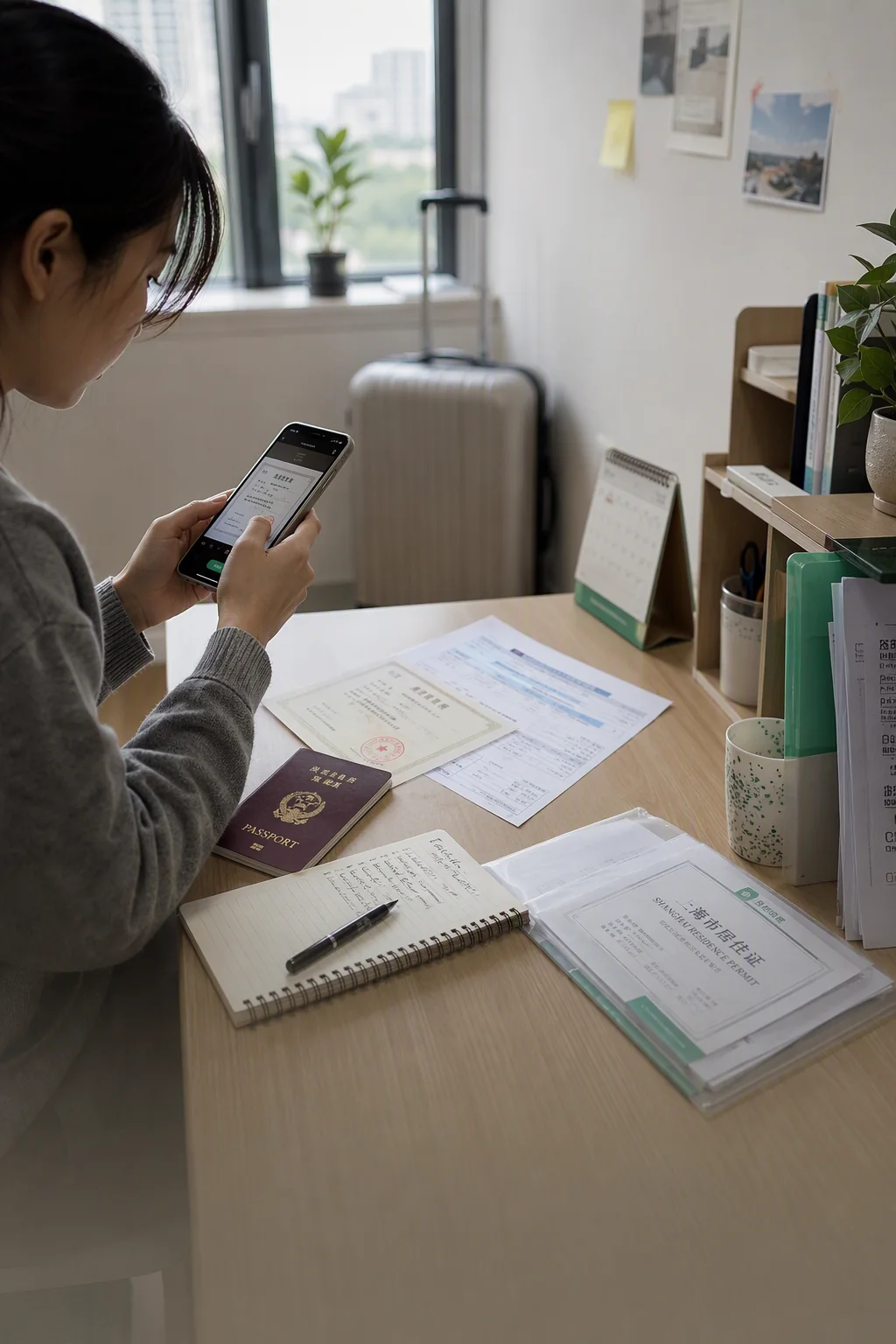
"I used to need lots of ID copies and proof of assets for paperwork, so I made trip after trip to the copy shop. Then I discovered CamScanner's ID feature, and it solved my headache instantly. So easy to use!"
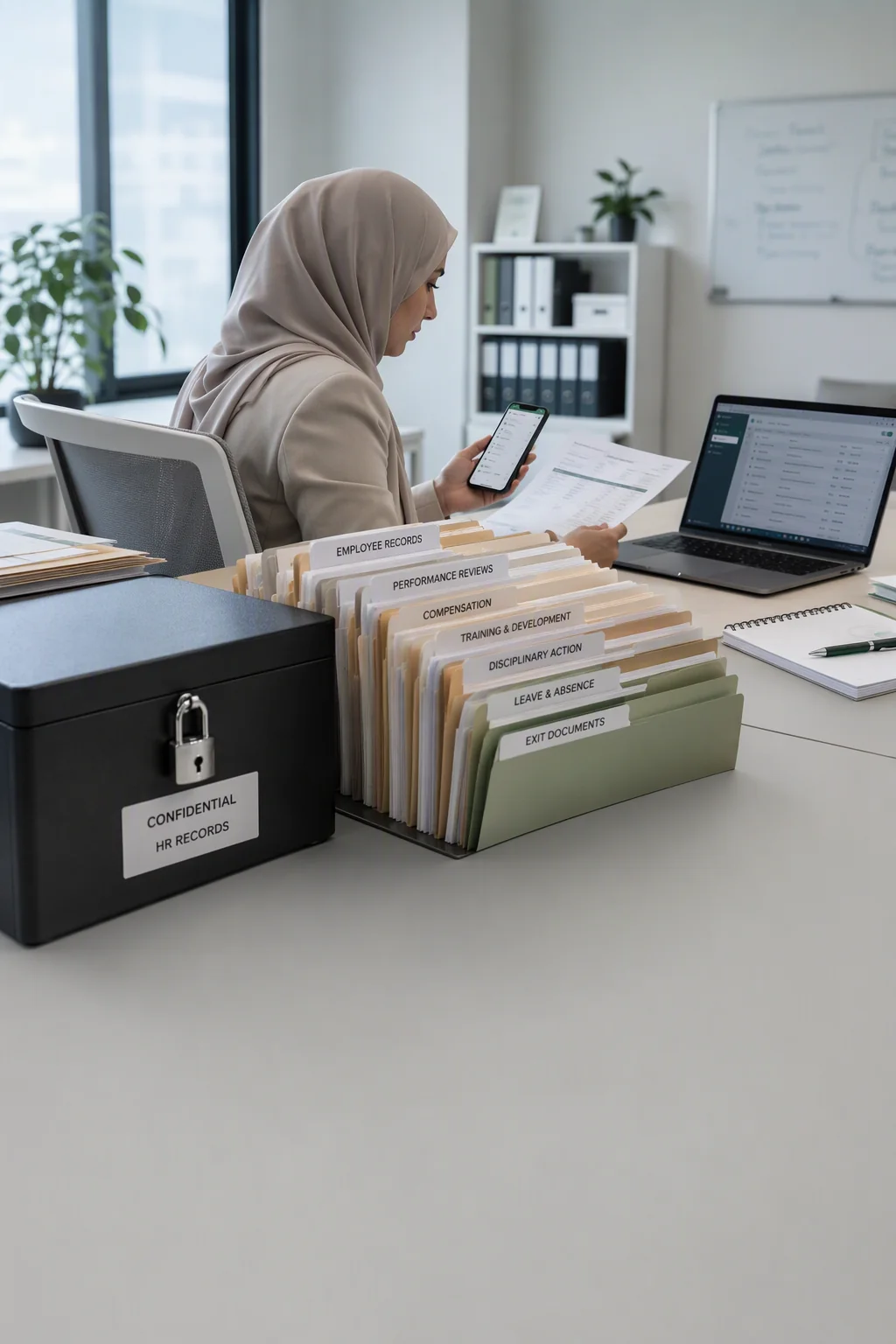
"I scan and manage all our internal paper documents in one place, and when employees need to see one, I just share an encrypted link. It's convenient and keeps our internal content confidential. A must-have for managing paper documents!"
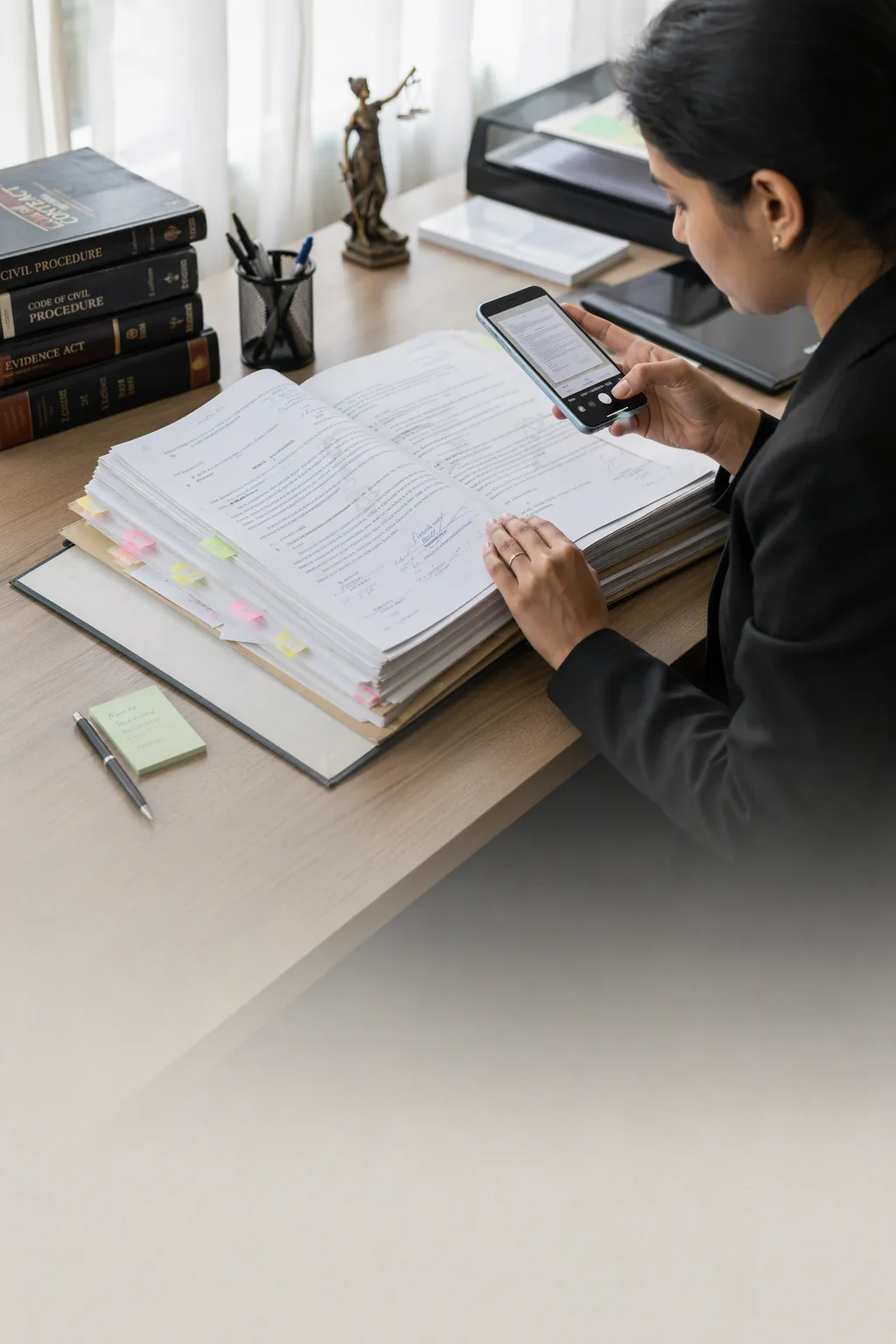
"I truly believe every lawyer has CamScanner! It turns paper documents into digital files in seconds, plus document storage, scan-to-text, watermarking, and ID photos. Without it, my paperwork wouldn't move an inch!"
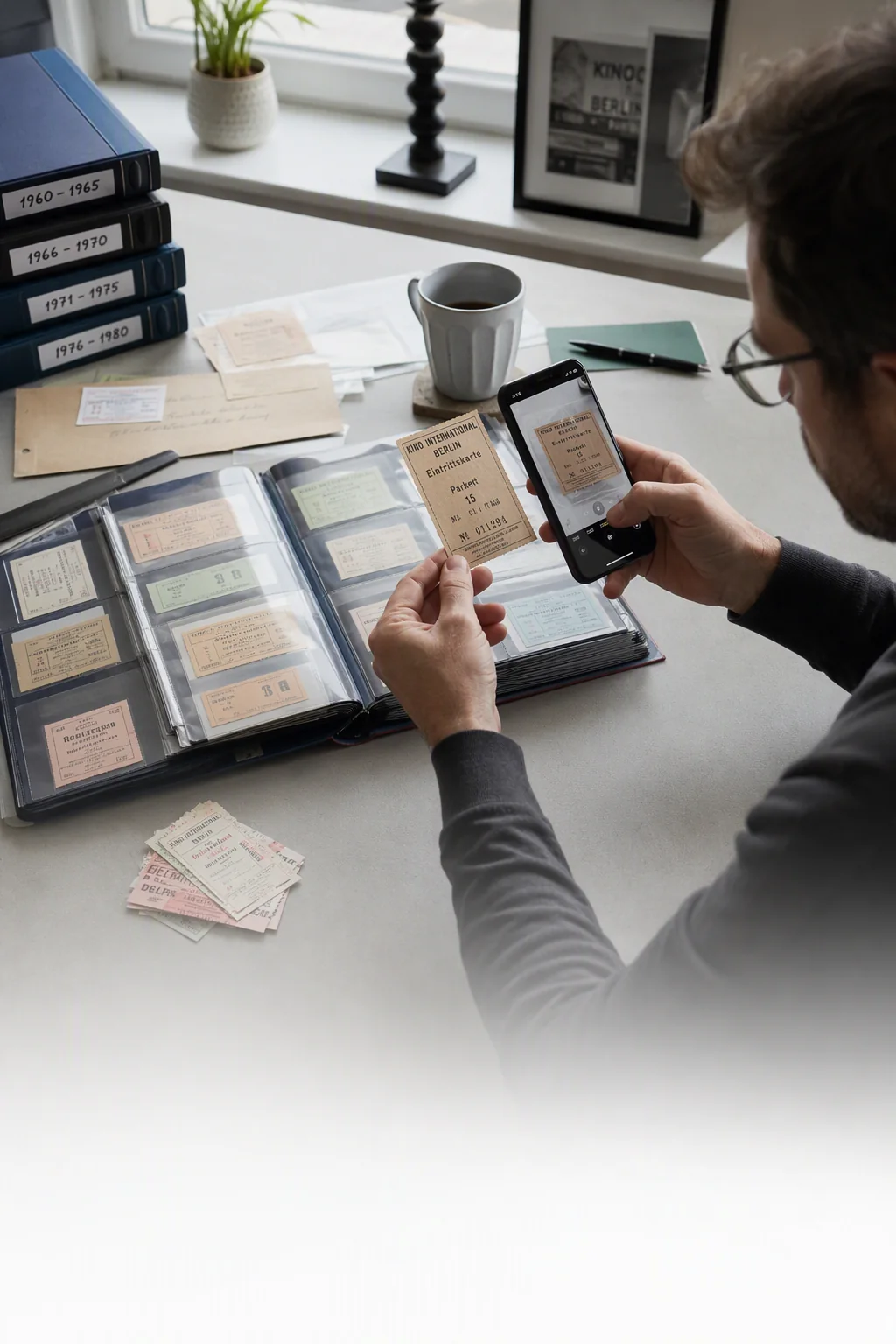
"This is a stack of movie ticket stubs I've preserved with CamScanner. I archived them one by one, turning the little joys scattered through time into a personal collection that will never fade."
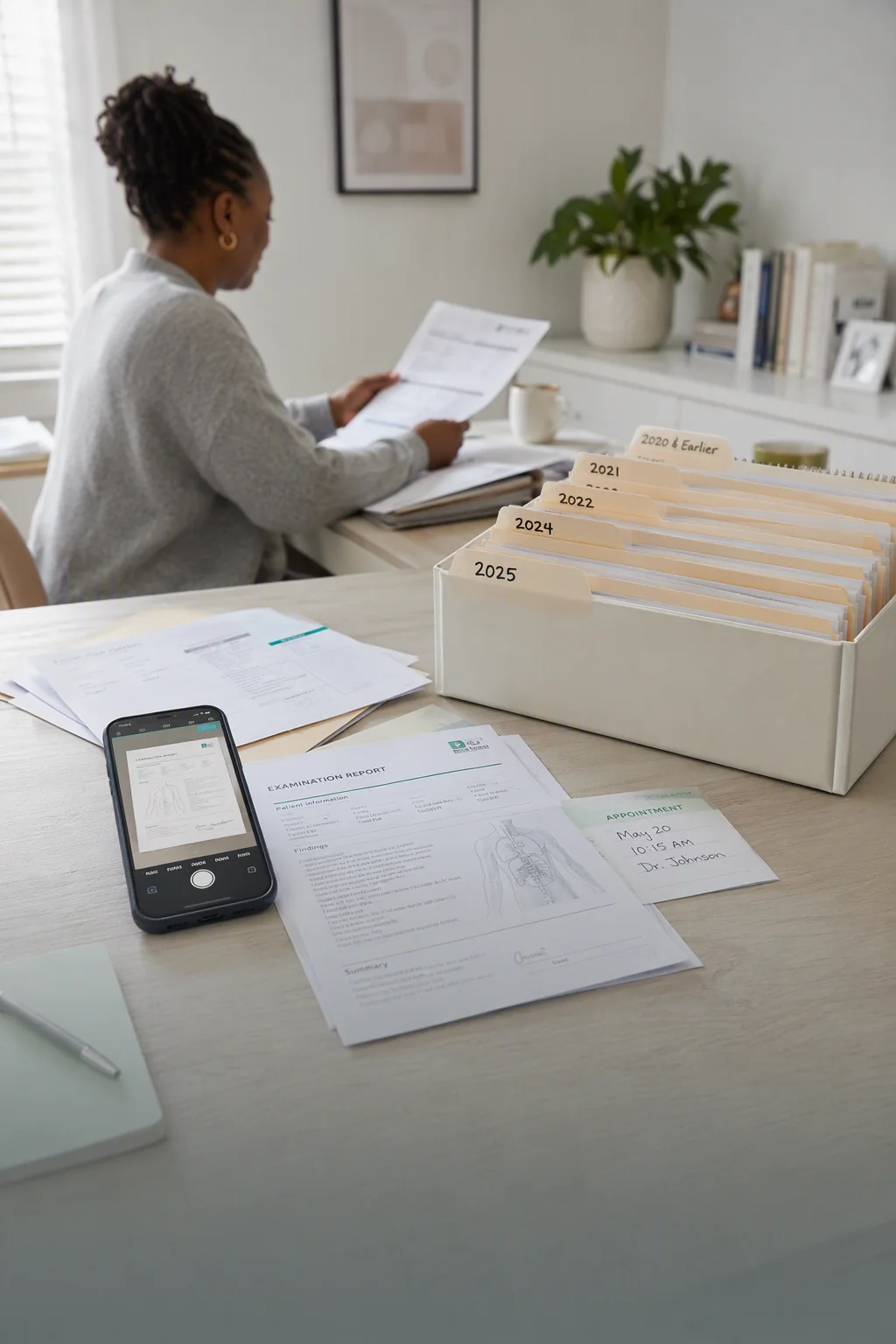
"I've had a chronic illness for years, and after every checkup I use CamScanner to save my medical records and reports, sorted into folders by date. When I see the doctor, I can quickly pull up whatever stage they ask about, and other patients often ask me about it."
"CamScanner helps me prep lessons efficiently. What I use most is quickly turning paper teaching materials into digital files that are easy to store, edit, and share. PDF editing is great too. Adding annotations, and merging, splitting, and compressing files are all a breeze."
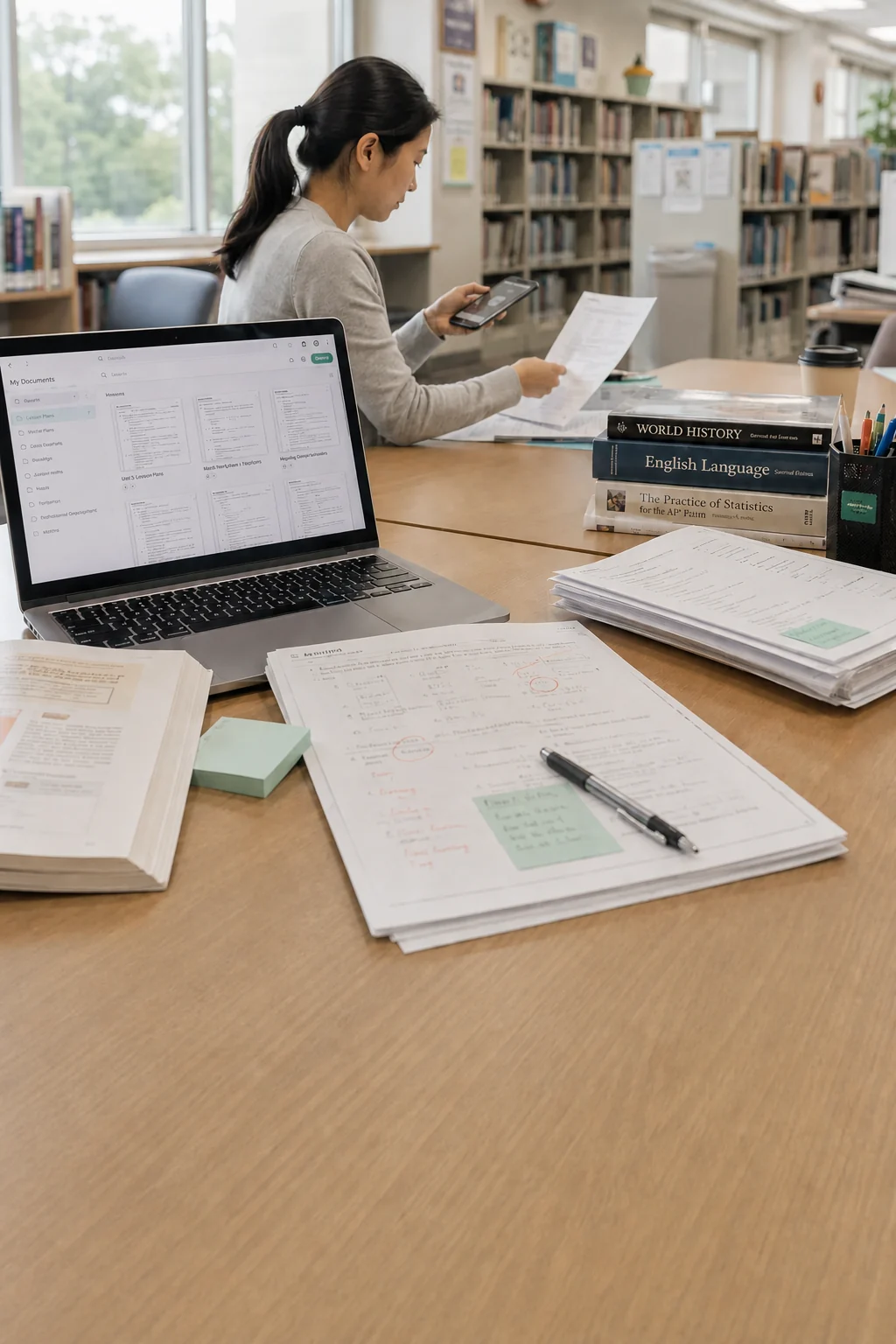
"The photos come out really clear, and brightening them doesn't make them blurry. I can also turn them into PDFs, which makes submitting homework really easy. It's great, and I'll keep using it."

CamScanner is committed to protecting your privacy and data security.


Find answers to the questions you care about most, from downloads and features to format conversion, privacy, and security.
Yes. CamScanner’s free version includes basic scanning, saving, sharing, and uploading, plus limited OCR uses. Upgrade to Premium to remove ads and watermarks, scan in higher quality, get more OCR uses, and unlock PDF to Word, collages, ID photos, more cloud storage, and folders.
CamScanner combines automatic edge detection, image enhancement, OCR, cloud sync, PDF editing and sharing, file conversion, e-signatures, and document security. With over 300 million users worldwide, it offers a complete document scanning solution. Some features require Premium.
Simply scan or import an image, then tap Word or Extract Text to recognize the text. Copy, edit, or translate the results, or export them as a text file or Word document.
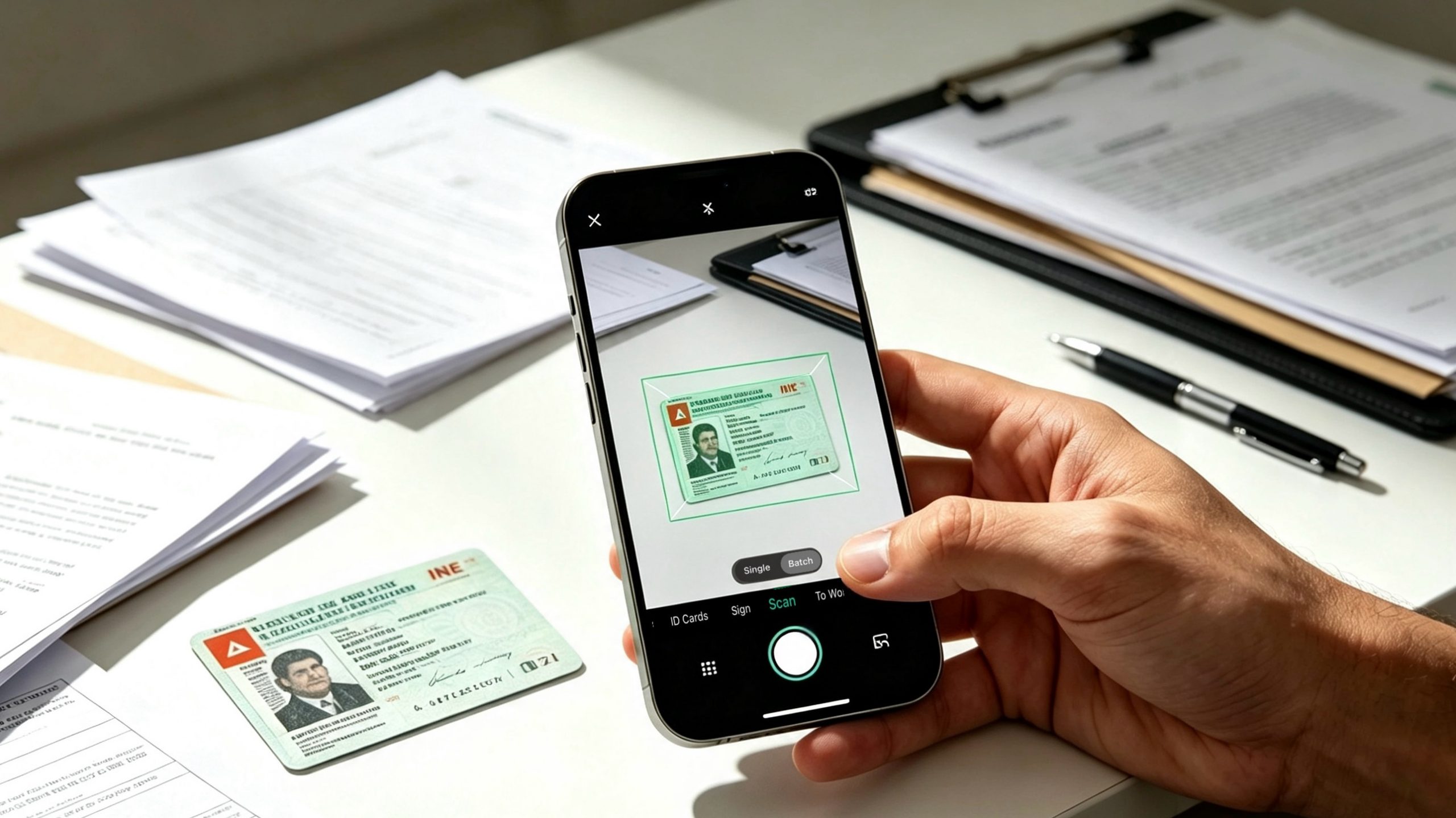
Open CamScanner and select Scan ID Card. Choose a template, follow the on-screen prompts, and capture the card. Swipe to More IDs to find additional templates. Once saved, you can share, export, or print the copy.
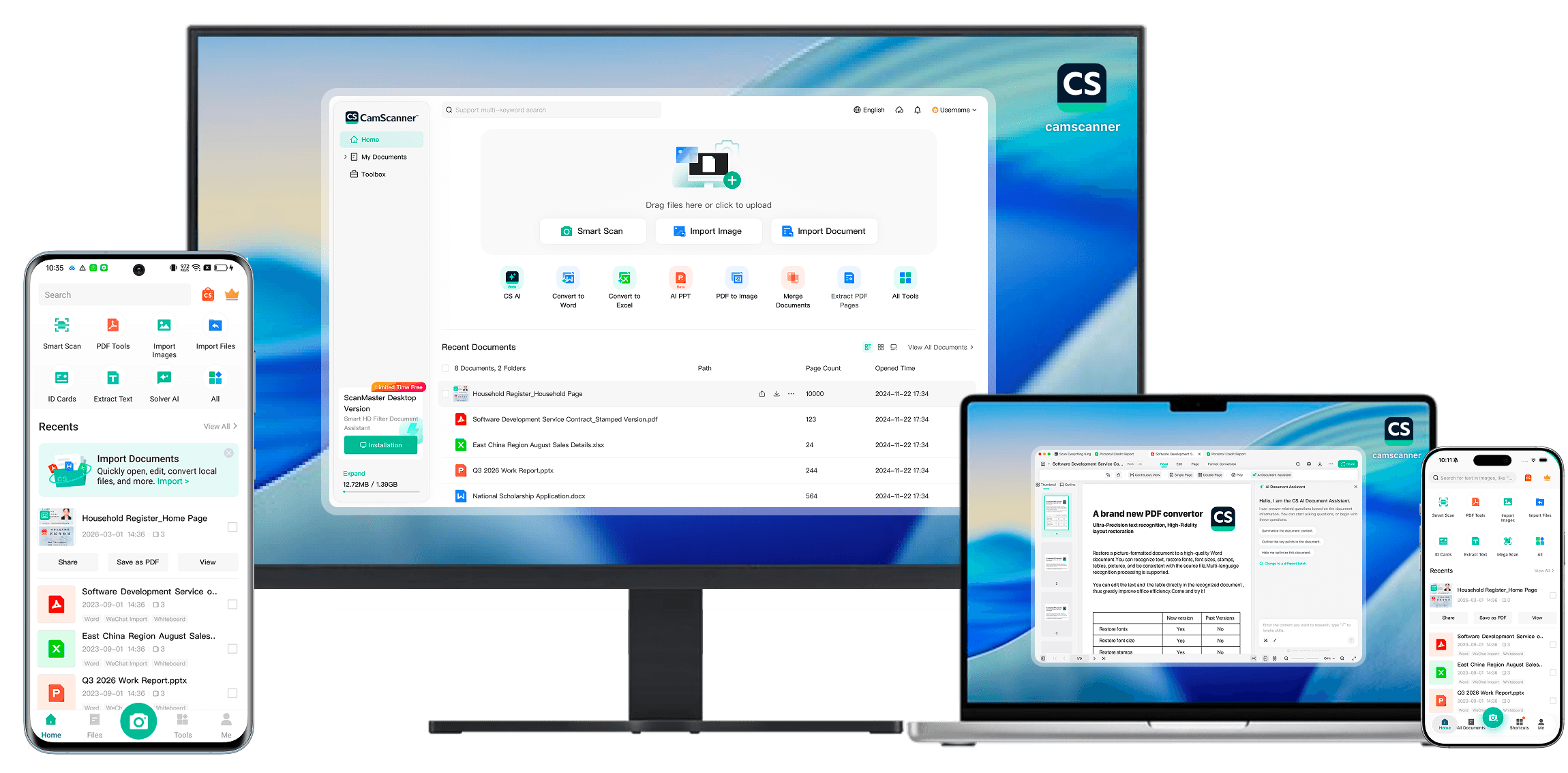
Yes. CamScanner is available on mobile, web, and desktop. Visit https://www.camscanner.com/ on your computer and sign in to the same account as your phone. Once you've synced on your phone, the documents will be available on your computer.

An all-in-one, AI-powered tool to scan documents, extract text with OCR, edit and convert PDFs.