
{{ message }}
Install ServiceStackVS
This page has moved to docs.servicestack.net/install-servicestackvs
First we want to install ServiceStackVS Visual Studio extension. The easiest way to do this is to look for it from within Visual Studio by going to Tools->Extensions and Updates and searching the Visual Studio Gallery as seen below.


Optionally it can be downloaded and installed from the VS.NET Gallery
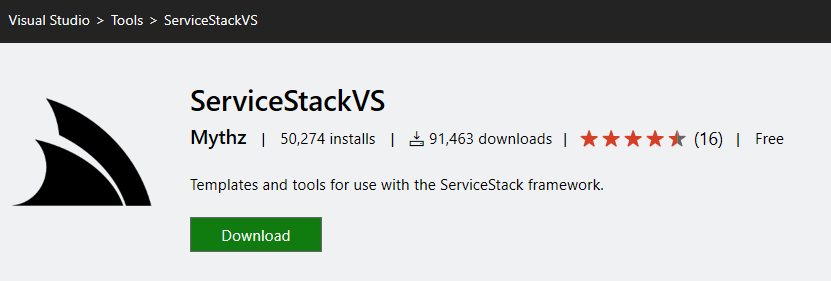
ServiceStackVS supports both VS.NET 2012-2015.
- VS.NET 2012 Users must install the Microsoft Visual Studio Shell Redistributable
- It's also highly recommended to Update to the latest NuGet.
Alternatively if continuing to use an older version of the NuGet Package Manager you will need to click on Enable NuGet Package Restore after creating a new project to ensure its NuGet dependencies are installed.