

Translate selected text with a keystroke tunlookup.com


Keyboard shortcuts 1
(Version 3.0.3 and earlier)
Window: Ctrl + C Ctrl + Q
MacOS: ⌘ + C ⌘ + D
Keyboard shortcuts 2
(Version 3.0.4 onwards)
Window: Ctrl + Q
MacOS: ⌘ + D
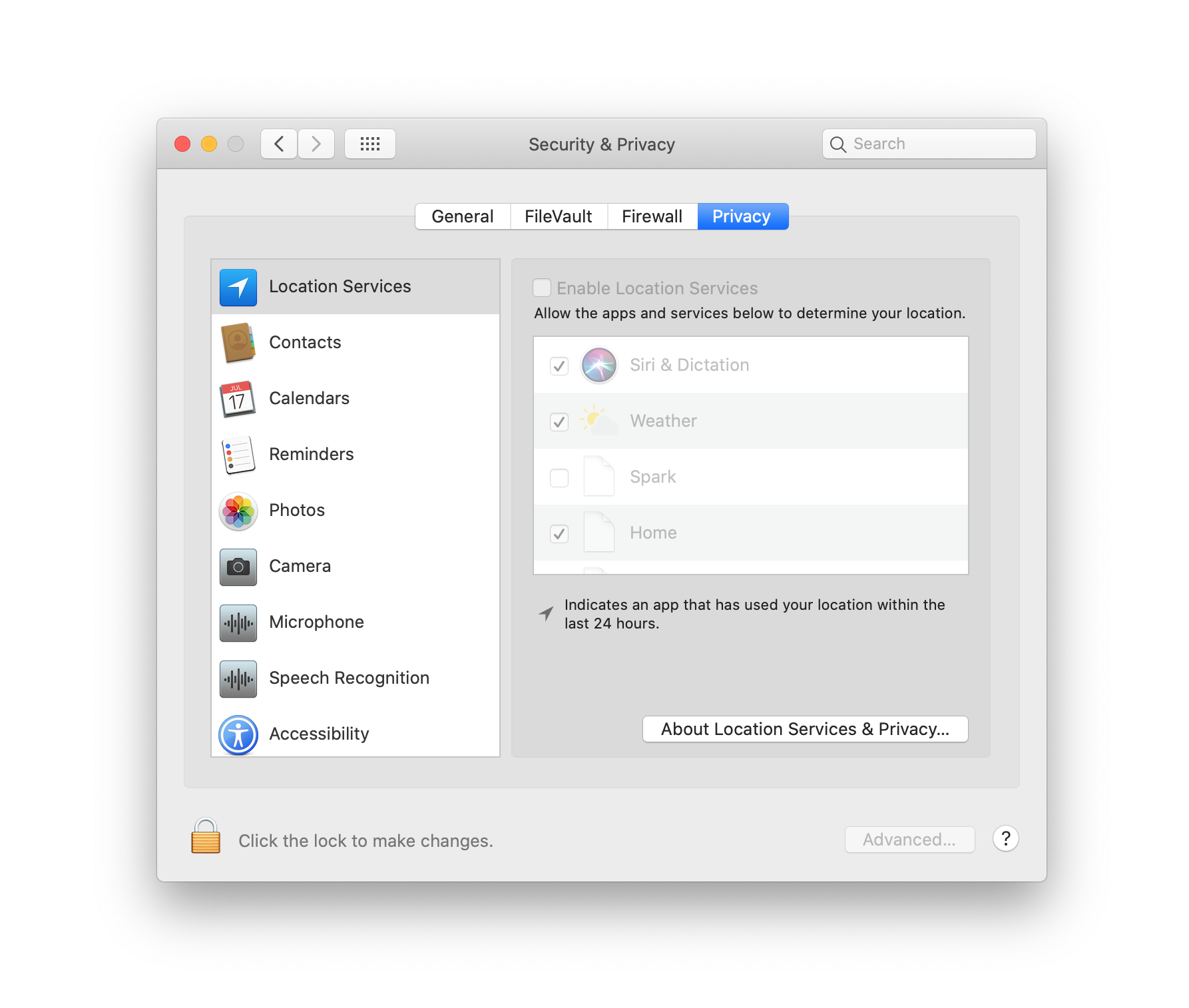
From version 3.0.4 onwards, If you want to use Keyboard shortcuts 2
you must allow Tunlookup to control your computer (in Security & Privacy)
You can add the translated word to your own dictionary and use it later.
Tunlookup works across operating systems. You can use it on MacOS, Windows.
You can manually download the latest release here.
- Project Owner: Peter Nguyen
- Project Manager: Peter Nguyen
- Developer: Peter Nguyen
MIT © Peter Nguyen Gmail