
{{ message }}
Debug
Serial Console
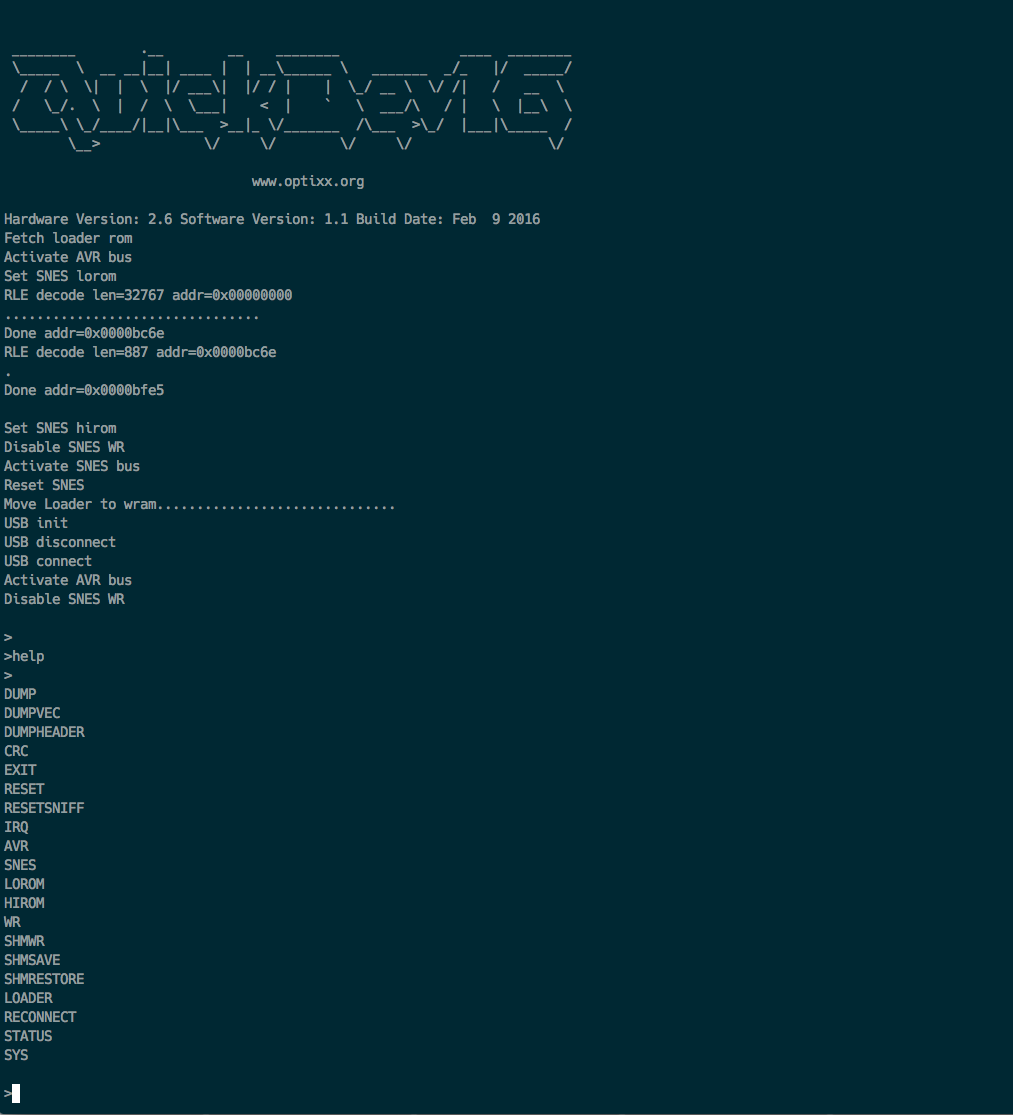
You can connect to a serial terminal on the Quickdev16 to access the debug console. You need to build a cable for the header connector and connect RX and TX lines to your serial port. DON'T CONNECT YOUR NORMAL RS232 PORT TO THESE PINS, USE A 5V SERIAL LINE! Best partice would be to use a max232 based levelshifter since the Quickdev16 runs on 5v levels. Once you have the cable built and conncected you use a terminal programm to connect.
On *nix you can use screen to connect.
screen /dev/tty.NoZAP-PL2303-00005114 115200
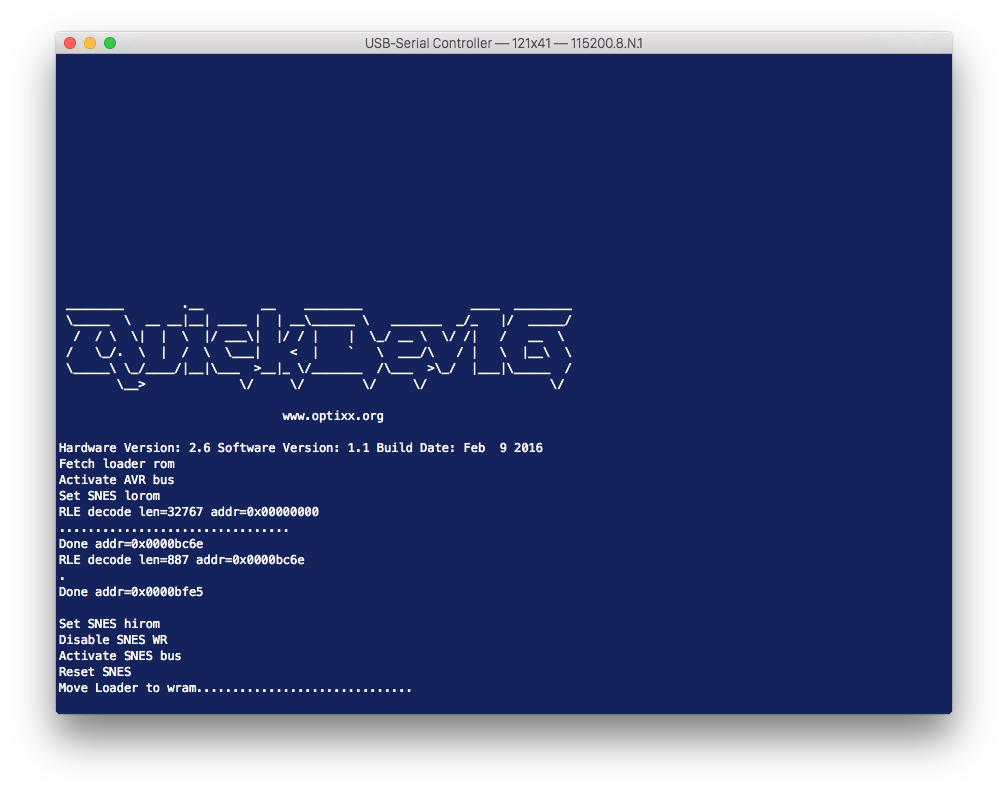
Or a GUI like Serial
Builtin Shell
Once you are connected via serial you can access a little command shell which is useful to debug the firmware and get status infos about the Quickdev16. Currently these commands are implemented in the shell:
"DUMP   0x00 0xff"  - Sram memory hexdump
"CRC    0x00 0xff"  - Sram memory crc check
"EXIT"              - Leave the application and restart the AVR
"RESET"             - Send reset to SNES
"IRQ"               - Send cart IRQ to SNES
"AVR"               - Switch memory bus to AVR side
"SNES"              - Switch memory bus to SNES side
"LOROM"             - Set LOROM
"HIROM"             - Set HIROM
"WR     1"          - Allow WR from SNES
"SHMWR  1 1"        - Write to sharedmem
"SHMSAVE"           - Backup sharedmem region
"SHMRESTORE"        - Restore sharedmem region
"LOADER"            - Start SNES loader
"RECONNECT"         - Do an usb reconnect
"STATUS"            - Print Quickdeb16 status flags
"HELP"              - This