






Write HTML. Render video. Built for agents.
Studio | Quickstart | Showcase | Playground | Catalog | Docs | Discord

HyperFrames is an open-source framework for turning HTML, CSS, media, and seekable animations into deterministic MP4 videos. Use it locally with the CLI, from AI coding agents with skills, or as the rendering core behind hosted authoring workflows.
For Claude Code, install the versioned plugin:
claude plugin marketplace add heygen-com/hyperframes
claude plugin install hyperframes@hyperframes
Enable auto-update for the hyperframes marketplace in /plugin → Marketplaces,
then use /hyperframes:hyperframes. See the plugin guide
for Copilot, VS Code, Cursor, Gemini CLI, updates, and migration.
For standalone skills (including OpenCode), use:
npx skills add heygen-com/hyperframesThe picker opens with nothing pre-selected — the Core Skills group is all you need: the
/hyperframesrouter installs each creation workflow on demand. Agents and non-interactive runs should usenpx hyperframes skills updateinstead — it installs exactly the core set, whereasskills add --allinstalls all 21 published skills. The six repo-internal skills under.claude/skills/.agents/skillsare excluded by default. For the full published set usenpx hyperframes skills.
skills addresolves the skills.sh registry blob, which can lagmainby hours.npx hyperframes skills updateinstalls from the currentmain, so reach for it when you need the newest copy of a skill.
Try a prompt like:
Using
/hyperframes, create a 10-second product intro with a fade-in title, a background video, and subtle background music.
The skills teach agents the HyperFrames production loop: plan the video, write valid HTML, wire seekable animations, add media, lint, preview, and render. They work with Claude Code, Codex, Cursor, Gemini CLI, IBM Bob, and other coding agents that support skills.
HyperFrames ships 21 skills agents load on demand. Read /hyperframes first — it's the router and capability map; it picks a workflow for any "make me a…" request — video, deck, or composition port — and points to the domain skills below.
For standalone installation, default to the core set — the router installs each creation workflow on demand. npx hyperframes skills update installs exactly that from anywhere; the interactive picker (npx skills add heygen-com/hyperframes) lists it as the "Core Skills" group, nothing pre-selected. The picker is interactive-only — a non-interactive or agent run without --skill installs all 21. Use npx skills add heygen-com/hyperframes --all to install the complete published set deliberately (skips the picker), or npx skills add heygen-com/hyperframes --skill <name> for just one (bare name, no leading /).
Standalone installs stay lean after that: npx hyperframes init keeps the core set fresh (the router, the hyperframes-* domain skills, and media-use — plus whatever is already installed; /figma stays on demand) and never expands a partial install; the creation workflows install on demand — the router runs npx hyperframes skills update <workflow> before entering one. Nothing re-pulls the full set behind your back.
Plugins bundle the full skill catalog and use their agent's update manager.
bun run package:agent-plugin builds the committed portable ZIP, source metadata,
and SHA-256 checksum. See the maintainer checklist.
Build the upload-ready Codex plugin archive from the committed HEAD version of the manifest, brand assets, and skills:
bun run package:codex-pluginThis writes dist/hyperframes-plugin.zip with a hyperframes/ root folder and fails if the archive exceeds Codex's 100 MB upload limit.
| Skill | Use when |
|---|---|
/hyperframes |
Read first for any request to make / create / edit / animate / render a video, animation, or motion graphic. Capability map for the domain skills, the intent layer that confirms every creation brief up front, and intent router for the creation workflows below. |
| Skill | Use when |
|---|---|
/product-launch-video |
Any website — marketing / launching / promoting a product (from its URL, a brief, or a script), or a site tour / showcase / social clip featuring the site's own visuals. Up to ~3 min (sweet spot 30-90s). |
/faceless-explainer |
Explaining a topic / concept from arbitrary text — no product, no URL, no website capture; every visual is LLM-invented (typography / abstract / diagram / data-viz). |
/pr-to-video |
A GitHub pull request (PR URL, owner/repo#N ref, or "this PR") → changelog / feature-reveal / fix / refactor explainer, read via the gh CLI. |
/embedded-captions |
Adding captions / subtitles to an existing talking-head video (footage untouched) — verbatim rail, embedded climax behind the subject, or pure-cinematic embed. |
/talking-head-recut |
Packaging an existing talking-head / interview / podcast video with designed graphic overlays — lower-thirds, data callouts, kinetic titles, pull-quotes, side panels, PiP. |
/motion-graphics |
A short, unnarrated, design-led motion graphic (~under 10s) — kinetic type, stat / chart hit, logo sting, lower-third, animated tweet / headline. MP4 or transparent overlay. |
/music-to-video |
A music track (audio file, video to pull audio from, or one generated from a mood brief) → a beat-synced video — lyric, slideshow, or kinetic promo; music drives pacing. |
/slideshow |
A presentation / pitch deck / interactive deck — discrete slides, fragment reveals, branching, hotspot navigation, presenter mode. Output is a navigable deck, not a rendered video. |
/general-video |
Anything else — longer or multi-scene pieces, brand / sizzle reel, title card, static loop, freeform composition. Input- and length-agnostic fallback, and the home of companion mode (co-create with the full toolbox). |
/remotion-to-hyperframes |
Porting an existing Remotion (React) composition's source to HyperFrames HTML. One-way migration, not creation. |
Atomic capabilities the creation workflows compose against — pull one when you need that specific layer.
| Skill | Covers |
|---|---|
/hyperframes-core |
The composition contract — data-* timing attributes, class="clip", tracks, sub-compositions, variables, framework-owned media playback, determinism rules. |
/hyperframes-animation |
All animation knowledge — atomic motion rules, scene blueprints, transitions, runtime adapters (GSAP / Lottie / Three.js / Anime.js / CSS / WAAPI / TypeGPU). |
/hyperframes-keyframes |
Seek-safe keyframe authoring across runtimes — GSAP timelines, CSS keyframes, Anime.js, WAAPI, FLIP, paths, masks, SVG morph/draw, 3D depth — plus hyperframes keyframes diagnostics for rendered motion. |
/hyperframes-creative |
Non-animation creative direction — frame.md / design.md, palettes, typography, narration, beat planning, audio-reactive visuals, composition patterns. |
/media-use |
The media OS (a host app's own music and sound-effect tools come first for those) — resolve any media need (BGM, SFX, image, icon, logo, voice, color grade, LUT) into a frozen local file or paste-ready block + ledger record, generate via TTS/music/image models when the catalog misses, transcribe, caption, remove backgrounds, and reuse assets across projects. One shared audio engine + manifest tracking. |
/hyperframes-cli |
CLI dev loop — init, lint, check, snapshot, preview, render, publish, doctor, plus HeyGen-hosted cloud rendering (cloud render) and AWS Lambda rendering (lambda deploy / render / progress). |
/hyperframes-audio |
Mix the audio already placed in a composition — voiceover carve (dip a music bed only in the bands the voice occupies, static or dynamic, level match included), the effect chain (EQ, compressor, limiter, gate, saturation, delay, reverb, chorus, phaser, bitcrush), automation envelopes on volume or any effect parameter, and submix buses (<hf-audio-group>) carrying one chain, fader and automation clock for several tracks at once. Sourcing the audio is /media-use. |
/hyperframes-registry |
Search, install and wire registry blocks and components into compositions via hyperframes catalog / hyperframes add. Load before hand-building any named look, effect, treatment or transition. Authoring a new block or component to contribute upstream. |
/figma |
Import Figma assets, tokens, components, and storyboard sections → reconstructed motion (frames read as states, not slides) (REST/CLI) plus Motion animations (MCP) and shaders (MCP source / native export) into a composition. |
For visual design handoff workflows, see the Claude Design guide and Open Design guide.
npx hyperframes init my-video
cd my-video
npx hyperframes preview      # preview in browser with live reload
npx hyperframes render       # render to MP4
Requirements: Node.js 22+, FFmpeg
Need ideas? Browse the Showcase for finished videos you can watch, read, run, and remix.
- Product launch videos and feature announcements
- PR walkthroughs with animated code diffs, narration, and captions
- Data visualizations, chart races, and map animations
- Social videos with kinetic captions, overlays, and music
- Docs-to-video, PDF-to-video, and site-tour explainers
- Reusable motion graphics for automated content pipelines
frame.md — your design system, ready for video.
Every brand has a design.md. None of them were written for a camera. frame.md is the missing translation layer: it takes your web-context design spec and inverts it for the frame — the same tokens, the same rules, but rewritten so an AI agent can compose a promo video without guessing at scale or reaching for web chrome.
The output is a DESIGN.md superset your whole toolchain can read. Atoms stay sacred. Composition stays free. Numbers come from the script.

Biennale Yellow |

BlockFrame |
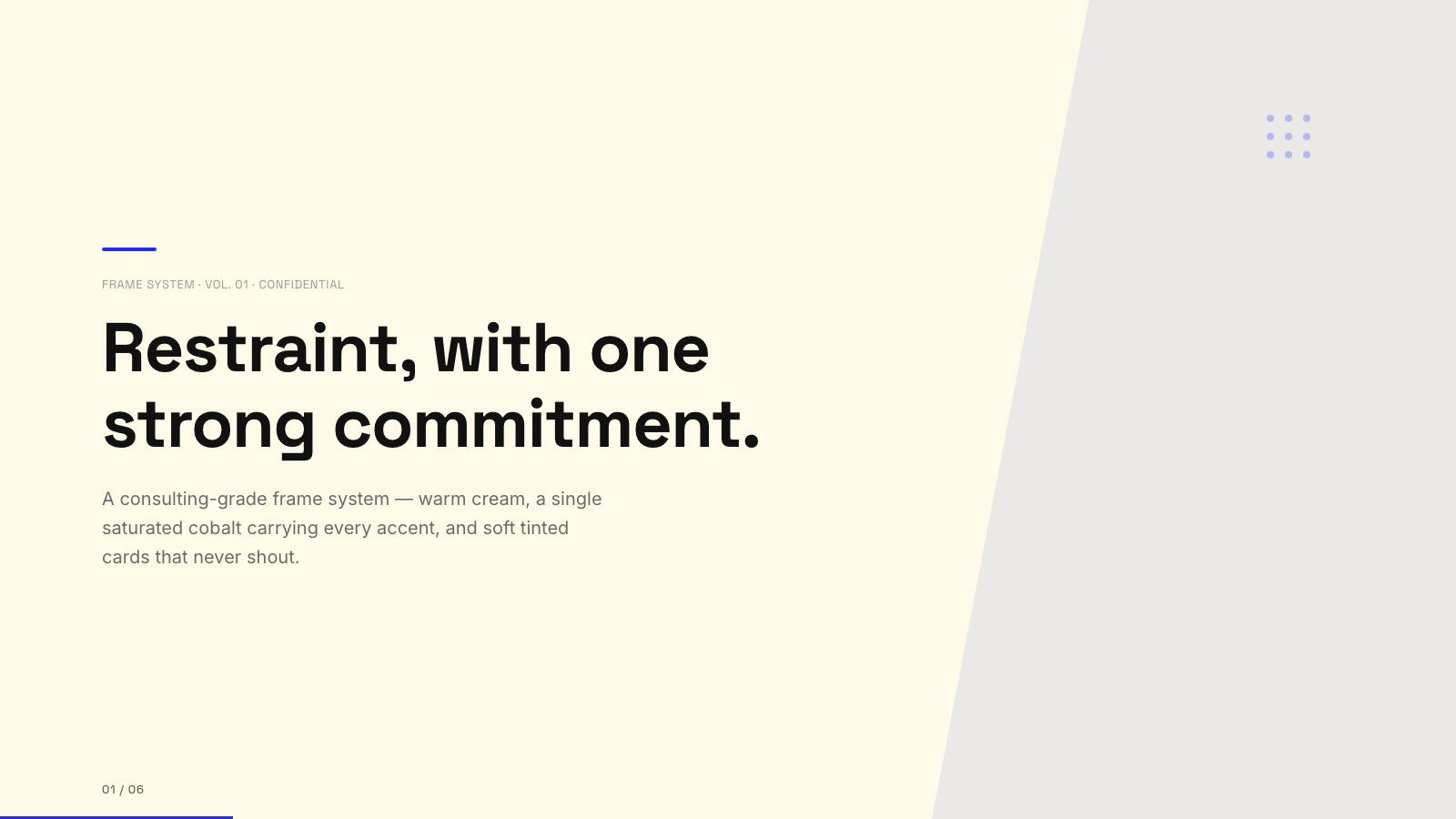
Blue Professional |

Bold Poster |
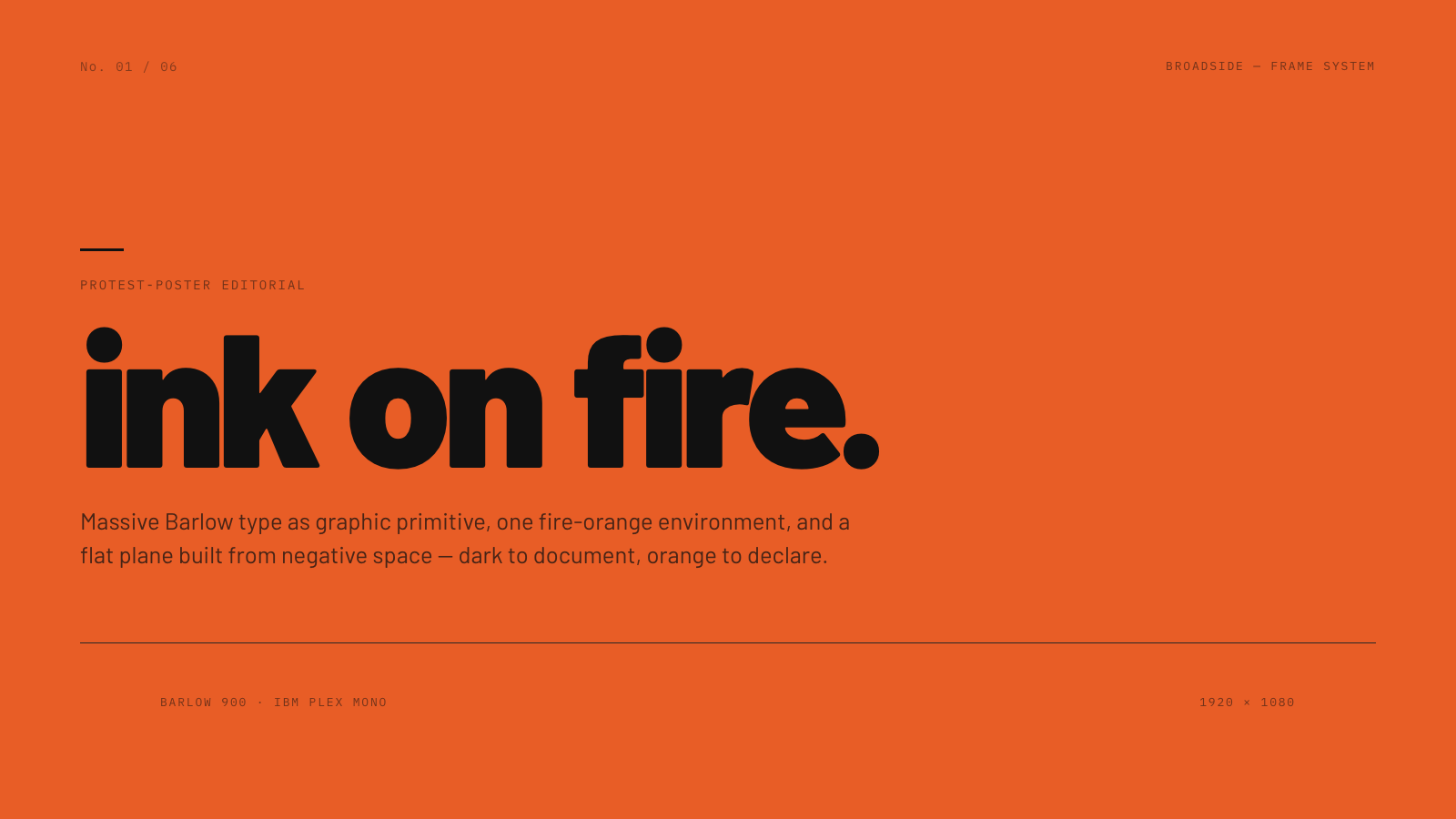
Broadside |
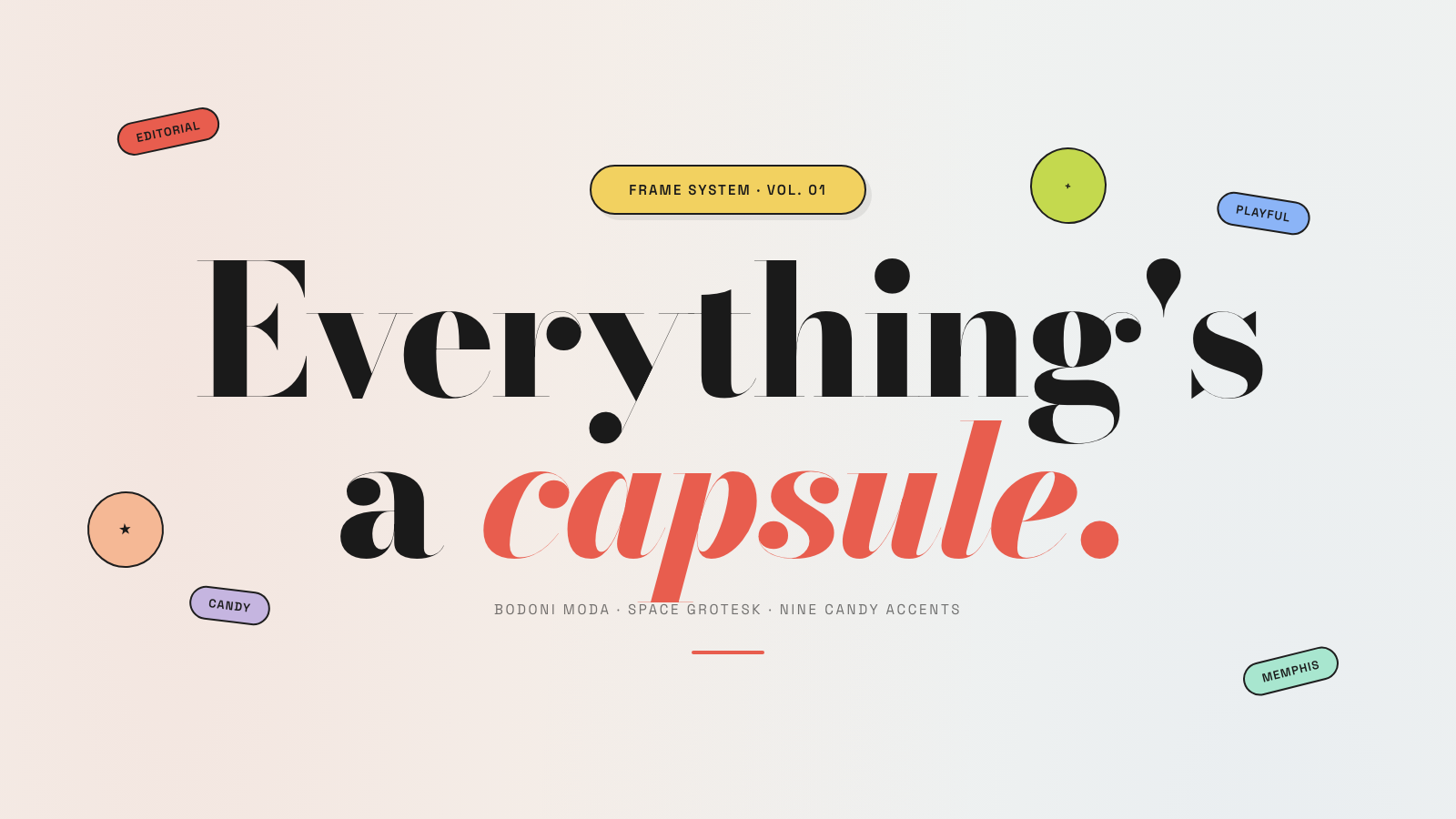
Capsule |
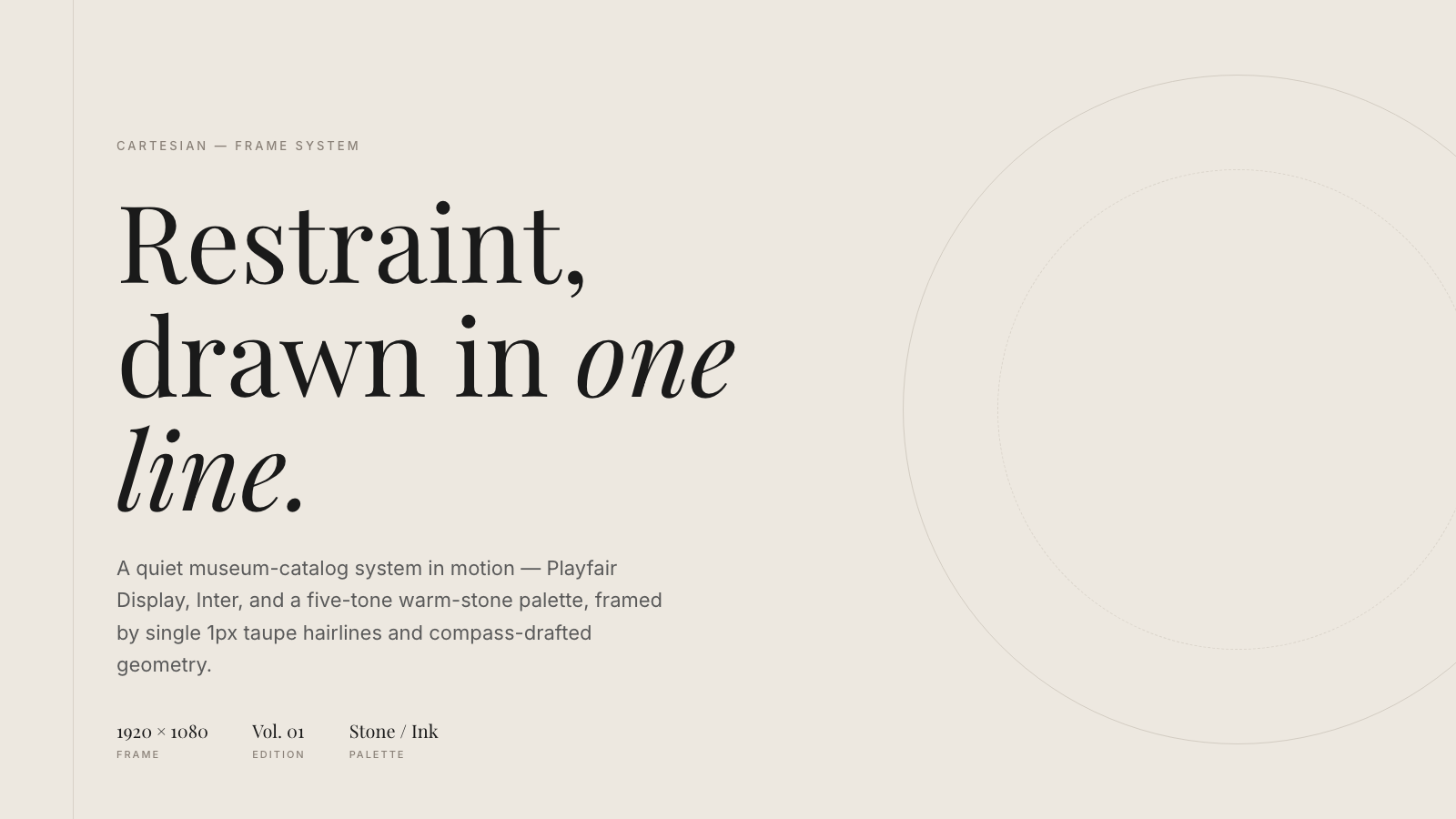
Cartesian |
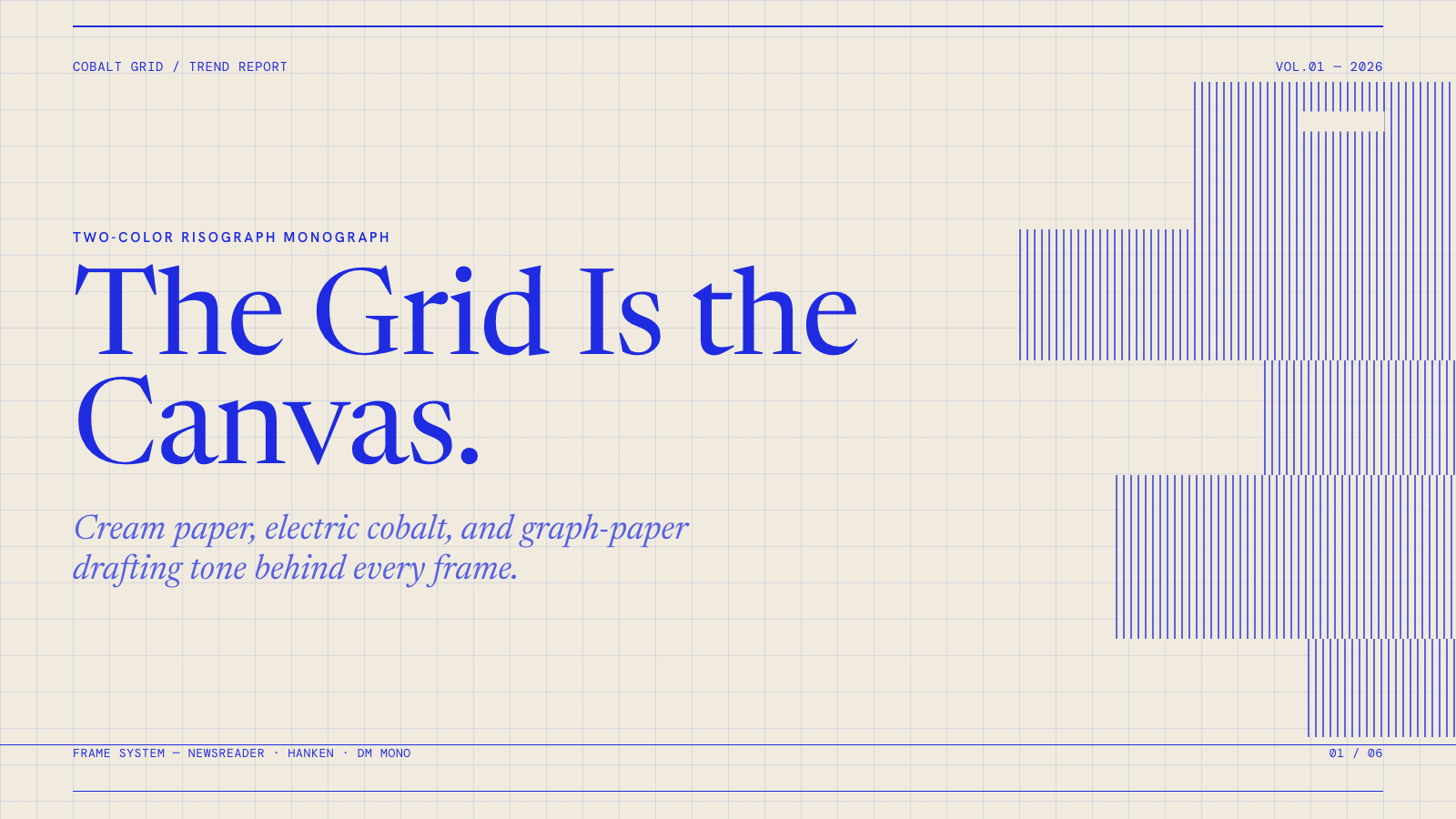
Cobalt Grid |

Coral |
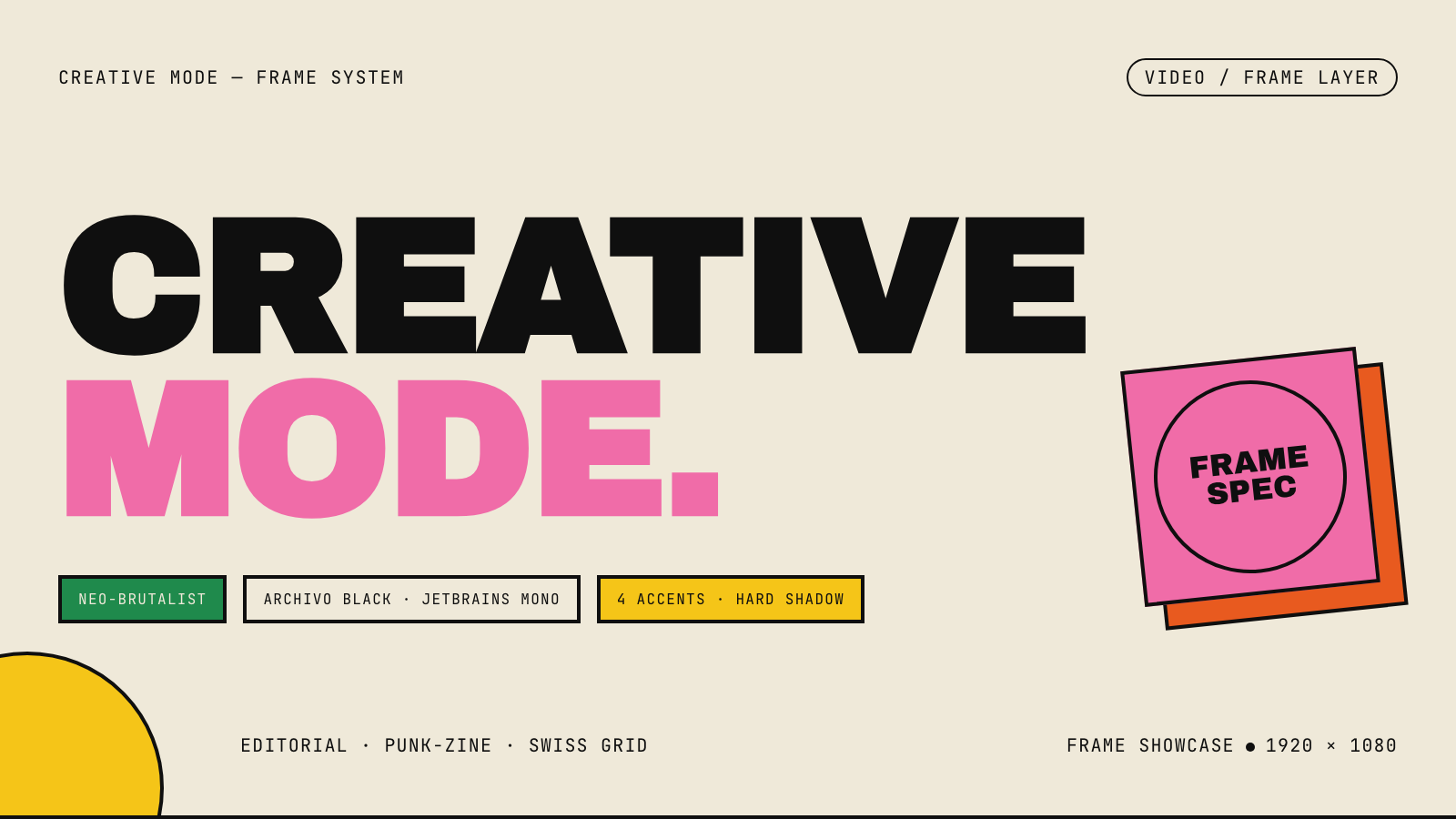
Creative Mode |
Browse and remix them all at hyperframes.dev/design.
Define a video as HTML. Add data attributes for timing and tracks. Use GSAP, CSS, Lottie, Three.js, Anime.js, WAAPI, or your own frame adapter for seekable animation.
<div id="stage" data-composition-id="launch" data-start="0" data-width="1920" data-height="1080">
  <video
    class="clip"
    data-start="0"
    data-duration="6"
    data-track-index="0"
    src="intro.mp4"
    muted
    playsinline
  ></video>

  <h1 id="title" class="clip" data-start="1" data-duration="4" data-track-index="1">Launch day</h1>

  <audio
    data-start="0"
    data-duration="6"
    data-track-index="2"
    data-volume="0.5"
    src="music.wav"
  ></audio>

  <script src="https://cdn.jsdelivr.net/npm/gsap@3/dist/gsap.min.js"></script>
  <script>
    const tl = gsap.timeline({ paused: true });
    tl.from("#title", { opacity: 0, y: 40, duration: 0.8 }, 1);
    window.__timelines = window.__timelines || {};
    window.__timelines.launch = tl;
  </script>
</div>
Preview instantly in the browser. Render locally or in Docker. The renderer seeks each frame in headless Chrome and encodes the result with FFmpeg, so the same input produces the same video.
HyperFrames is the open-source rendering engine, plus a growing set of tools around HTML-native video creation.
| Piece | Status | What it does |
|---|---|---|
| CLI | Available | Scaffold, preview, lint, inspect, and render local video projects |
| Core / Engine / Producer | Available | Parse compositions, drive headless Chrome, encode video, and mix audio |
| Catalog | Available | Reusable blocks and components for transitions, overlays, captions, charts, maps, and effects |
| Agent skills | Available | Teach coding agents the video-production patterns that generic web docs miss |
| Studio | Available, evolving | Browser surface for previewing and editing compositions |
| AWS Lambda rendering | Available | Deploy a distributed render stack and drive renders from your laptop or CI |
| hyperframes.dev | Available | Community playground for previewing, iterating, sharing, and rendering HTML-native video projects |
| frame.md | Available | Invert your design system for the camera — a DESIGN.md superset an agent can compose video from |
Install ready-to-use blocks and components:
npx hyperframes add flash-through-white   # shader transition
npx hyperframes add instagram-follow      # social overlay
npx hyperframes add data-chart            # animated chart
Browse the catalog at hyperframes.heygen.com/catalog.
- HTML-native: compositions are HTML files with data attributes. No React requirement, no proprietary timeline format.
- Agent-friendly: agents already write HTML, and the CLI is non-interactive by default.
- Deterministic: same input, same frames, same output. Built for CI, regression tests, and automated rendering.
- No build step: an
index.htmlcomposition plays as-is and can be previewed directly in the browser. - Adapter-based animation: bring GSAP, CSS animations, Lottie, Three.js, Anime.js, WAAPI, or a custom runtime.
- Open source: Apache 2.0 license, with no per-render fees or commercial-use thresholds.
HyperFrames is inspired by Remotion. Both tools render video with headless Chrome and FFmpeg. The main difference is the authoring model: Remotion's bet is React components; HyperFrames' bet is plain HTML that humans and agents can both write easily.
| HyperFrames | Remotion | |
|---|---|---|
| Authoring | HTML + CSS + seekable animation | React components |
| Build step | None; index.html plays as-is |
Bundler required |
| Agent handoff | Plain HTML files | JSX / React project |
| Library-clock animations | Seekable, frame-accurate via adapters | Wall-clock animation patterns need care |
| Distributed rendering | Local and AWS Lambda render paths | Remotion Lambda, mature cloud renderer |
| License | Apache 2.0 | Source-available Remotion License |
Read the full comparison in the HyperFrames vs Remotion guide.
Full documentation: hyperframes.heygen.com/introduction
HyperFrames is used in production at HeyGen, with community examples from teams like tldraw, TanStack, and others in ADOPTERS.md. Open a PR if your team is using HyperFrames.
- Questions and ideas: Discord
- Bugs and feature requests: GitHub Issues
- User research: Book a casual 30-minute conversation with the HyperFrames team — no preparation or sales pitch
- Security reports: SECURITY.md
- Contributions: CONTRIBUTING.md
The repo uses Git LFS for golden regression-test baselines under packages/producer/tests/**/output.mp4 (about 240 MB of .mp4 files). If you're cloning the full repo for development, install Git LFS first:
# macOS
brew install git-lfs

# Ubuntu / Debian
sudo apt install git-lfs

# Windows
winget install GitHub.GitLFS

# Then, once per machine
git lfs install
If you only need source files, you can skip LFS content:
GIT_LFS_SKIP_SMUDGE=1 git clone https://github.com/heygen-com/hyperframes.git