

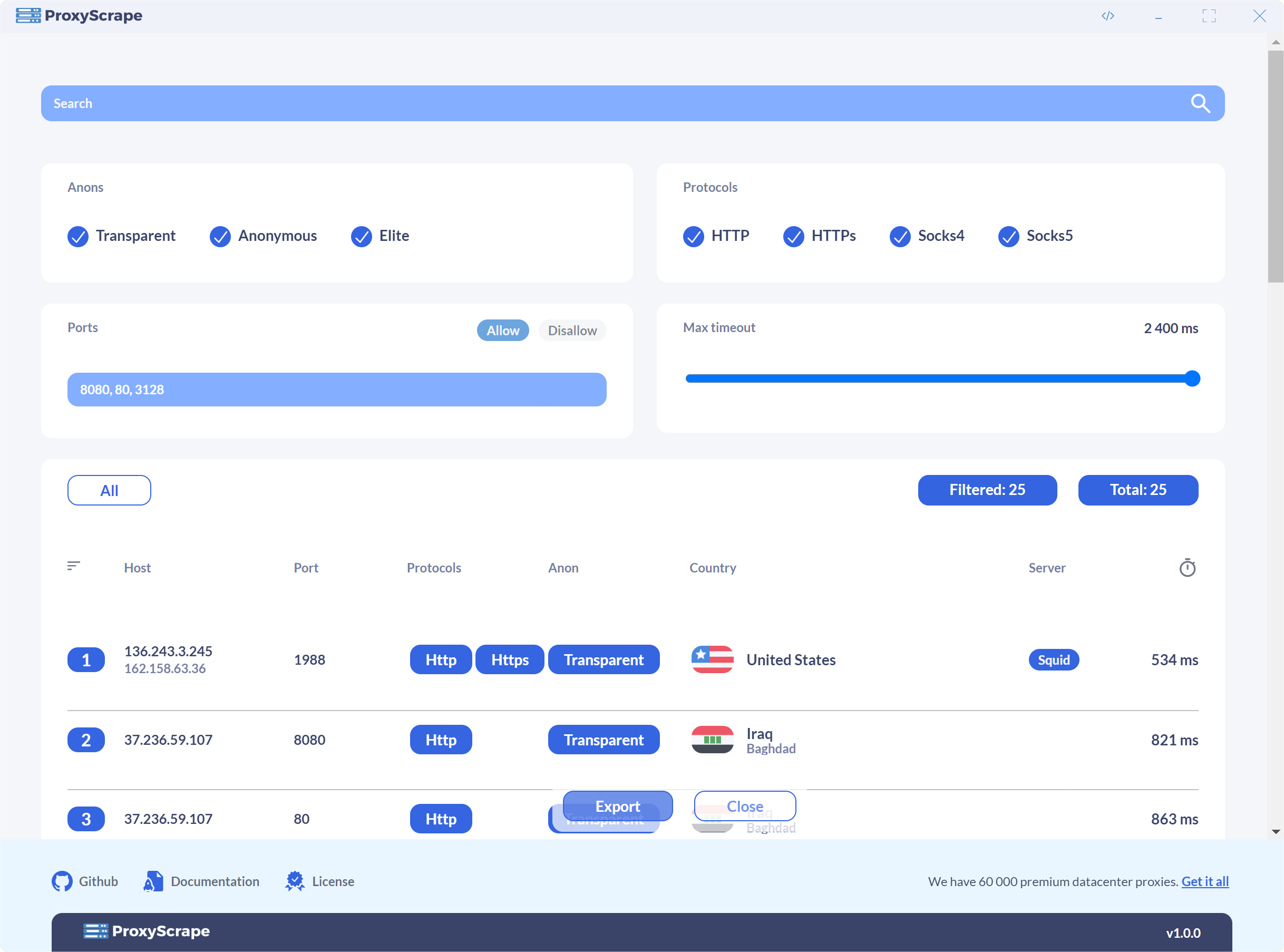
A cross-platform proxy checker built on React + Go. The Go binary runs as a desktop sidecar (spawned by Electron) or as a standalone headless web server. Both modes expose the same HTTP API.
Links: Proxy Checker · Premium · Free Proxy List
Prerequisites: Go and Node.js must be on your PATH.
npm install
cp .env.example .env # fill in Intercom/PostHog keysnpm run dev
# or
bash scripts/dev.sh # also checks that Go is on PATHElectron starts and automatically runs the Go backend via go run — no pre-build step. window.__ELECTRON__ is set in the renderer, so the login screen is skipped and the ephemeral auth token is injected automatically.
React change → Vite HMR applies it instantly, no restart needed.
Go change → Ctrl+C and npm run dev again. go run recompiles on the next launch.
Install Air once:
go install github.com/air-verse/air@latestFirst time only — create a user for the server:
cd backend && go run ./cmd/checker user createThen start everything in one command:
npm run dev:web:allThis runs Air (Go hot-reload) and Vite concurrently with colored output. Open http://localhost:5173 — the login screen appears because window.__ELECTRON__ is not set. /api requests are proxied to the Go backend on port 8080.
Or run them separately if you prefer:
# Terminal 1 — Go with hot-reload
cd backend && air

# Terminal 2 — Vite dev server
npm run dev:web
Go change → Air detects it, rebuilds, and restarts the backend automatically. React change → Vite HMR applies it instantly.
# Build Go backends for all platforms first
npm run build:backend

# Package the Electron app
npm run dist
The Go binary is bundled into the Electron app as an extra resource. On macOS it must be listed in mac.binaries in the electron-builder config for code signing and notarization.
Build a self-contained binary with the React SPA embedded:
npm run build:webserverRun it:
# Create the first user before starting
./bin/checker-webserver-linux-x64 user create

# Start the server (default bind: 127.0.0.1)
./bin/checker-webserver-linux-x64 serve --mode=server --port=8080 --bind=0.0.0.0
Or with Docker:
docker build -t proxyscrape/checker .

# Create the first user
docker run --rm -v checker-data:/data proxyscrape/checker user create

# Start the server
docker run -p 8080:8080 -v checker-data:/data proxyscrape/checker serve --mode=server --port=8080 --bind=0.0.0.0
The server refuses to start in server mode if no users exist.
Guest mode is the anonymous, public-facing variant used by the online proxy checker at proxyscrape.com/online-proxy-checker. No login is required — sessions are managed via HttpOnly cookies. Settings, judges, and blacklists are read-only; all check history is scoped to the requesting session.
./bin/checker-webserver-linux-x64 serve --mode=guest --port=8080 --bind=0.0.0.0Or with Docker:
docker run -p 8080:8080 -v checker-data:/data proxyscrape/checker serve --mode=guest --port=8080 --bind=0.0.0.0| Flag | Default | Description |
|---|---|---|
--guest-max-proxies-in-flight |
5000 |
Per-session cap on the number of proxies a single guest session may have actively checking at once. Each browser session is tracked independently — one user cannot affect another's quota. When a session hits the limit, new check requests receive 429 Too Many Requests until its running checks finish. Set to 0 to disable the limit. |
These commands are for server mode only. Run them on the host (or inside the container) before or after starting the server.
checker user create   # create a new user
checker user list     # list all users
checker user delete   # remove a user
checker user passwd   # change a user's password
Passwords must be at least 12 characters with at least one uppercase letter, lowercase letter, digit, and special character.
Create a .env file from .env.example for dev mode. These values are injected at build time via Vite and are not used at runtime.
| Variable | Description |
|---|---|
INTERCOM_APP_ID |
Intercom app ID |
POSTHOG_KEY |
PostHog project API key |
POSTHOG_API_HOST |
PostHog ingest host (e.g. https://eu.i.posthog.com) |
POSTHOG_UI_HOST |
PostHog UI host (e.g. https://eu.posthog.com) |
npm run build (Electron) fails if any of these are missing. npm run dev and npm run dev:web allow them to be empty — analytics and Intercom are simply inactive.
There is no CHANGELOG.md. Release notes are AI-generated automatically by CI from
git commit messages between tags, and stored in releases.json on R2:
GET https://updates.proxyscrape.com/releases.json
The in-app changelog (Info slideout) and the auto-updater both read from this file. The GitHub Release body is also populated from it — do not write notes in the GitHub Release editor.
Versions follow 2.X.Y where X is shared between a canary cycle and the stable it produces, and Y increments freely in canary but is always 0 in stable.
2.1.1-canary → 2.1.2-canary → 2.1.3-canary   (Y increments in canary)
        ↓
     2.1.0                                      (stable: same X, Y resets to 0)
        ↓
2.2.1-canary → 2.2.2-canary → ...              (new canary cycle: X bumps)
        ↓
     2.2.0                                      (next stable)
# 1. Bump the patch version in package.json
npm version 2.X.Y-canary --no-git-tag-version

# 2. Commit, tag, push
git add package.json package-lock.json
git commit -m "chore: bump version to 2.X.Y-canary"
git tag v2.X.Y-canary
git push origin canary && git push origin v2.X.Y-canaryStable uses the same X as the canary cycle — only Y resets to 0:
# 1. Merge canary into master
git checkout master && git merge canary --no-edit

# 2. Set version to 2.X.0 (same X as canary, Y reset to 0)
npm version 2.X.0 --no-git-tag-version

# 3. Commit, tag, push master
git add package.json package-lock.json
git commit -m "chore: promote v2.X.0 to stable"
git push origin master && git tag v2.X.0 && git push origin v2.X.0

# 4. Merge master back into canary to keep branches in sync
git checkout canary && git merge master --no-edit && git push origin canary

# 5. Start next canary cycle — now X bumps by 1
npm version 2.(X+1).1-canary --no-git-tag-version
git add package.json package-lock.json
git commit -m "chore: start 2.(X+1).x-canary cycle"
git push origin canary
CI picks up the tag, builds all platforms, uploads binaries to R2, calls the AI to
generate notes from commits since the last same-channel tag, and uploads the updated
releases.json. No manual changelog editing required.
If you want to write notes yourself for a specific version, download releases.json
from R2, prepend your entry manually, and re-upload it before pushing the tag.
CI detects the existing entry and skips the AI call, preserving your notes.
For system design, authentication model, API reference, and Go package responsibilities, see ARCHITECTURE.md.
For the hosted web deployment at checker.proxyscrape.com — server setup, Nginx config, systemd service, SSL, firewall, and the deploy process — see DEPLOYMENT.md.