

GitFinder. Finally.
A fast and lightweight Git client for Mac with Finder integration
Trial available for 30 days / macOS 10.11.5+30 days no question full refund policy
See git status of files directly in Finder with descriptive icon badges.
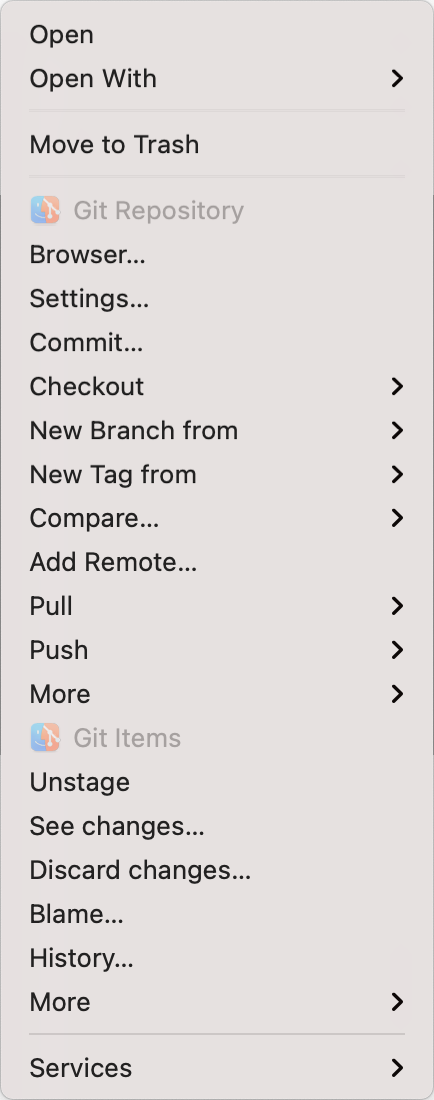
Perform all git operations from customizable contextual and toolbar menus.
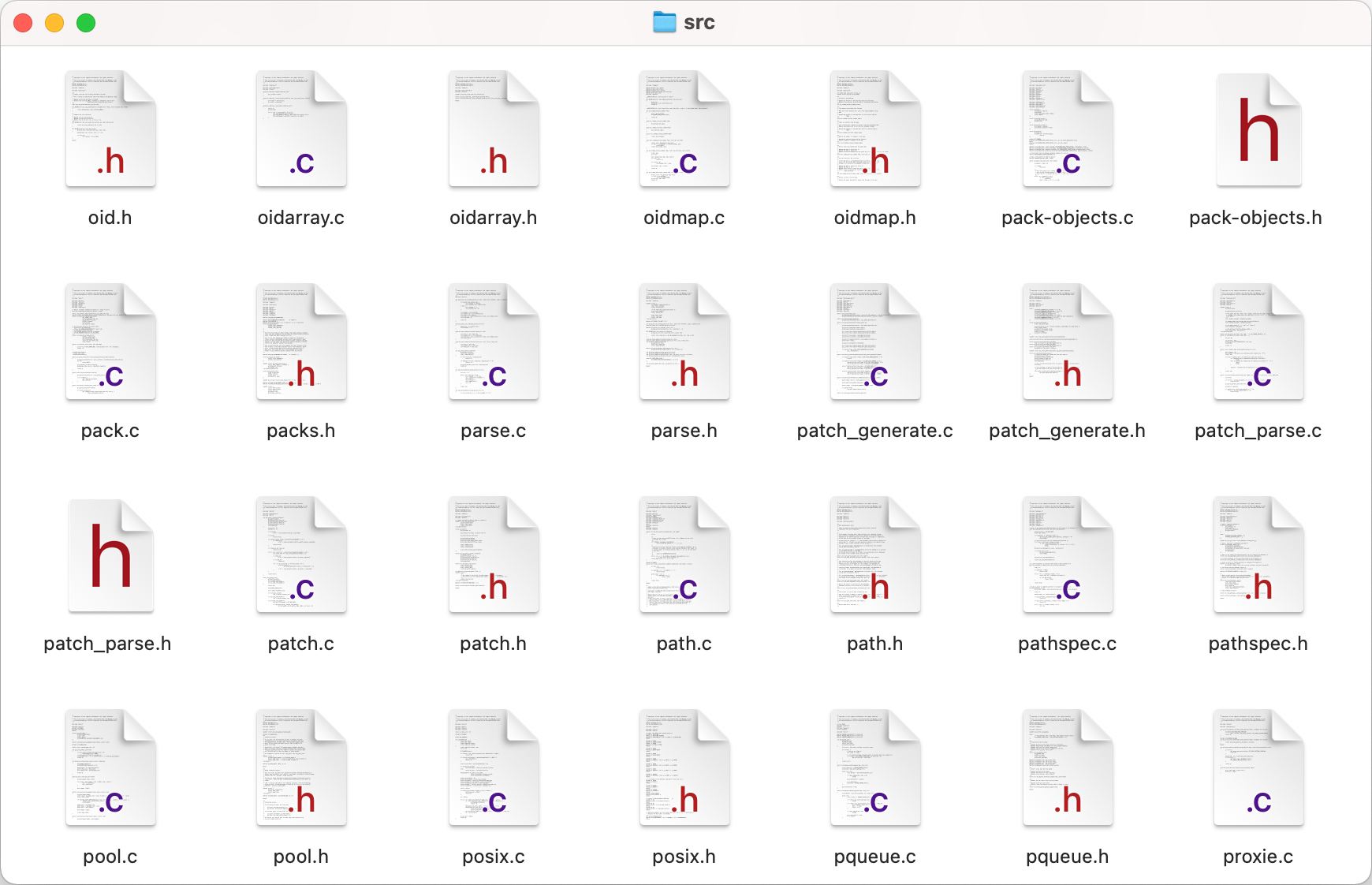
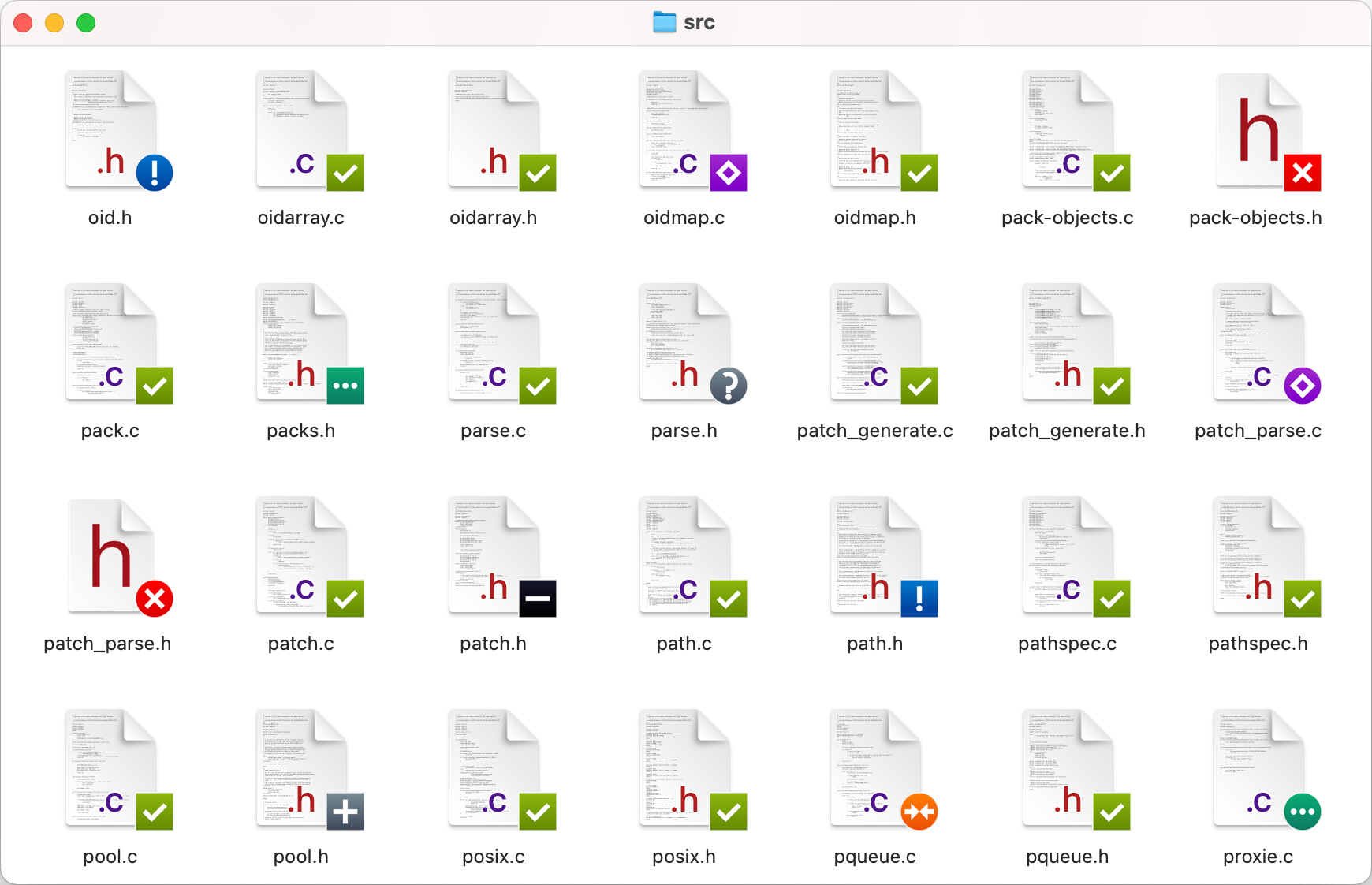
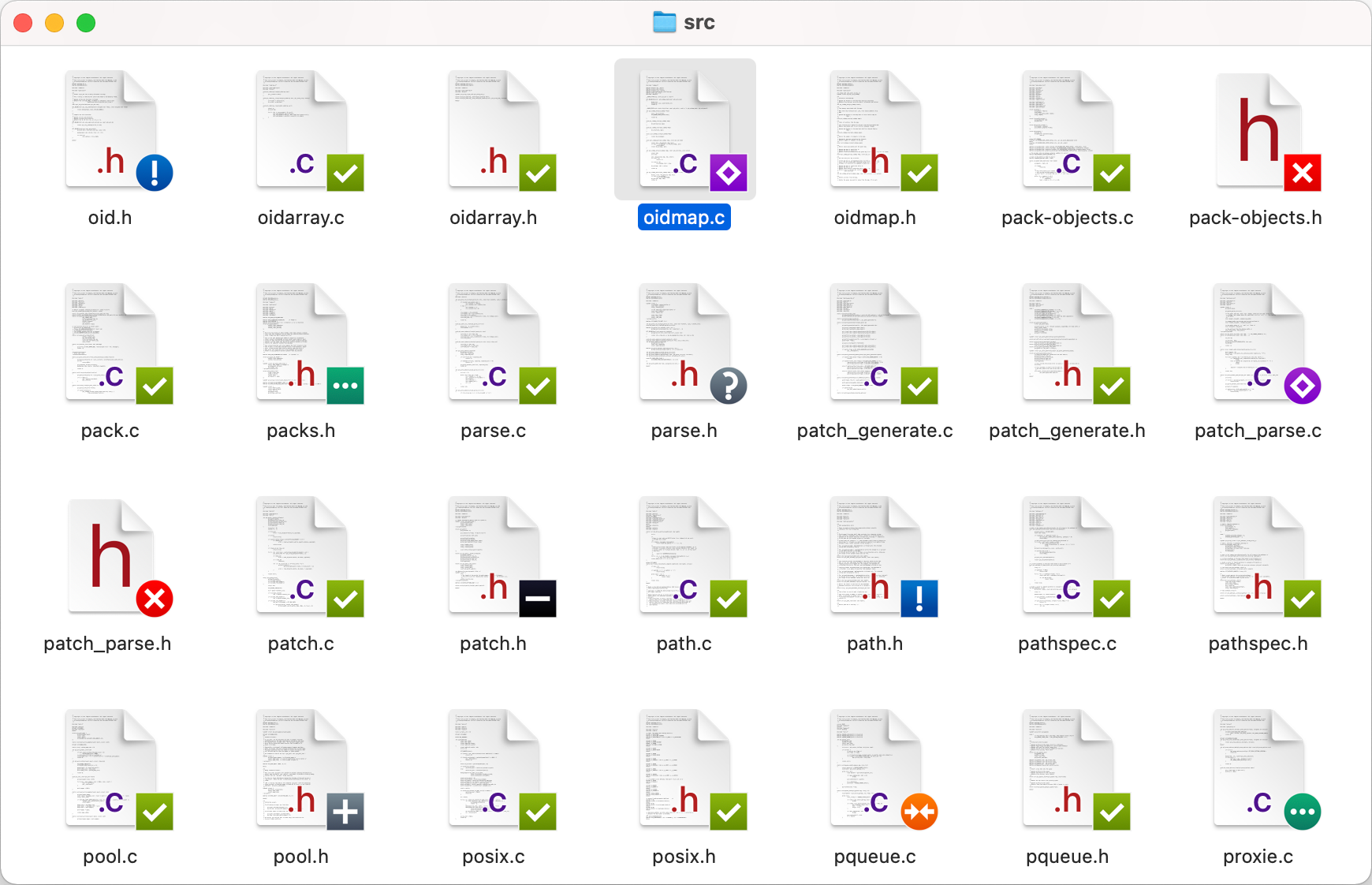
See git status of files directly in Finder with descriptive icon badges.

Perform all git operations from customizable contextual and toolbar menus.

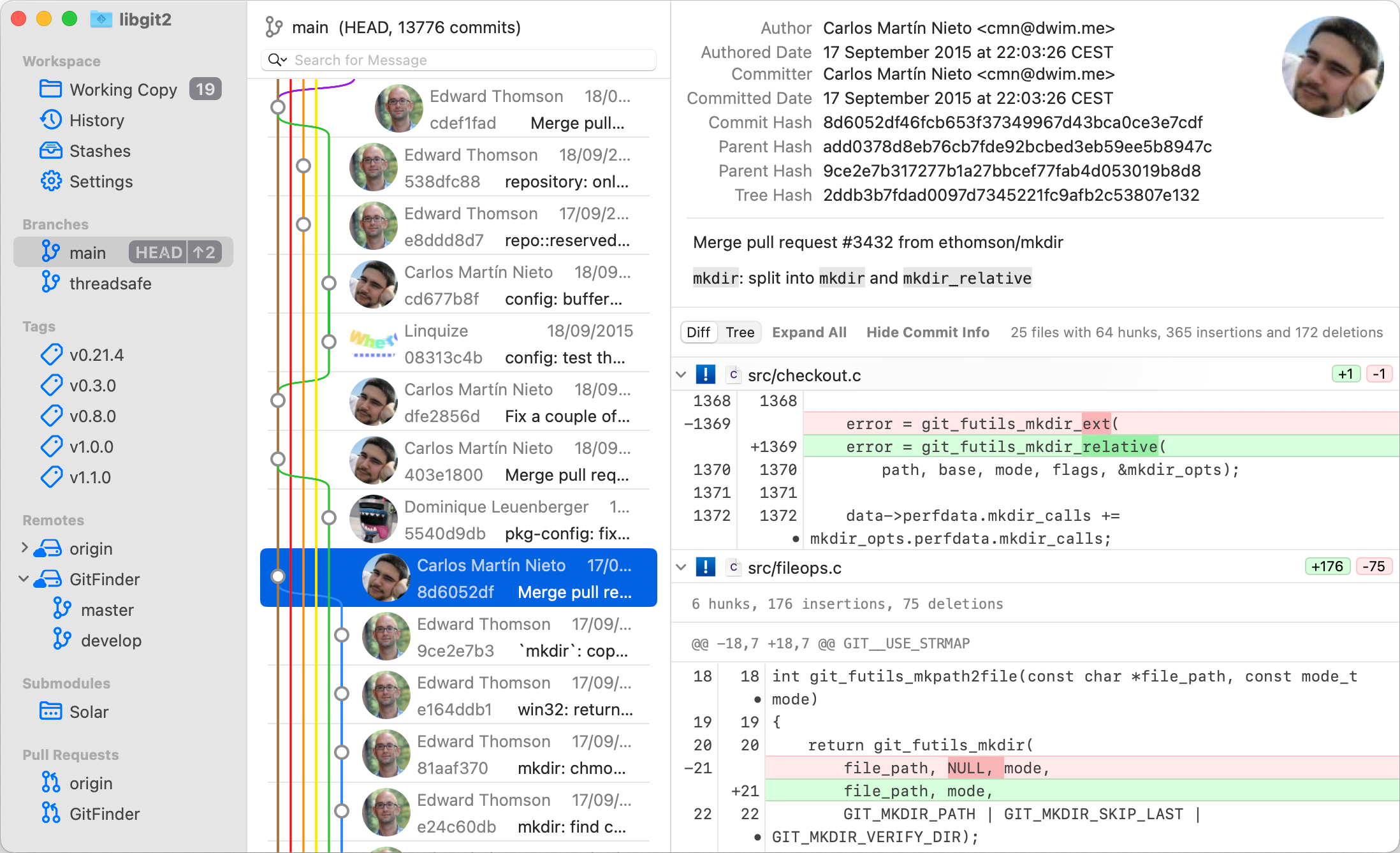

Rich repository browser
View local and remote branches, tags and submodules, execute various git operations, change settings and much more.
All from a feature-rich repository browser window.

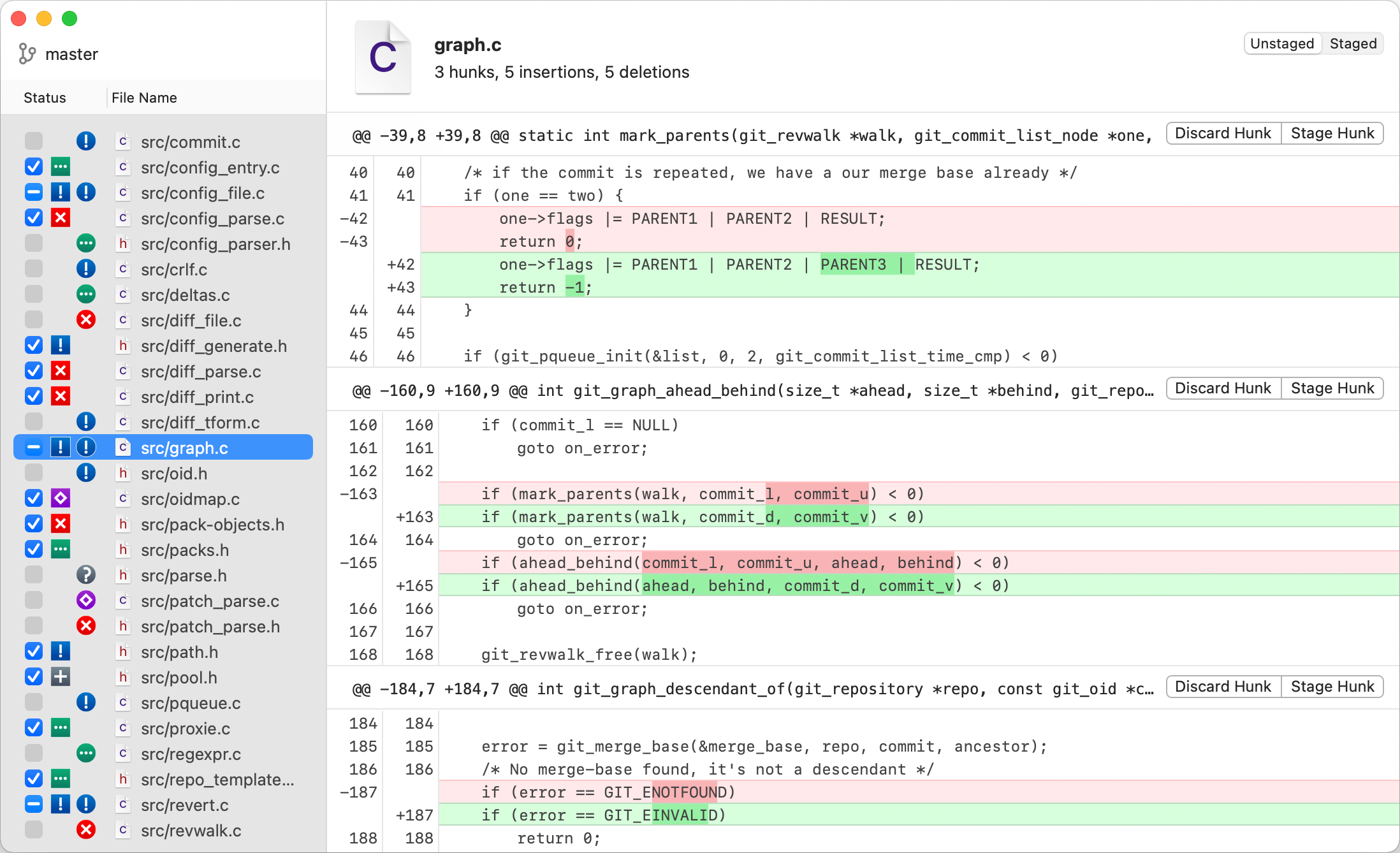
Quick diffs
Show diffs of files selected in Finder in a separate diff window.
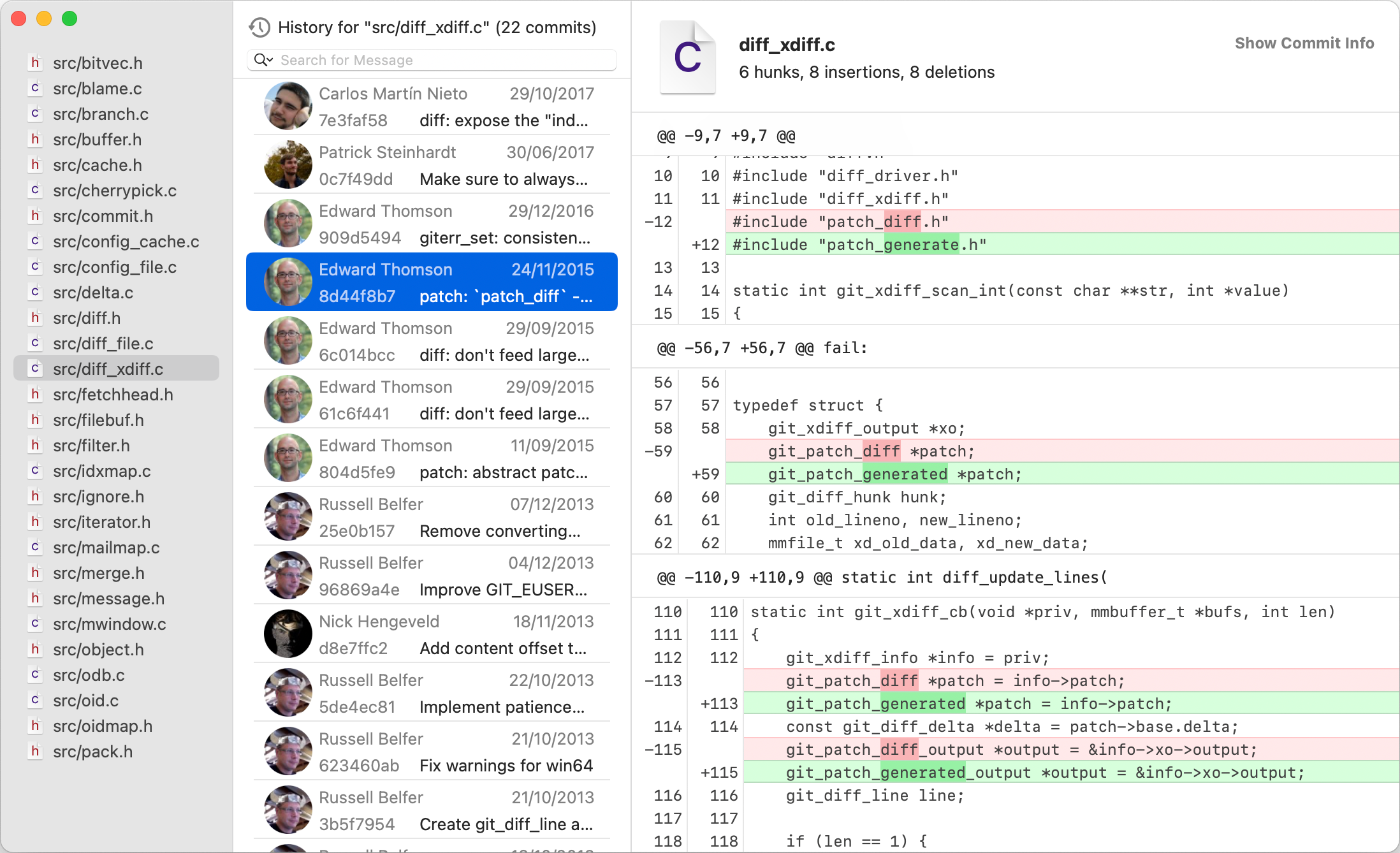

File history
See the complete history of commits for each file.

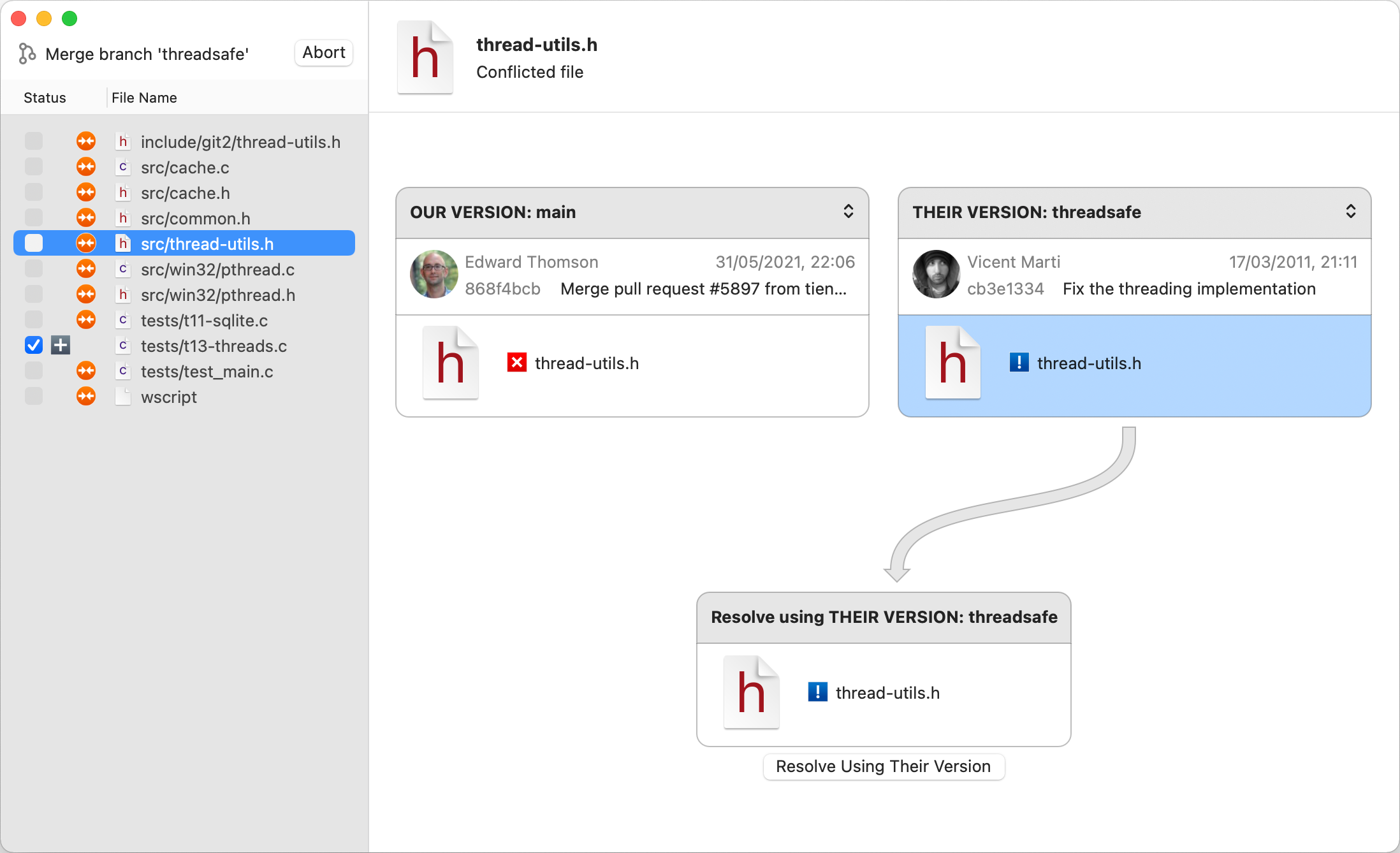
Merge conflicts
Easily choose one version of a conflicted file or merge both versions using a merge tool of your choice.
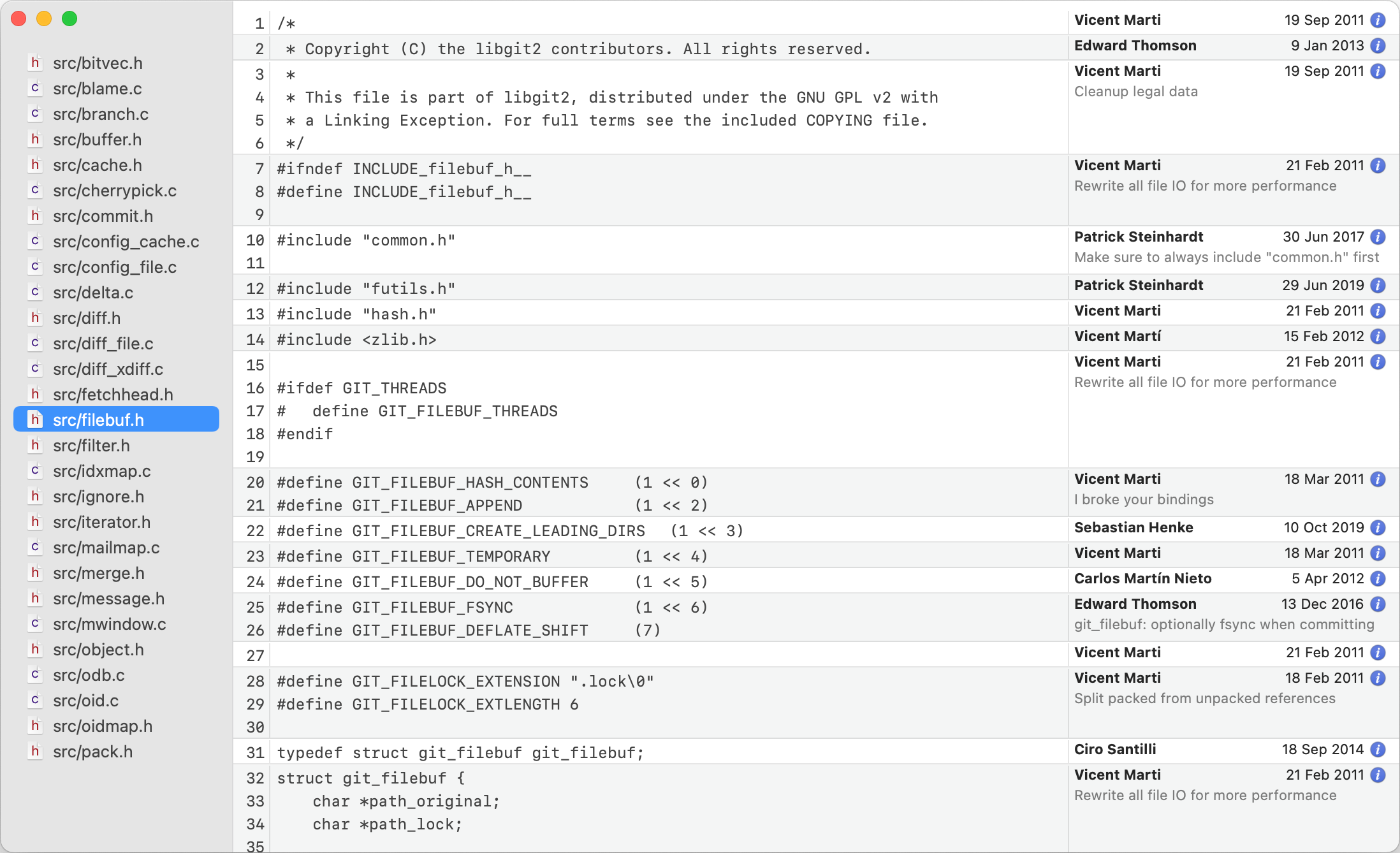

Simple blames
Show blames of files selected in Finder in a separate blame window.

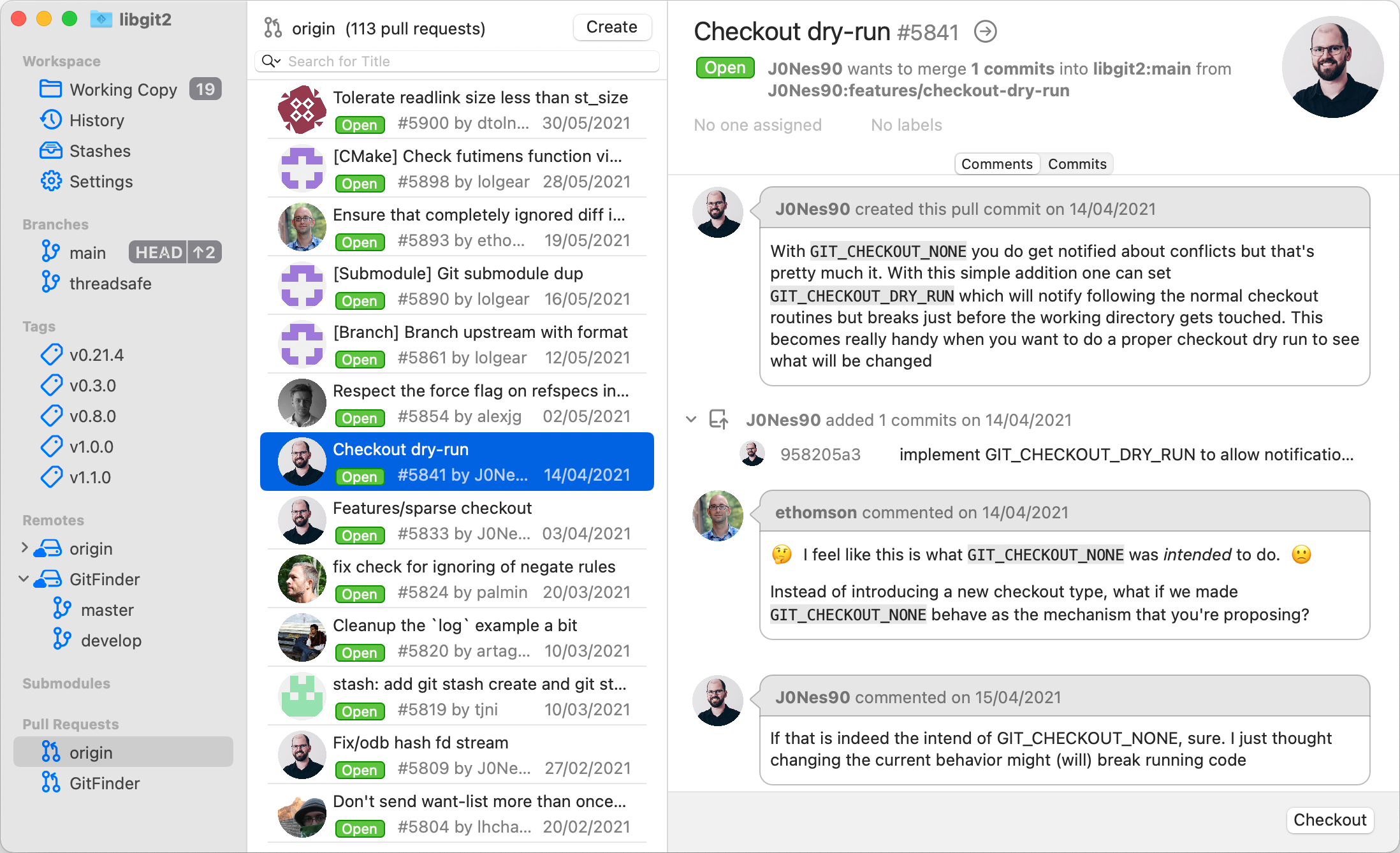
Pull requests
Work with pull requests on hosted remote repositories directly from GitFinder, without resorting to web browser.
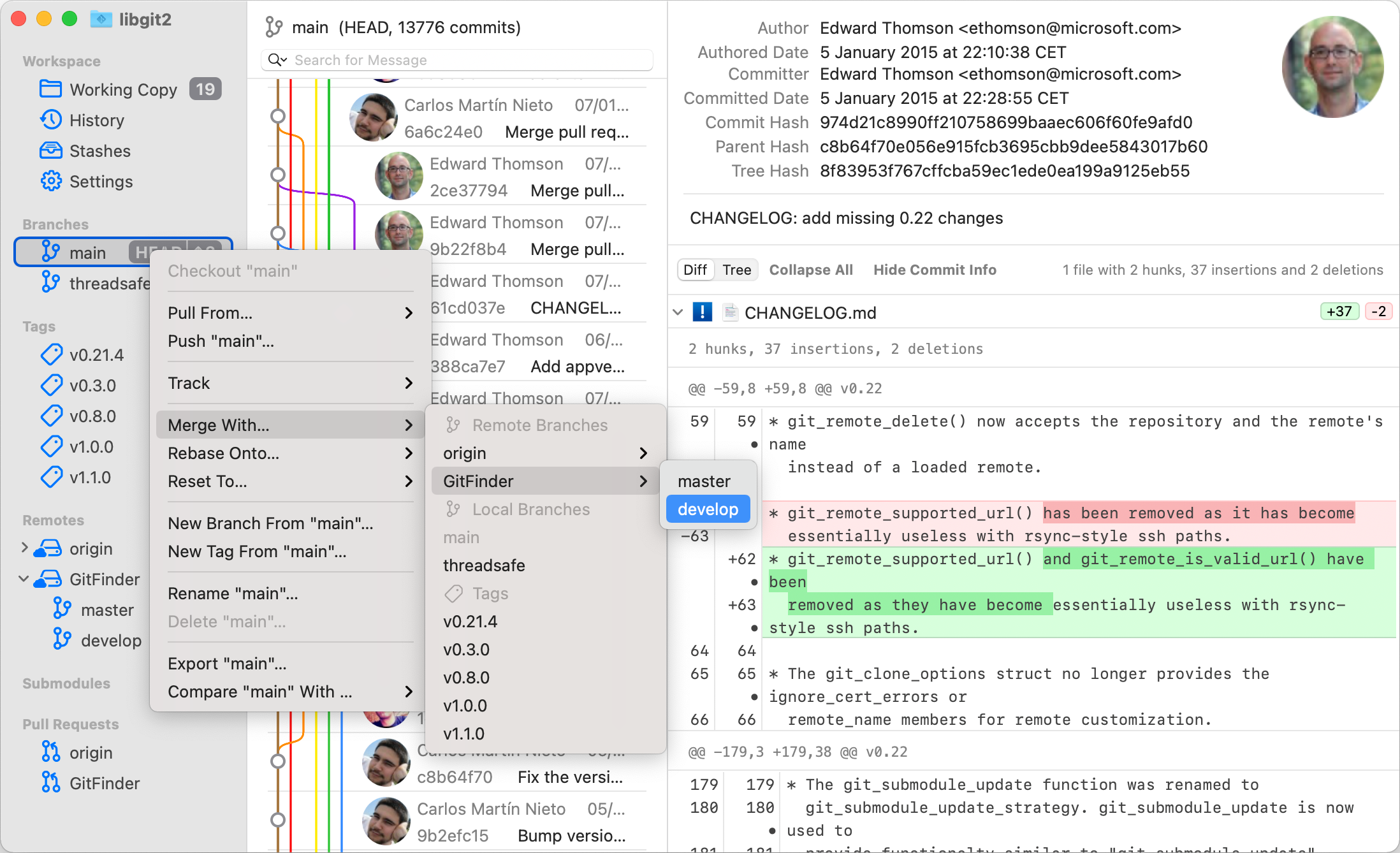

Click anywhere and everywhere
Execute every single available operation clicking on numerous buttons and contextual menus.

Master the keyboard
Execute every single available operation with key shortcuts, fully customizable to your liking and preferences.
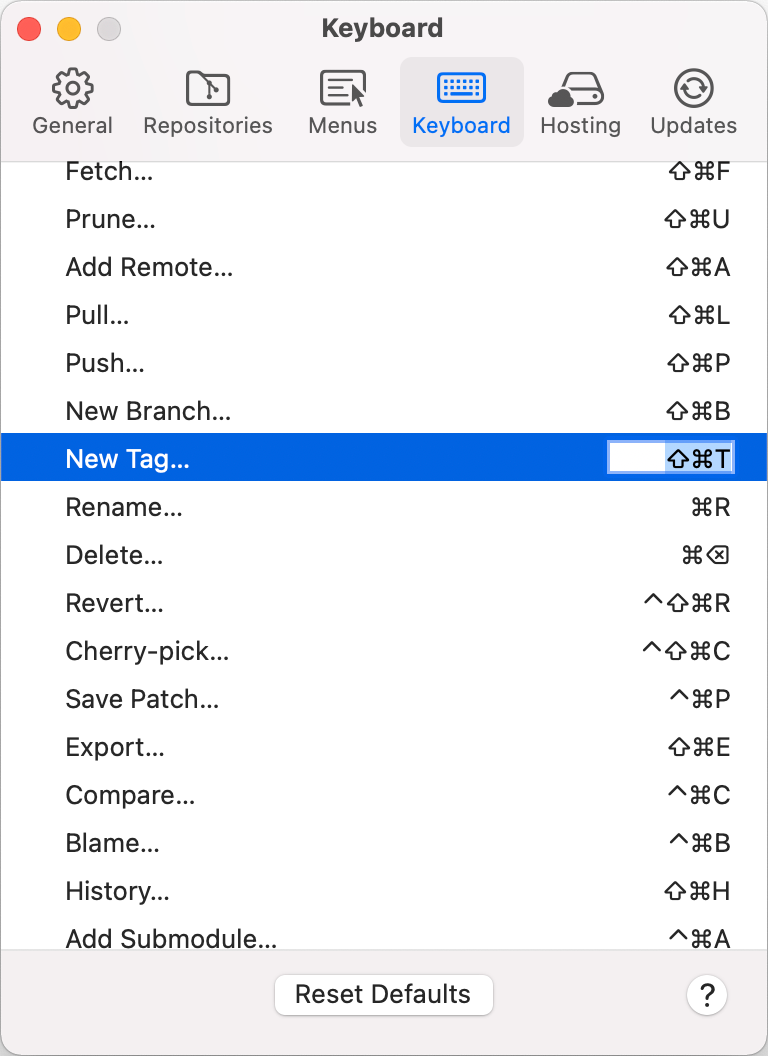
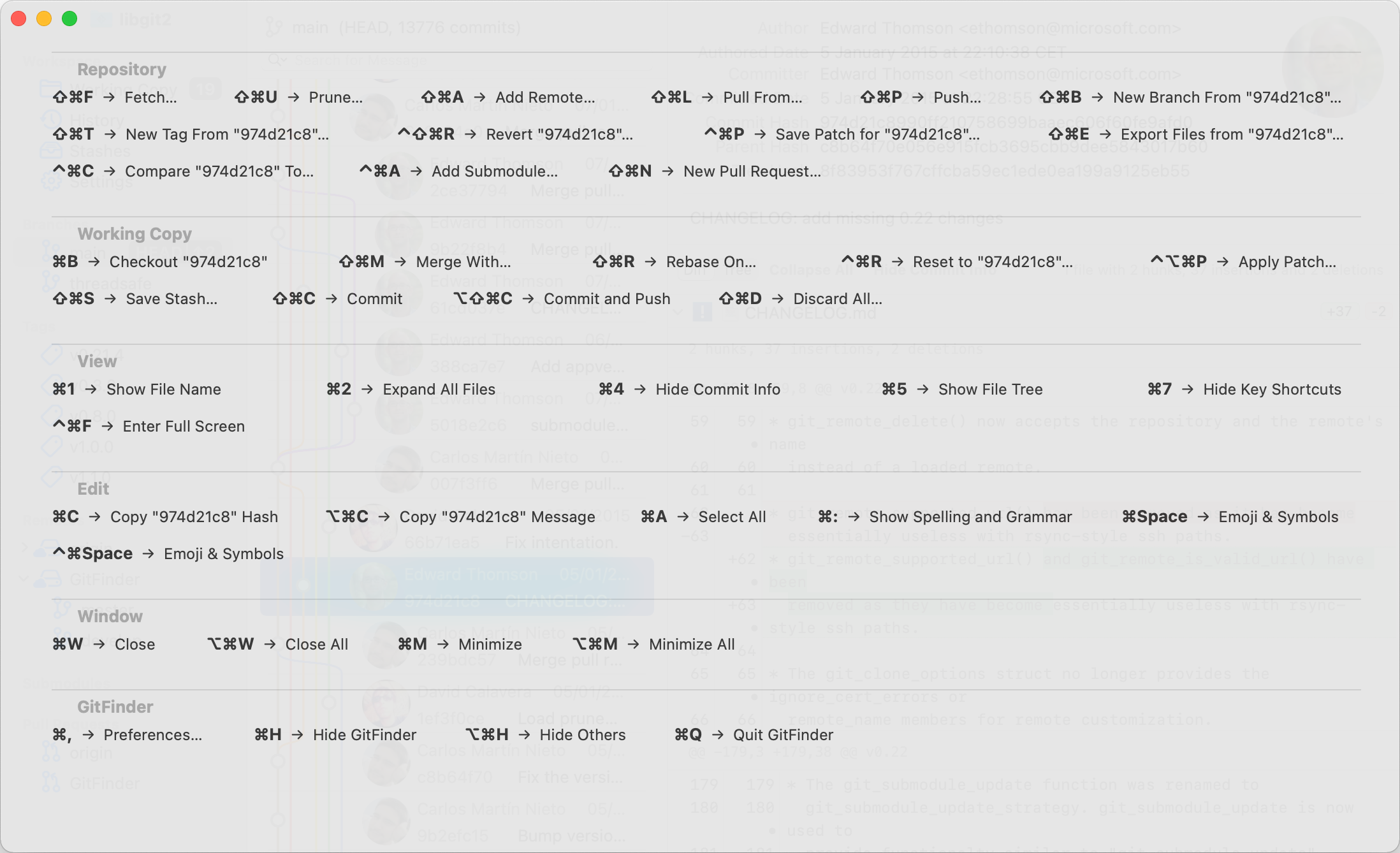

Keys at the glance
And while mastering the keyboard, easily available cheat sheet is always there to help with context available shortcuts.
And more
GitFinder is a fully featured Git client.
create and clone repos
stage, unstage
see diffs, commit, amend
checkout, cherry-pick, revert
merge, rebase
manage local + remote branches and tags
create and delete remote repos
stashes and submodules
30 days no question full refund policy