
 All help articles
Database Access
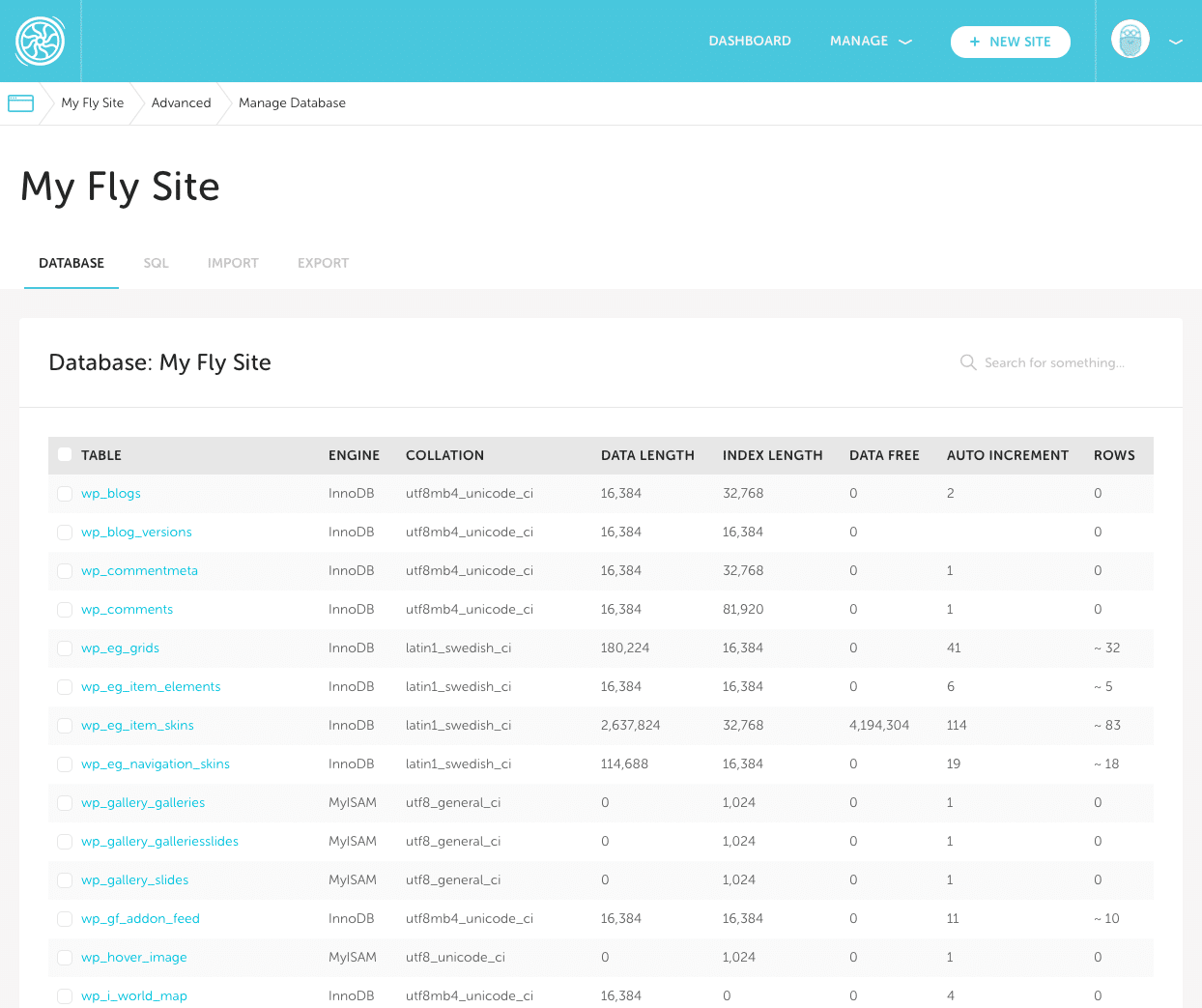
Flywheel provides database access via the Flywheel Database Manager, located on the Advanced tab for a site. With the Flywheel Database Manager, you can…
- Easily browse through the tables in your database, and update and delete information with ease
- Run ad-hoc queries, or import entire files, giving you easy access to migrate your sites or reload a database, without having to rely on Flywheel support to do it for you
- Export data directly from your database to sync up your local environment or simply put your mind at ease
Note
Advanced users can access their database via Flywheel’s SSH Gateway. For more information, check out this help article: SSH tunneling to access your site’s databaseHow it Works
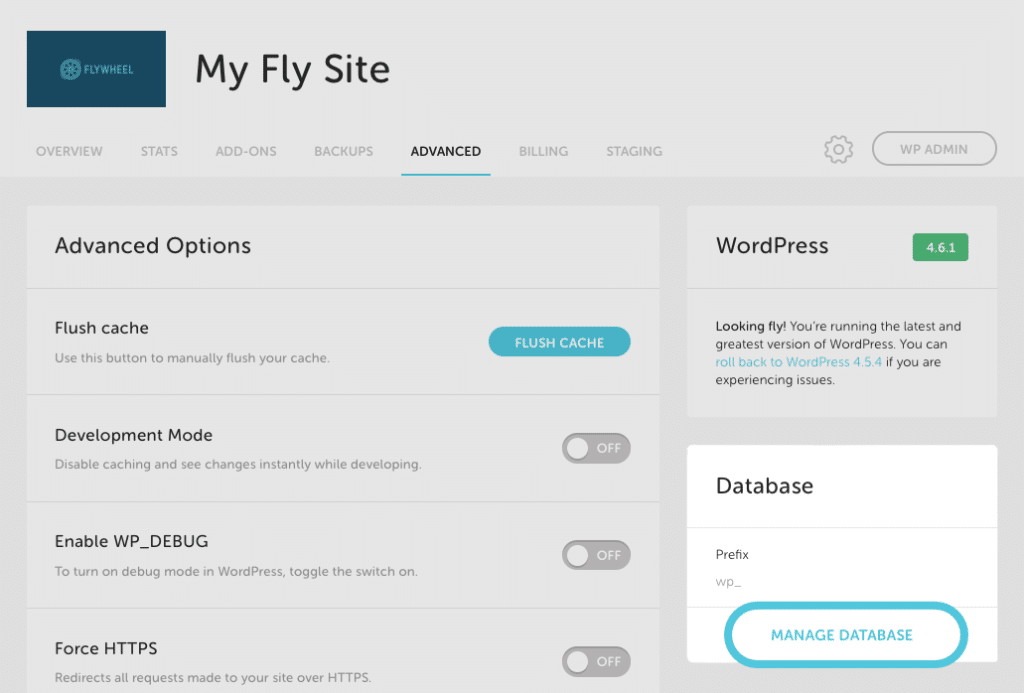
You can access the Flywheel Database Manager on the Advanced tab under any site on Flywheel and click on Manage Database.
From there you have complete access to run queries, change data, and import/export SQL files:
Need help?
If you have any questions our Happiness Engineers are here to help!
Getting Started
New to Flywheel? Start here, we've got all the information you'll need to get started and launch your first site!
View all
Account Management
Learn all about managing your Flywheel user account, Teams and integrations.
View all
Features
Flywheel hosting plans include a ton of great features. Learn about how to get a free SSL certificate, set up a staging site, and more!
View all
Platform Info
All the server and setting info you'll need to help you get the most out of your Flywheel hosting plan!
View all
Site Management
Tips and tricks for managing your sites on Flywheel, including going live, troubleshooting issues and migrating or cloning sites.
View all
Growth Suite
Learn more about Growth Suite, our all-in-one solution for freelancers and agencies to grow more quickly and predictably.
Getting started with Growth Suite
Growth Suite: What are invoice statuses?
Growth Suite: What do client emails look like?
Managed Plugin Updates
Learn more about Managed Plugin Updates, and how you can keep your sites up to date, and extra safe.
-
Restoring Plugin and Theme Management on Flywheel
-
Managed Plugin Updates: Database upgrades
-
Managed Plugin Updates: Pause plugin updates
Local
View the Local help docs

Looking for a logo?
We can help! Check out our Brand Resources page for links to all of our brand assets.
Brand Resources