Skip to main content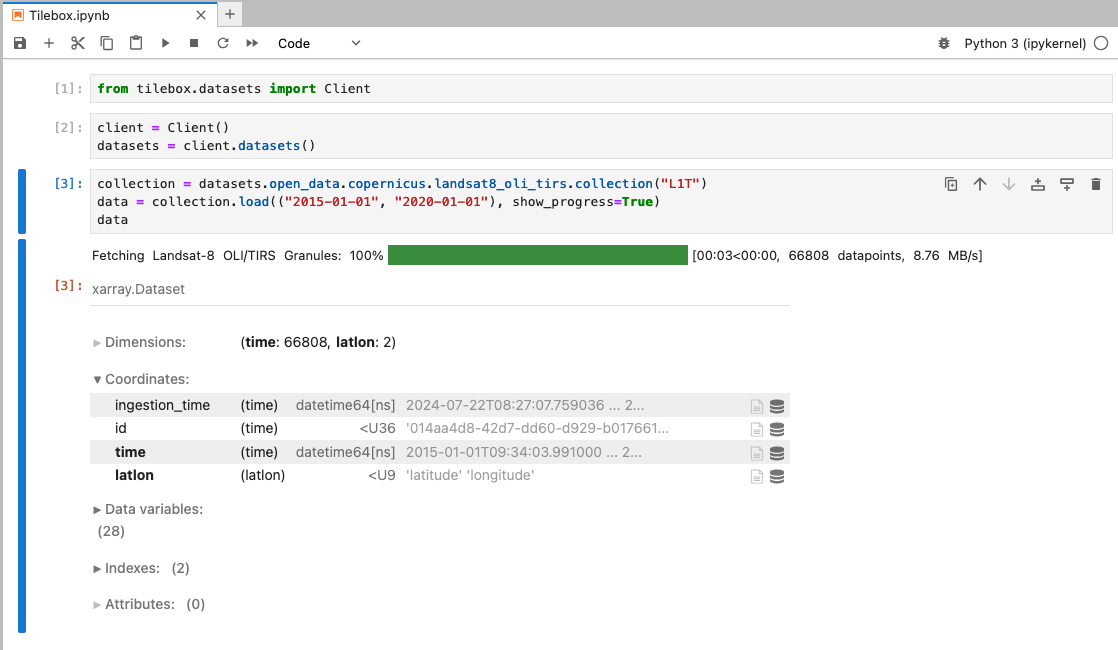


Python
Installation
Install the Tilebox Python SDK packages using your preferred package manager to start working with datasets, workflows, and satellite data storage.
Package Overview
Tilebox offers a Python SDK for accessing Tilebox services. The SDK includes separate packages that can be installed individually based on the services you wish to use, or all together for a comprehensive experience.tilebox-datasets
Access Tilebox datasets from Python
tilebox-workflows
Workflow client and runner for Tilebox
Installation
Install the Tilebox python packages using your preferred package manager.Setting up a local JupyterLab environment
If you want to set up a local Jupyter environment to explore the SDK or to run the Sample notebooks locally, install JupyterLab for a browser-based development environment. It’s advised to install the Tilebox packages along with JupyterLab, ipywidgets, and tqdm for an enhanced experience.uv
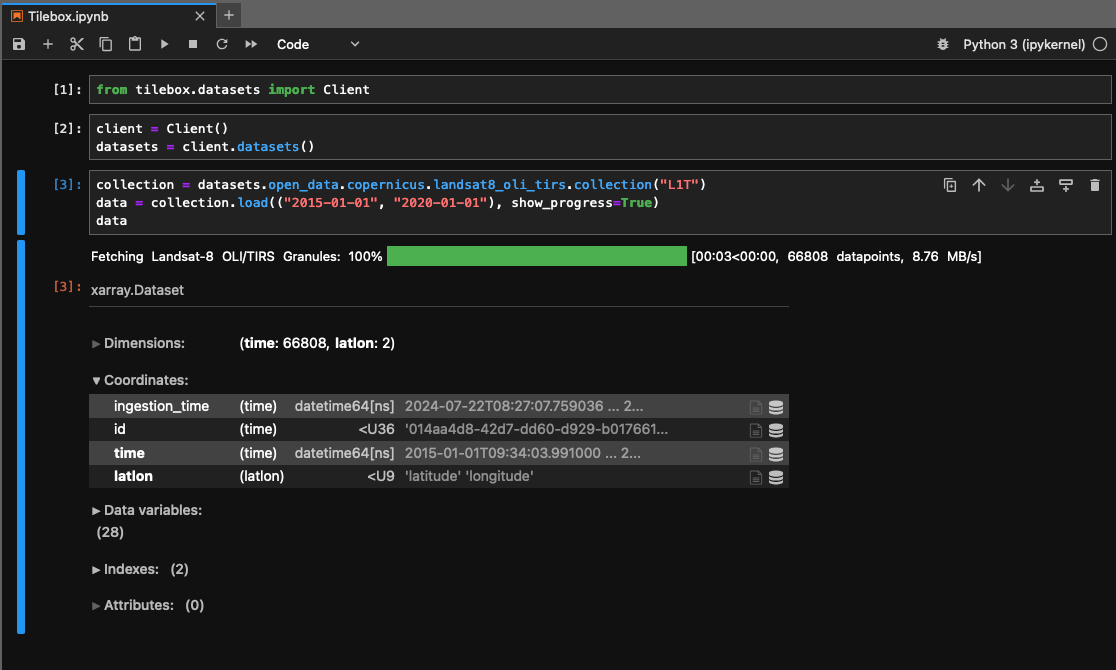
Trying it out
After installation, create a new notebook and paste the following code snippet to verify your installation. If you’re new to Jupyter, you can refer to the guide on interactive environments.Python