


Linear Gradient
The Linear Gradient component allows you to apply a linear gradient background to elements in your app’s UI.
You can think of the Linear Gradient component as essentially a View which has configuration options for styling the background with a color gradient.
How to use
Section titled “How to use”Add one or more child components whose content you want to display inside.
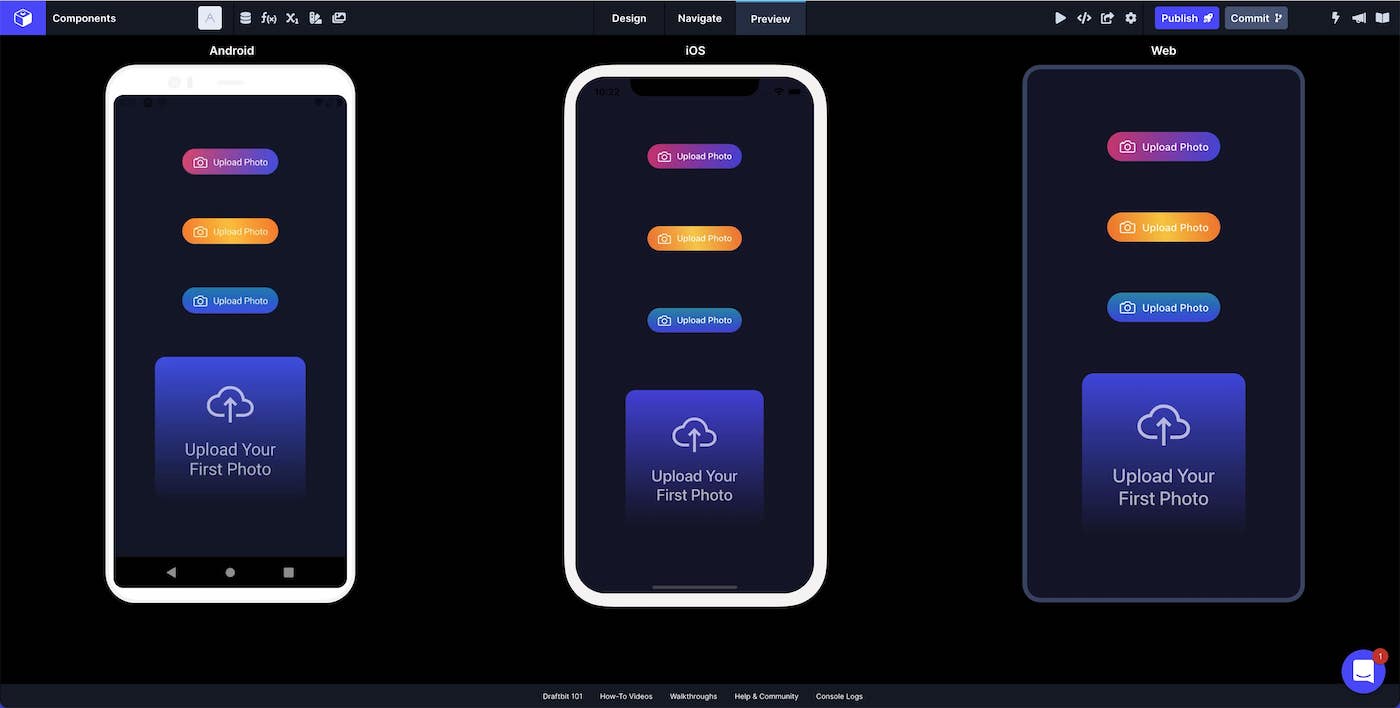
In the example below, we have used it to create custom buttons and a card element.
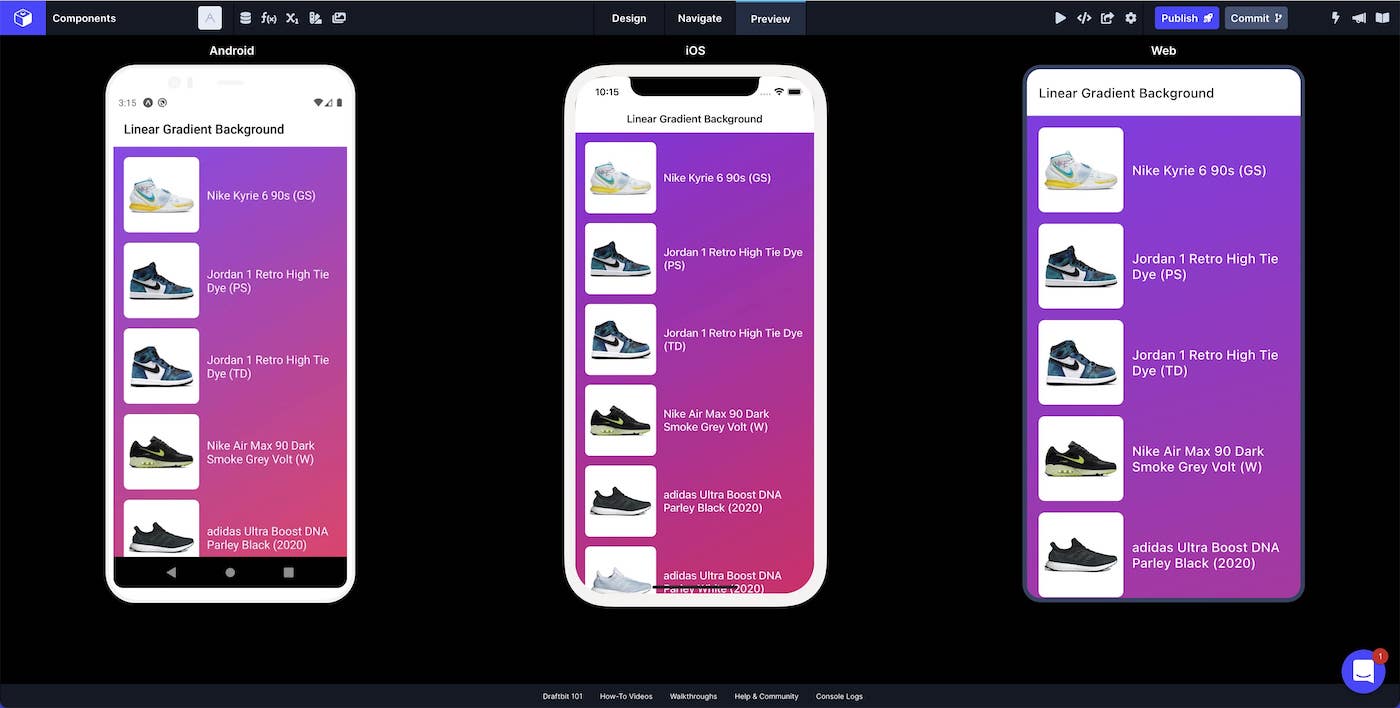
You can also use the Linear Gradient component as a background for your whole Screen.
Style Properties
Section titled “Style Properties”Style properties allow you to customize the look and feel of the component. Combinations of styles applied to components can be saved as Stylesheets to easily reuse styles throughout your app. Styles can also be set dynamically using Variables. To learn more about all the different styling properties and how they work, take a look at Intro to Styling.
Component Specific Styles
Section titled “Component Specific Styles”Configuration Properties
Section titled “Configuration Properties”| Property | Description |
|---|---|
| Component Name | To alter the name of the component. The name is reflected in the Components tree. Defaults to ‘Linear Gradient’. |
| End Y | The ending point of Y as a number 0 - 100 |
| End X | The ending point of X as a number 0 - 100 |
| Start Y | The starting point of Y as a number 0 - 100 |
| Start X | The starting point of X as a number 0 - 100 |
Data Properties
Section titled “Data Properties”Conditional Display
Section titled “Conditional Display”You can conditionally display a component based on a given condition. Learn more about conditionally displaying components in the Conditional Display doc.