
Skip to main content

Datafold API
Introduction
Get started with the Datafold REST API. Learn how to authenticate, obtain an API key, and make your first API call.
Our REST API allows you to interact with Datafold programmatically. To use it, you’ll need an API key. Follow the instructions below to get started.
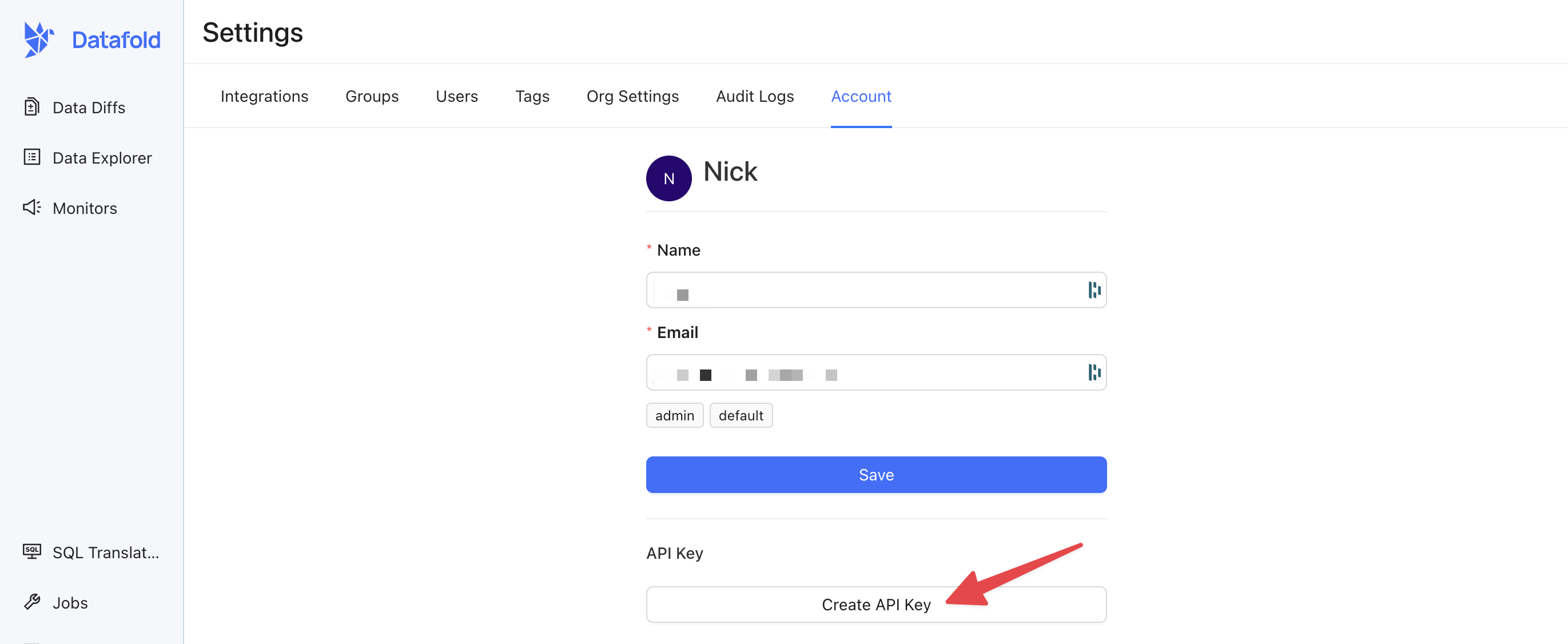
Create an API Key
Open the Datafold app, visit Settings > Account, and select Create API Key.Store your API key somewhere safe. If you lose it, you’ll need to generate a new one.
Use your API Key
When making requests to the Datafold API, you’ll need to include the API key as a header in your HTTP request for authentication. The header should be namedAuthorization, and the value should be in the format: