Version 2.0.5 Released
Download now
A free, simple, and customizable note-taking software for programmers and Computer Science students.
Now for Windows, macOS, and Linux
Download Codex 2.0.5
 View on GitHub
About
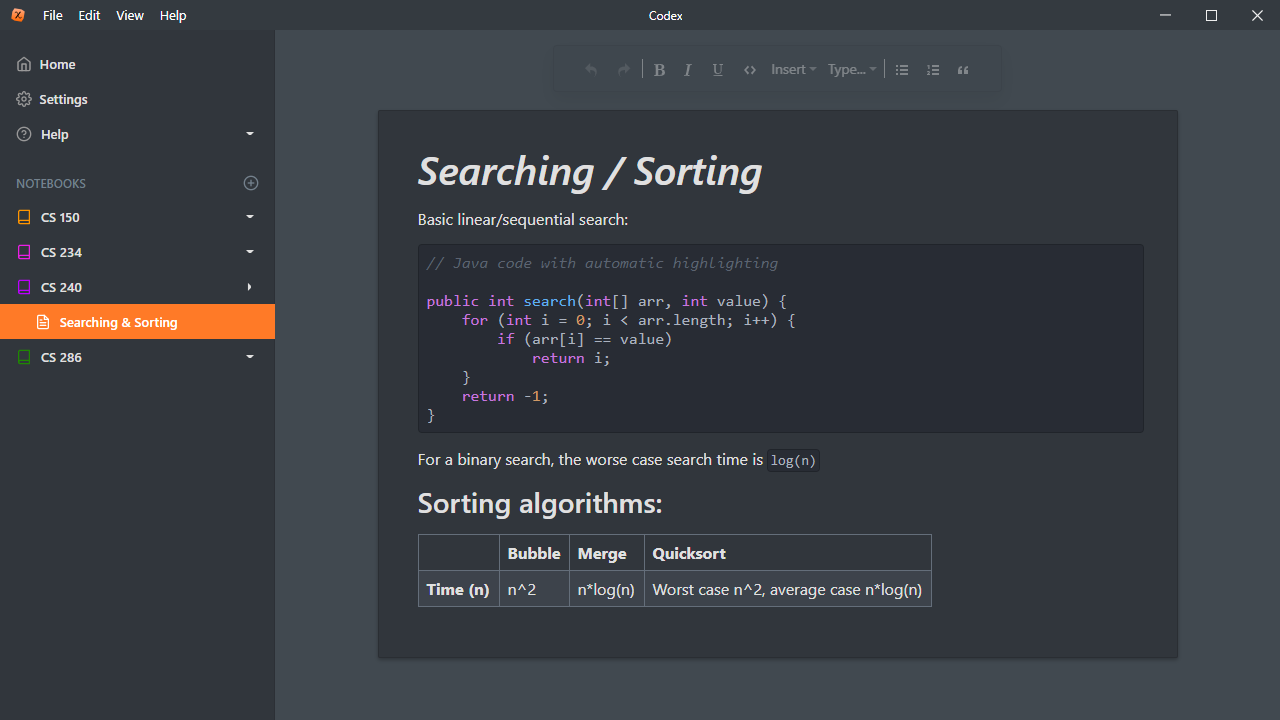
I'm a Computer Science student, and about a year ago I started taking notes on my laptop. Most note-taking programs (such as OneNote) don't have very good support for writing code examples inside your notes. I would have to either have to settle on having boring white code, or paste in a picture of the code (not very quick or pretty). So I decided to write my own note-taking program to make it simple and visually-appealing to write code.
Features
Full-featured note-taker
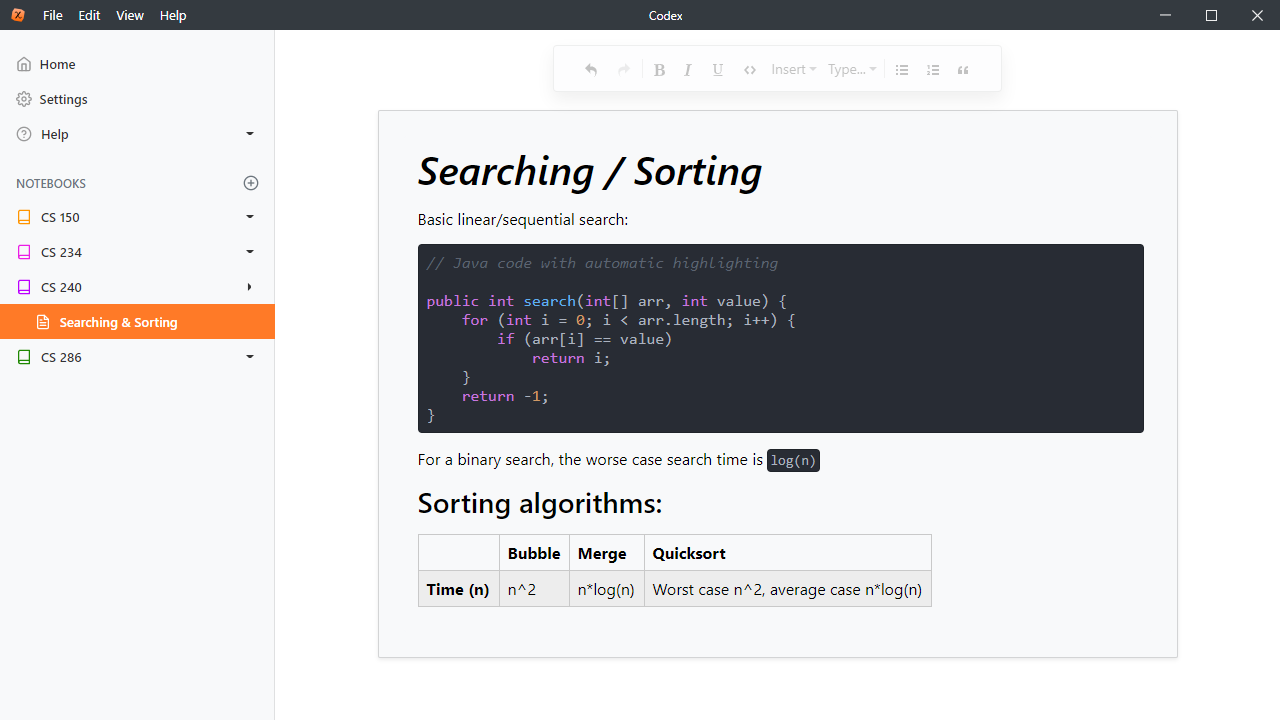
Aside from writing beautiful code blocks, Codex has the other styling tools that you could expect, such as tables, inline code, links, images, headers, and block quotes. All pages get saved automatically when you switch pages or exit the program.
Automatic code highlighting
Code automatically highlights and colors as you type, based on your selected code style.
Support for tons of programming languages
If the programming language you take notes on is not shown, you can select "Other" and it will still be automatically highlighted.
Cloud syncing
You can sync your notes between computers using a third-party Cloud software like Dropbox, iCloud, etc. by changing the save location of your notes to that Cloud software's synced drive.
Lots of beautiful code themes
You can switch between over 100 different code themes. (My favorites are the Github theme and the Atom One Dark theme)
Code Macros
You can type macros like [cpp] to
make a C++ code block or [js] to
make a JavaScript block.
View all code macros
Equations
Codex supports inline and block KaTeX equations in your notes. Learn more here.
Export notes to PDF and Markdown
As of version 1.1.0, you can export pages to
PDF, and it'll keep the same code style you have
selected.
See example PDF
Dark Mode