
You’re almost there!
Choose the version for your Mac.
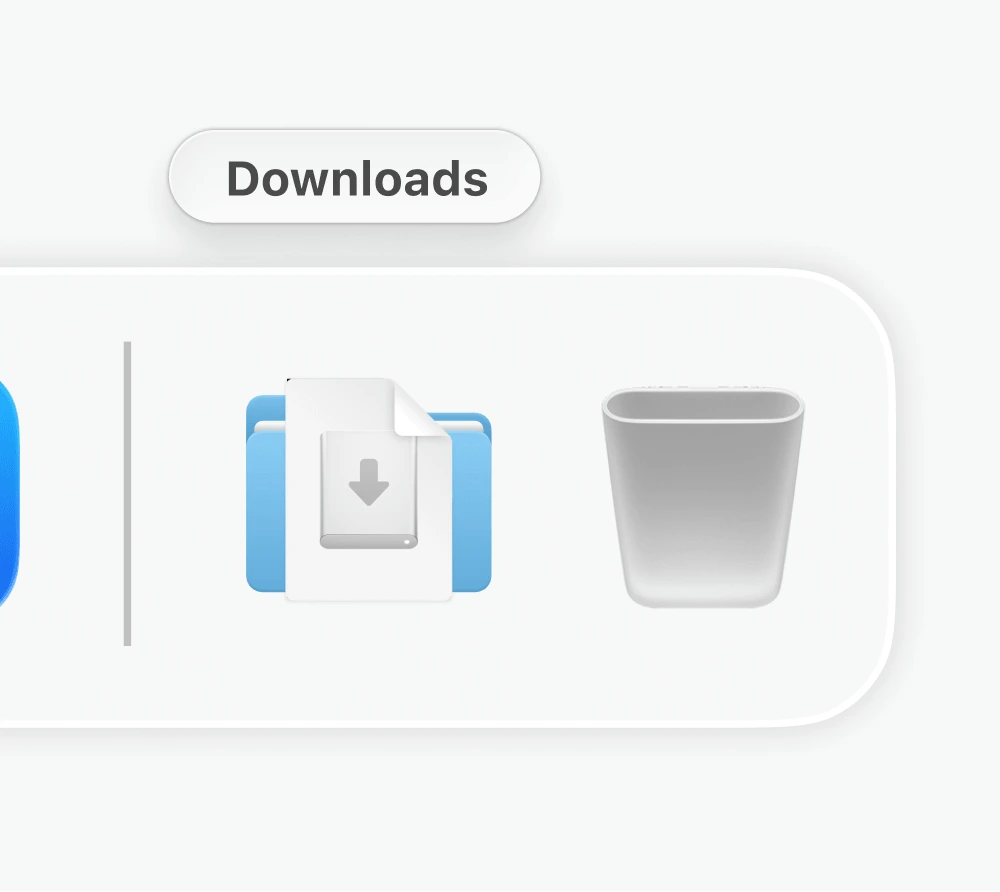
Open Aside.dmg from your
Downloads folder
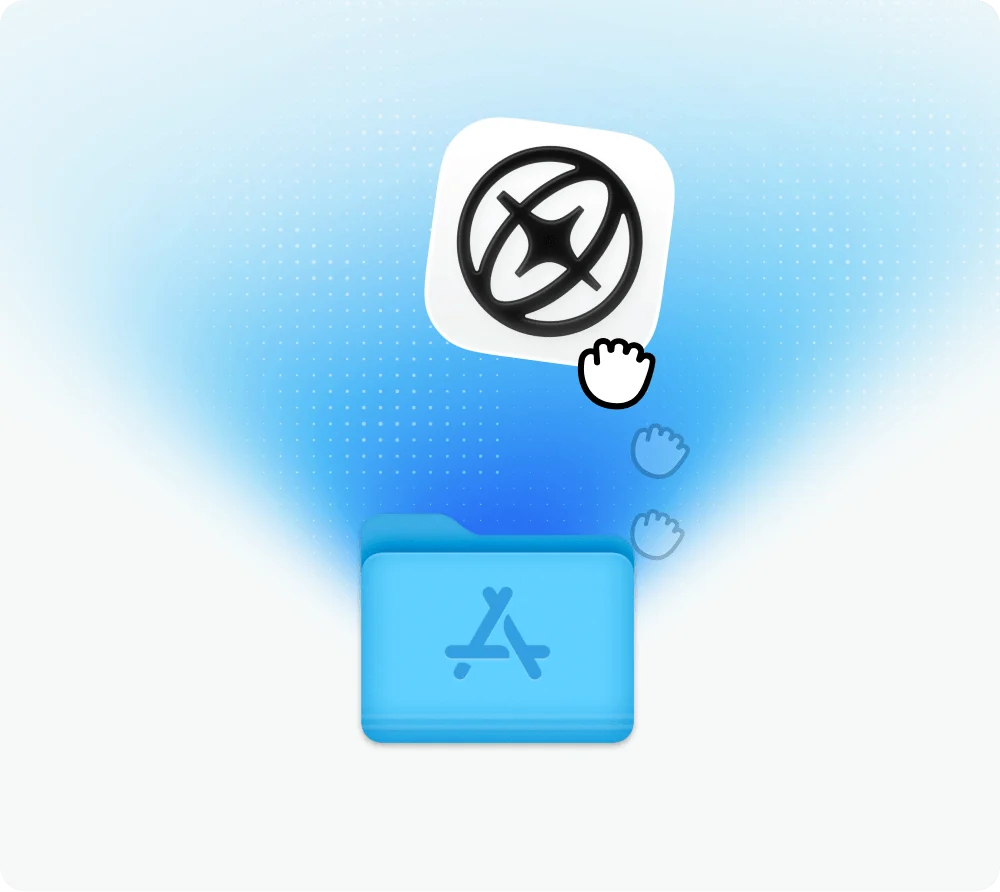
Drag the Aside icon into your
Applications folder
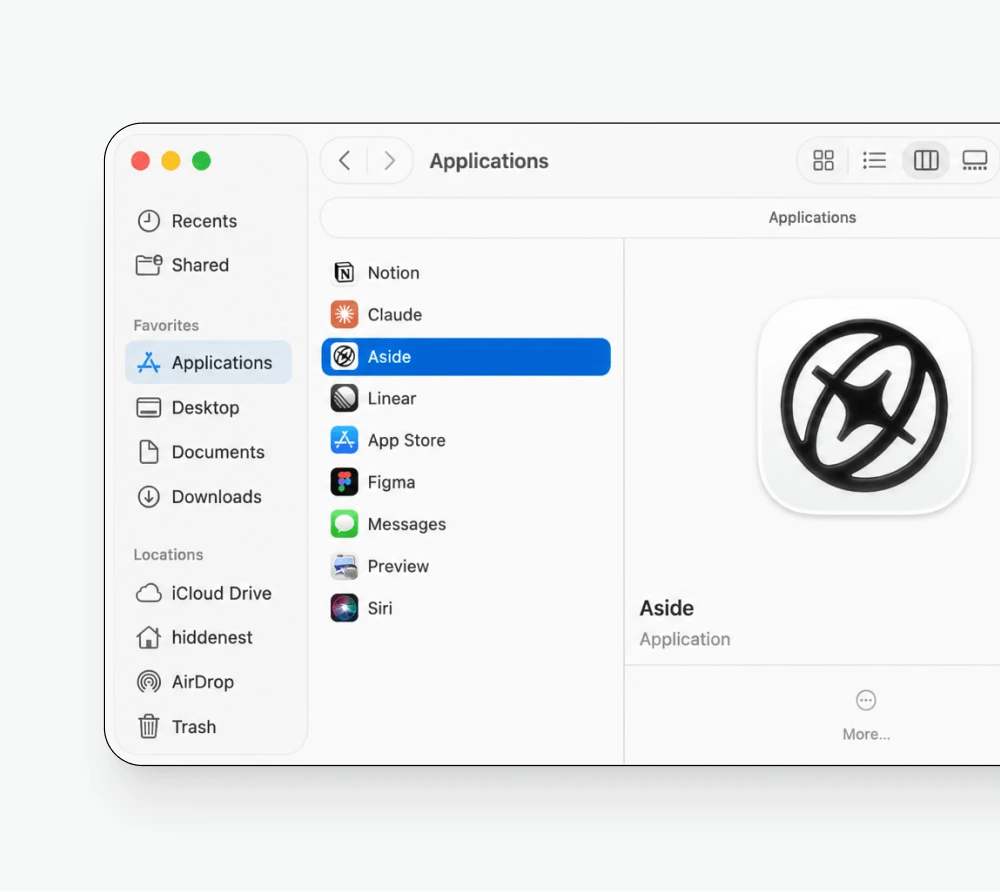
Open the Aside app from your
Applications folder
Install Aside on your computer
Aside is an AI browser for macOS and Windows. Choose the version that matches your computer if one has not been selected automatically. If the download does not begin, use the manual download link above and save the installer to your Downloads folder.
On macOS, open the downloaded disk image, drag Aside into Applications, and launch it from there. On Windows, open the downloaded executable and follow the installer instructions. Once installation is complete, open Aside and follow the setup screens to get started.
Sign in to the websites you want to work with, then ask Aside to help with research, messages, or spreadsheets. Your browser agent works with those websites directly, so you do not need to configure separate integrations. Visit the setup documentation for more guidance, or explore what the browser agent can do.