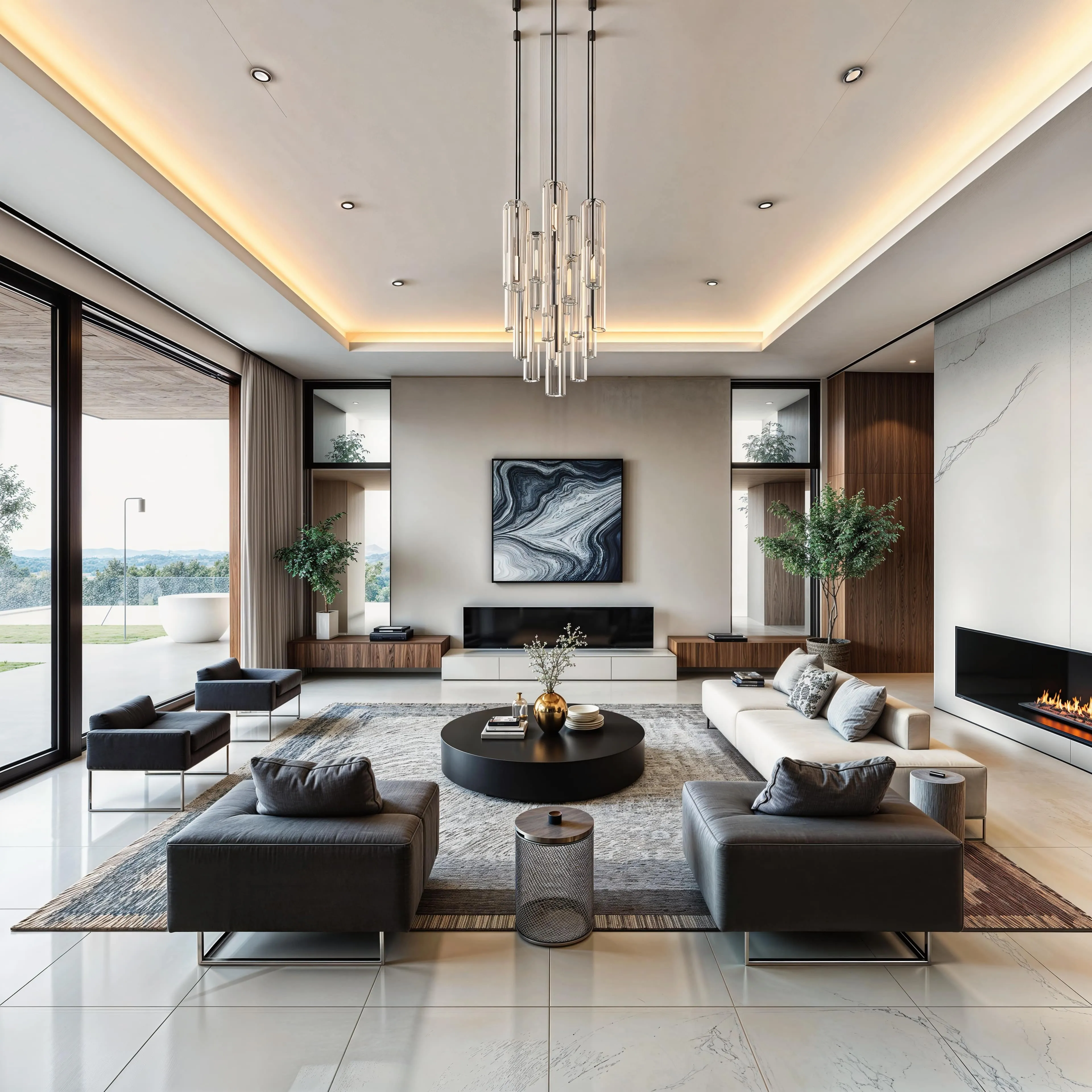
End-to-End AI Image & Video Creation
Generate, upscale, and edit images or videos.
Five Tools. One Workflow.
From first prompt to final export without switching apps.
Generate Images with the World's Best AI Models
Generate completely new images from text prompts and reference images. Draw on a wide variety of styles and capabilities, from photorealism to illustration.

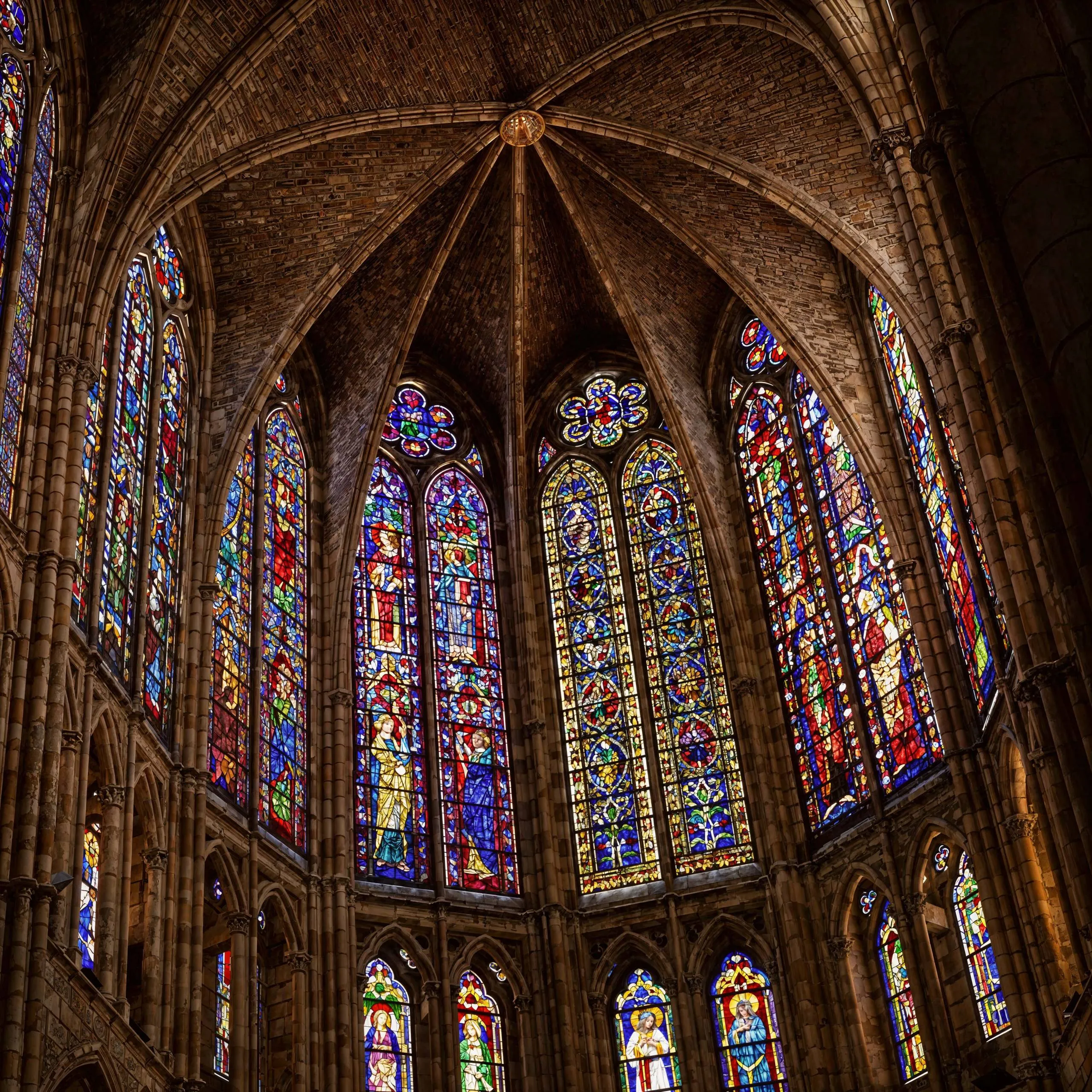
Upscale and Enhance Images with AI
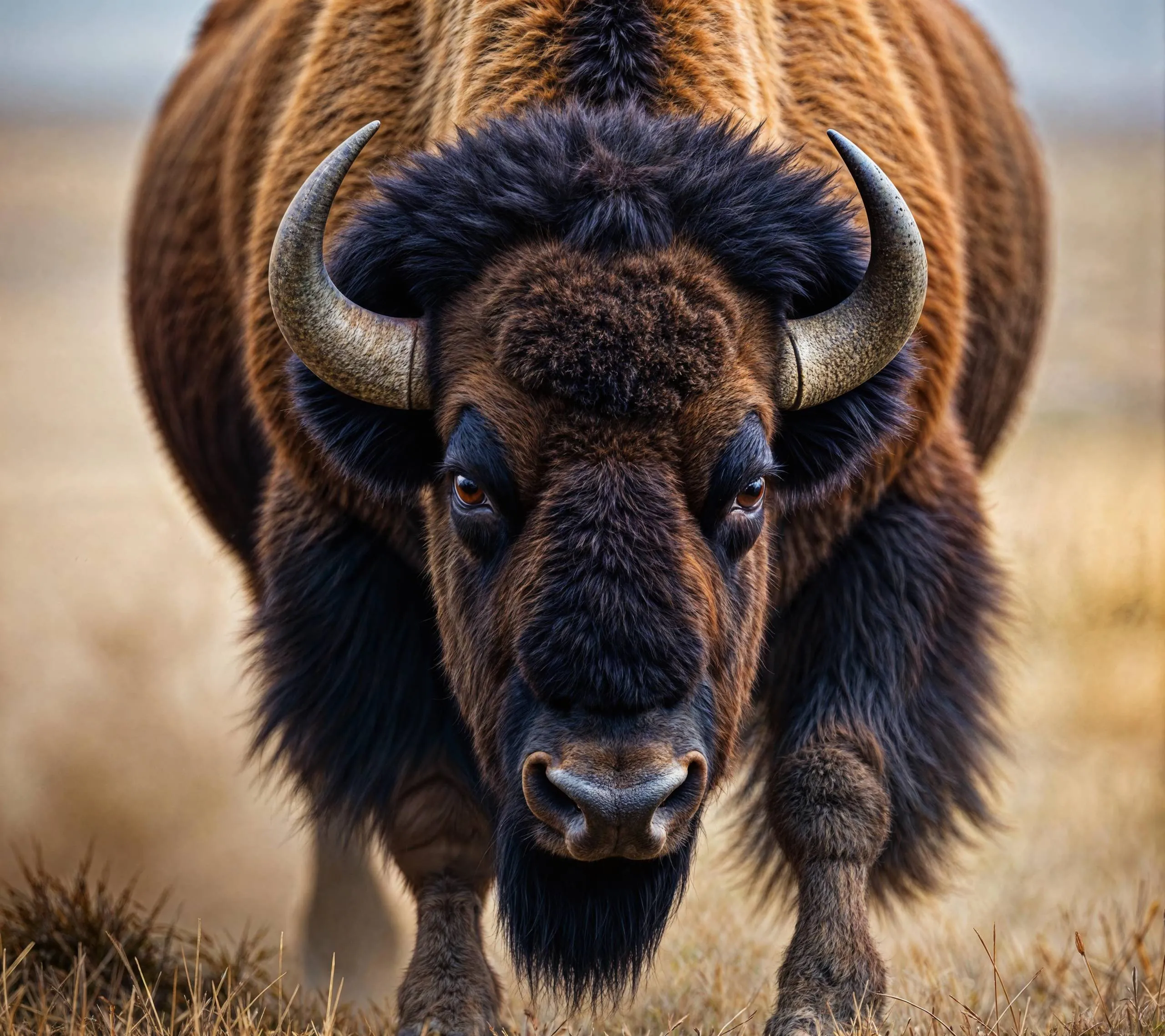
Increase image resolution and add ultra-fine detail. The creative models regenerate your image at a higher resolution, with a creativity slider that controls how much freedom the AI has to add new detail. The faithful models enlarge your image while staying true to the original, sharpening, deblurring, and reducing noise.

Edit Images at Full Resolution
Edit images with simple text prompts, or mask specific areas to regenerate only what you want while keeping the rest of the image at full resolution. Expand images with outpainting, remove backgrounds, generate depth maps, erase objects, and add new elements with precision.

AI Video Generation Made Simple
Generate videos from text prompts, or animate existing images into smooth, natural motion. Pick the model that fits each shot and switch freely between them.
Upscale Videos to Crisp 4K
Increase video resolution up to 4K with state-of-the-art video super-resolution. Reconstructs sharp edges, fine textures, and readable text on every frame, keeping motion stable. Use frame interpolation to reach up to 60fps for fluid, smooth playback.
Made for Working Creators
Real messages from people using Upsampler in their work.
“I recently integrated Upsampler into my workflow. It works so well, so clean. Amazing.”
“I'm loving Upsampler. It's really a phenomenal product for realism.”
“I tried the upscale for the first time. It's incredible! Super! Thank you!”
“The results were excellent and very satisfying.”
- 89+
- AI models
- 5
- Creative tools
- 100MP
- Max image output
- 4K
- Max video output
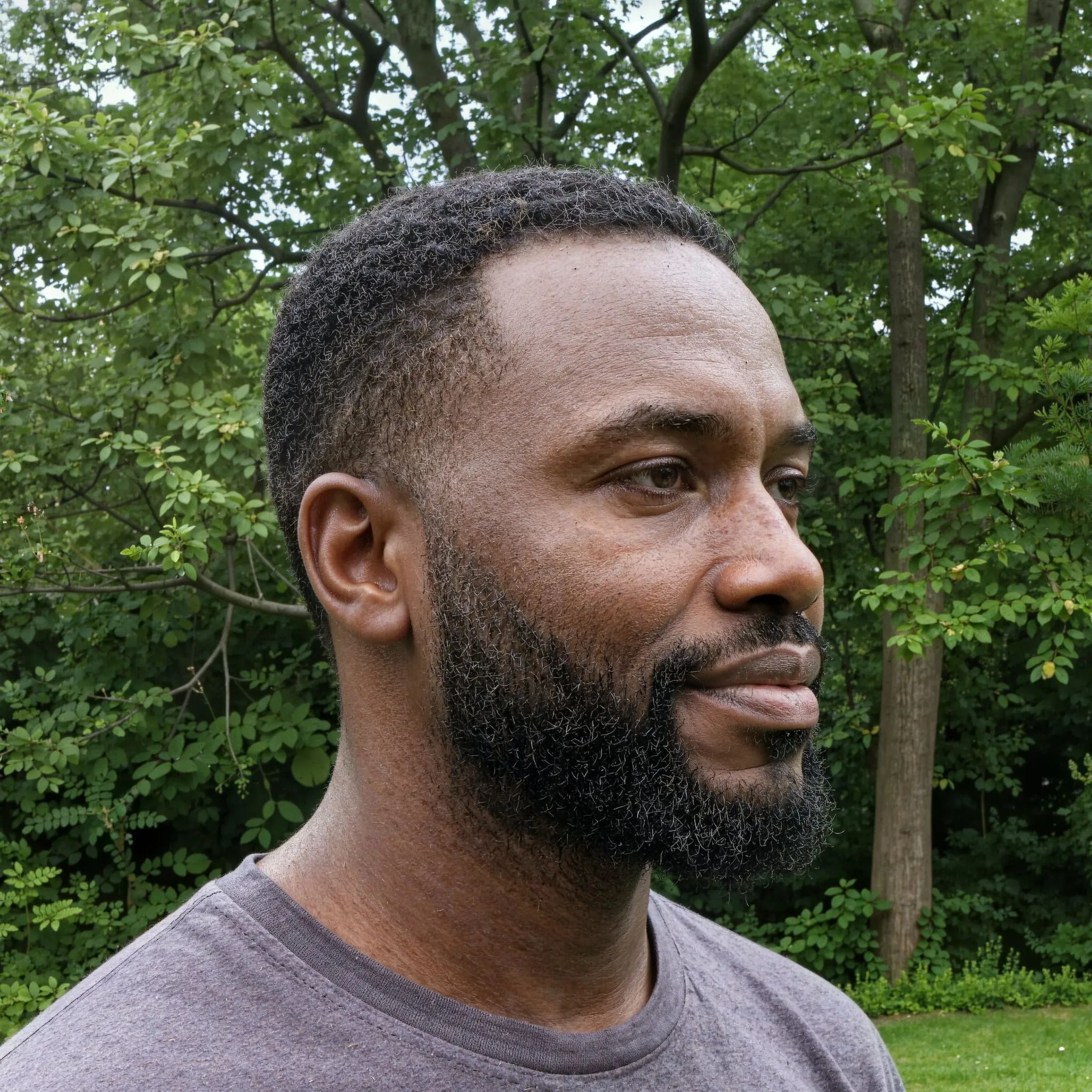
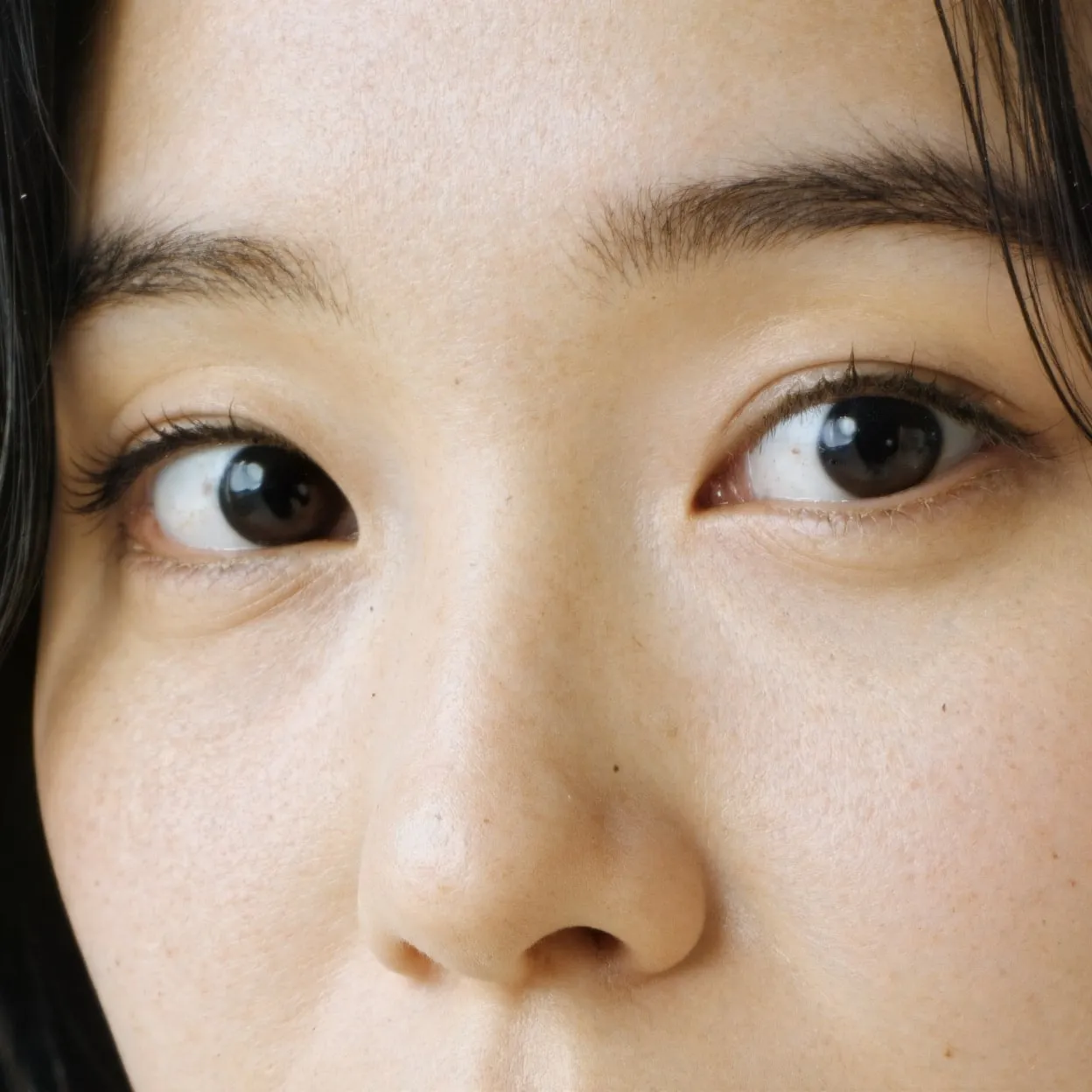
Upscale Realistic Human Portraits
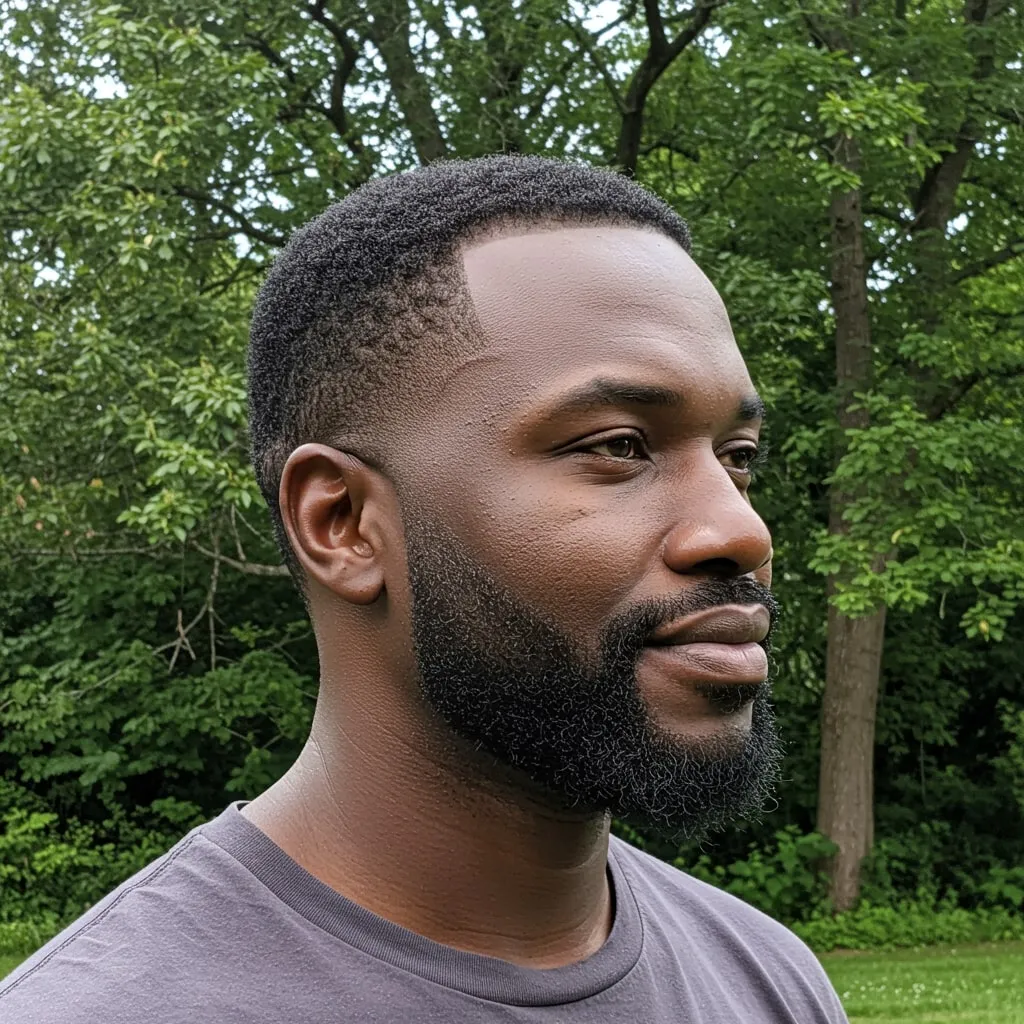
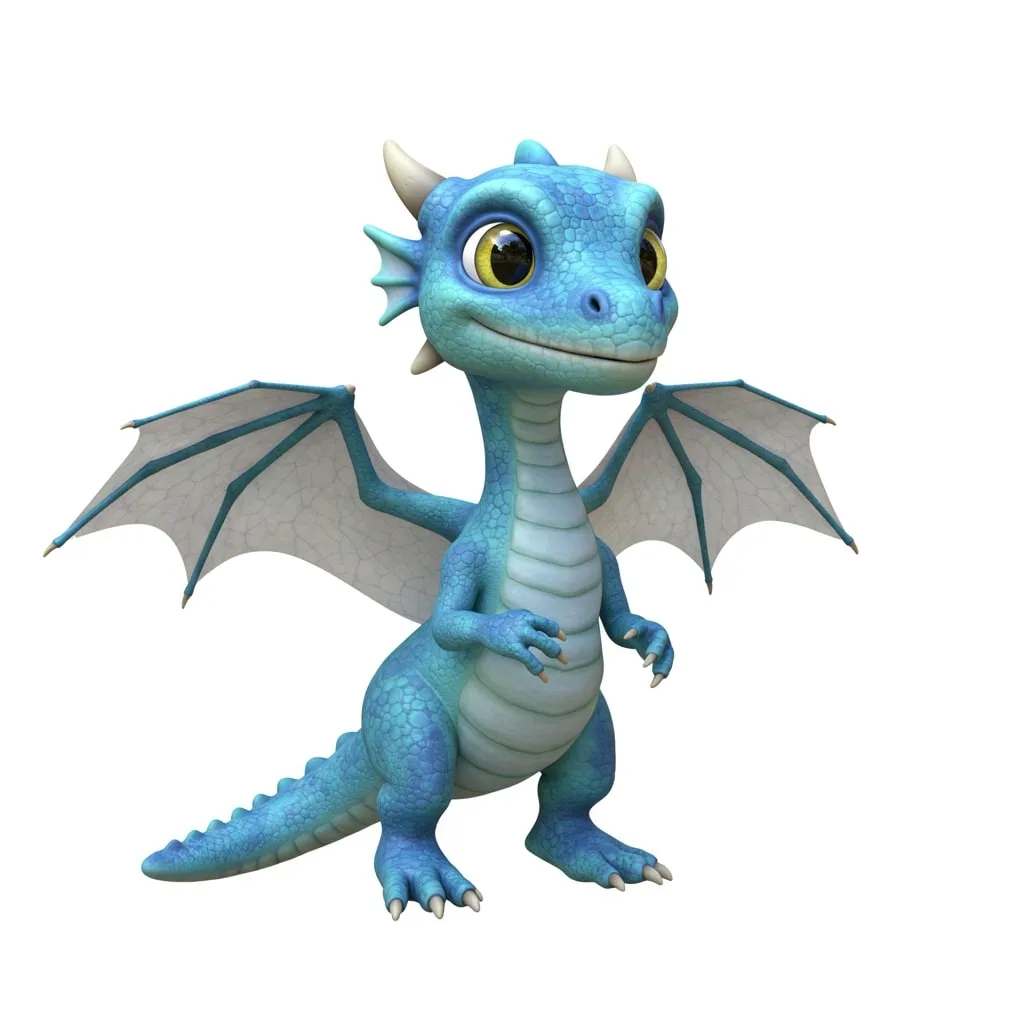
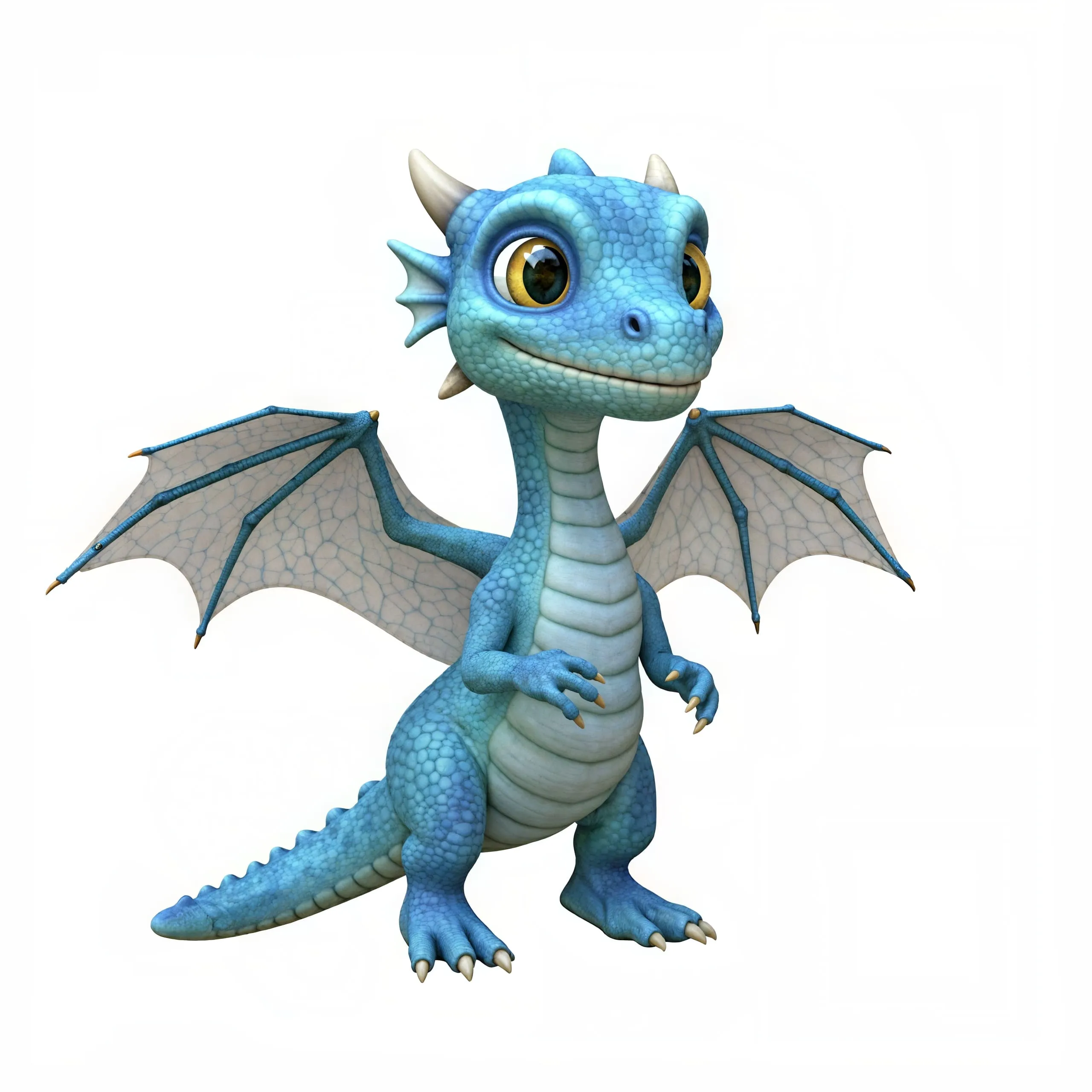
Enhance AI-generated portraits with Creative Upscale for improved skin texture, realistic features, and overall detail, like in the examples below. For real photos where preserving exact facial identity is crucial, Precise Upscale is the ideal choice.
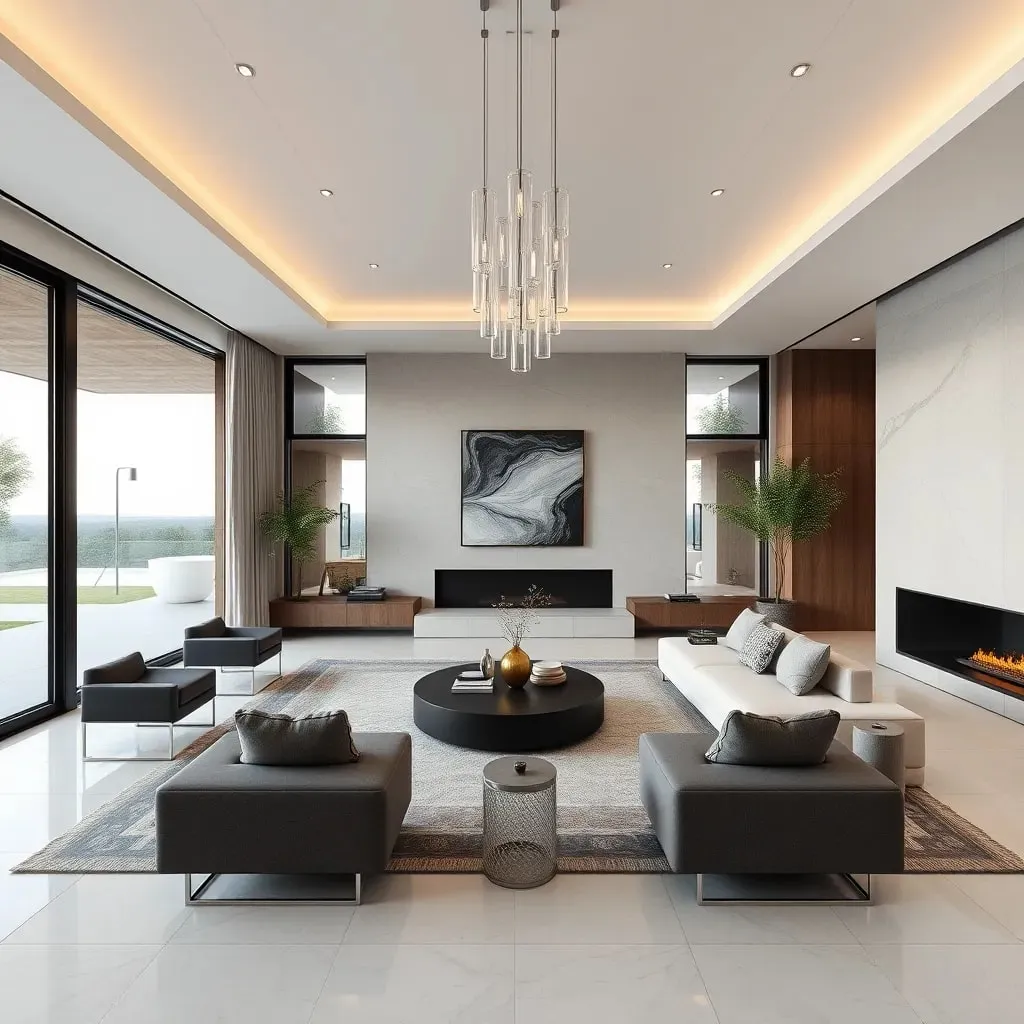
Elevate Architectural Imagery
Bring architectural images, interior designs, exterior concepts, and 3D renders to life. Stable Diffusion adds intricate details, as seen in the examples below, while Flux is great for enhancing realism. Precise Upscale offers faithful upscaling and sharpening that preserves every original detail.
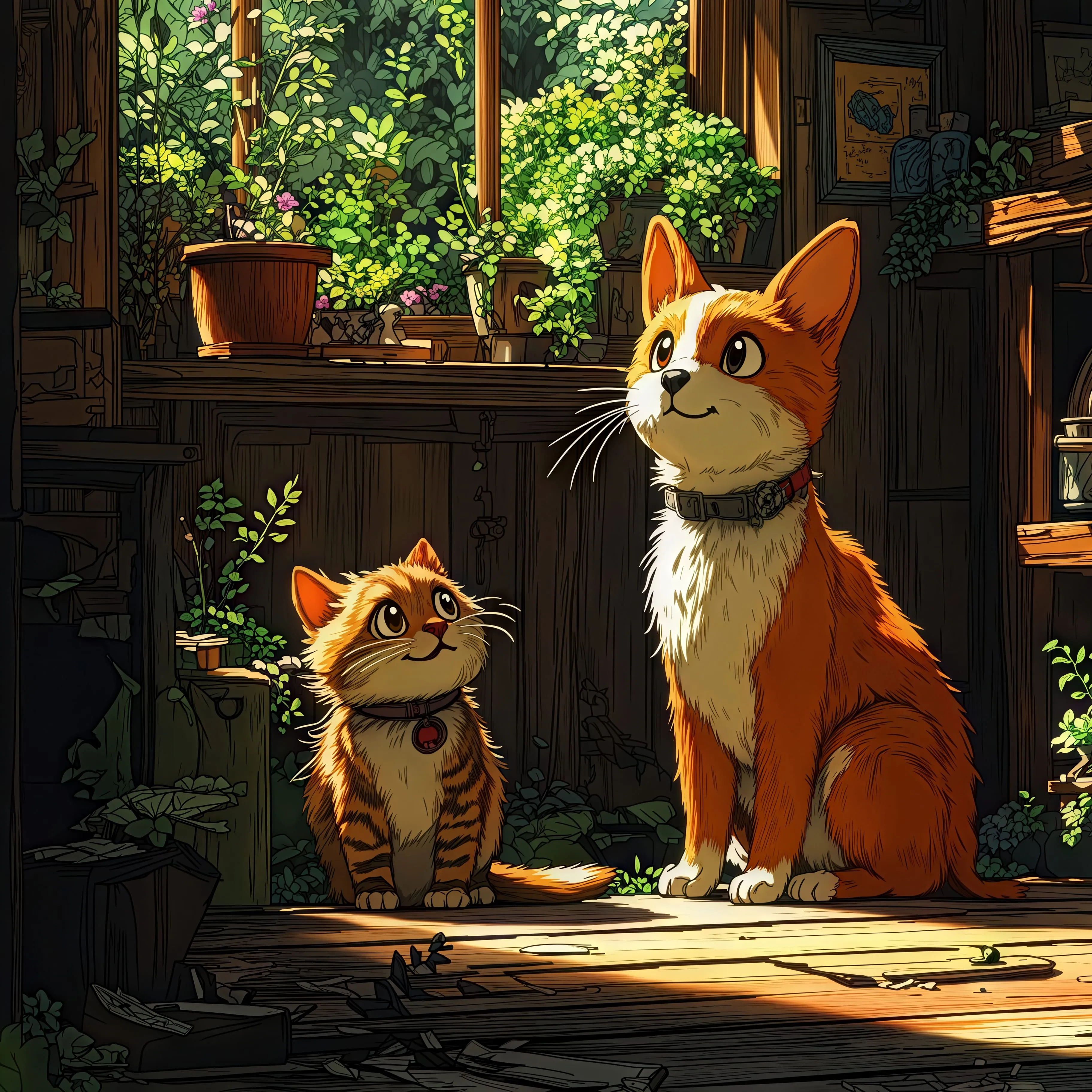
Improve Anime Scenes and Digital Illustrations
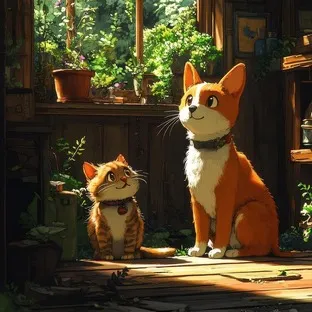
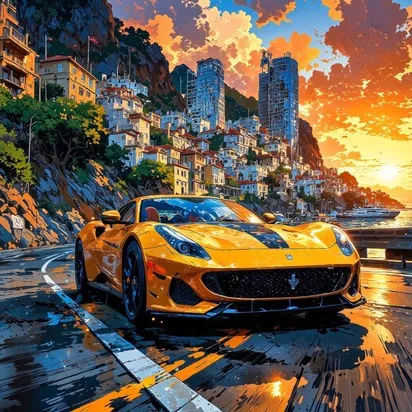
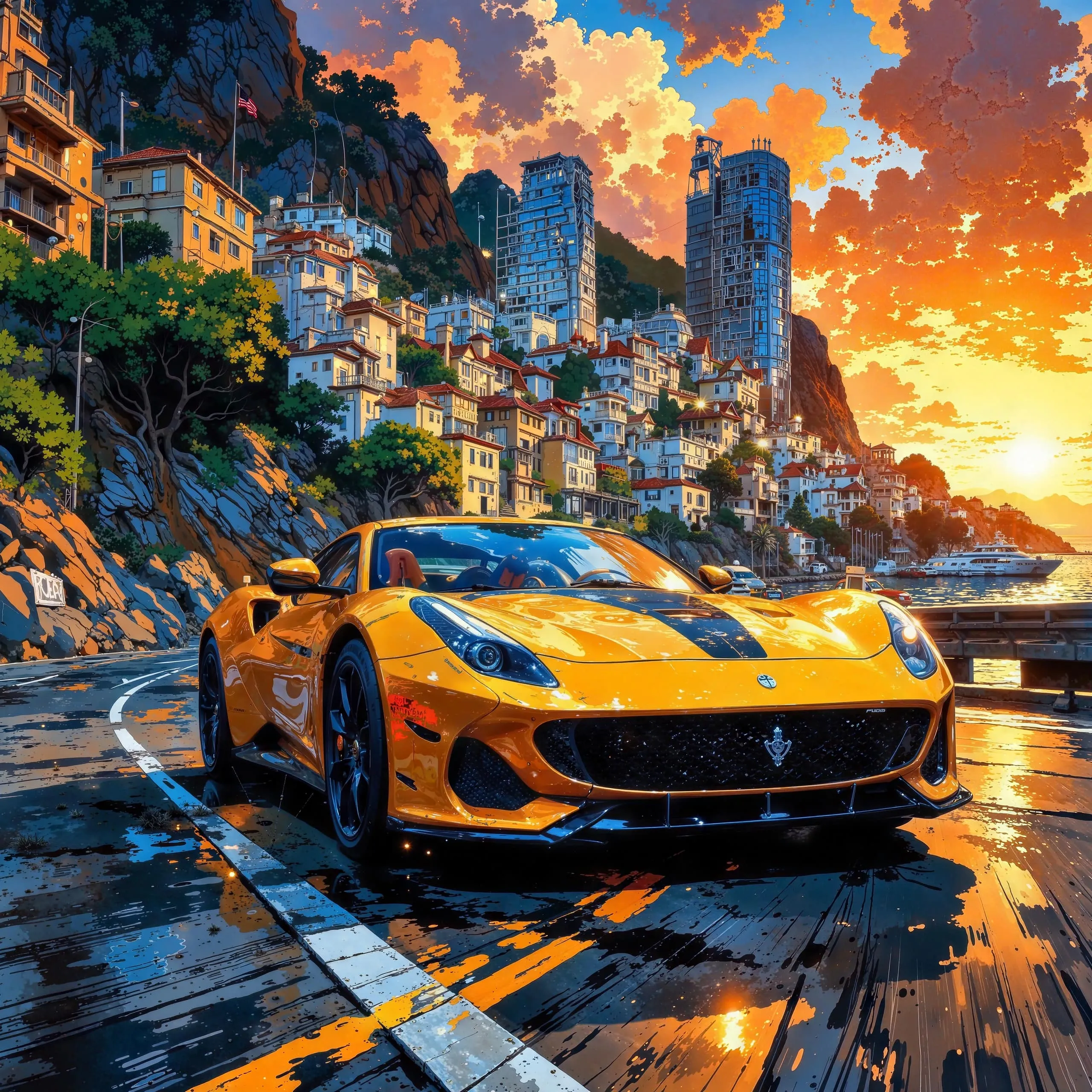
Stable Diffusion is usually recommended for adding sharpness, new details, and vibrancy to digital illustrations. However, Flux is also effective, especially for complex anime scenes where preserving the original composition is important.
Upscale Game Assets & Graphics
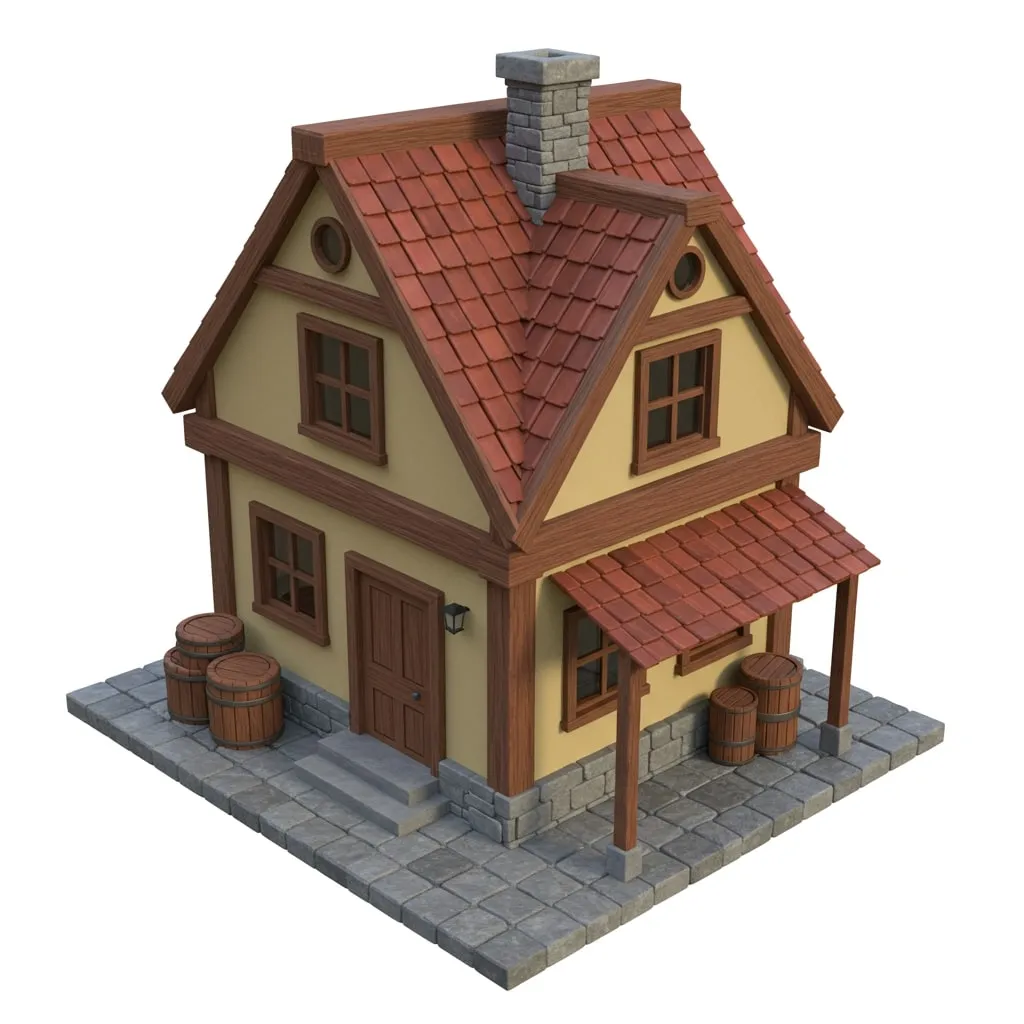
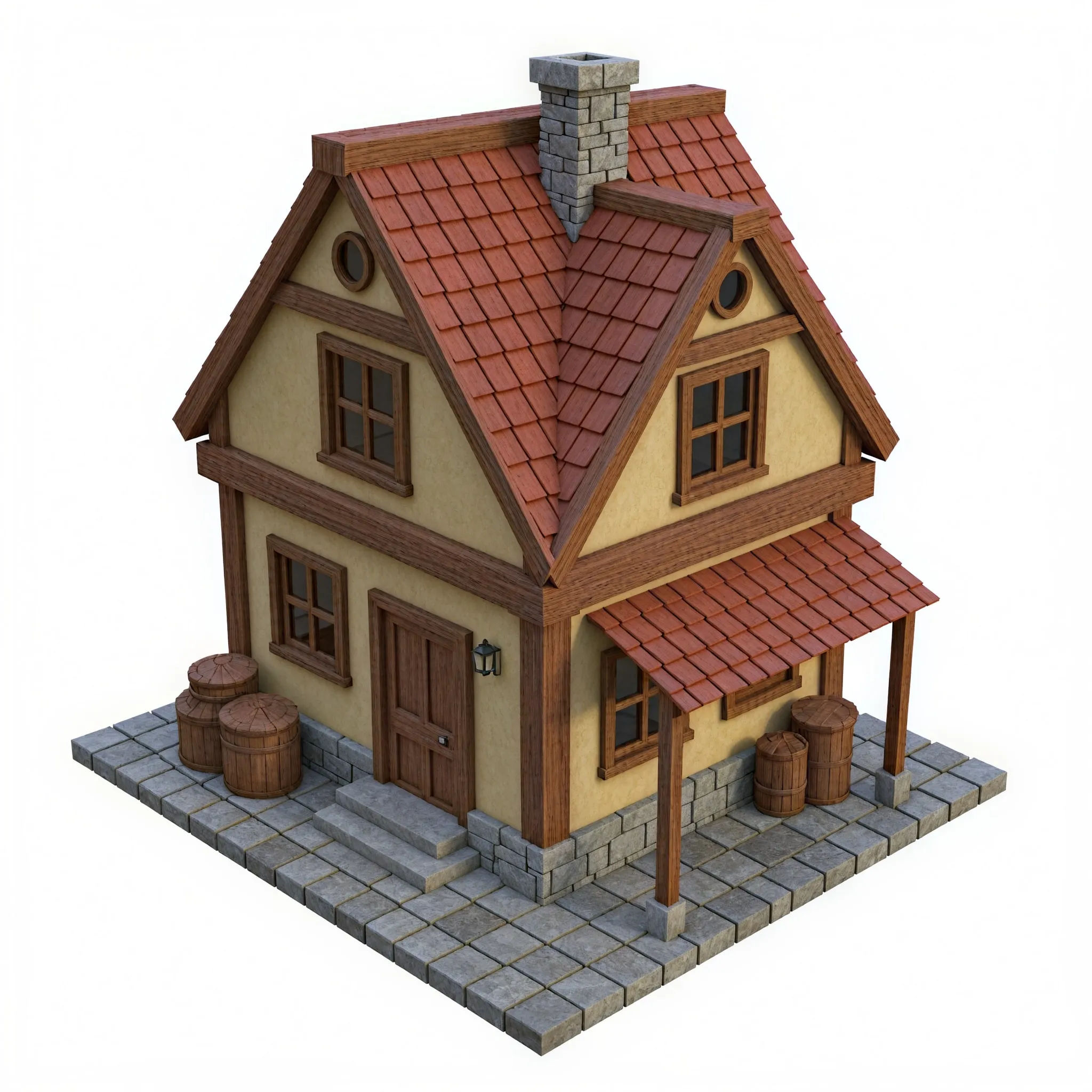
Stable Diffusion sharpens the images and adds new details, just as shown in the examples below, while Flux is perfect for improving realism or refining intricate and complex asset designs.
Upscale Images Containing Text
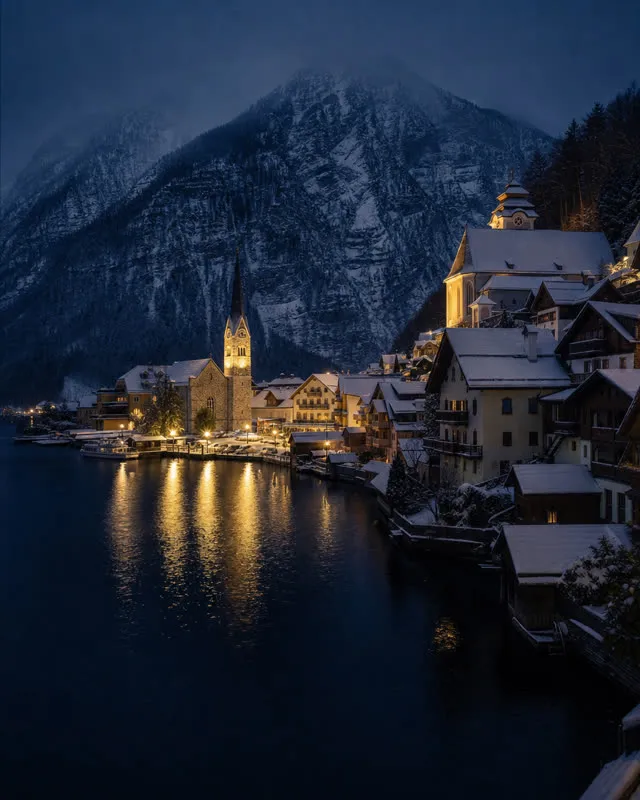
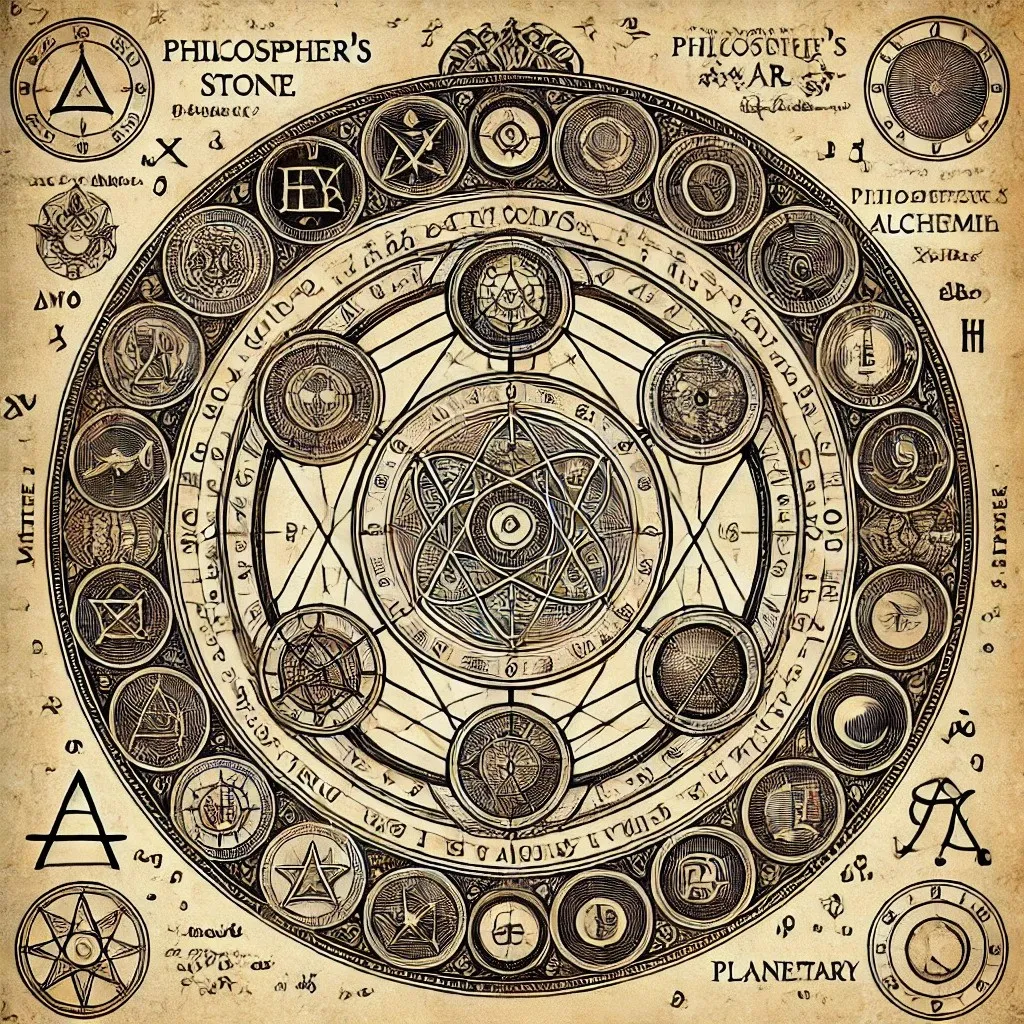
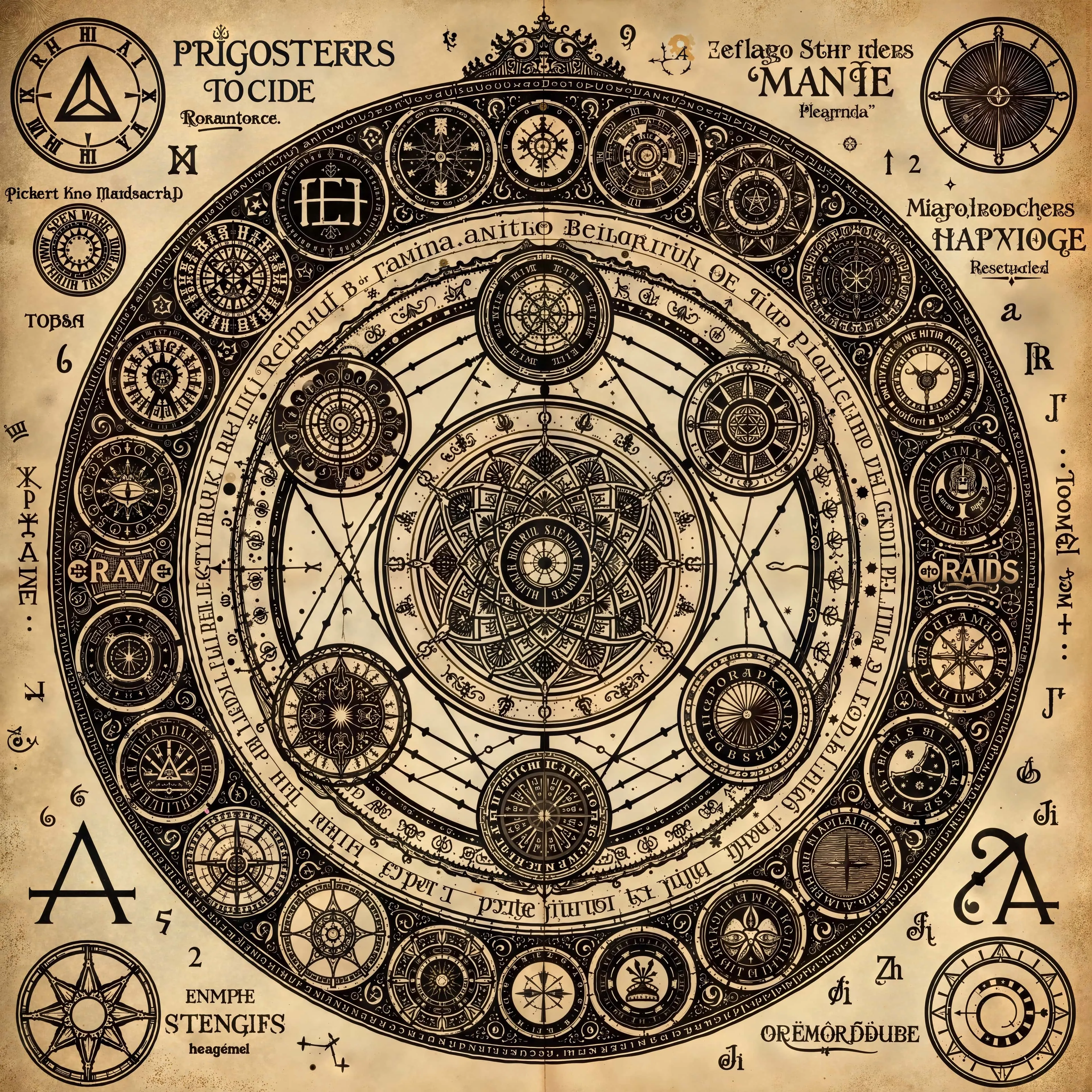
Precise Upscale is recommended for optimal symbol preservation and legibility. For larger text or text where absolute accuracy is less critical, Creative Upscale at lower creativity levels is also a viable option.
Create and Enhance Images and Videos
Upsampler puts every step of AI image and video work in one place. Generate new visuals from a prompt, upscale images and videos to crisp high resolution, and make targeted edits with AI, all in one platform. Everything runs online with no downloads or installs, on any device and any operating system. Pay as you go with one-time credits, no subscription required.