

Time Series Admin
Administration and querying interface for InfluxDB databases
Overview
Time Series Admin is a tool built primarily for developers and administrators who need a simple user interface for interacting with InfluxDB databases. A general knowledge about InfluxQL is required to use Time Series Admin properly, but for those who just want to browse through the structure of a database, there is Explorer panel. One of the most useful features in everyday work is the query history panel which remembers last 30 queries. Time Series Admin is built as an alternative to Chronograf and deprecated Influx Admin UI.Go ahead and browse through the Showcase section to find out more.
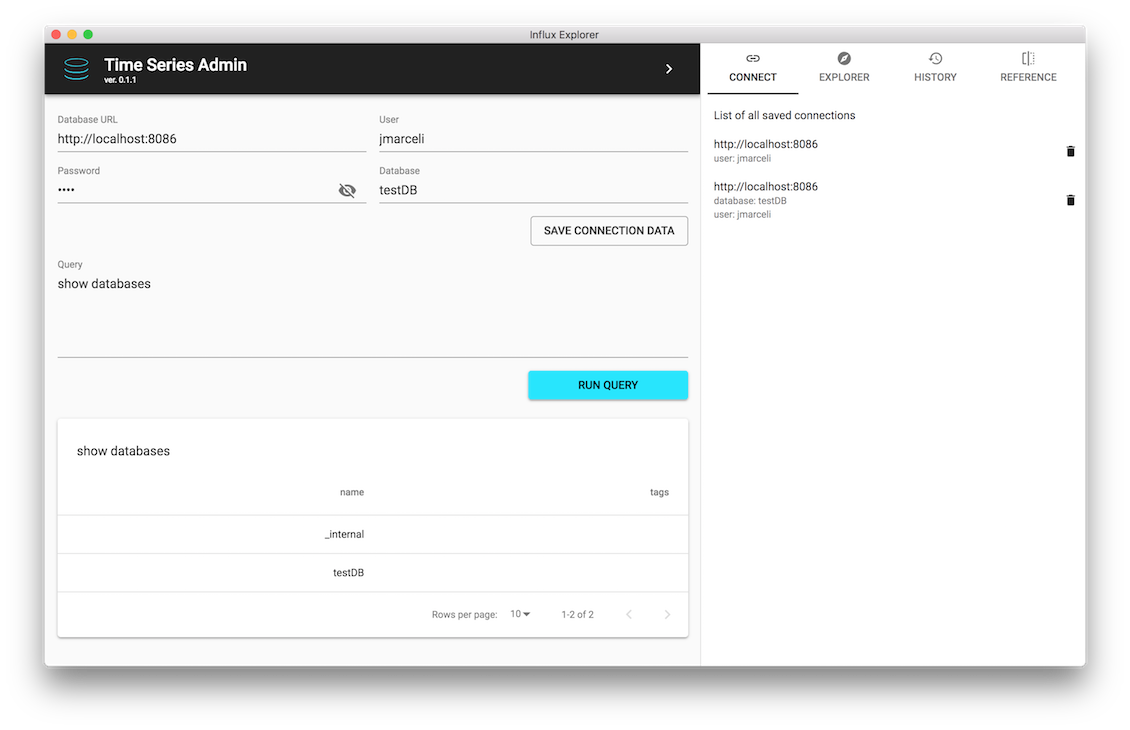
Time Series Admin Application on Mac OS X
Download
Download latest Time Series Admin for your OS
-
Mac OS X (.dmg)
Tested with Mac OS X 10.13 High Sierra
-
Linux (.deb)
Tested with Ubuntu 18.04
-
Windows (.exe)
Tested with Windows 10(64-bit version)
-
Docker Image
Tested with Docker 18.06-ce
Not working with your specific OS version?
Showcase
A short presentation of Time Series Admin application features.
-
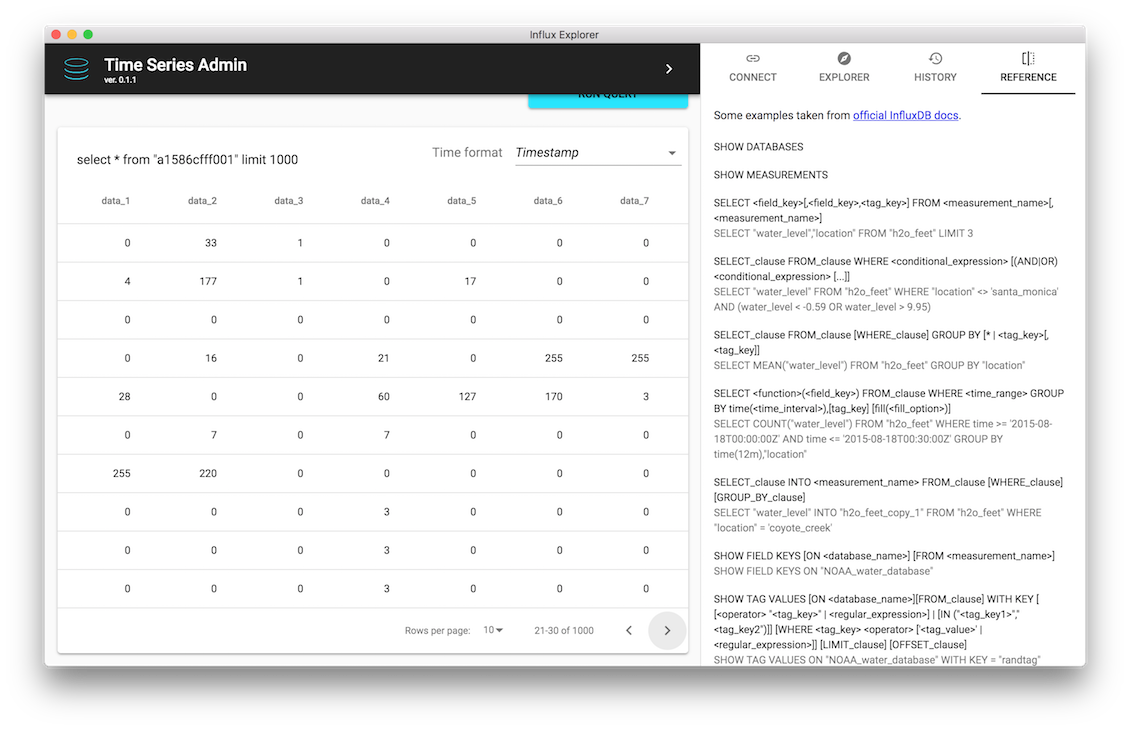 Browse through Influx query results
With interactive results table you can easily browse through query results
-
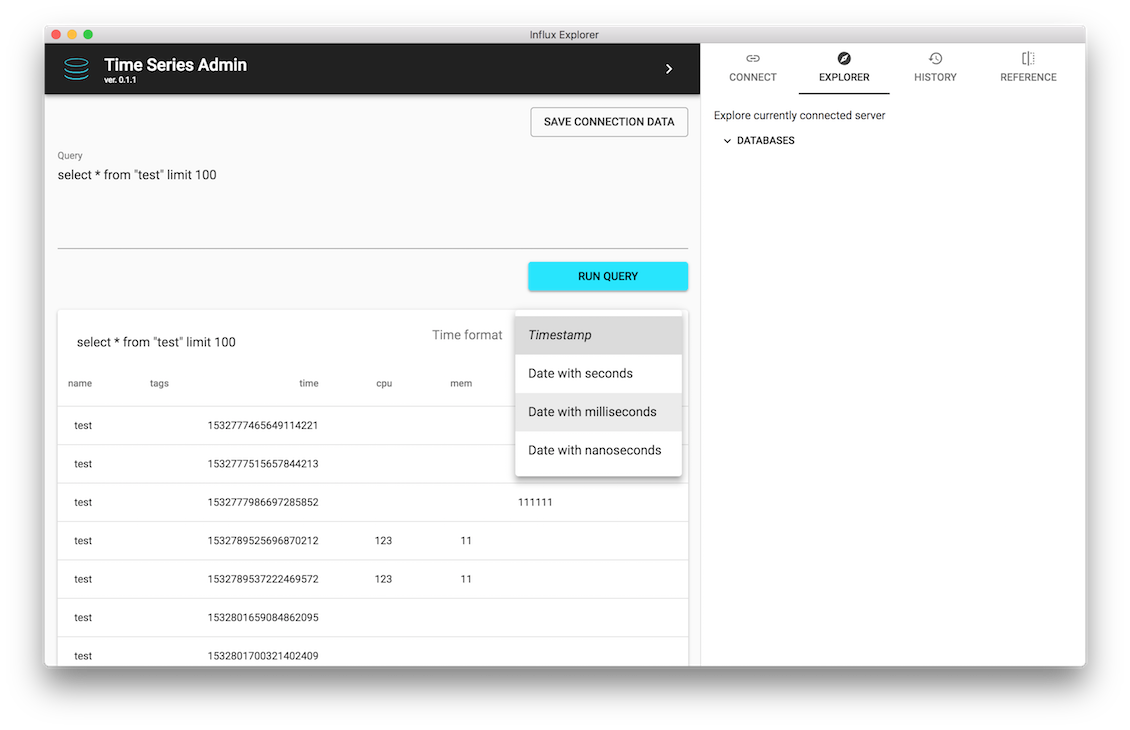 Adjust time format
Select desired time format for current query results
-
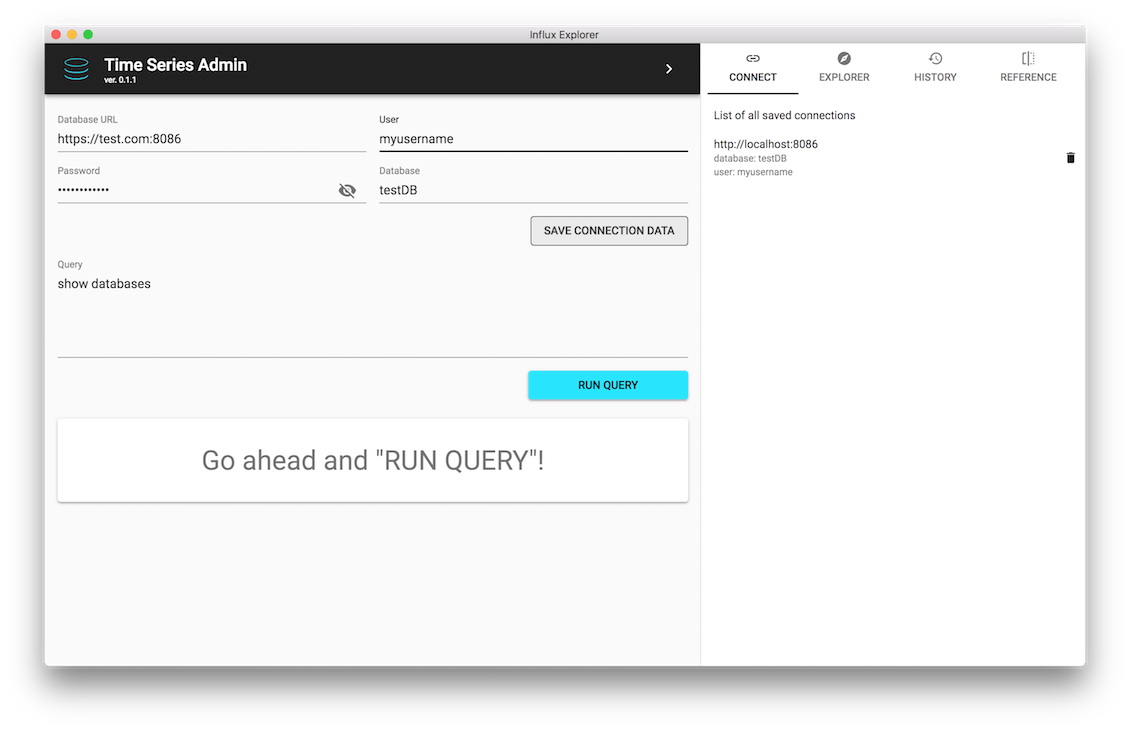 Save InfluxDB connection data
With SAVE CONNECTION DATA button you may store your current connection data in CONNECT panel list.
-
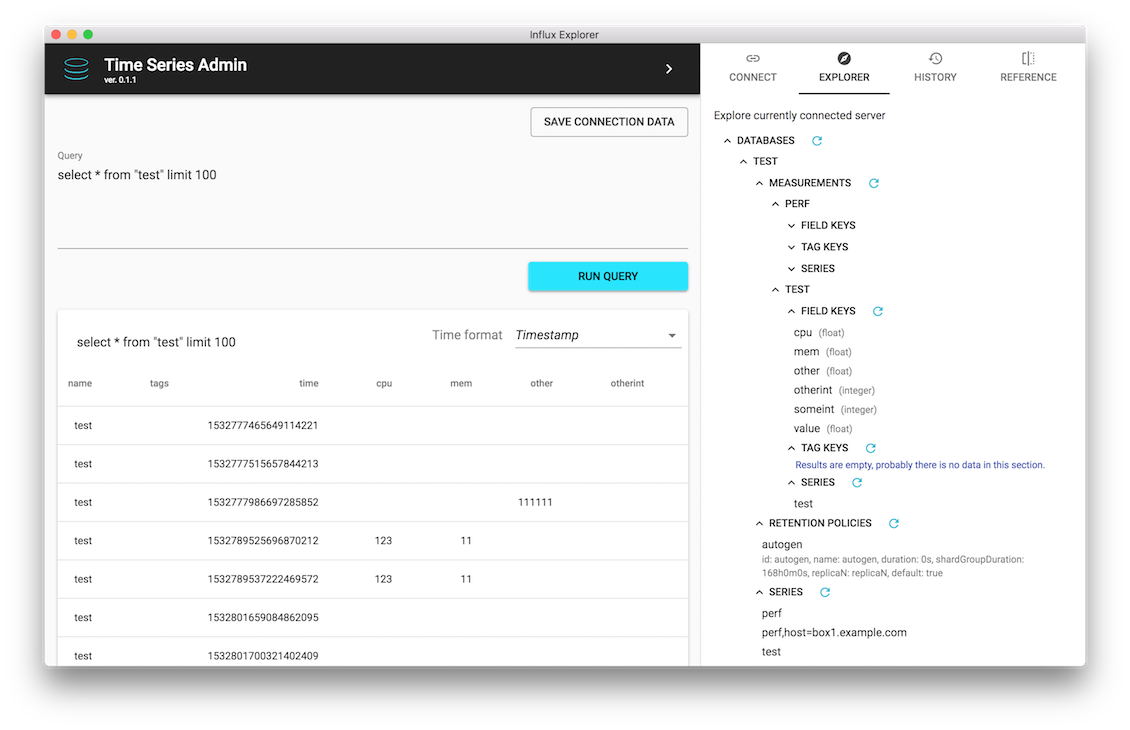 Explore InfluxDB server
Go through your InfluxDB structure without writing single InfluxQL query.
-
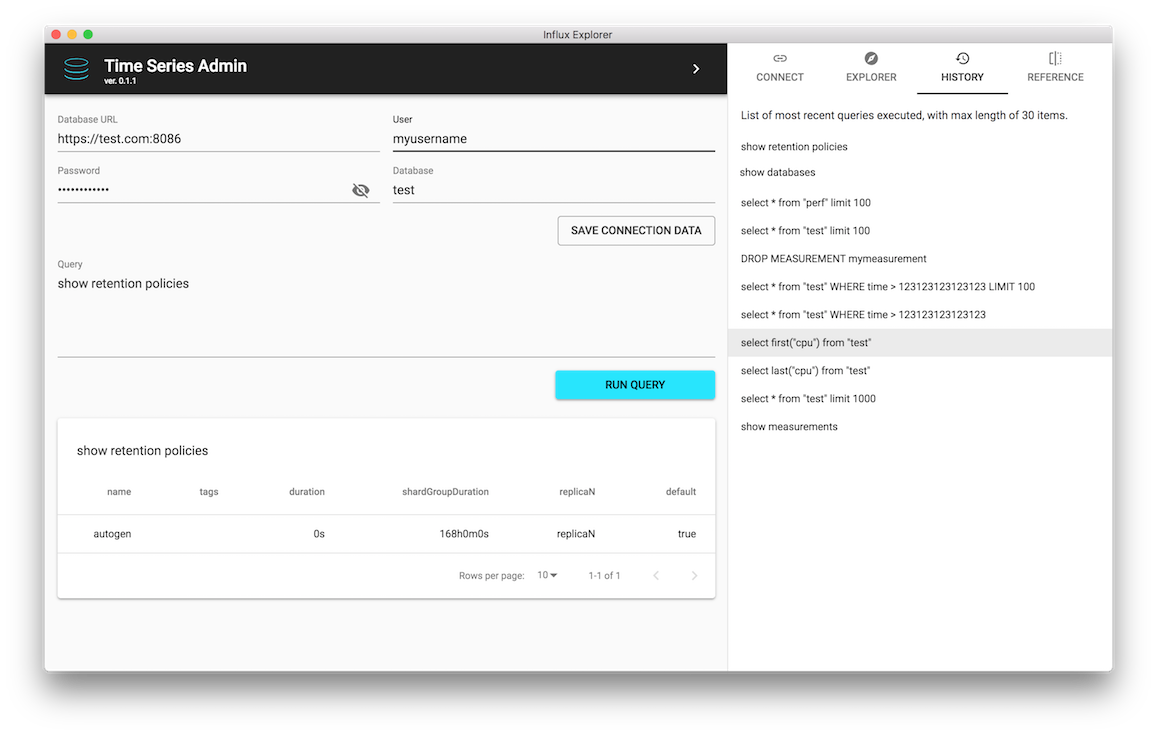 Repeat recently run queries
Click on HISTORY list entry to place selected query inside Query textarea. Easily repeat it or refactor before running again.
-
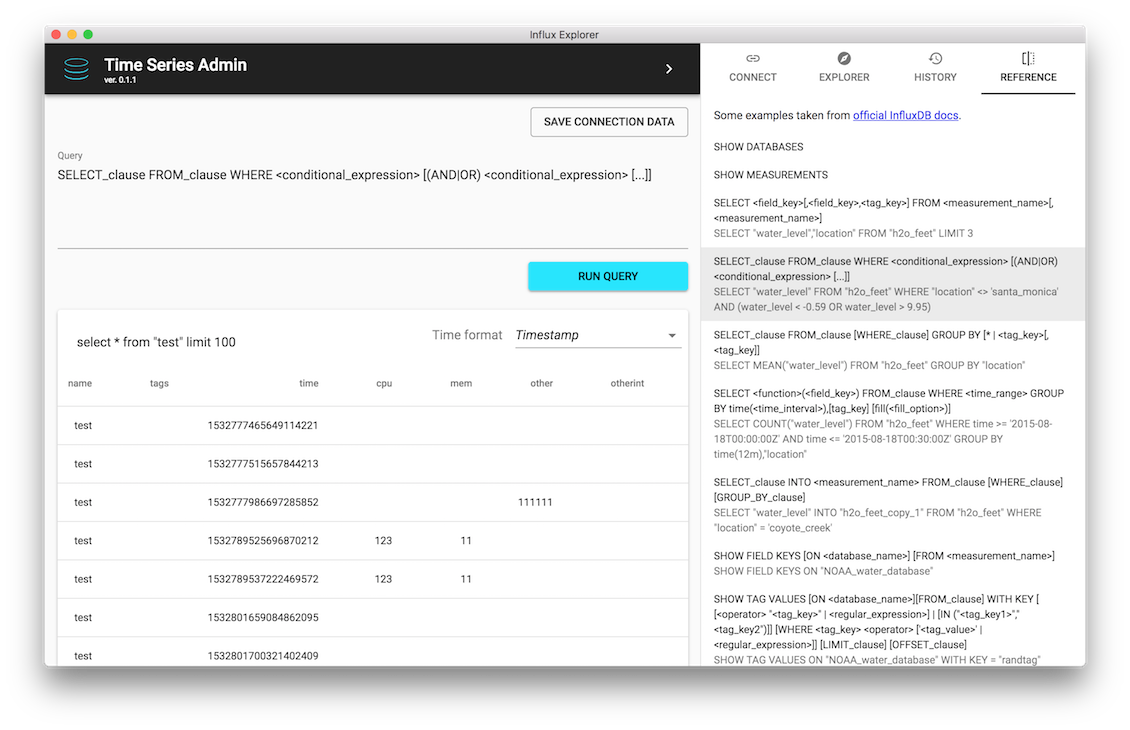 Check references without leaving Time Series Admin
Click on selected reference in REFERENCE panel to place it inside Query textarea. Easily refactor query code and run it.
-
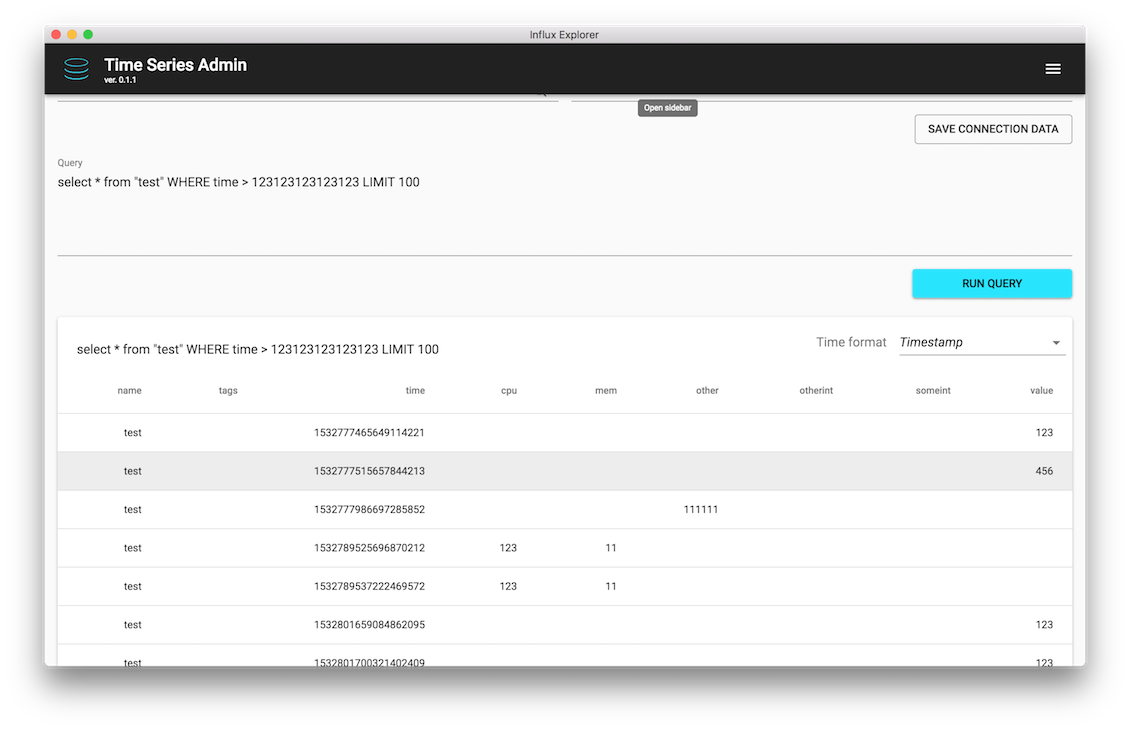 Make more space for results
You can hide or show utility panels to make space for query results if needed.
-
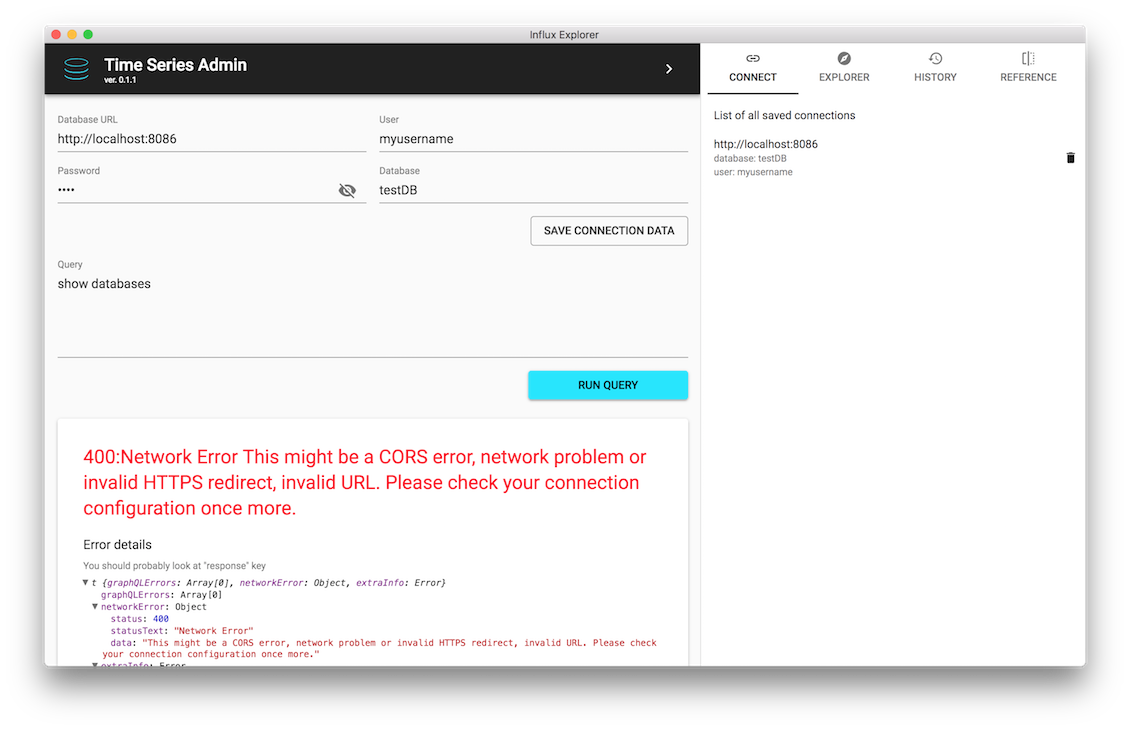 Understand your mistakes
Thanks to the descriptive and interactive error messages
-
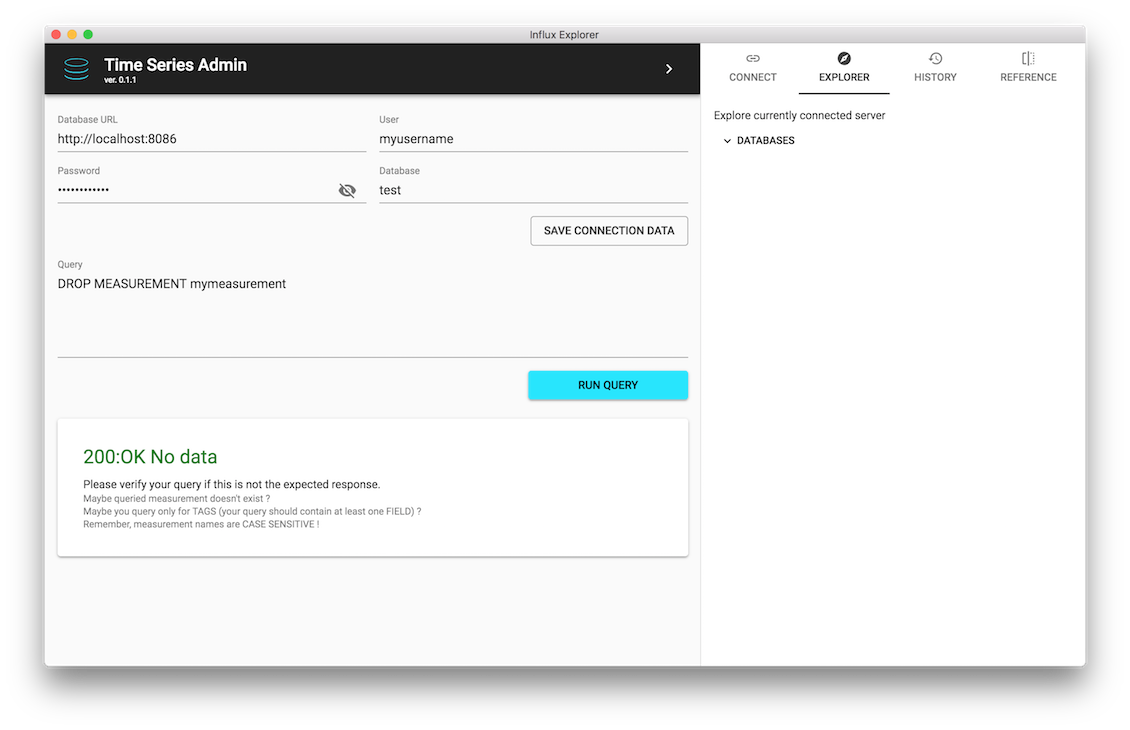 Verify results of your requests
Simple DROP MEASUREMENT query should return 200: OK, which you may quickly verify.
-
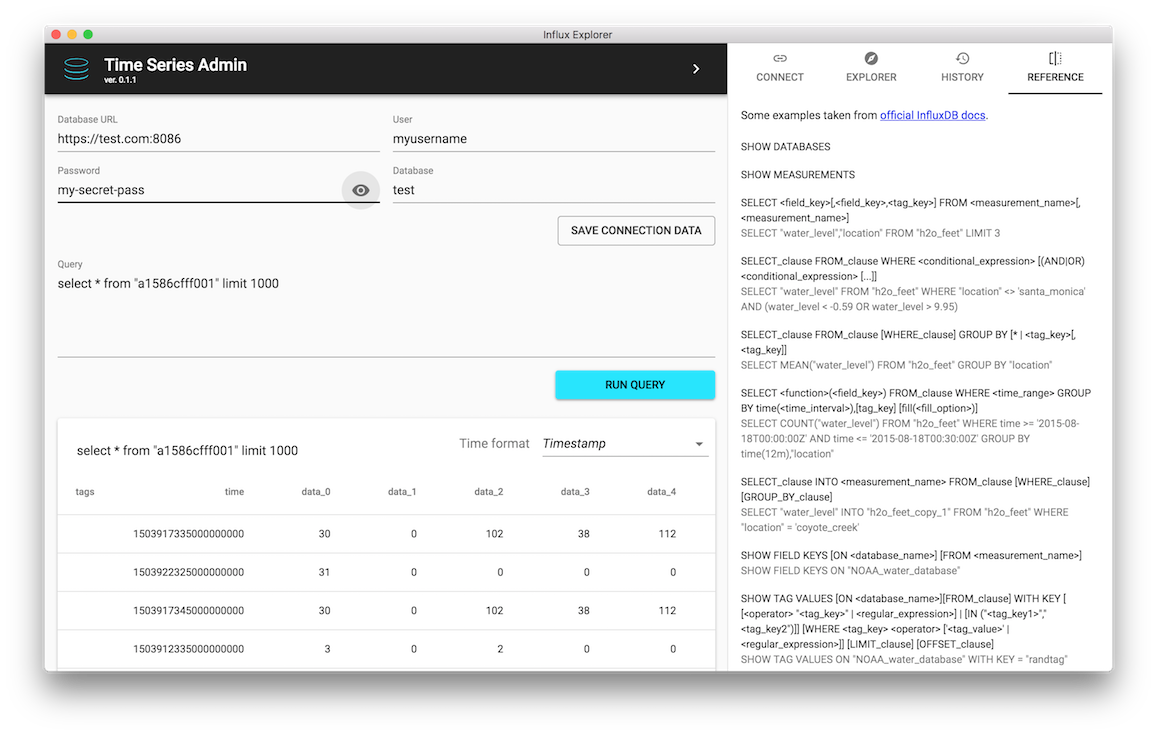 Check password input value
You can view password as a plain text if necessary.
-
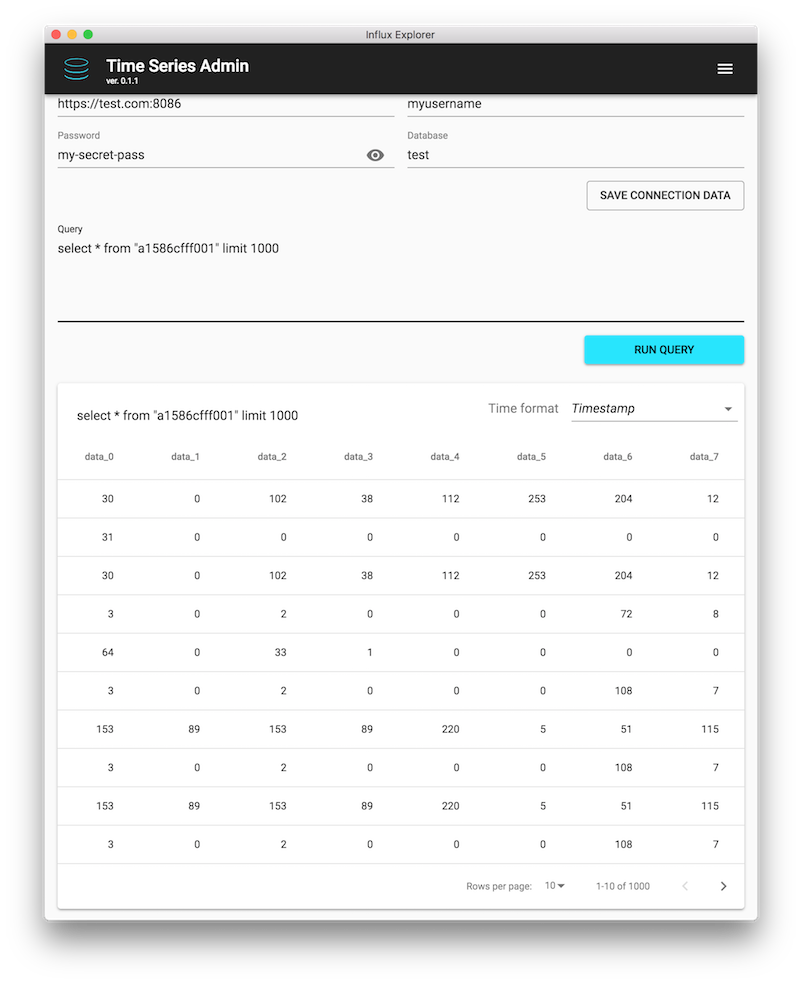 Scale application window to fit your needs
It is responsive, but don't go crazy small or it will become unusable.
If you didn't find a feature you are looking for don't hesitate to ask.
License
It is free to download, share and use.Application is MIT licensed, so you may modify it however you want, if needed.