

Separate songs into stems.
StemDeck turns a finished song into separate parts for practice, study, and remixing. Add a file or paste a link, then listen to each stem in a focused desktop workspace.
Choose your versionA focused workspace for stems.
Open a song, separate it, and work with the parts in one clean view. Vocals, drums, bass, guitar, piano, and other sounds stay easy to compare.
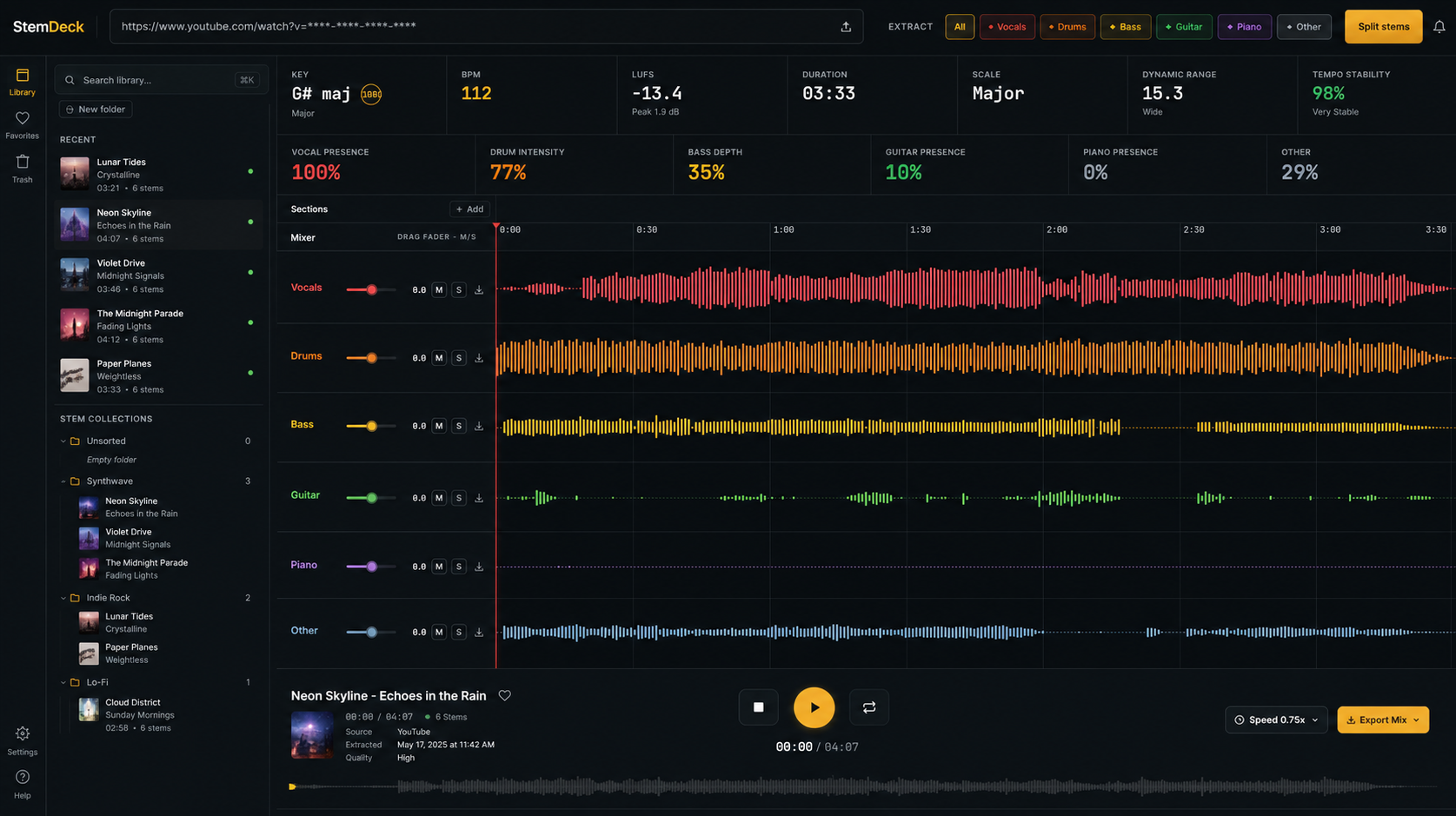
From song to stems in three steps.
The workflow is intentionally direct. Bring in a track, let StemDeck separate it, then use the result for practice, study, or remixing.
Add a song.
Drop in an audio file or paste a supported link.
Separate stems.
StemDeck splits the track into useful parts.
Listen and adjust.
Mute, solo, compare, and focus on the part you need.
Built for everyday music work.
StemDeck keeps the common actions close: open a song, hear the parts, make quick decisions, and come back to the session later.
Separate the track.
Split a finished song into parts so you can focus on what matters.
Easy to compare.
Keep the parts together in one view for faster comparison.
Simple controls.
Turn parts up or down and remove distractions quickly.
Quick song details.
Keep useful song details with the session for later reference.
Stays with you.
Your audio stays in your environment. No account is needed.
Pick up later.
Save a session and return when you are ready to keep working.
Made for private music work.
StemDeck is for musicians, producers, teachers, and curious listeners who want stem separation without turning every track into a cloud upload.
Use it when you want a focused tool for practice and study, not a full studio suite.
A simple way to hear the parts of a song without losing control of the workflow.
Download StemDeck.
Start with the native app, run it yourself, or support the project. The download choices stay visible so you can pick the right build.
Run StemDeck in your own environment.
- ✓Full control
- ✓Good for home servers
- ✓Open project
- ✓Best for power users
The best choice for most people.
- ✓Desktop workflow
- ✓Mac and Windows builds
- ✓Simple installer choices
- ✓Recommended starting point
Help StemDeck grow by sharing it with others.
Support the projectQuestions.
Short answers for choosing the right version and understanding how StemDeck handles your music.