
Pyxle — an open-source, full-stack Python framework
Python & React.
One file.
The async loader, the server actions, and the React component that uses them live together in a single .pyxl file — server-rendered, hydrated, hot-reloading. Standard ASGI underneath, with no special deploy story.
MIT · v0.6.1 · up to 4.3× faster SSR than Next.js →
Python 3.10+ · Node · any ASGI host
01 — The file
Eight files was never the point.
A feature in a typical React-plus-API stack: a route handler, a validator, a types file, a client hook, a fetch wrapper, a skeleton, the component, and the page that mounts it — stitched together by convention and hope. In Pyxle, the same feature is one file. One read tells you everything it does.
The usual way
- app/api/likes/route.ts (replaced)
- lib/validators.ts (replaced)
- types/likes.d.ts (replaced)
- hooks/use-likes.ts (replaced)
- lib/api-client.ts (replaced)
- components/LikeButton.tsx (replaced)
- components/LikeButtonSkeleton.tsx (replaced)
- app/posts/[id]/page.tsx (replaced)
# likes.pyxl

@server
async def load(request):
    pid = request.path_params["id"]
    return {"id": pid, "likes": await db.likes(pid)}

@action
async def toggle_like(request):
    body = await request.json()
    return {"likes": await db.toggle(body["id"])}


import React from 'react';
import { useAction } from 'pyxle/client';

export default function Likes({ data }) {
    const toggle = useAction('toggle_like');
    return (
        <button onClick={() => toggle({ id: data.id })}>
            ♥ {data.likes} likes
        </button>
    );
}
Change the Python. Watch the page.
The @server loader and @action handlers below execute in genuine, sandboxed CPython; the component renders live in the preview pane. Edit anything — nothing here is a video.
Edit the code → real Python boots.
03 — In the box
Everything you'd assemble, already assembled.
No meta-framework archaeology. Pyxle ships the parts a product actually needs, and stays out of the way for the rest.
Standard ASGI means there is no special deploy story. If it runs Python and Node, it runs Pyxle.
04 — The numbers
Measured, not marketed.
Same hardware, same load generator, both frameworks tuned in good faith. When a setup is unfair to a competitor, we fix the setup — not the chart.
- faster server-side rendering than Next.js, on a landing page
- 4.3×
- on form POST — ahead of Hono, FastAPI, and Express
- #1 of 7
- JSON requests per second — the fastest Python framework tested
- 56k+
- errors under sustained load
Reproduce them yourself — full methodology, hardware, and harness at /benchmarks →
Beyond raw speed — the full picture against Django, FastAPI, and Next.js is in the comparison →
$ pyxle check
ℹ️  Checked 2 .pyxl file(s) in my-app/
  error: [python] line 2: expected ':'
    --> pages/feed.pyxl
  error: [jsx] line 6: JSX syntax error: Adjacent JSX elements must be wrapped in an enclosing tag. Did you want a JSX fragment <>...</>? (6:8)
    --> pages/likes.pyxl
❌ Check failed with 2 error(s)
$ echo $?
105 — For the agents
One file is also how an agent reads.
Context windows are budgets. A Pyxle feature is one read — loader, mutations, and UI in a single pass, not a scavenger hunt across eight files before the first edit.
“One read = the whole feature.”
pyxle check emits structured, grep-able diagnostics — section, line, message, file — with an exit code an agent can branch on. And it is all Python — the language models write best.
06 — Markdown, built in
Every page is also Markdown.
Your readers increasingly arrive with an AI in the loop — and it wants text, not your HTML. Flip one flag and every page serves a clean Markdown twin: append .md to any URL, or send Accept: text/markdown. This page included.
“Append .md. Read the page.”
You decide where each page's Markdown comes from — a co-located .md file, a to_markdown handler, or one llms.py for a whole section. An llms.txt index and discovery headers come free — it is how a developer pastes your docs into Claude or Cursor and gets clean context, not tag soup.
$ curl pyxle.dev/docs/routing.md
> Markdown rendition of /docs/routing,
> served for agents. Index: /llms.txt

# Routing

Pyxle uses **file-based routing**. The
structure of your `pages/` directory is
your URL routes — no router config,
no tag soup, just the words.07 — In the wild
Built with Pyxle, running live.
One reference app that uses every feature, plus a few small specimens — each a handful of .pyxl files, deployed the boring way. Open the source next to the live app; the whole feature really is in one file.
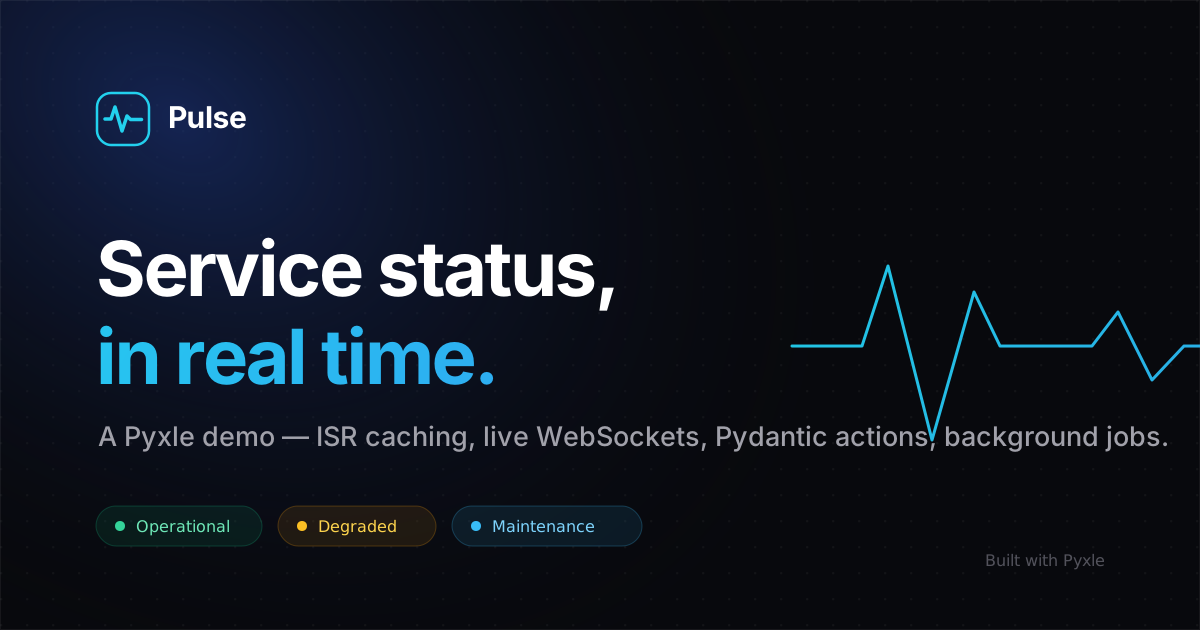
The reference app — a service-status page with a live incident war room — built to exercise every Pyxle feature in one coherent product. Python loaders and React UI in the same .pyxl file, server-rendered, streamed, and hydrated.
Smaller specimens
08 — Start
Four commands. The fourth is a running app.
pip install pyxle-frameworkinstalls the compiler, server, and CLI
pyxle init my-app && cd my-appscaffolds pages/, config, and a first route
pyxle installinstalls the pinned JS toolchain
pyxle devSSR dev server with HMR at localhost:8000
Then open pages/, add a file, and you've shipped a route. The docs take it from there.
This form is the demo.
The input below posts to an @action defined in index.pyxl — the file that rendered this page. Release notes, occasionally. No noise.
def subscribe_newsletter(request) · validated, rate-limited, and stored by an @action on this server.