
Notes app designed for local Markdown files.
From simple notes and todo lists, to articles and journals, to wikis and second brain — no accounts, no subscription, no vendor lock-in.
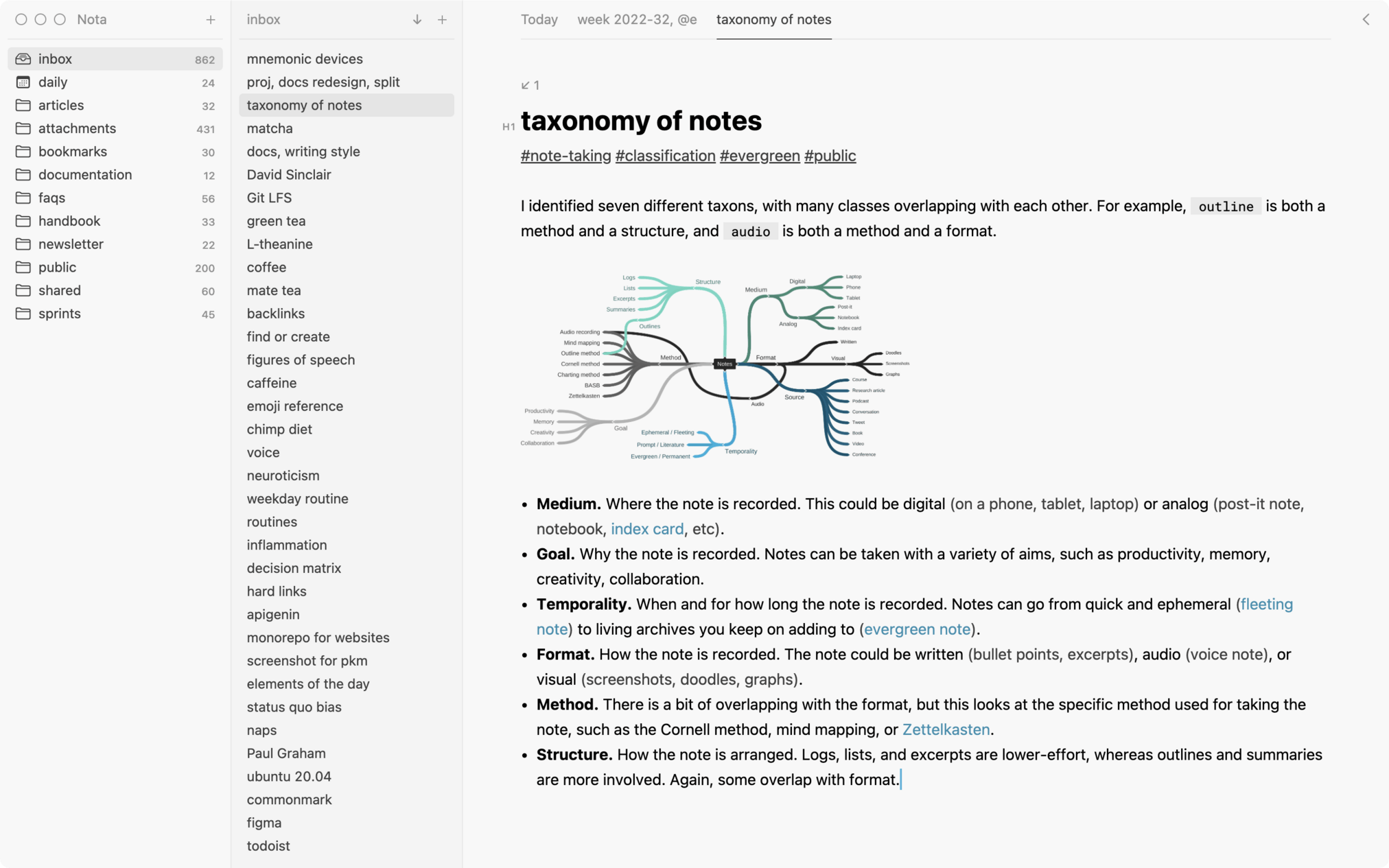
Efficient editor.
A clean and familiar writing experience combined with editing tools that are invisible when you don't need them and powerful when you do.
-
Multiple selections.
Make ten edits at the same time, not one edit ten times.
-
Expand selection.
Easily select the current element or any of its parents.
-
Intelligent assistance.
Context-aware completions and visual hints.
-
True plain-text.
No reformatting on open, no transformations on copy or paste.
Quick dialogs.
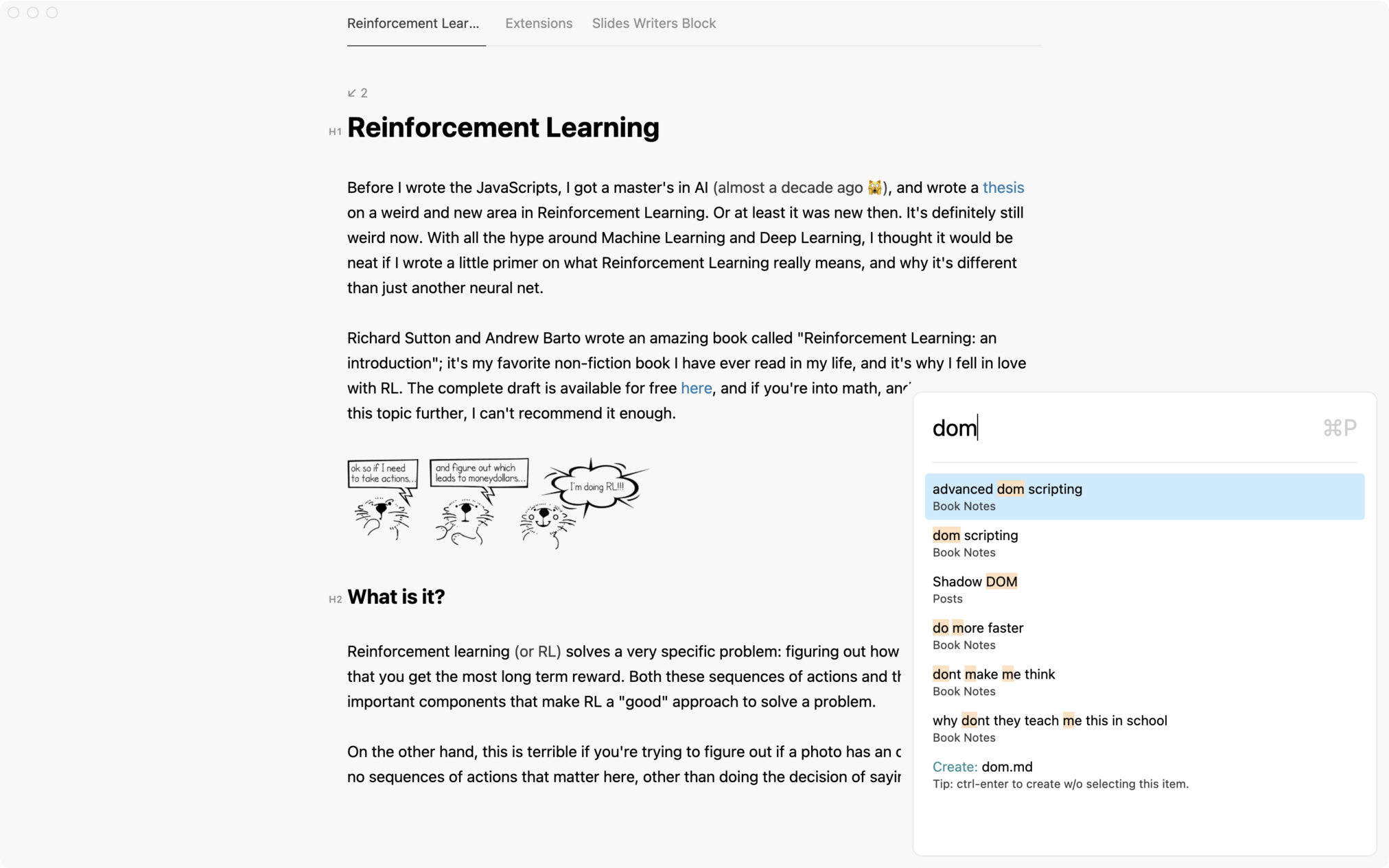
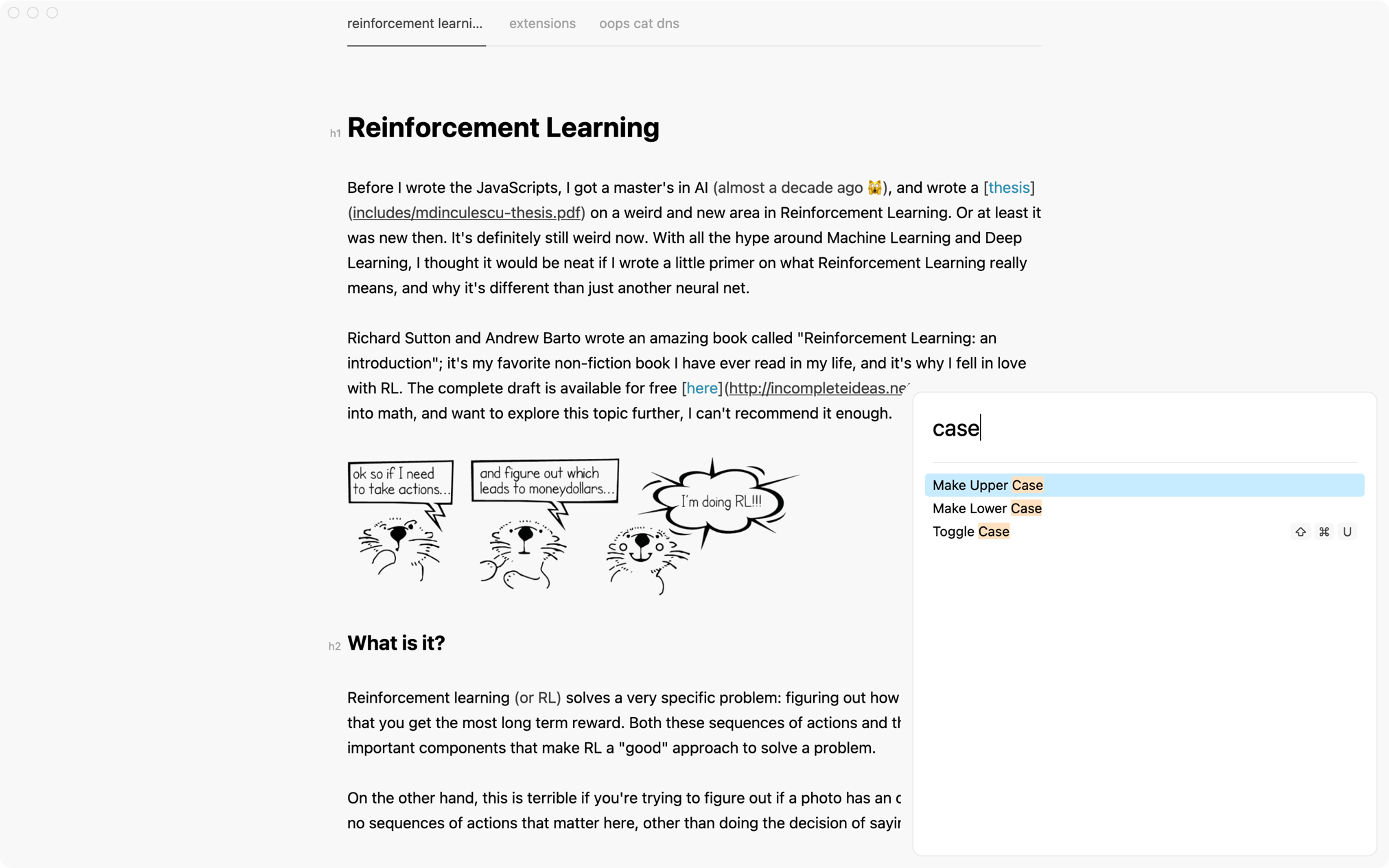
Speed up common things like opening files, searching, or calling commands — Nota quick dialogs use fuzzy matching to show you better results in fewer keystrokes.
Wiki links.
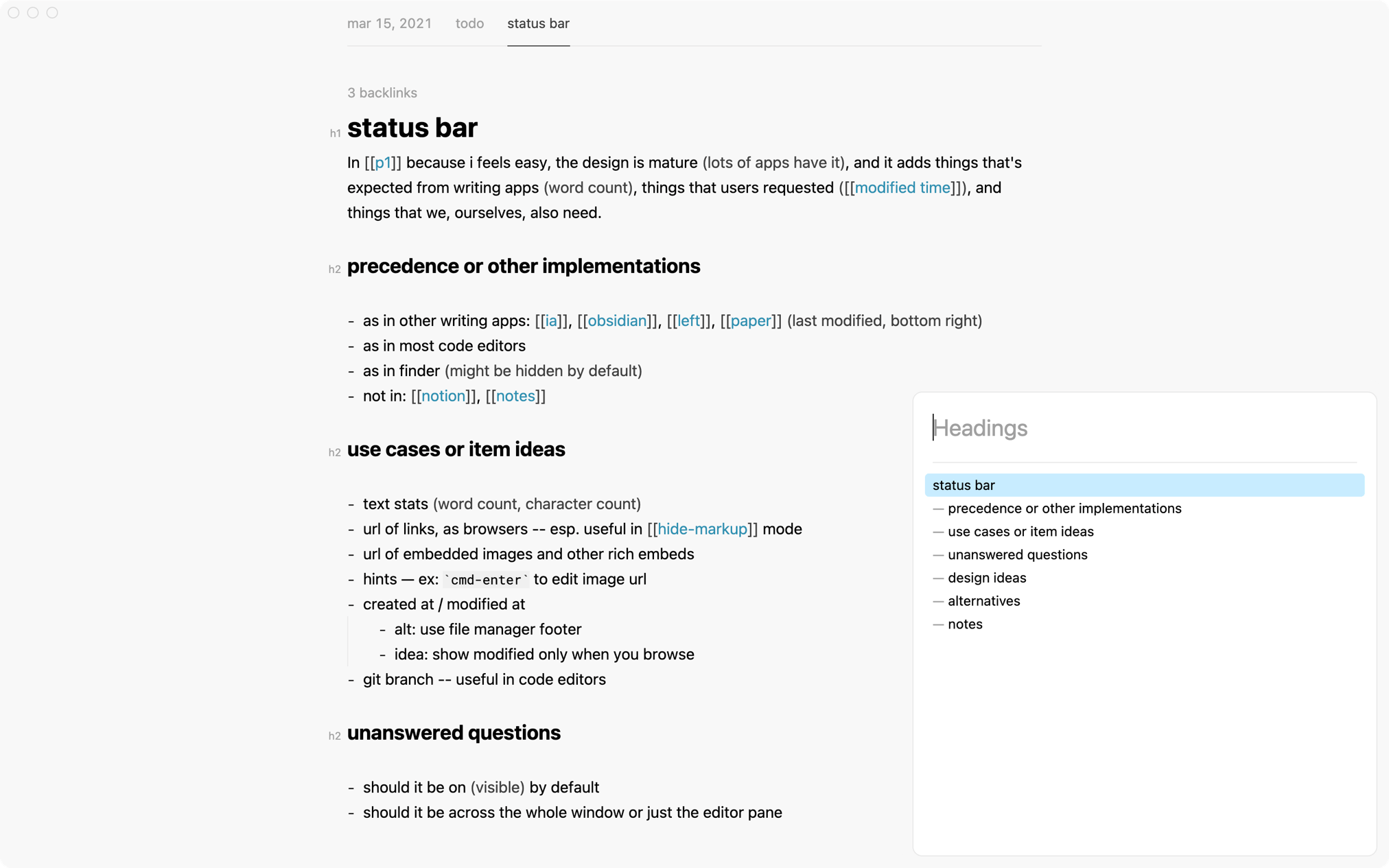
Nota supports the popular [[ wiki ]] syntax for linking notes and makes it easy to build personal wikis, team knowledge bases, or something like a Second Brain or a Zettelkasten.
-
Wiki-Links
Use standard Markdown links or the shorter wiki-link syntax.
-
Auto-Update
On renaming a file, links to it auto-update.
-
Shortcuts
Press ⌥↵ to follow a link or ⇧⌘b to jump to a backlink.
-
Backlinks
See what links here and discover new connections.
Complete data ownership.
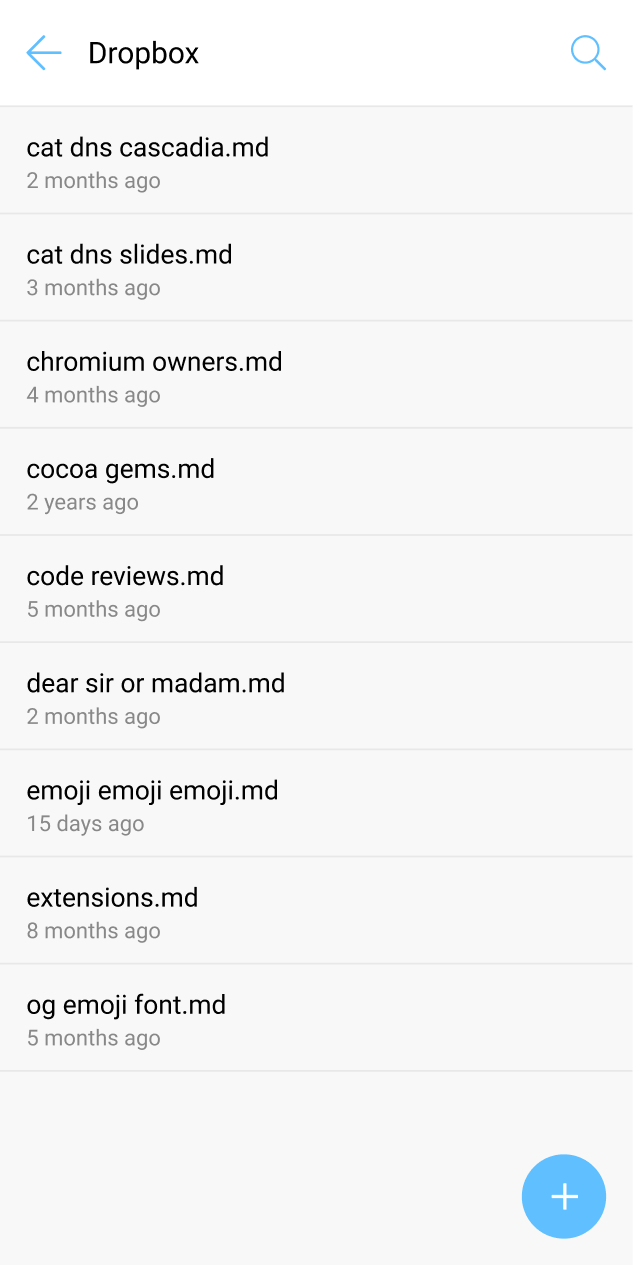
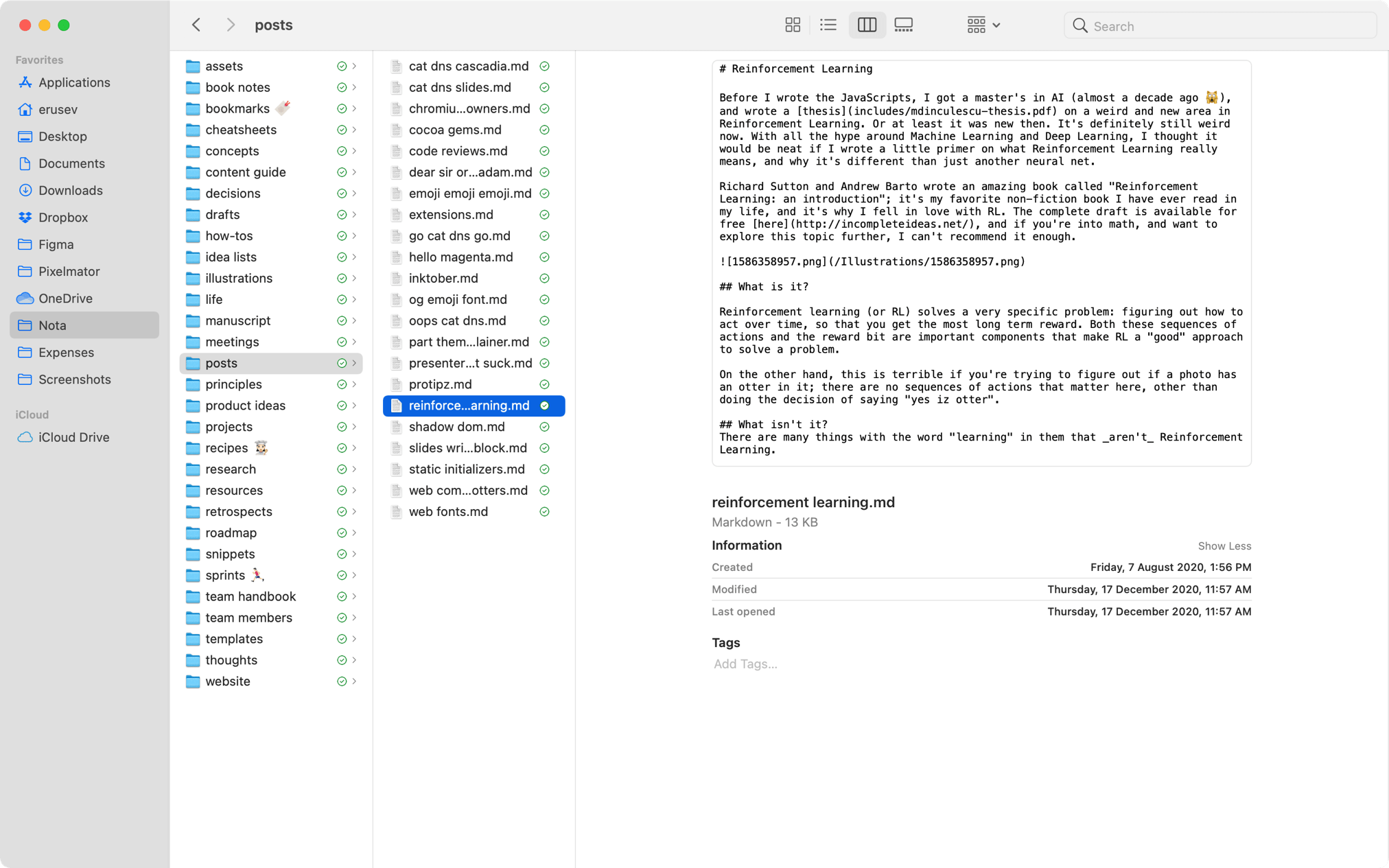
Your notes are regular Markdown files that you can keep in Dropbox, manage in Finder, and open in any app that works with plain-text files — desktop or mobile, now or 50 years from now.
Extensions.
With simple scripts, you can vastly extend Nota to fit your needs. Use scripts written by other users or write your own in a variety of scripting languages.
-
Commands
Add custom commands to the Command Palette / ⇧⌘p.
-
Hooks
Run custom scripts on app events like paste or save.
-
Highlighters
Color-code parts of speech or underline pompous words. coming soon
-
Completions
Add custom completions for specific parts of your workflow. coming soon
Want to try it?
We have a beta version for macOS that we'd like to share with more people — request an invite to get on the waitlist.