Section-based targeting
Measures the loudest sliding window (default 20 s / 5 s hop), not whole-file average or playback-time trim.

Work in progress · Open source · Windows
Analyze the loudest sections of your tracks, set your own LUFS target and true-peak ceiling, and render _DG copies without touching your originals. You'll always know how loud the drop actually hits.
For DJs comfortable running from source while builds and limiter support expand.
SECTION
Exports standard audio files for DJ libraries
Features
LUFS band, ceiling, gain mode, analysis window, and output routing — exposed in Preferences, not hidden behind one-click presets.
Measures the loudest sliding window (default 20 s / 5 s hop), not whole-file average or playback-time trim.
Default -1.0 dBTP. When level and peak conflict, gain is reduced or limiter-assisted processing applies.
Linear gain when the ceiling allows. FabFilter Pro-L 2 with a capped max reduction when peak control is needed.
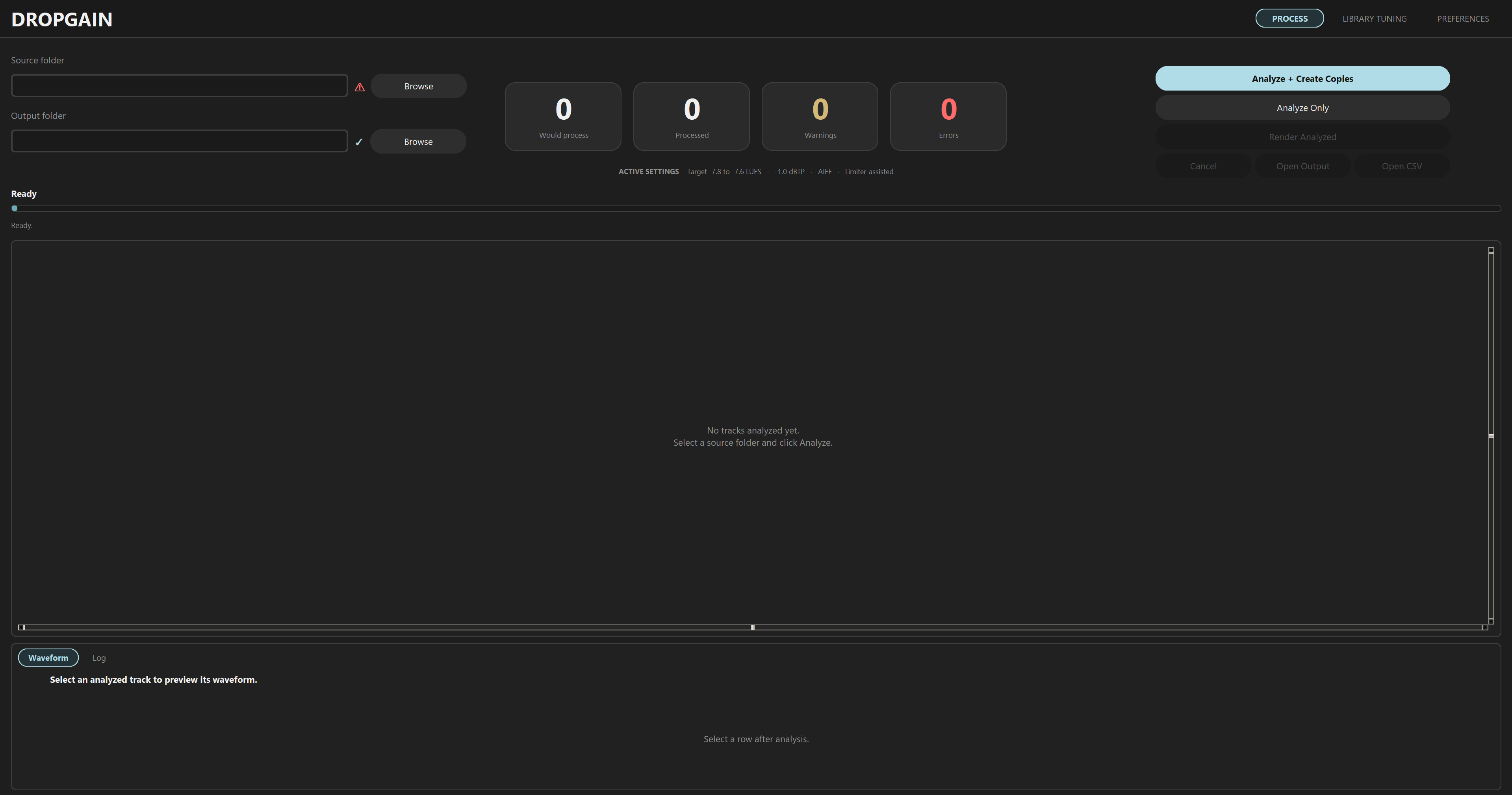
Recursive scan with per-track LUFS, dBTP, suggested gain, limiter estimate, and render eligibility.
Non-destructive copies beside sources or under a separate root. All metadata is preserved, whether keeping the original format or forcing AIFF/MP3.
Profile your library and get recommended targets, window/hop, thresholds, and ceiling settings.
Post-render re-measurement, loudness tags stripped, optional CSV report and session log.
On positive gain only: low-band energy can reduce boost on bass-heavy sections.
Open by design
Closed prep tools trade transparency for convenience. DropGain is built the other way around.
Licensed under AGPL-3.0. Gain, limiting, and measurement logic live in the repo — auditable and forkable, not a black box.
Window length, hop size, LUFS targets, true-peak ceiling, gain mode, and export routing stay in your hands.
Every track is analyzed first. LUFS, dBTP, and suggested gain appear in the table before any batch processing runs.
Workflow
_DG in five stepsAnalyze your library, review per-track numbers, then render copies. Library Tuning is optional profiling along the way.
Current limitations
DropGain is a work in progress — useful if you want section-based loudness prep and can run a Python app from source. Not ready for casual install-and-go use yet.
No Windows installer or packaged executable yet. Clone the repo, install dependencies, and run from source.
Bugs are still possible. Test exports on copies of your library, not your only masters.
Limiter-assisted processing currently requires FabFilter Pro-L 2 (VST3) (30-day free trial available). Clean gain and full analysis work without it.
The app is functional but not polished. Expect rough edges while the interface improves.
Early adopters
No rented quotes or suspicious five-star screenshots — just an empty row until real DJs actually use DropGain in their prep workflow.
If that is you, drop me an email or start a discussion with a short note or before/after result. Good feedback may earn a name here later.
Setup
No installer yet — follow the repo README for dependency install, then launch main.pyw and validate your setup in Preferences before rendering.
Disable playback auto gain before loading _DG exports
This is required in Rekordbox, Serato, TRAKTOR, VirtualDJ, and similar software. Auto gain will fight the levels DropGain applied and make your prep unreliable in the booth.
Clone the repo, set your targets, review the analysis table, and render _DG copies when you are ready.