
Repository navigation
Page Generation Landscape/Portrait #352
Description

Problem:
We generate pdfs atm in dimmension of 62x29. Which will be printed on varity of devices with the same Printer.
Some Devices doesnt allow on print switching from landsacpe to Portrait while some devices expect on the other hand that the pdf will be in Portrait mode. One one device i need to print 62x29 on another device like Ipad i need to print it as 29x62.
Our current solution looks like this
page.Content().Container().RotateRight().Element(..)
But if u have Header or Footer this wont work well.
We generate the Pdf as 62x29 but should be allowed to rotate it on its side so the result would be 29x62
Solution:
The perfect solution would be to have some settings in page, to allow it to rotate the entire content, header and footer.
page.ApplyRotateRight();
Activity
bennetbo commentedon Oct 2, 2022
I believe you are looking for this.
In your PageDescriptor set your size to landscape mode, e.g.
page.Size(PageSizes.A4.Landscape().denizakkas commentedon Oct 2, 2022
Thanks for the quick answer. The problem is i will get an layout exception. Since i would expected my container to be a specfic size.
My Container is designed to create an Landscape 62x29. But i want to create in specifc cases the same flipped as 29x62. Without duplicating any Container Code to have special cases for portait 29x62
MarcinZiabek commentedon Oct 2, 2022
@BEBO-MAKER Thank you for a quick answer!
@denizakkas You can try using the
ScaleToFitelement, but it is always a compromise. If your content expects a very specific available size (e.g. due to hardcoded values), the library cannot help much. If the exception is thrown because of layout contraints, you can investigate them further using theElementTraceinformation.denizakkas commentedon Oct 2, 2022
@MarcinZiabek thanks for that information
So in this example here. You would suggest to use instead a fixed height then? And get rid of the header/footer. So i can simply RotateRight the remaining Content?
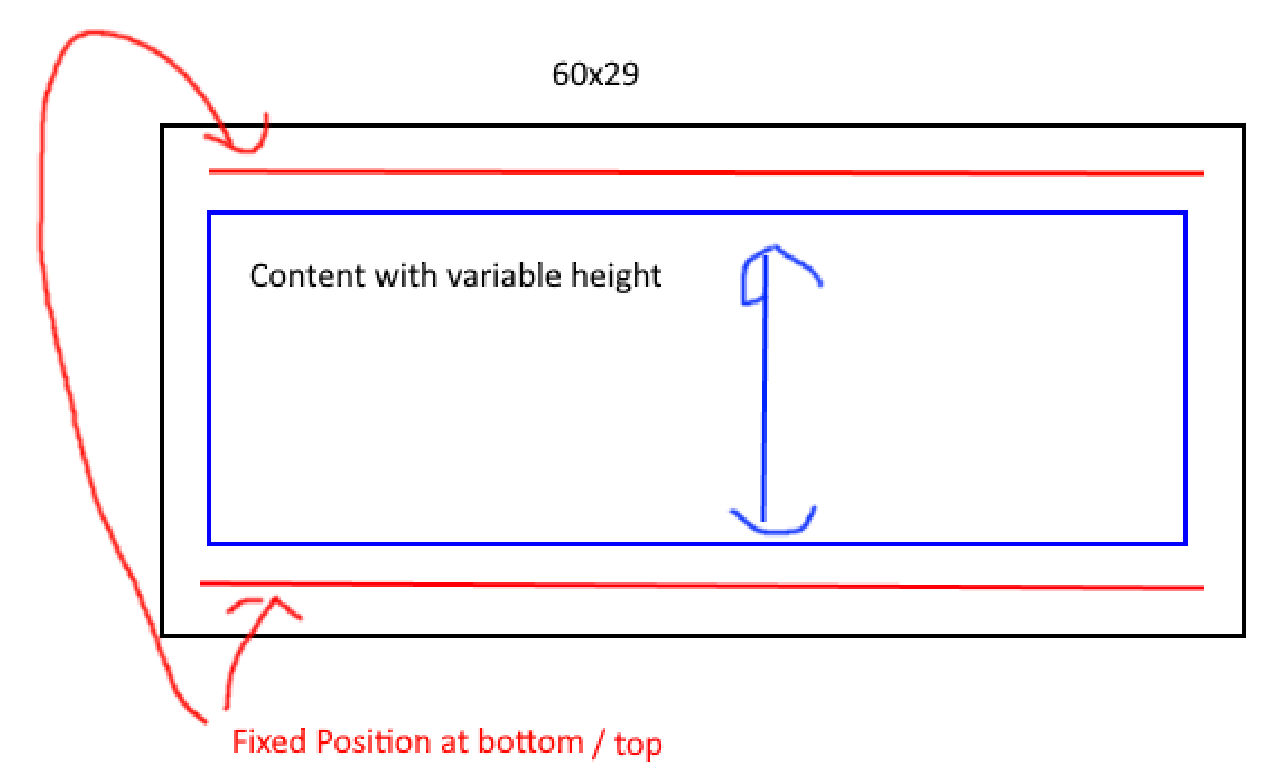
Since i dont see any other way to make this work.
I still think besides this exmaple. It can be pretty usefull to rotate the whole page including Footer and Header
MarcinZiabek commentedon Oct 3, 2022
I am not sure if I follow. Would you like to provide more detailed images? I am especially interested in the content direction within Header / Content / Footer.
denizakkas commentedon Oct 4, 2022
@MarcinZiabek Sorry i should comeup with an Codeexample to make it more Clear. Including and proper Image.
Here we go lets look at this example
As an Example for an Implementation
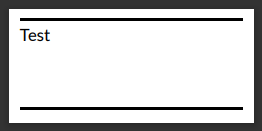
Since i want it rotate on its side, the most obvious way to Rotate it would be to use RotateLeft for example on Header & Content & Footer. Which will of course not work. (Which is absolutly okay)
What i am forced now Todo is something like that to get my expected result. Which will make Header & Footer completly obsolute for this usecase.
And my suggestion is something like a SetPortrait() function or maybe some ApplyRotateLeft to force Rotating Header, Content and Footer all together.
Or maybe some DocumentMetaData to allow it rotate the result.
Sorry for that long post.
MarcinZiabek commentedon Oct 4, 2022
The
Pageelement works as a very specific composition, take a look at this code inside the library. You can recreate similar structure yourself inside theContentslot.Then, you have much better control over entire layout. For example, you can use the content rotation trick that I have described in this issue. Maybe this will help you somehow.
Also, would you like to take a look at this PR ans provide your thoghts? #357
MarcinZiabek commentedon Mar 4, 2025
Since there has been no recent activity, I’m closing this issue. If you experience a similar problem or have a related request, feel free to open a new GitHub issue. I appreciate your feedback! ❤️