Examples
This page includes dozens of bite-sized how-to examples to help you get started with marimo. Be sure to also read the quickstart and the user guide, especially the guide on how marimo runs cells.
Get inspired at our gallery!
For inspirational examples, including embedding-driven data labelers, Stanford-scientist authored tutorials, and more, check out our public gallery.
Running cells
Visual Outputs
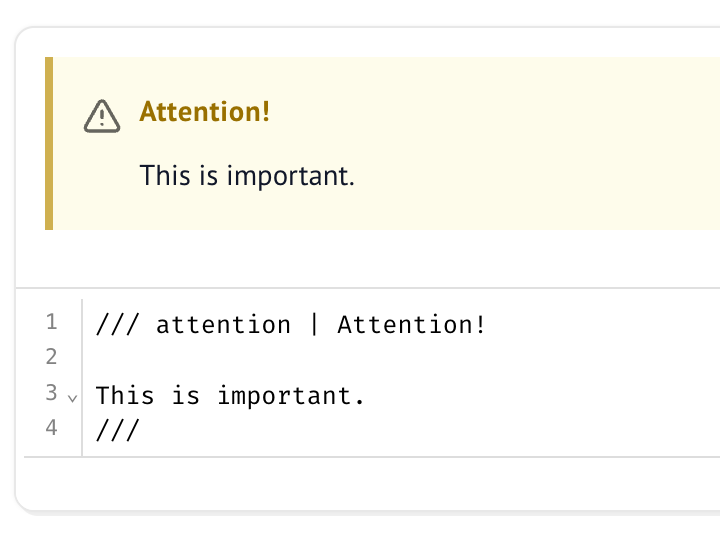
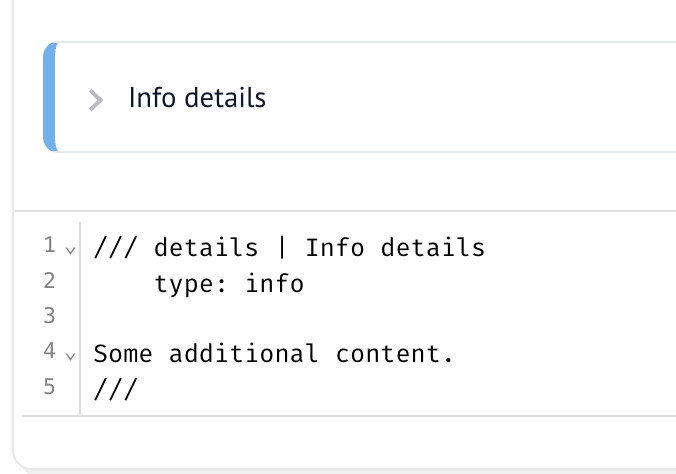
Writing markdown
Working with data
Dataframes
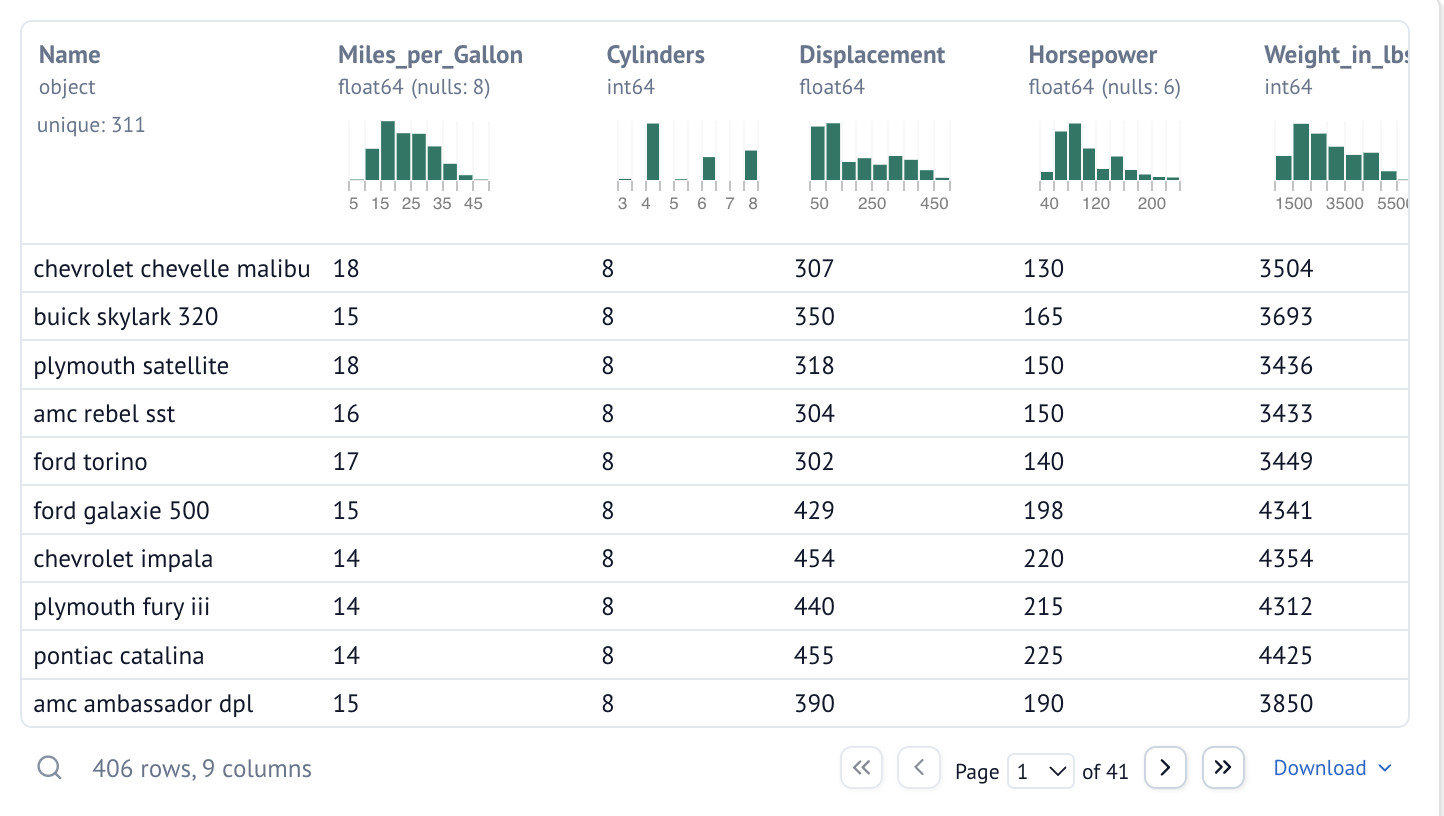
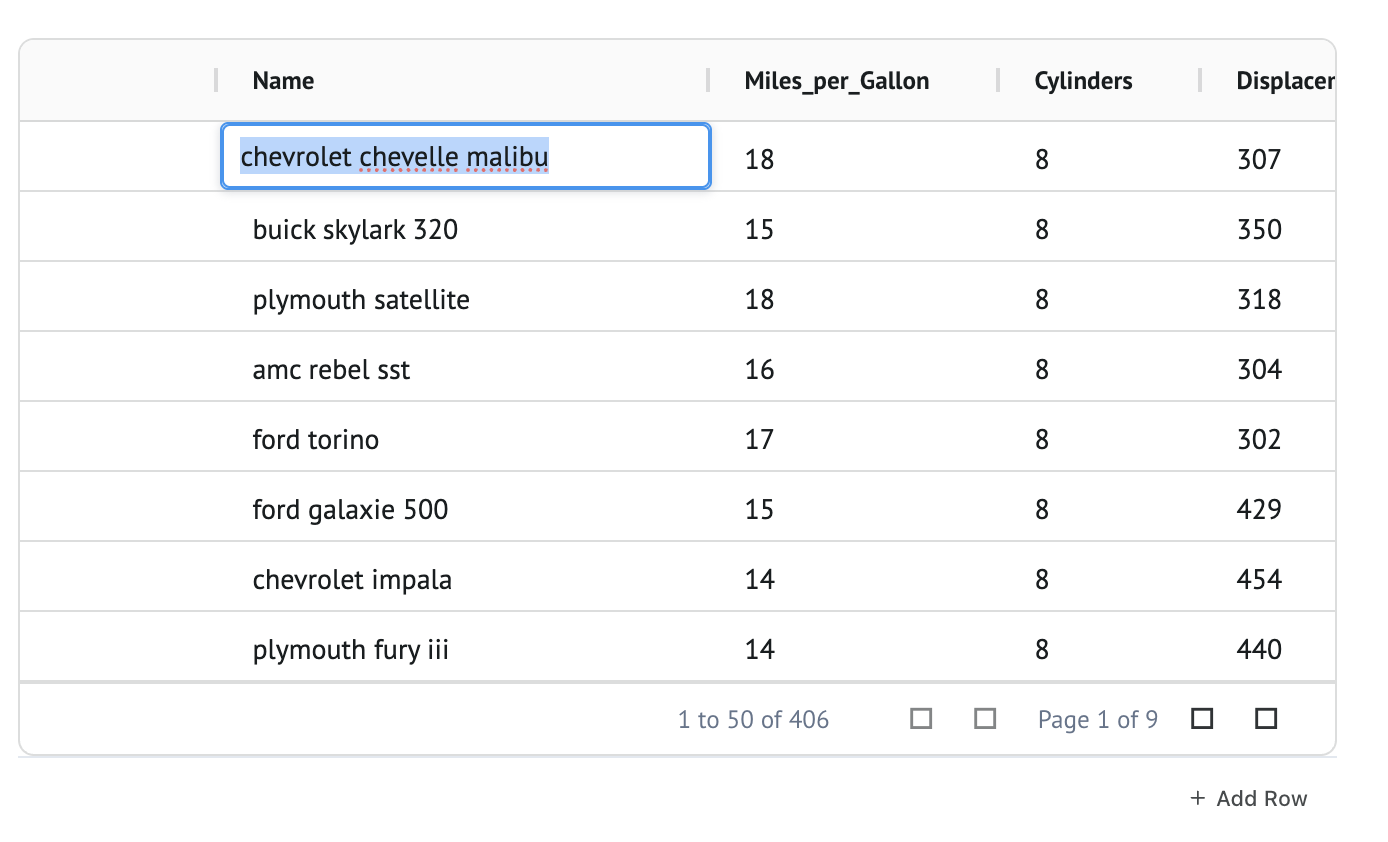
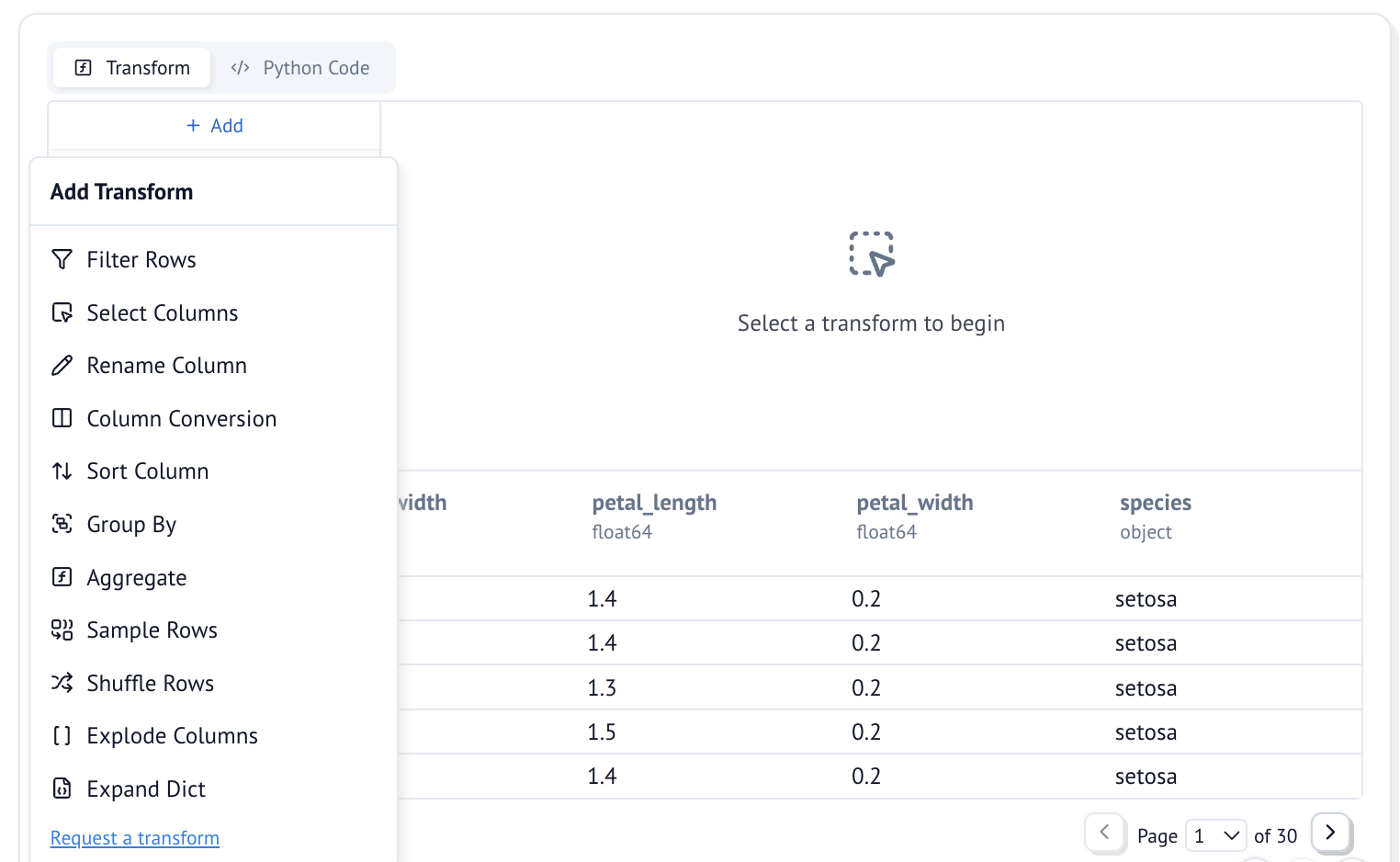
marimo is designed for working with dataframes. Here are a few examples; see the dataframes guide for details.
SQL
Here are some basic examples, see the SQL guide for more details.
Plots
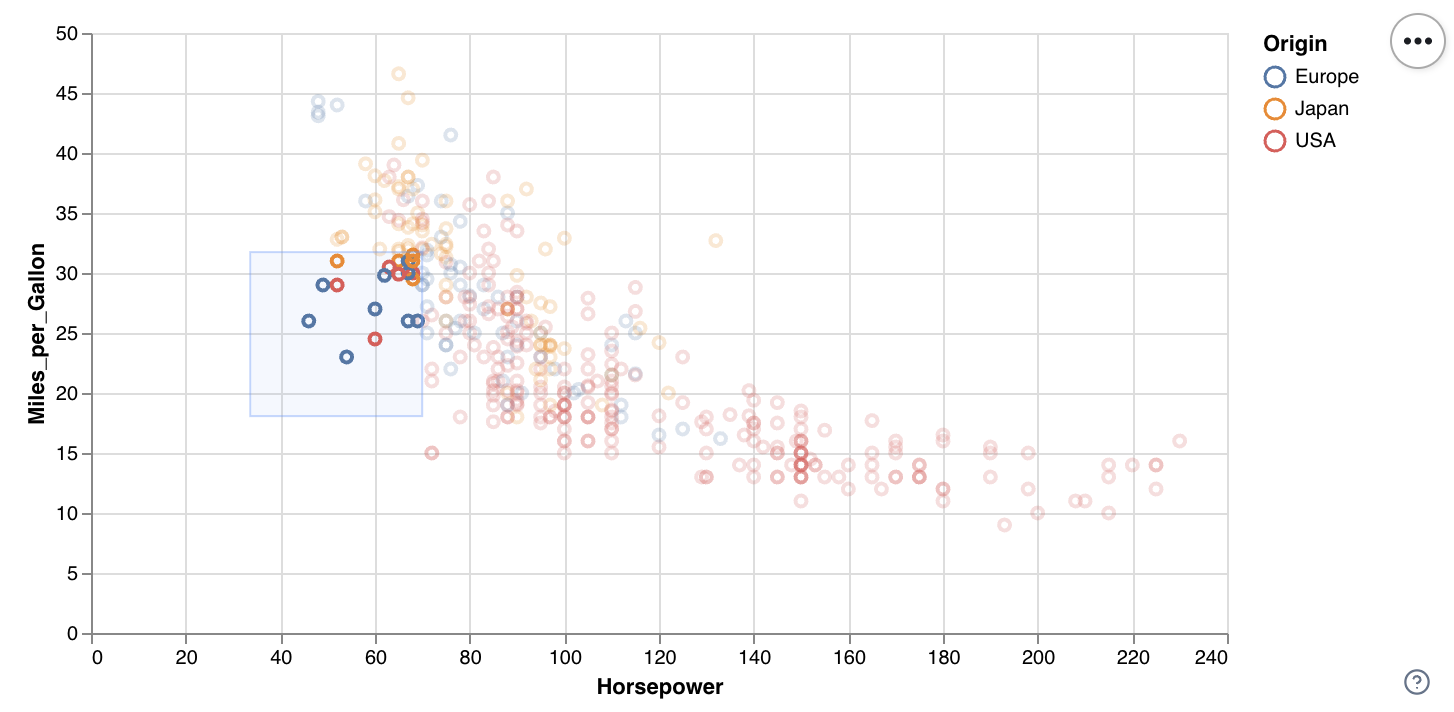
See the plotting guide for a full overview.
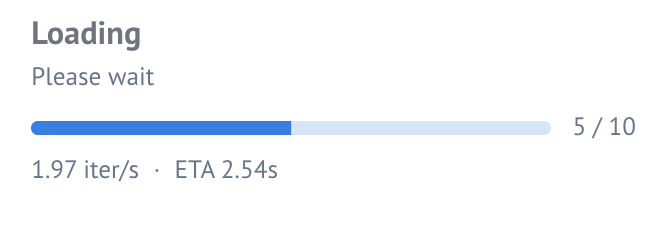
Progress bars and status elements

Layouts

Input elements
Basic input elements
marimo has a large library of interactive UI elements, which you can use without callbacks — just make sure to assign elements to global variables. See the API reference for a full list, and the interactivity guide for rules governing how UI elements work.
-
🎚️ Slider

-
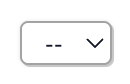
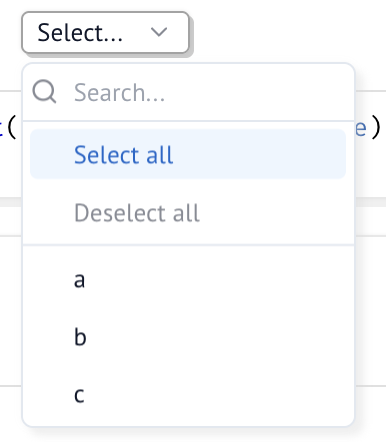
🧾 Dropdown
-
-

-
☑️ Checkbox

-
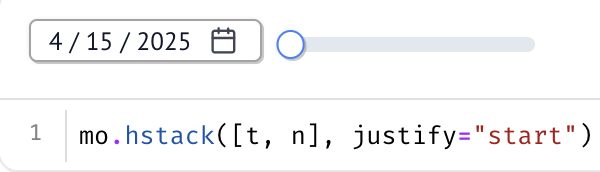
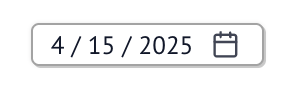
📅 Date
-
📁 File

-
-

-
🧑💻 Code editor

-
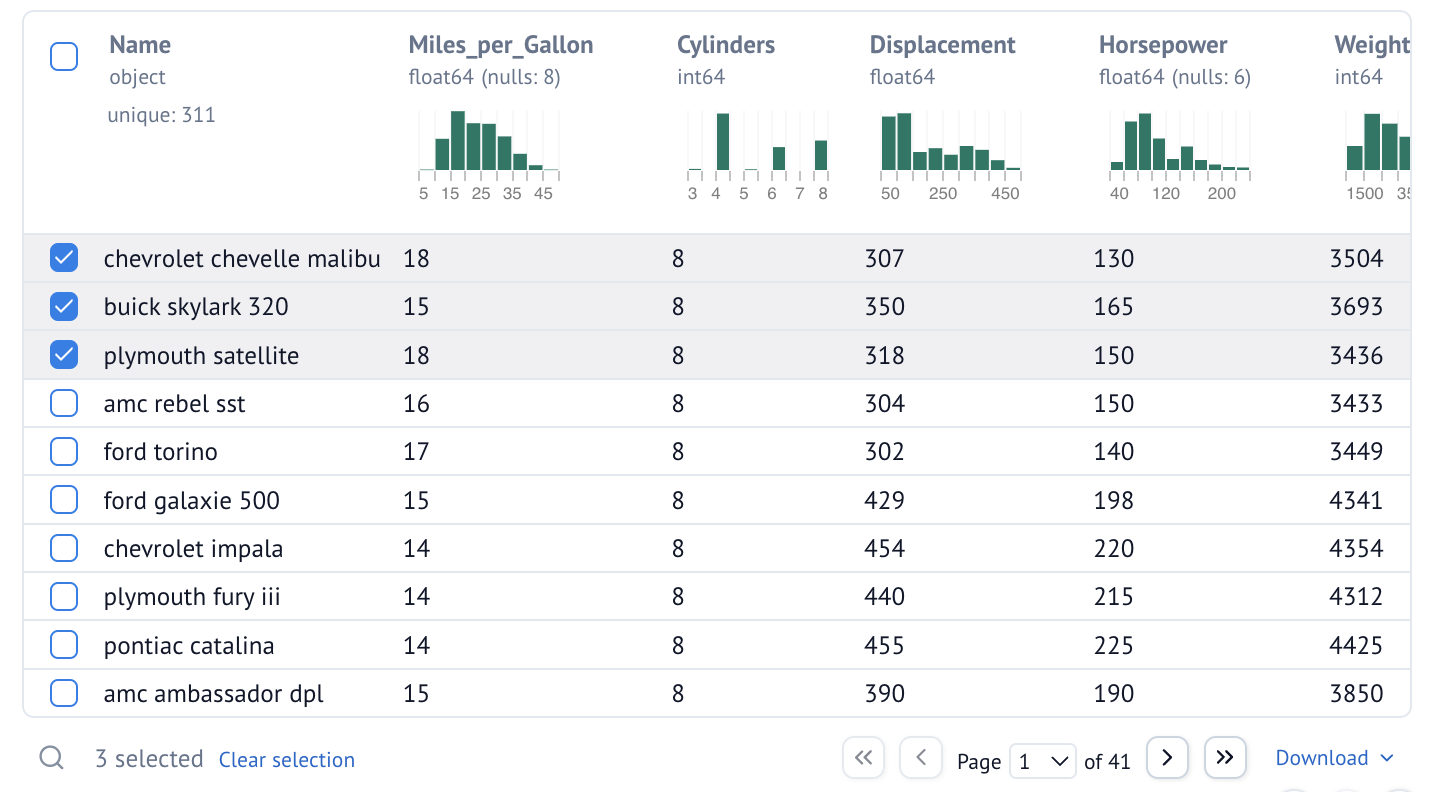
🔍 Table
-
🎙️ Microphone
-
💬 Chat

-
🔢 Matrix
Composite input elements
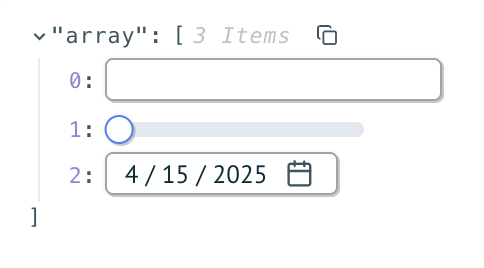
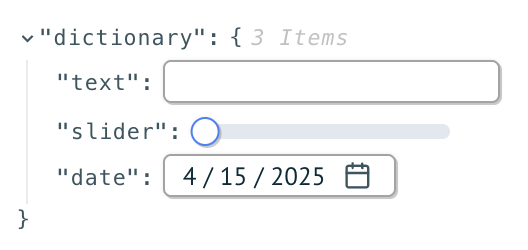
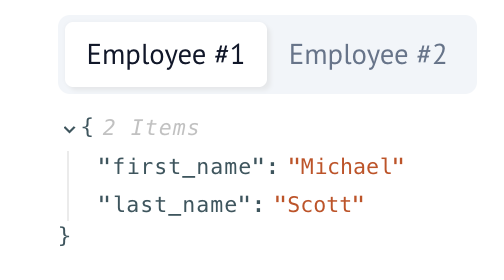
Composite input elements let you create a single UI element from multiple other UI elements.