


Build with Graphify
Graphify maps your codebase into a knowledge graph, so your coding agents answer with real context from your repositories.
The hosted MCP server signs you in with OAuth. No API key needed. Other agents: Integrations.
Set up your coding agent with one prompt
Paste this into Claude Code, Codex, Cursor, or any coding agent. It reads the agent setup playbook, connects the hosted MCP server, and checks the connection.
Start with Graphify
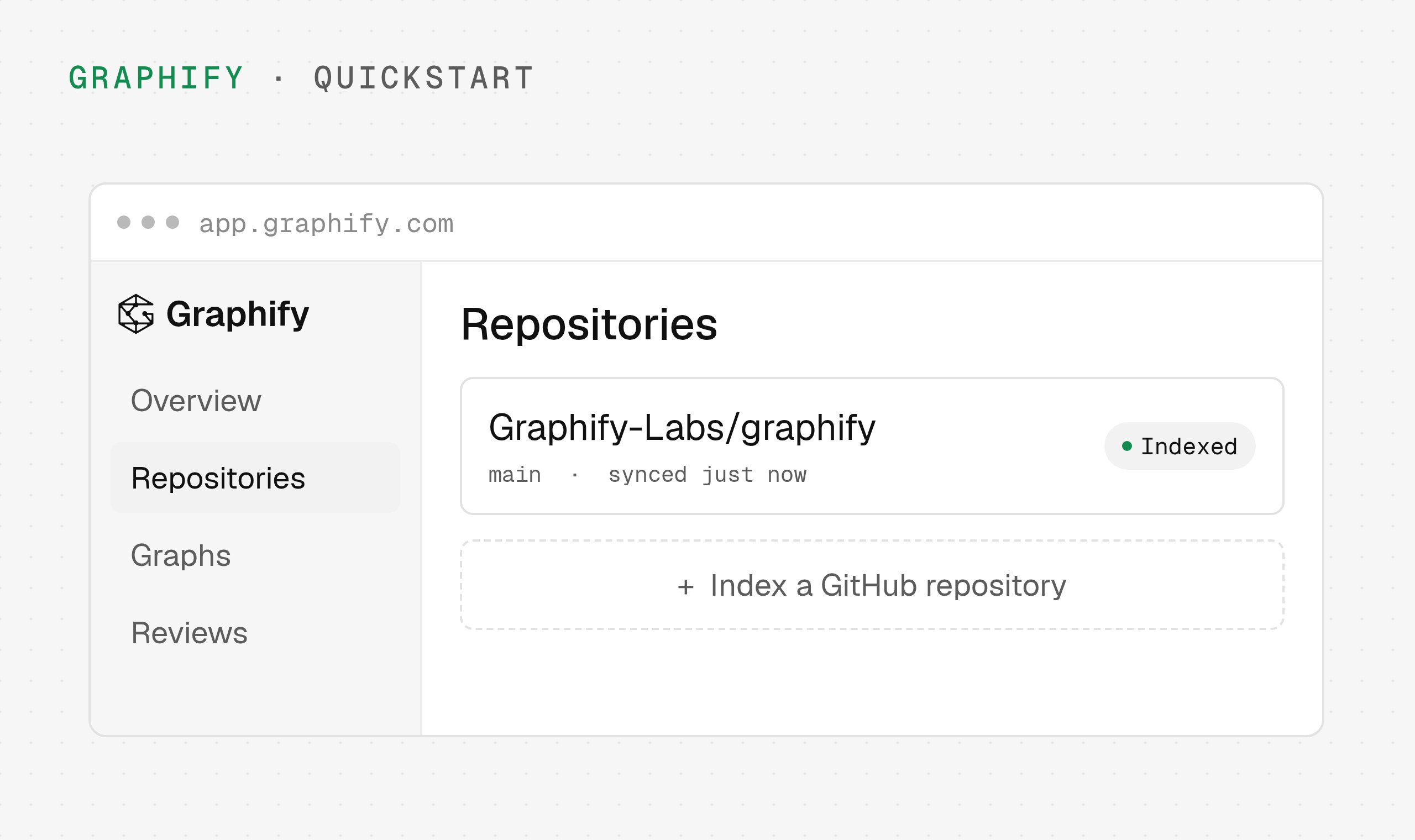
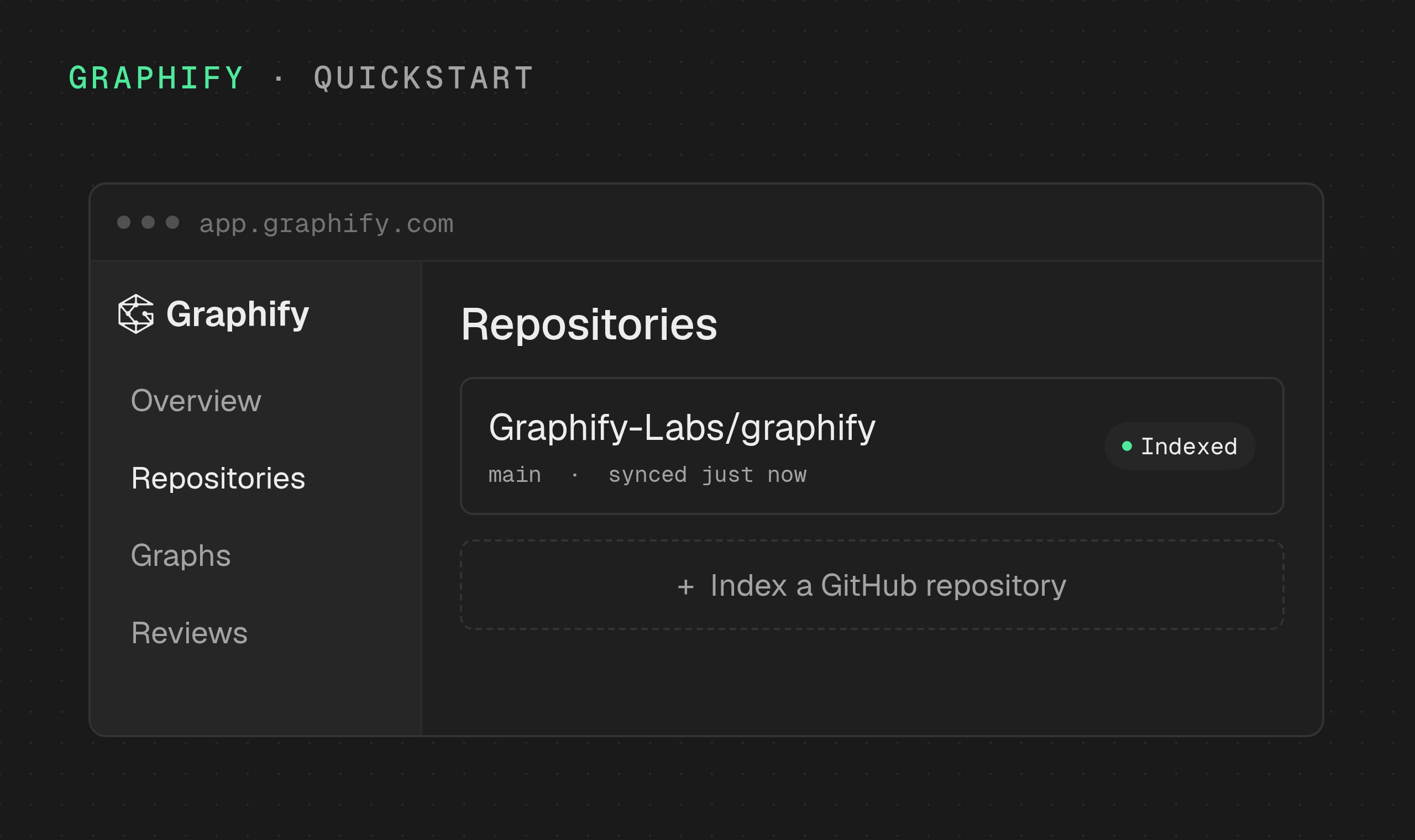
The hosted version of Graphify. Sign in, index a GitHub repository from your browser, and explore its graph in minutes.
Quickstart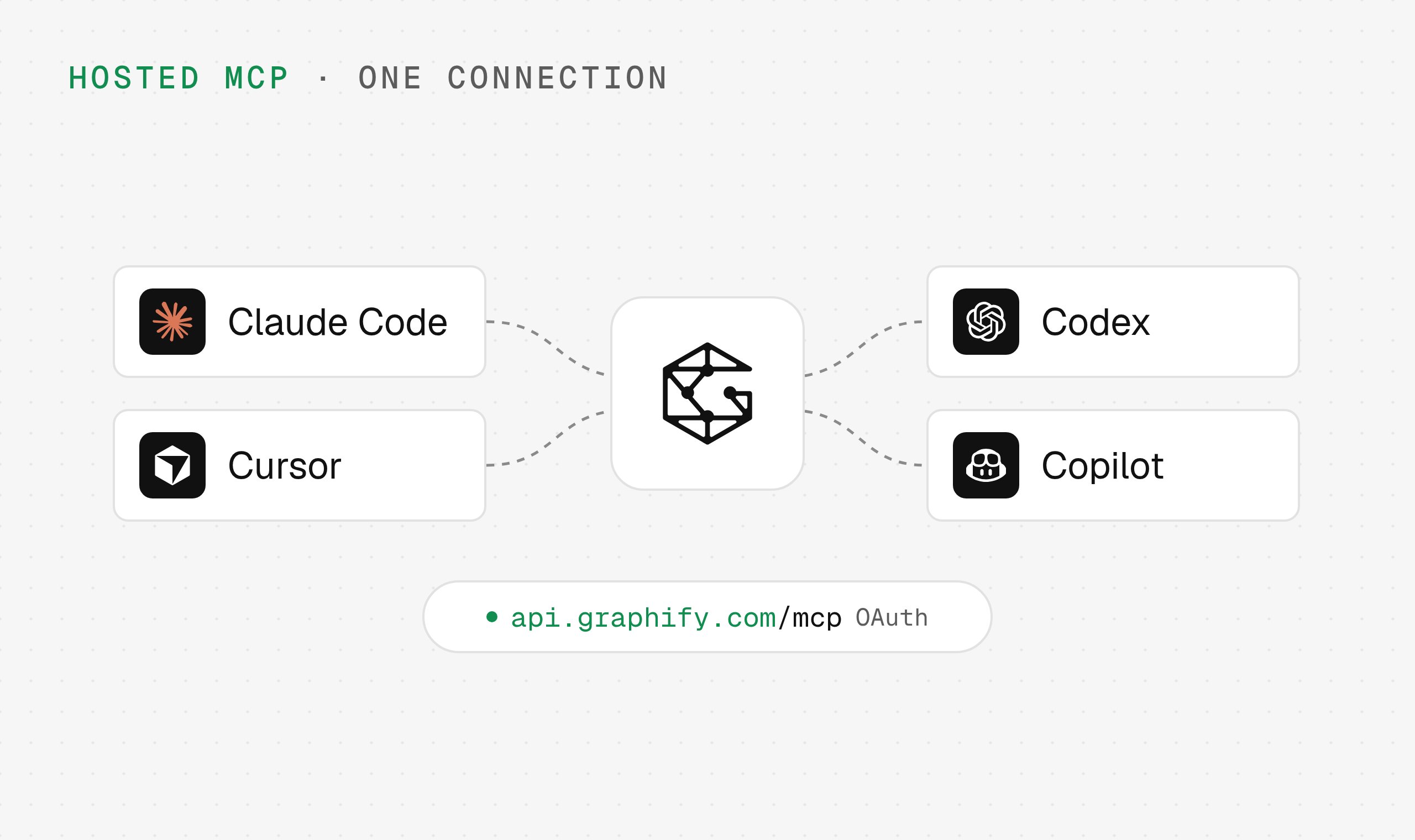
Connect your coding agent
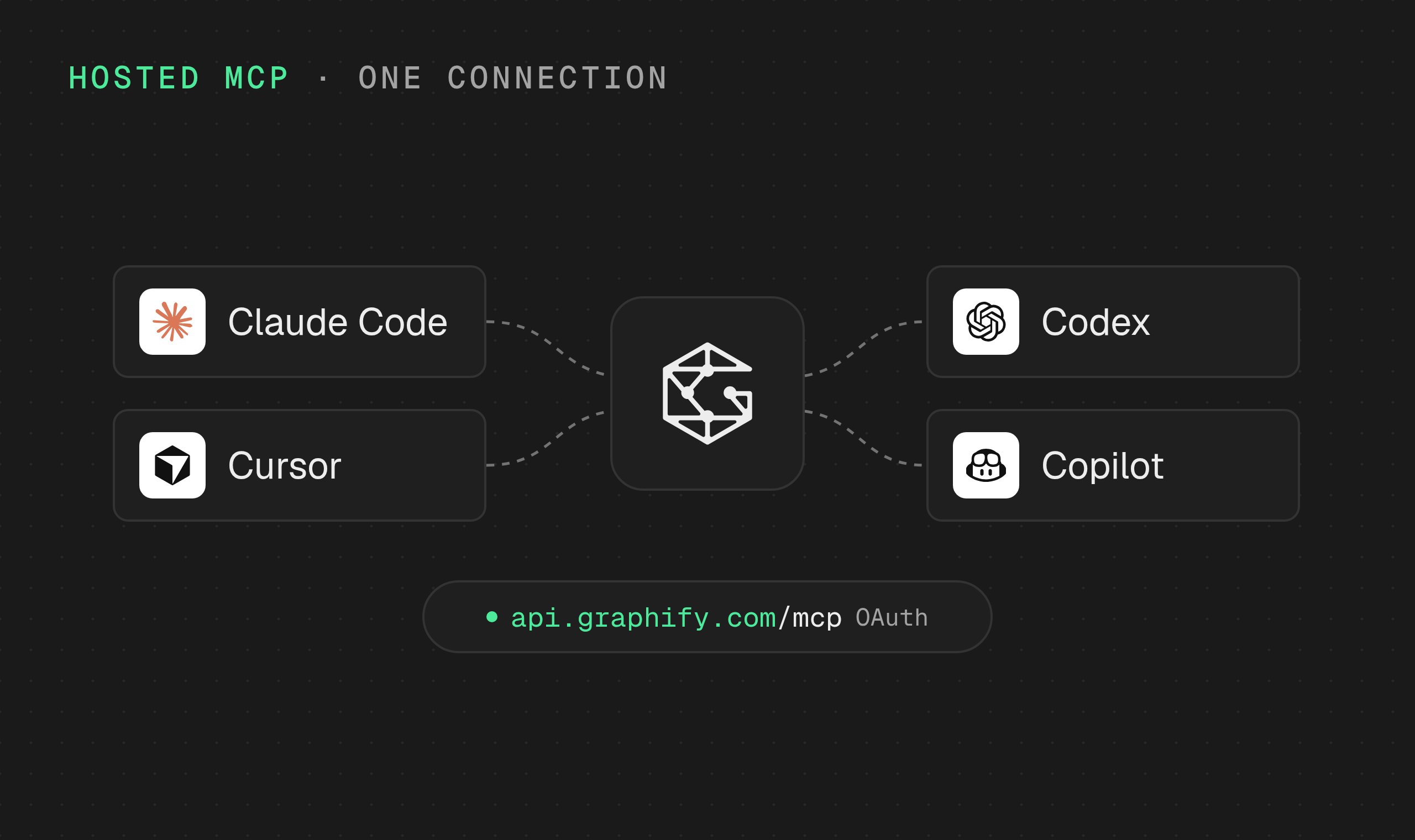
Point Claude Code, Codex, Cursor, and other agents at the hosted MCP server. They sign in with OAuth, so there is no API key to paste.
Hosted MCP setup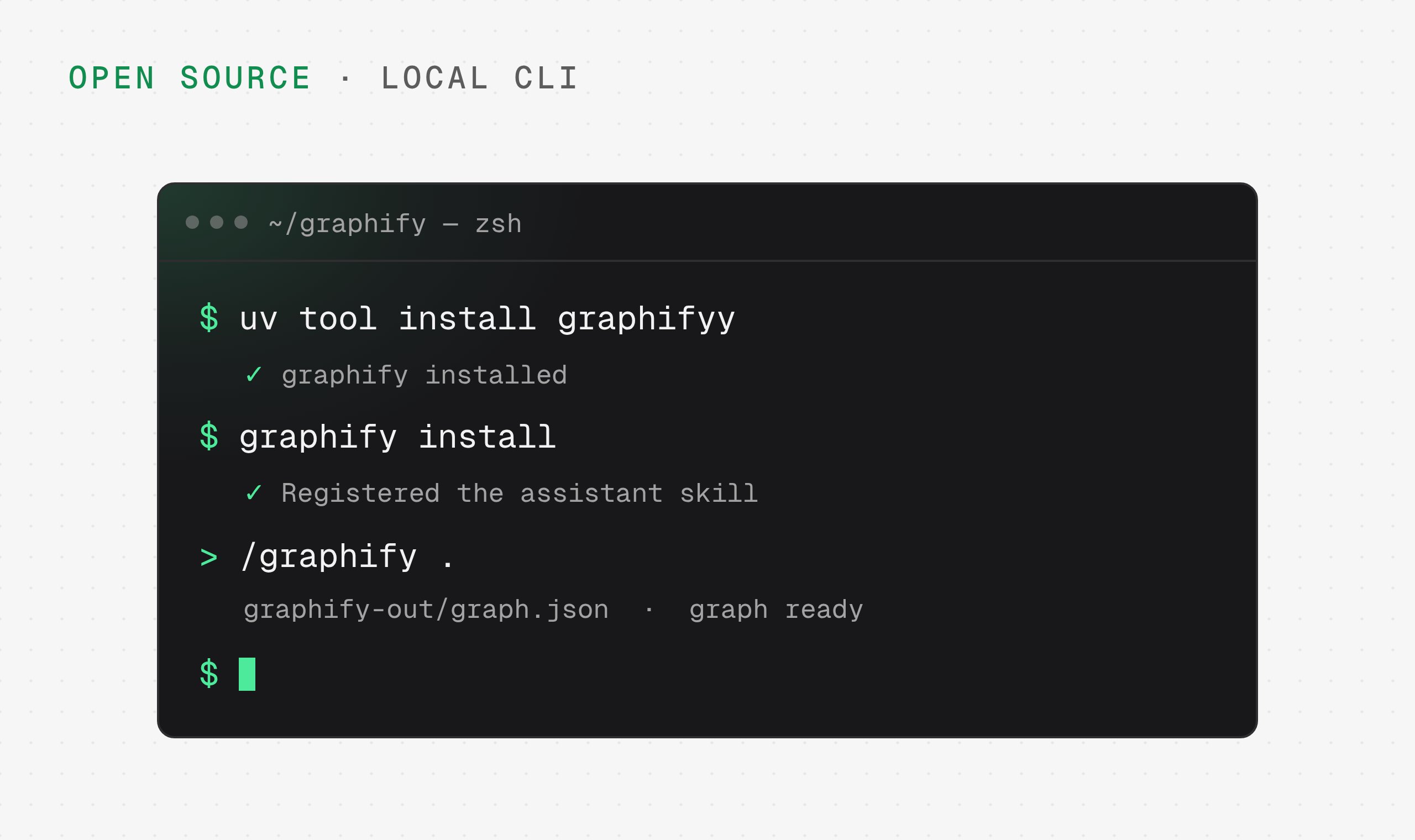
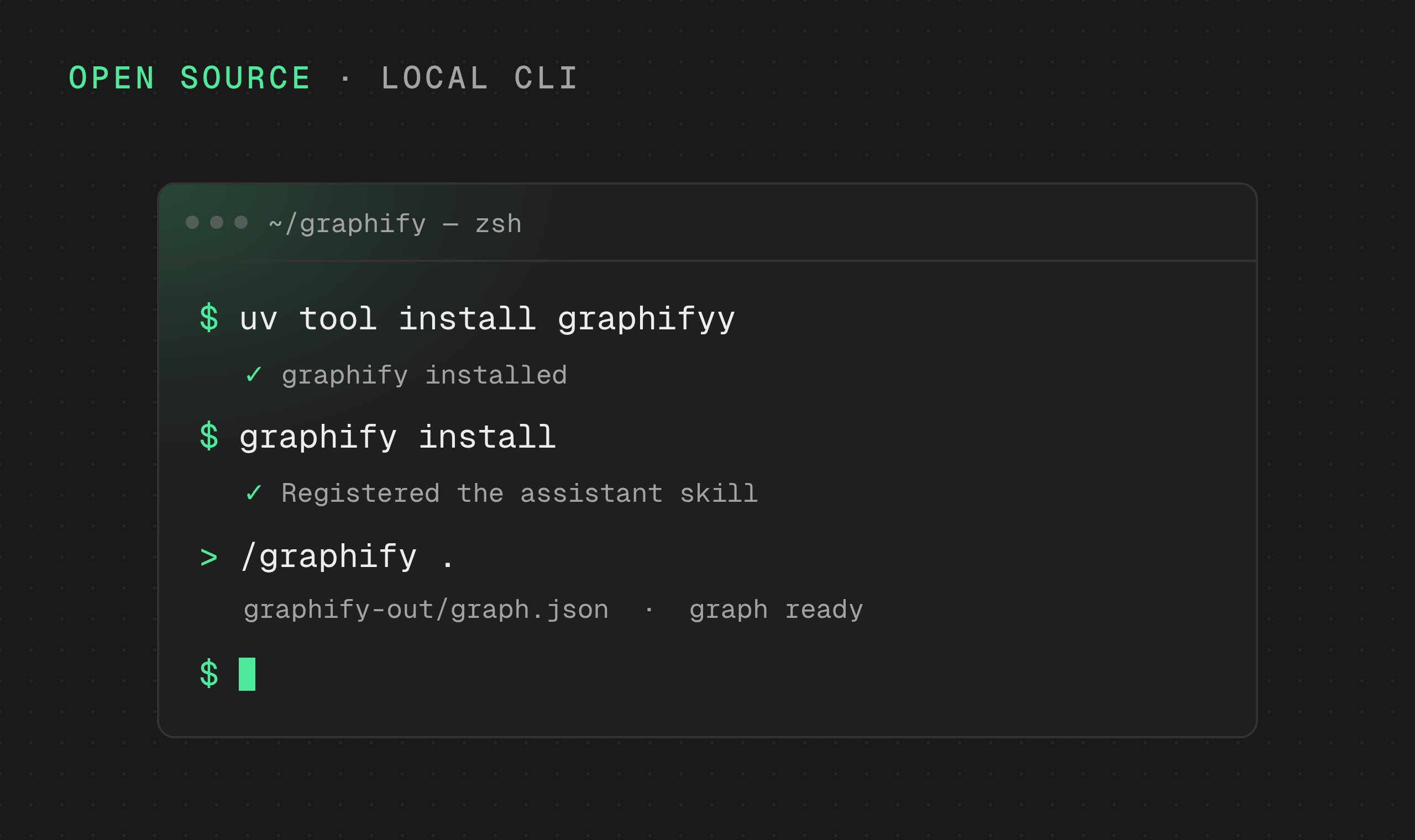
Run it on your machine
Graphify Local is the open-source graphifyy package. Map a repository from your terminal and keep the graph in your own files.
Local quickstart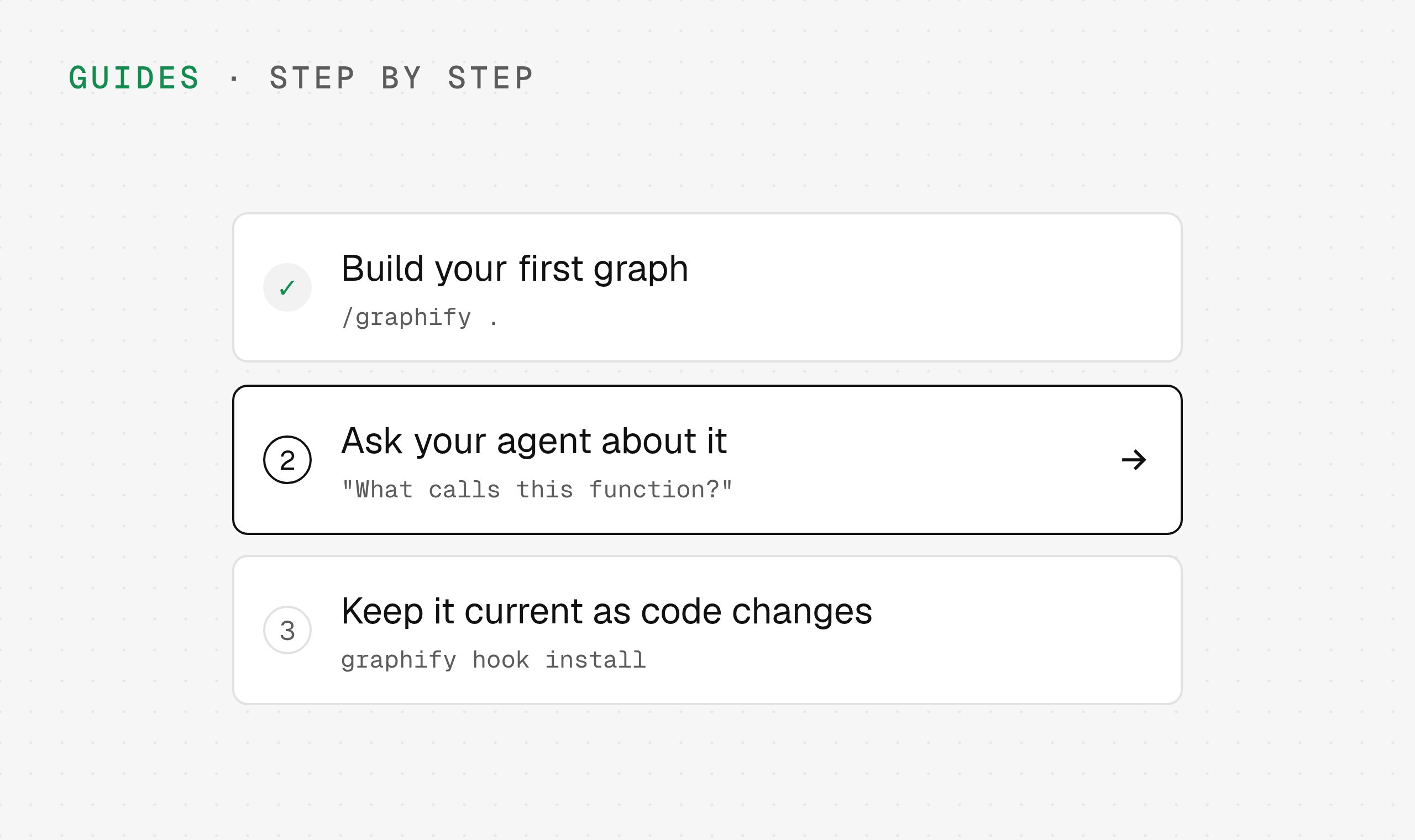
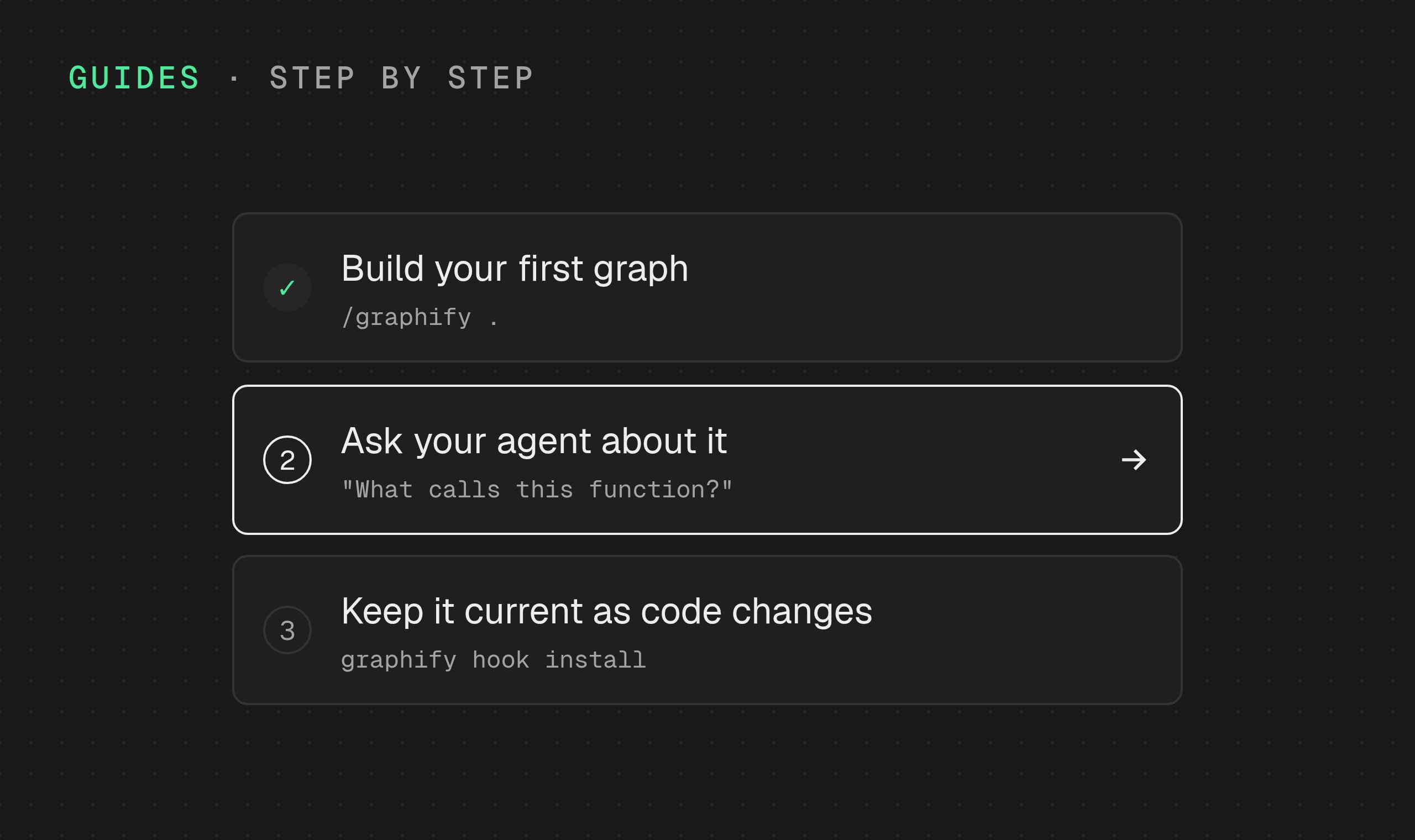
Follow a guide
Step-by-step walkthroughs: build your first graph, ask your agent questions about it, and keep it current as code changes.
Browse guides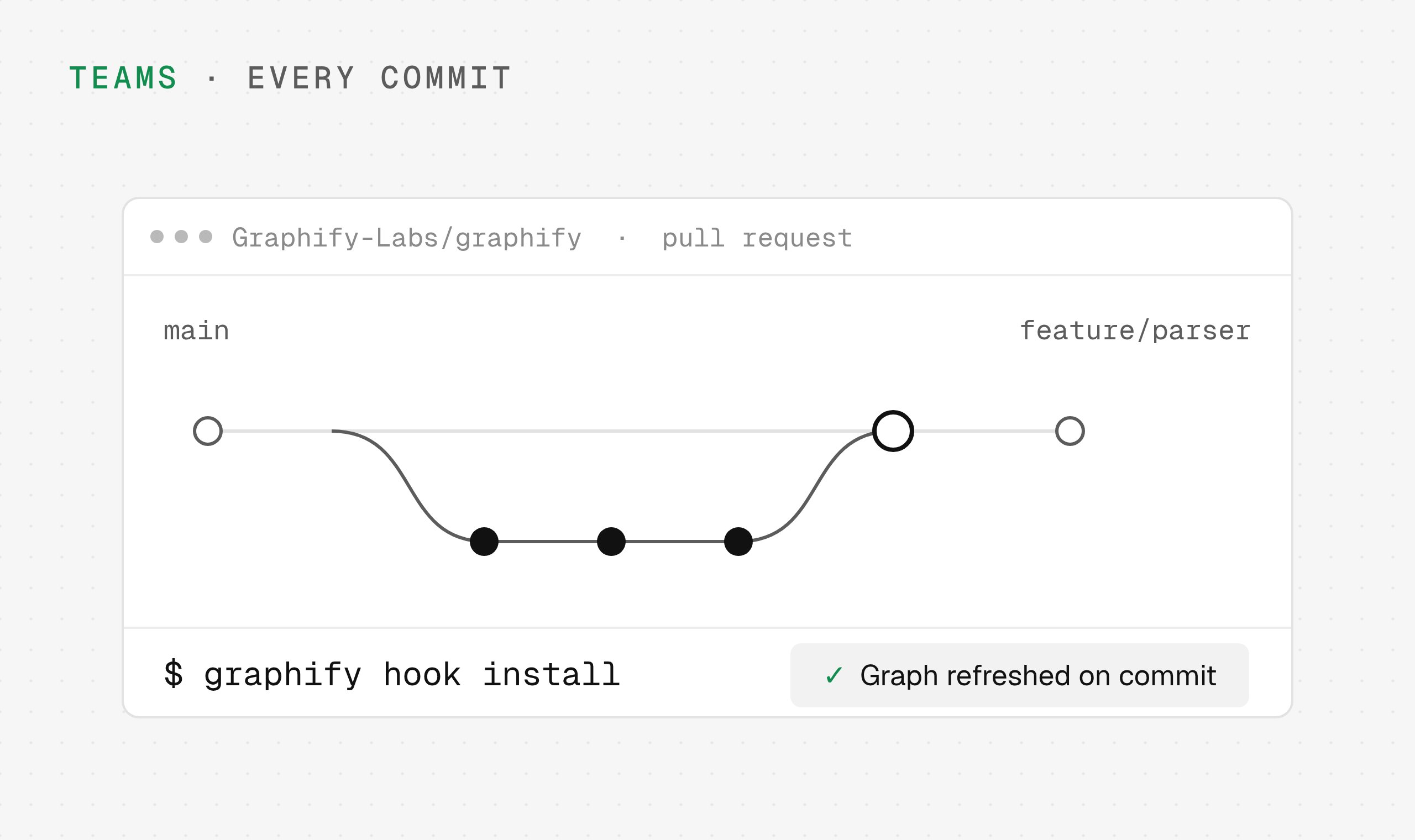
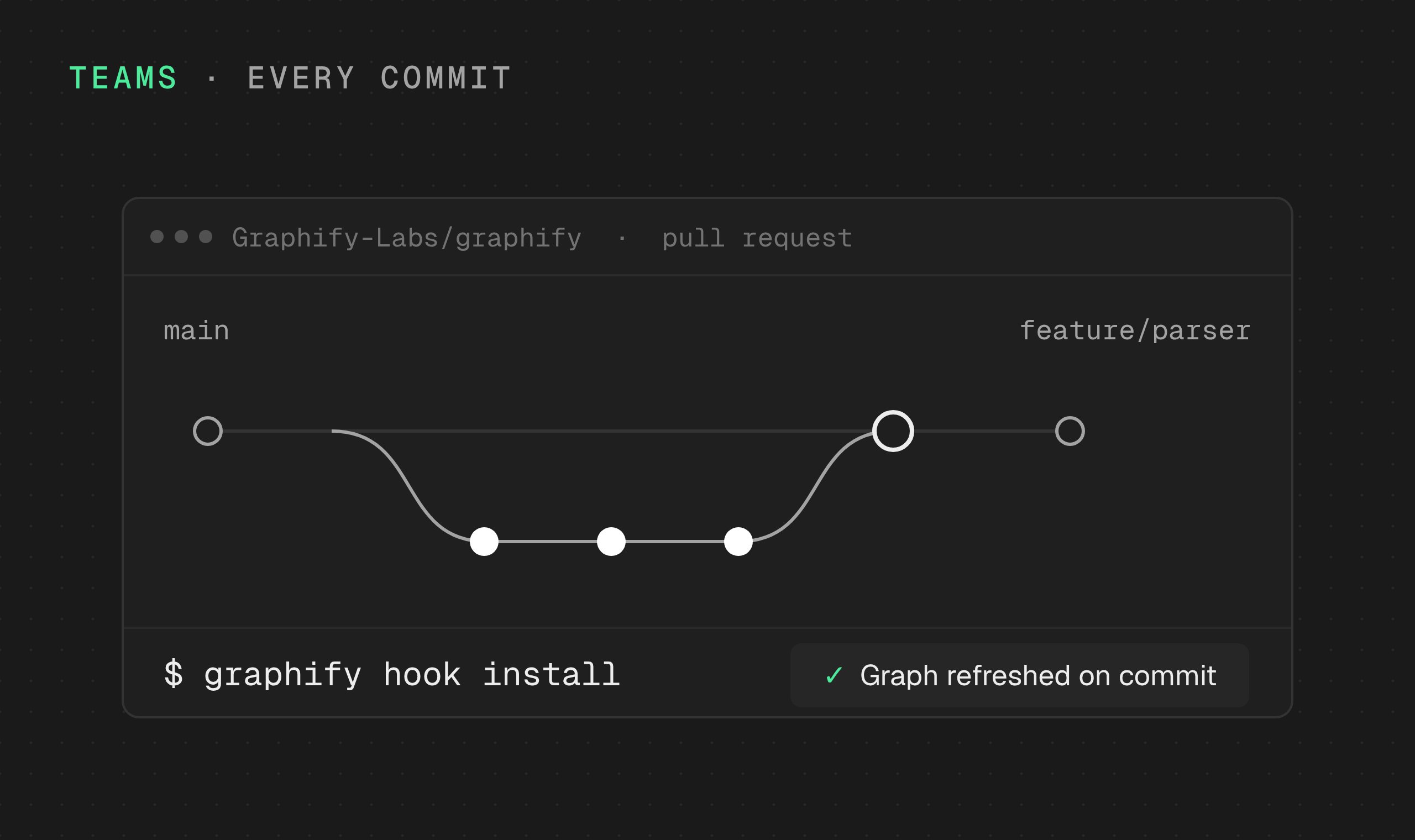
Keep your team in sync
Refresh graph context on every commit and investigate changes across pull requests.
Team workflows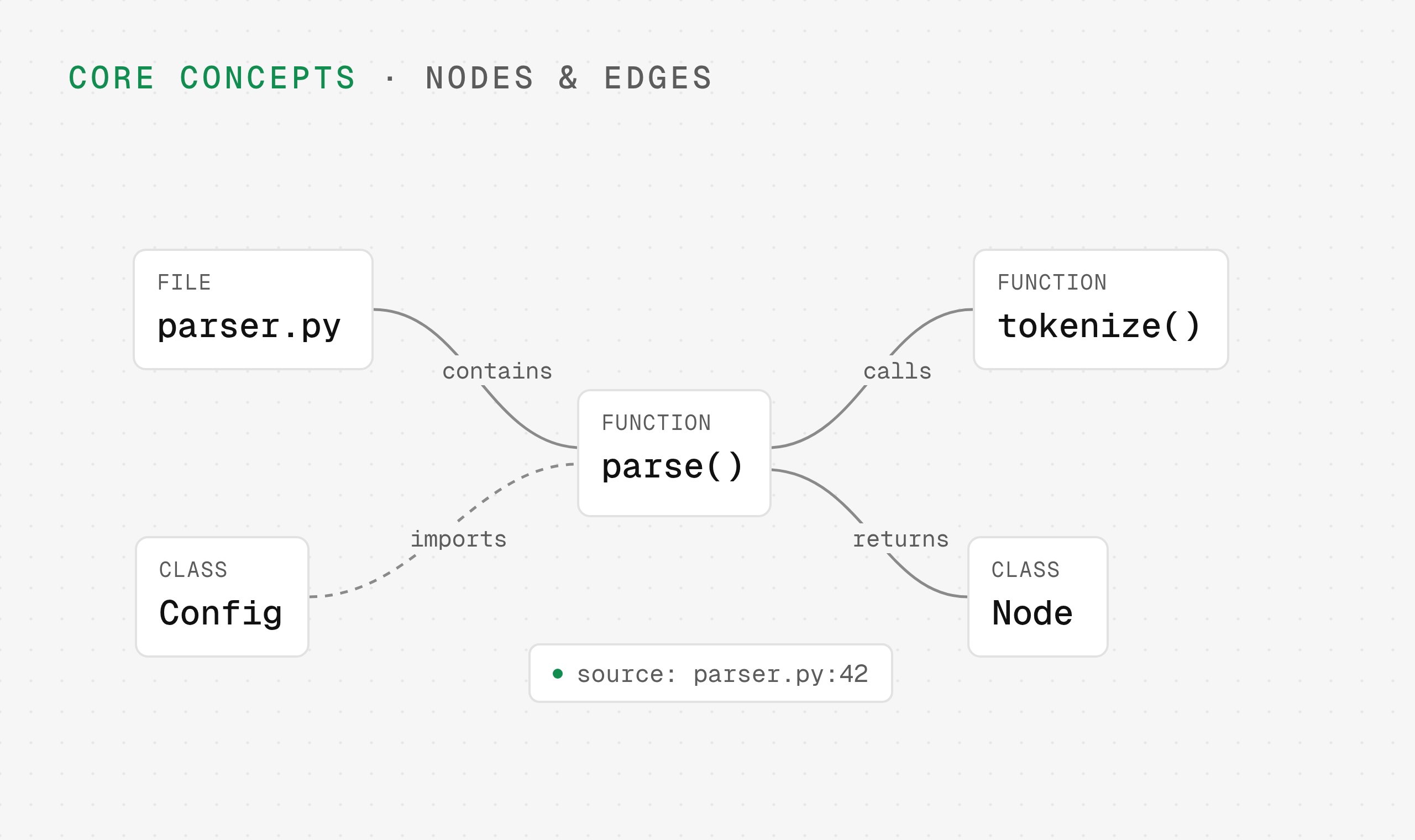
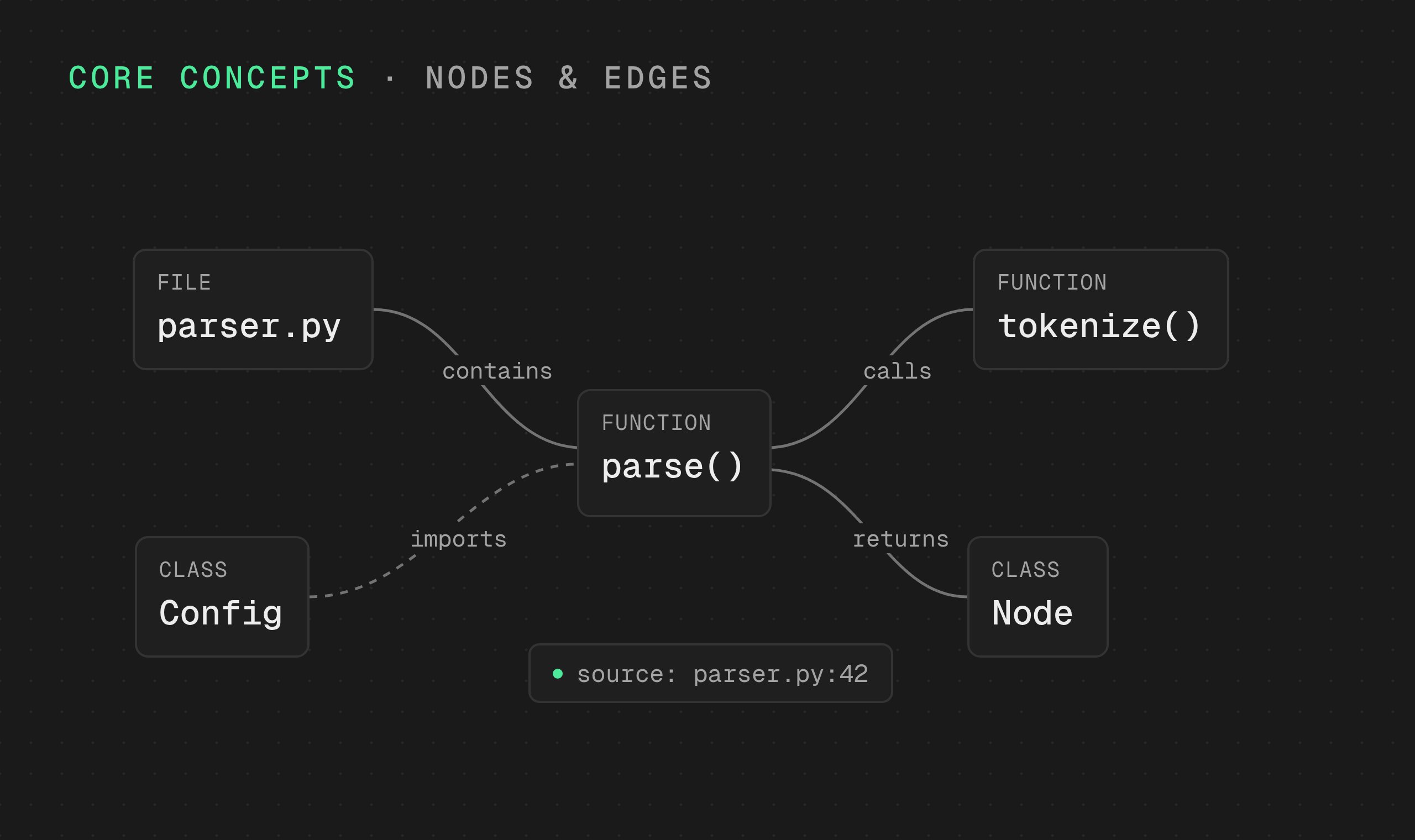
Understand the graph
How Graphify turns source files into nodes, edges, and provenance your assistant can traverse.
Core conceptsConnect your agent to Graphify
One hosted MCP server, https://api.graphify.com/mcp. Prefer the terminal? See the CLI reference.