
Commons Mobile App


The App
The Commons Mobile App is a community-maintained app that makes it easy to upload your pictures to Wikimedia Commons. The app can be installed on any Android device and uses your Commons user account to upload photos.
The Community
Join one of the largest photo and multimedia communities in the world. Wikimedia Commons is not only the image repository for Wikipedia, but an independent project that seeks to document the world with photos, videos and recordings.
The community organizes many annual events and contests, such as Wiki Loves Monuments and Wiki Loves Earth. By using the app you can easily take pictures when you come across a landmark that might be missing a picture, requires a different angle, or has not been photographed for a while. Also, you can learn about ongoing campaigns right from within the app!
Join CommonsFeatures
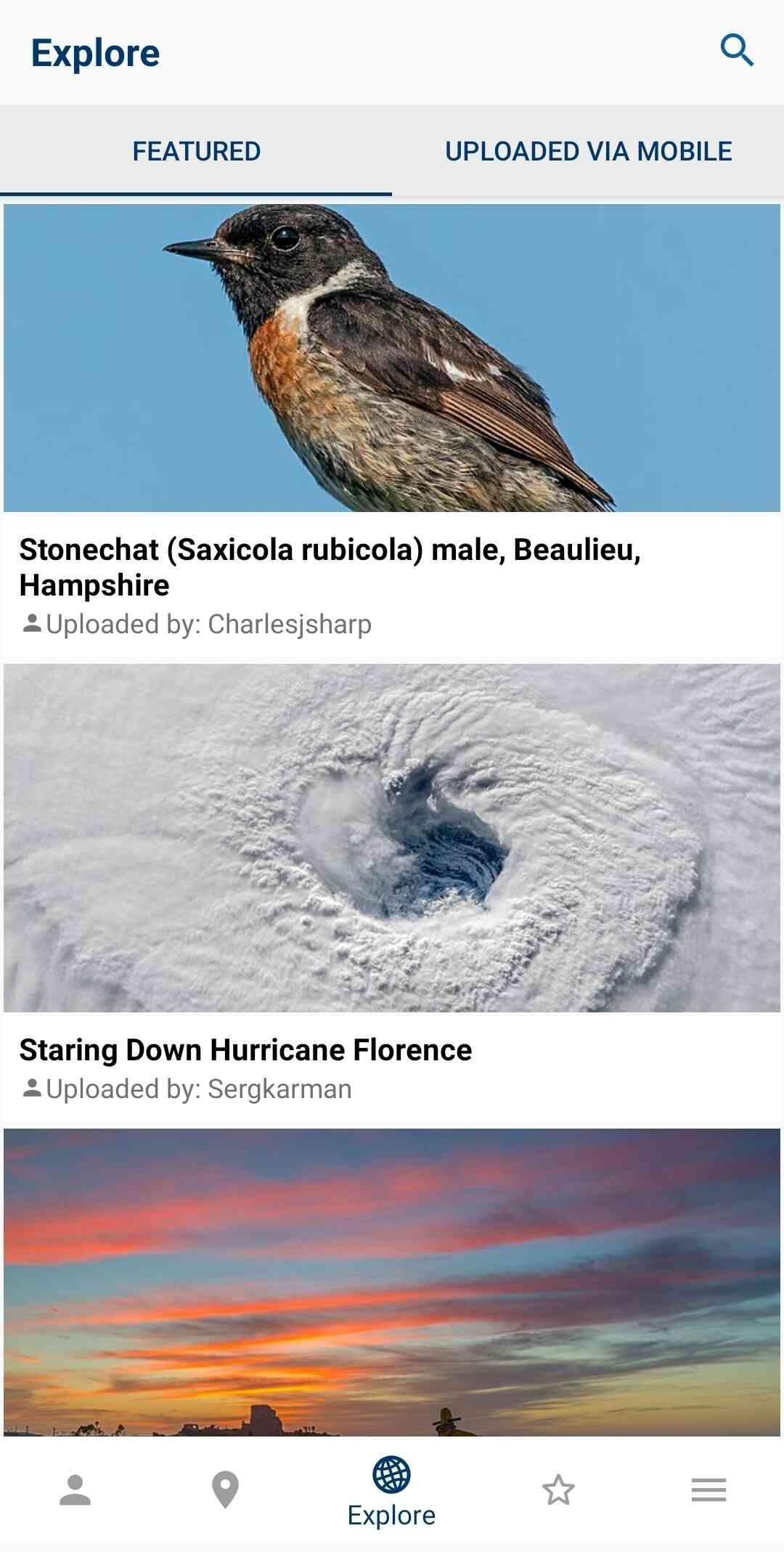
Explore Commons New
Explore images featured in Commons right from the app. Further, you do not need an account to explore Commons or search it using the app!
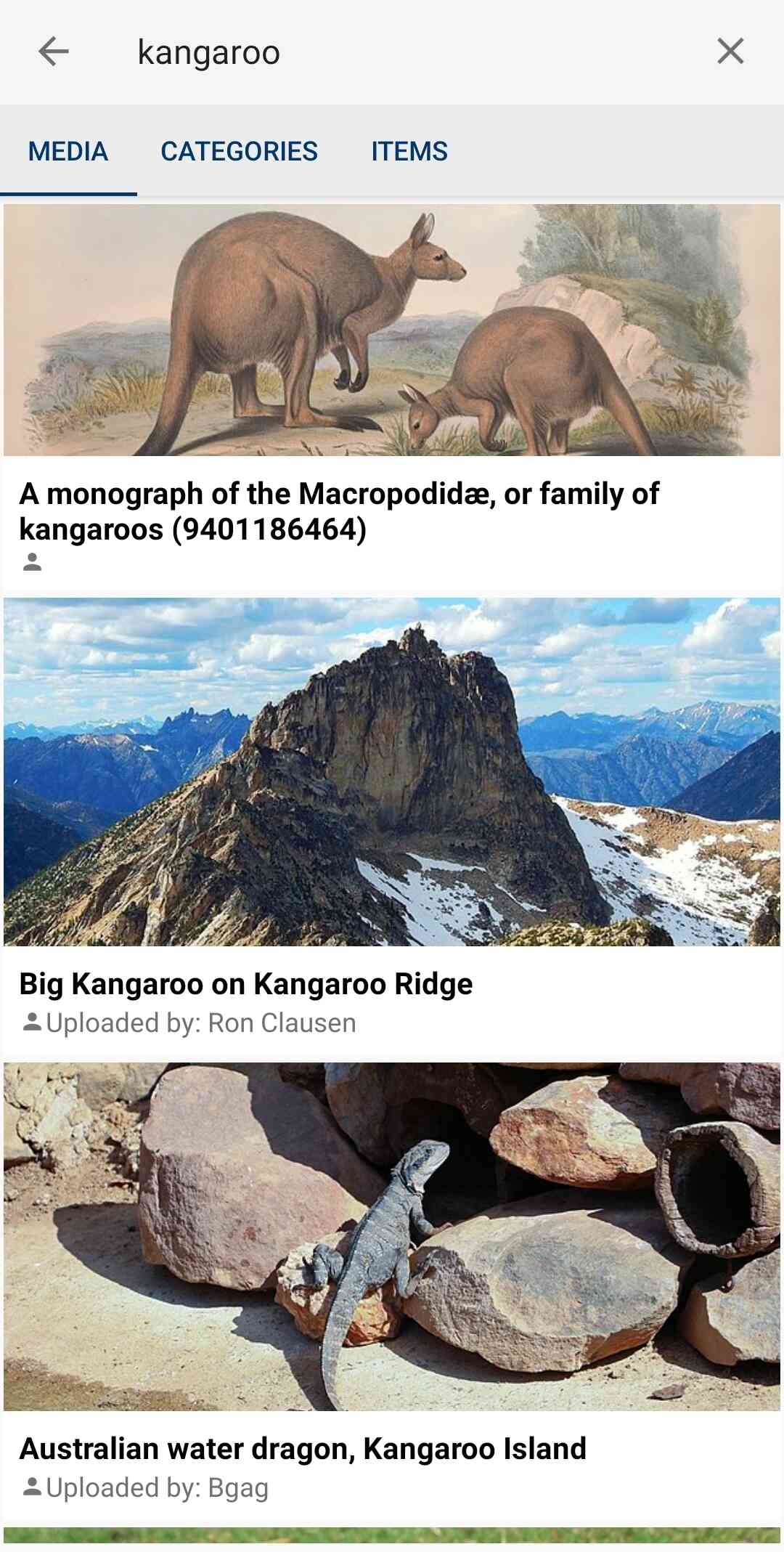
Search Commons New
Want to search for images in Commons? Now, you can do that using the Commons app! You can search both media and categories. Note that you do not need an account to search.
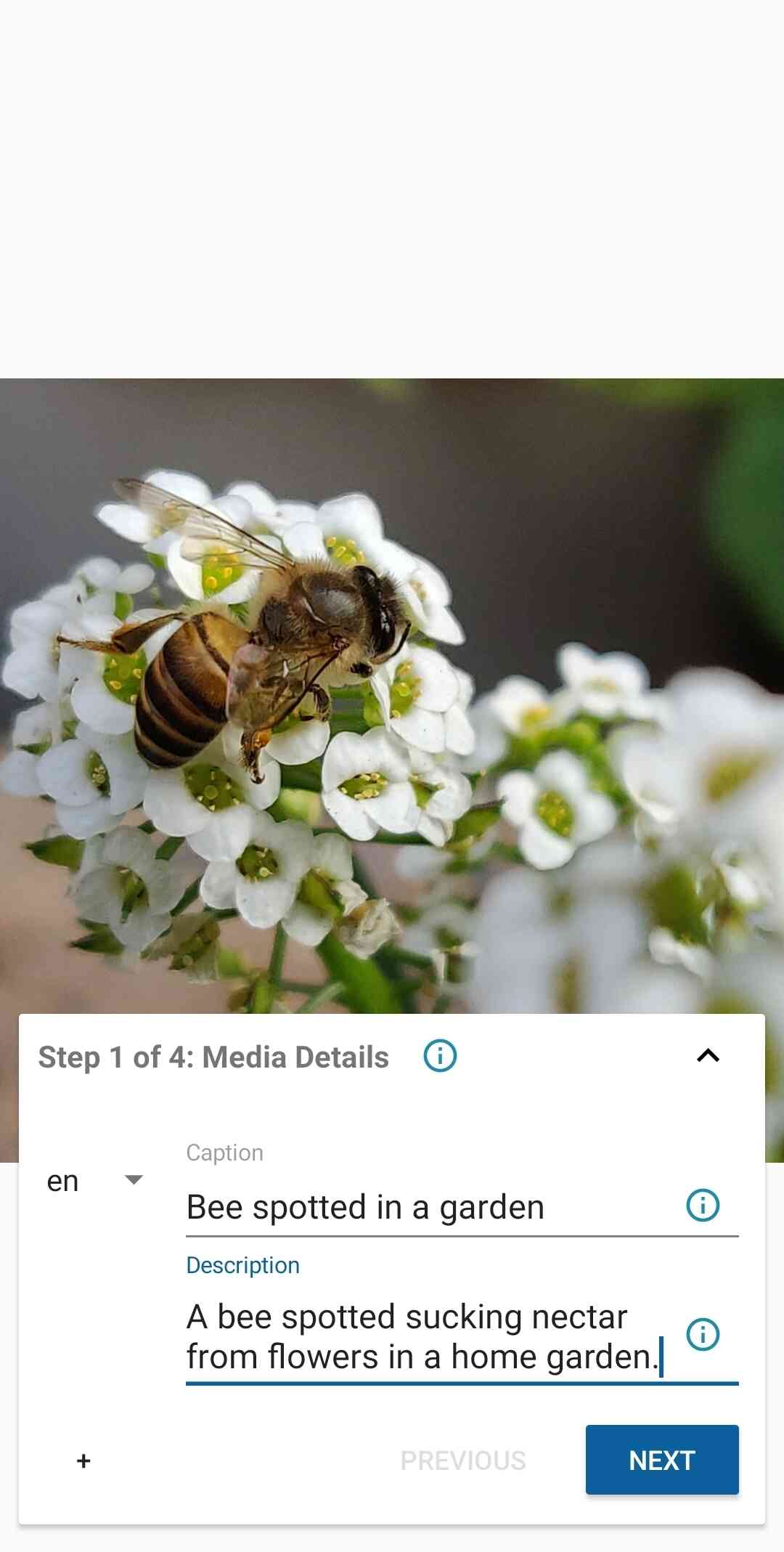
Upload your files anywhere
You can upload your pictures anywhere you have time. For example during the bus ride home from a photo trip.
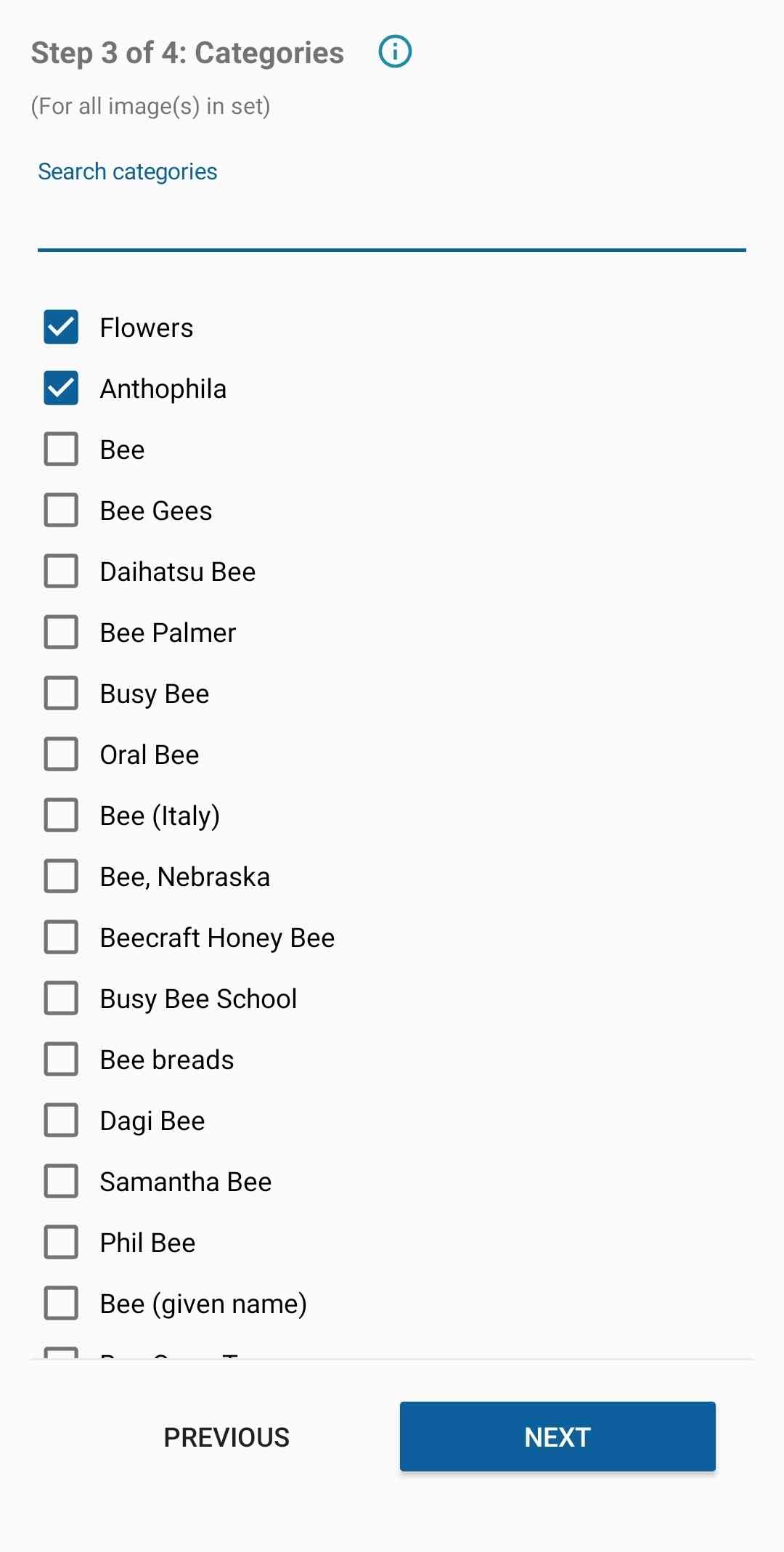
Categorize your photos
Assign categories to your photos, which makes them easier for other people to find.
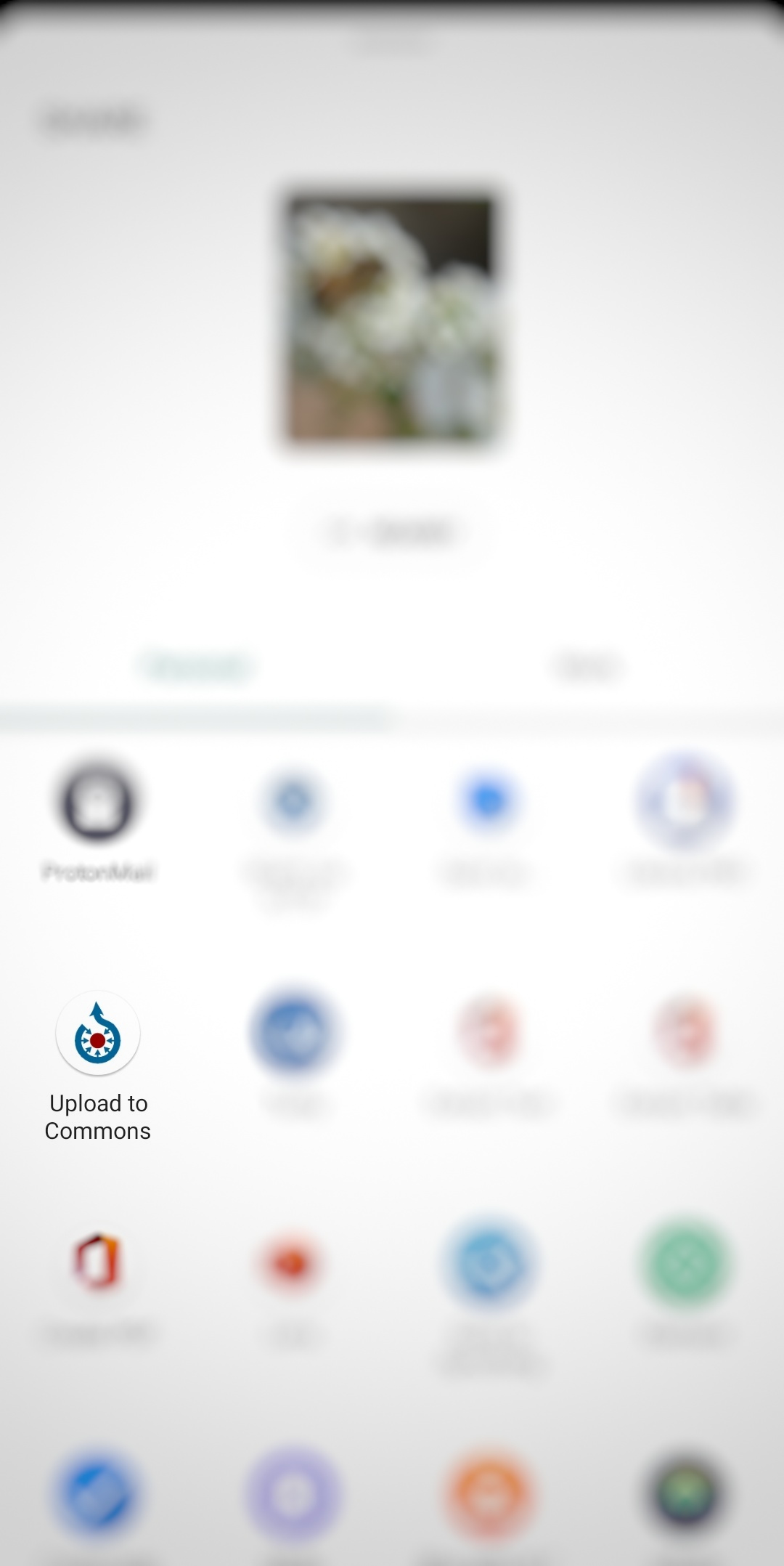
Upload by sharing
Start uploading images to Commons just by sharing them from your favourite gallery app. Just choose the Commons app from the list of apps and you'll directly get into uploading the image using the Commons app.
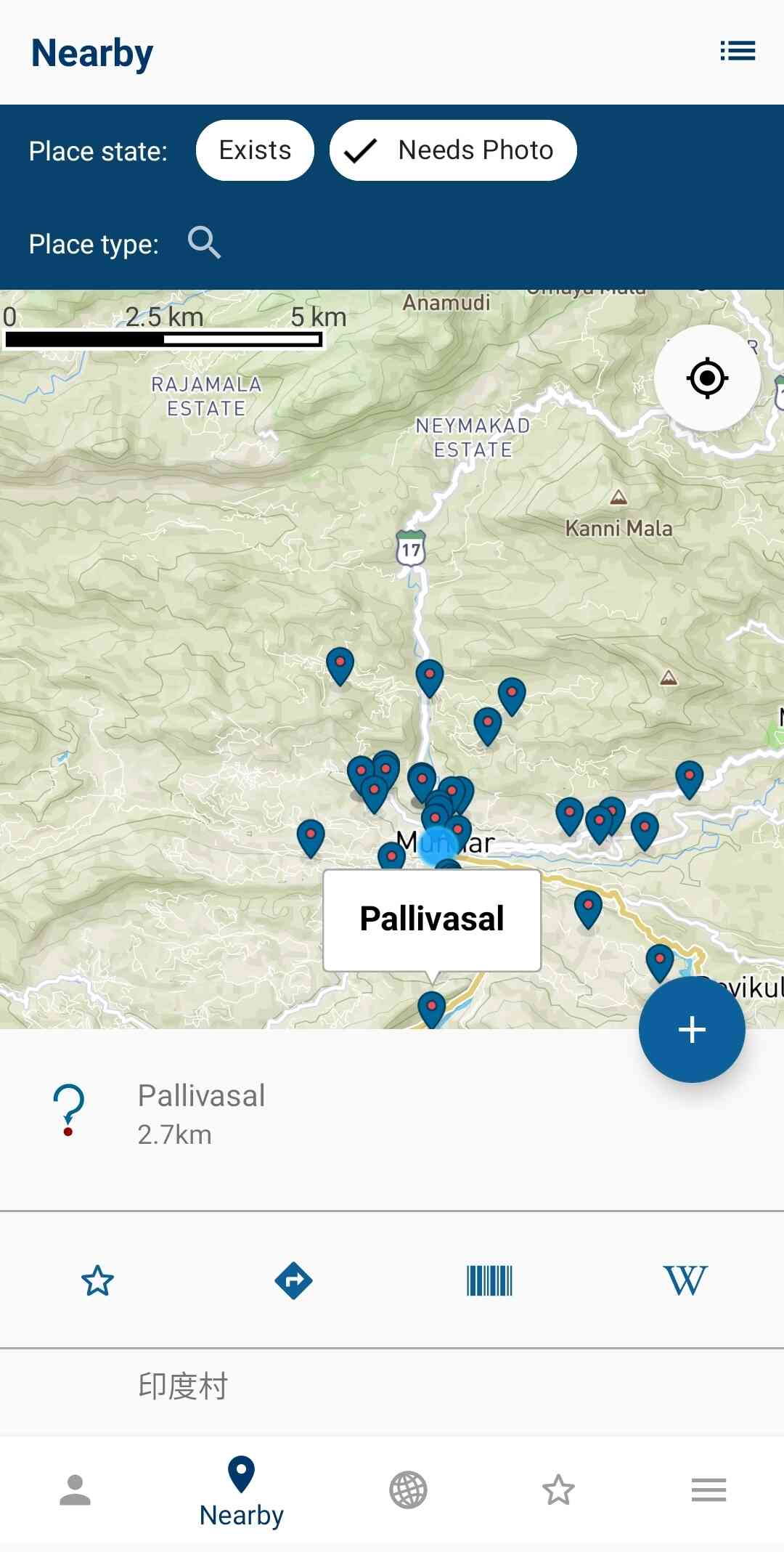
View nearby missing images
The app lets you view nearby missing images. This way you help out Wikipedia to have images for all articles, and you will discover beautiful places close to you.
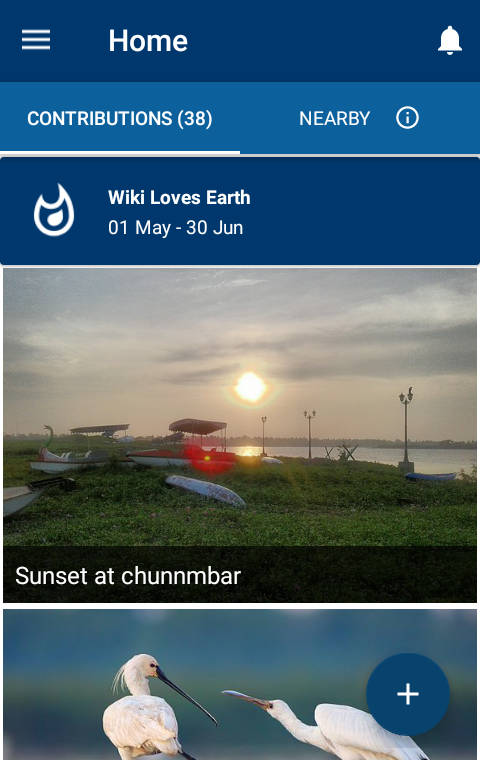
View your contributions and ongoing campaigns New
The app shows all the uploads you have made to Commons. This is a great way to easily view your contributions. Further, you could get to know about ongoing campaigns from within the app. You can tap on the campaign banner in the app to learn more about it.
Installation & Usage
Installing and using the app is easy:
- Download Wikimedia Commons from the Google Play Store.
- Take a picture of something interesting.
- In your camera app, click to view the picture you just took.
- Press "Share".
- Select "Upload to Commons".
- You will have to log in for the first time (if you don't have an account, create one for free).
- Enter a caption and description for the picture.
- Enter relevant depictions and categories.
- Choose a license for the image being uploaded.
- Finish the upload.
Before You Upload
Wikimedia Commons has a few important rules and best practices. Reading these will help you avoid common mistakes and ensure your contributions are accepted.
-
First steps to Commons
A beginner-friendly introduction to Wikimedia Commons. -
Licensing guide
Learn how to choose the correct license for your uploads. -
Licensing policy
Official licensing rules for all media on Commons. -
Categorization
How to add meaningful categories to your uploads. -
File naming
Best practices for naming files clearly and descriptively.
Photo Guidelines
The following guidelines will help you to understand what photos the community is looking for. There is flexibility in these guidelines and they don't cover all cases. If you are unsure, just upload your photo and discuss it with the community.
- ✓ Photos that document the world around you
- ✓ Photos of notable objects that you find in the Nearby List in the app.
- ✖ Photos of you or your friends. But if you are documenting an event it doesn't matter if they are in the picture.
- ✖ Photos of poor quality. Make sure the things you are trying to document are visible in the picture.