

achu
AI-Enhanced Screenshots: From Raw Captures to Stunning Assets & Bug Tickets
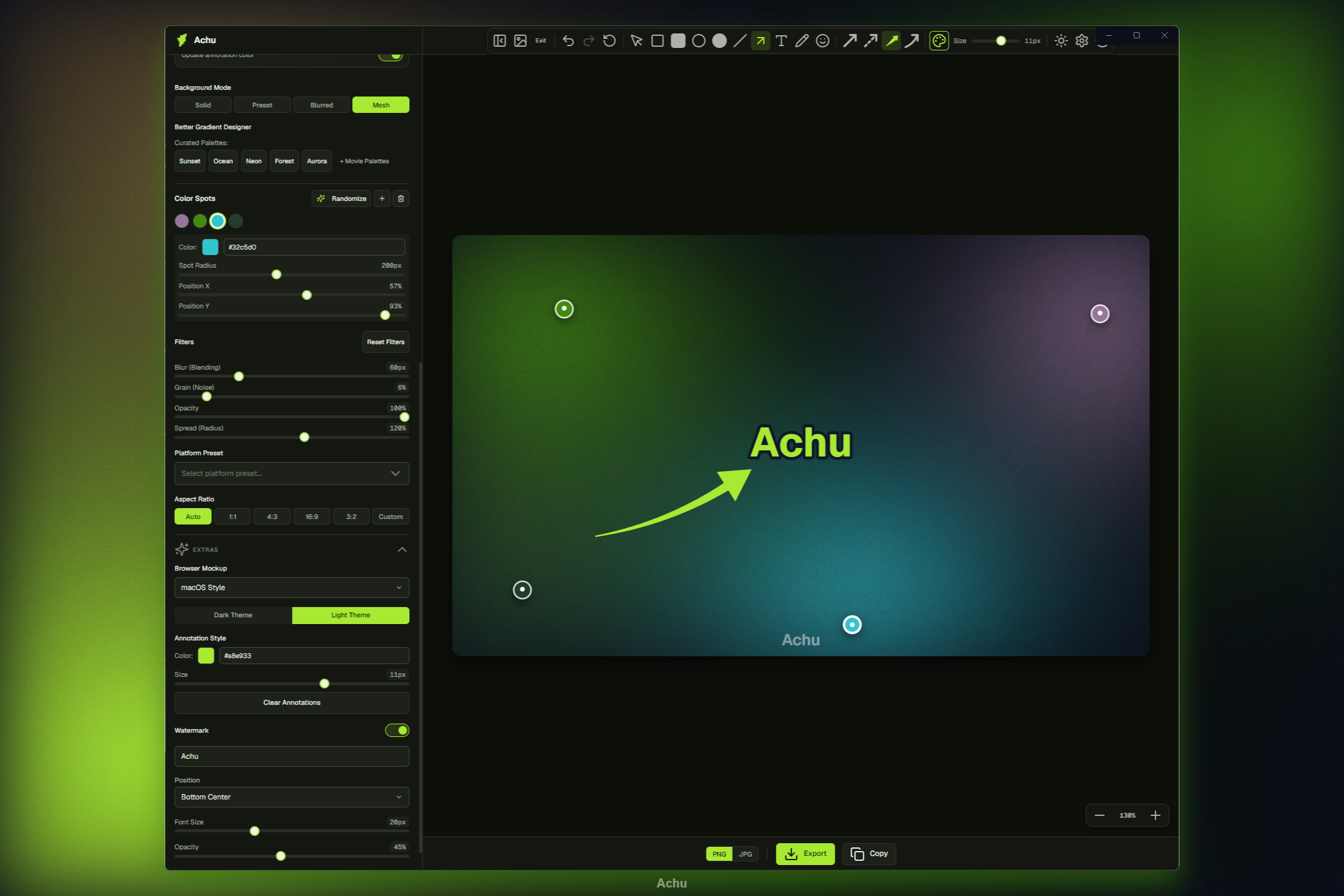
Designed to Be Beautiful, Built to Be Secure
achu runs fully locally, ensuring your data never leaves your computer unless you explicitly ask it to.
Gorgeous Screenshots Rendered Evenly
Take a look at how achu wraps, scans, redacts, and generates reports from raw images. Click any image to view details.
Frequently Asked Questions
Quick answers about achu, privacy, and the local screenshot gallery.
What is achu?
achu is a free, open-source desktop app for Windows, macOS, and Linux that beautifies screenshots, stores them in a local gallery, redacts sensitive data on-device, extracts text via OCR, and can draft GitHub bug reports using AI.
Does achu upload screenshots to the cloud?
No. Beautification, gallery storage, privacy scanning, and OCR run locally on your machine. Cloud AI APIs are only contacted if you configure the Issue Agent with an external provider and approve the generated issue.
What is the screenshot gallery?
A built-in local library. Save beautified captures from the footer Gallery button, browse thumbnails, reopen images in the editor, and manage files on disk. Default folder is ~/achu-screenshots; choose any folder in Settings.
What happens when I delete a gallery image?
Deletes are soft-deletes. Files move to a .achu-trash subfolder inside your gallery directory and are automatically removed after 30 days.
Is achu free?
Yes. achu is free and open source under the MIT License. Download from GitHub Releases.